IPTV & Media
Revoking Access to a Personal Media Server
Revoke personal media server access systematically by checking users, sessions, devices, API keys, shared credentials and independent network access.
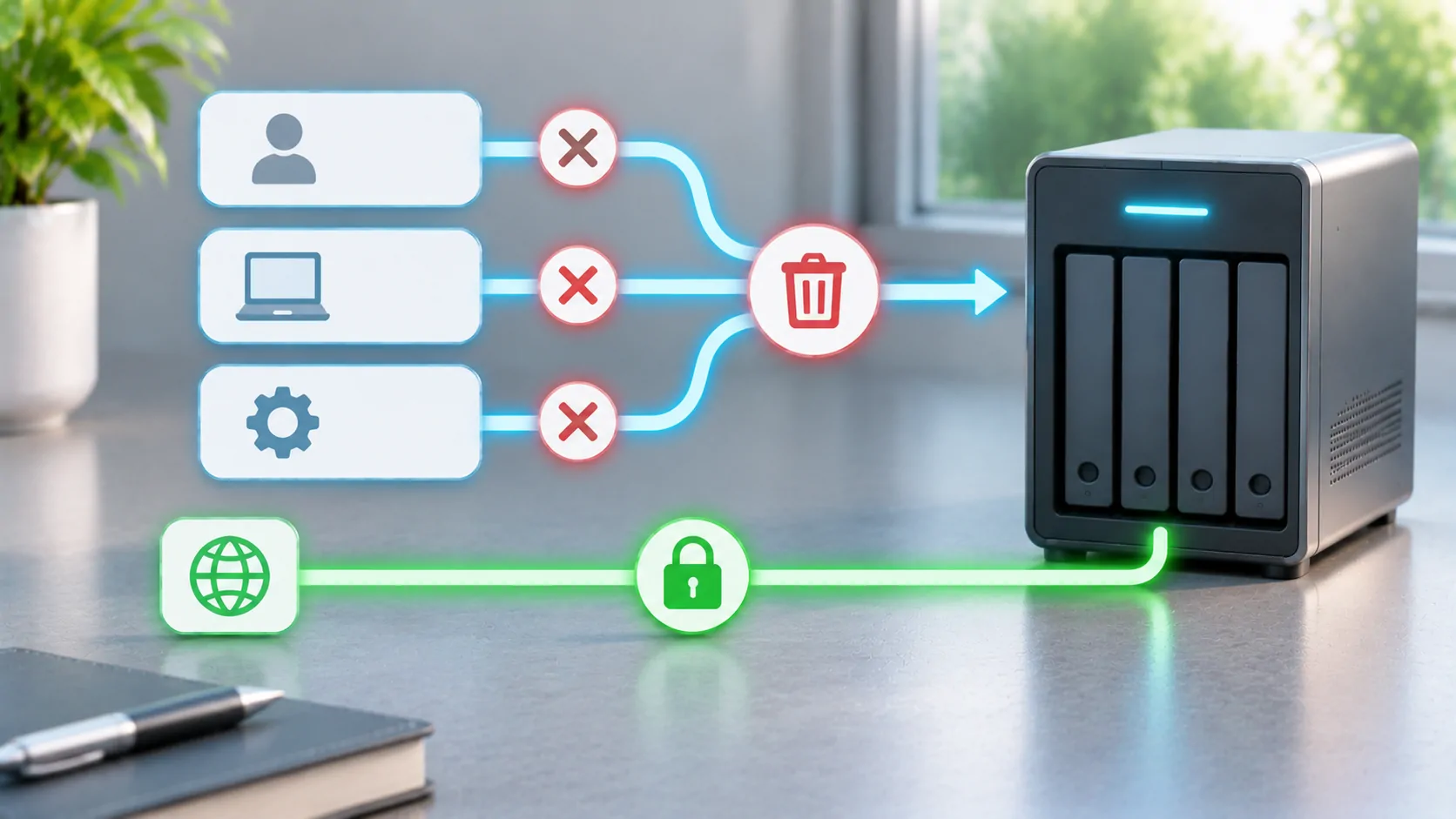
Identify the access you need to remove
Revoking access means preventing the unwanted person, device or application from using the server again. Changing one password may be only part of that task. A valid session, API token, shared account or independently enrolled VPN device can provide another route. Begin by identifying what was lost, shared or compromised and which credentials it could hold.
For a routine device sale, removing that device and its local data may be enough when credentials were not exposed. For a leaked administrator password, the scope is broader. Write down the affected accounts and the approximate time window before making changes. Preserve relevant logs if they are needed to understand an incident, while keeping private viewing history and tokens out of public reports.
Distinguish users from authorized devices
A user account expresses a person's permissions. Device authorization or a saved session can allow a particular application to act as that person without repeatedly entering the password. The exact relationship varies by server and client. Check your product's current settings for active sessions, devices, access tokens and account restrictions rather than assuming they are all controlled by the same switch.
Emby's official user documentation provides a starting point for its account model. Use the server's current administration interface to confirm the available controls. Do not delete a whole library merely because a device must be removed. Data ownership, account permission and session validity are different responsibilities, and treating them separately makes recovery easier.
Disable the affected account when necessary
If someone should no longer have access at all, disable or remove their account using the documented server workflow. Review any shared household account they also know. A named account is easier to revoke than credentials used by several people, because the administrator can make a targeted change without breaking everyone's applications.
If the account must stay active for its legitimate owner, replace exposed credentials with a strong unique password and review recovery details. Then explicitly revoke sessions or device access if the product supports that action. Do not assume a password change invalidates every existing token unless current documentation or a direct test establishes that behavior. Record which step was verified and which remains uncertain.
Review application keys and integrations
Third-party clients, automation tools and other integrations may hold separate tokens or API keys. Inventory them by purpose and owner, then revoke the ones associated with the affected device or person. Replace a shared key when it cannot be scoped safely. Update authorized applications afterwards so legitimate tasks do not silently fail for days.
Treat token-bearing URLs, exported settings and QR codes as credentials. A screenshot can leak access even when the password field is hidden. If a key was posted publicly, deleting the post does not make the key secret again; revoke it at its source. Avoid pasting a working token into a support request to demonstrate that a connection used to work.
Remove independent network access too
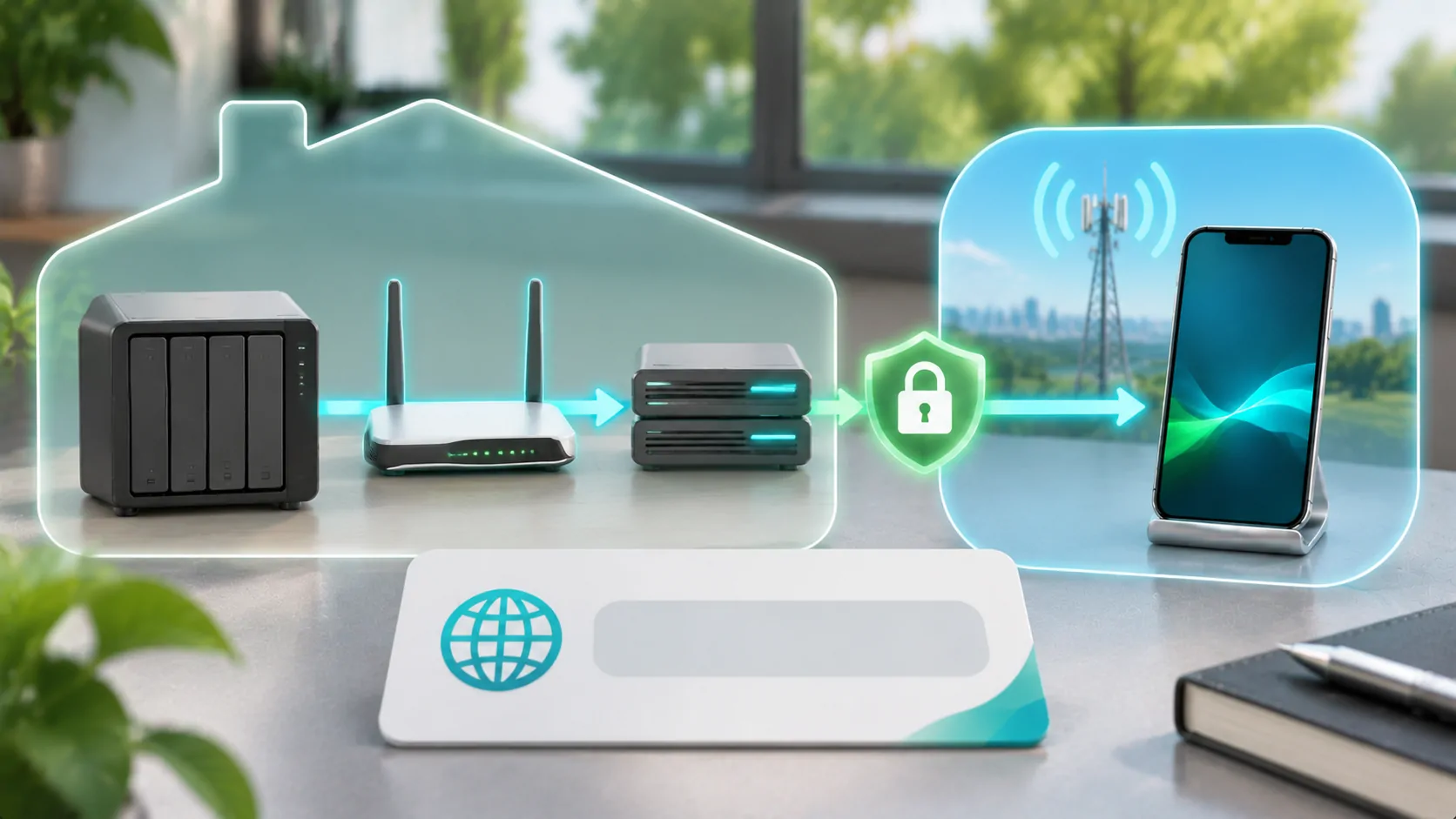
An enrolled VPN device may still reach the home network after its media account is disabled. Remove its VPN enrollment or keys when the device is no longer trusted. If a public reverse proxy or another access gateway maintains its own account, review that layer as well. Media authorization should not be the only control protecting unrelated services on the same network.
Jellyfin's networking guidance is relevant to its exposure and proxy arrangement. Keep firewall and routing rules aligned with your intended design. Closing a public port can stop one route temporarily, but it is not a substitute for removing compromised credentials. An attacker or former user might regain access when the route is reopened later.
Check library and administrator permissions
After revocation, review remaining accounts for unexpected administrator privileges, broad library access or altered restrictions. If an administrator credential was compromised, inspect server settings and integrations that account could change. Restore from a known configuration when necessary, following the product's recovery guidance. Avoid guessing that a successful password reset proves nothing else was modified.
For a family server, use the review to replace shared administrator access with individual accounts. Give viewers only the permissions needed for their actual tasks. Confirm download and remote-access policies separately if the server offers those controls. Restrictions should be understandable to the people using the server so they do not respond to a broken workflow by sharing another person's password.
Verify removal from an external client
Test the revoked route from a device or session you control. Try opening the library and starting an authorized test file after the revocation action. Check whether the client merely displays cached metadata or is obtaining new data from the server. A poster remaining visible is not proof that streaming access survives, and a blank screen alone is not proof the token was invalidated.
Use server logs and a controlled reauthentication attempt to distinguish these cases. Also verify that a legitimate account can still connect, so you know a general outage is not masking a revocation failure. Do not reconnect the lost device solely to perform a test; use a safe representative session and the server's device or token controls.
Understand what cannot be recalled
Revoking online access does not necessarily delete files already copied to a device. Offline downloads, screenshots and exported playlists may remain outside the server's reach. Review the relevant client's supported deletion or account-removal behavior, but do not promise remote erasure without explicit documented support. Future access control and recovery of already distributed copies are different problems.
Keep a short record of the affected identities, actions, test results and any unresolved offline exposure. For prevention, periodically review users and integrations and practice targeted removal before an emergency. VPN and port-forwarding choices explain the network layer; offline planning explains why downloaded media needs a separate lifecycle.
Sources
Related reading
Bring your own media.
Explore CarCast for iPhone with your own authorized sources and supported display configurations.