IPTV & Media
Planning Plex Remote Streaming on a Mobile Connection
Prepare authorised Plex media for a mobile connection by checking current account requirements, remote reachability, upload capacity and client compatibility.
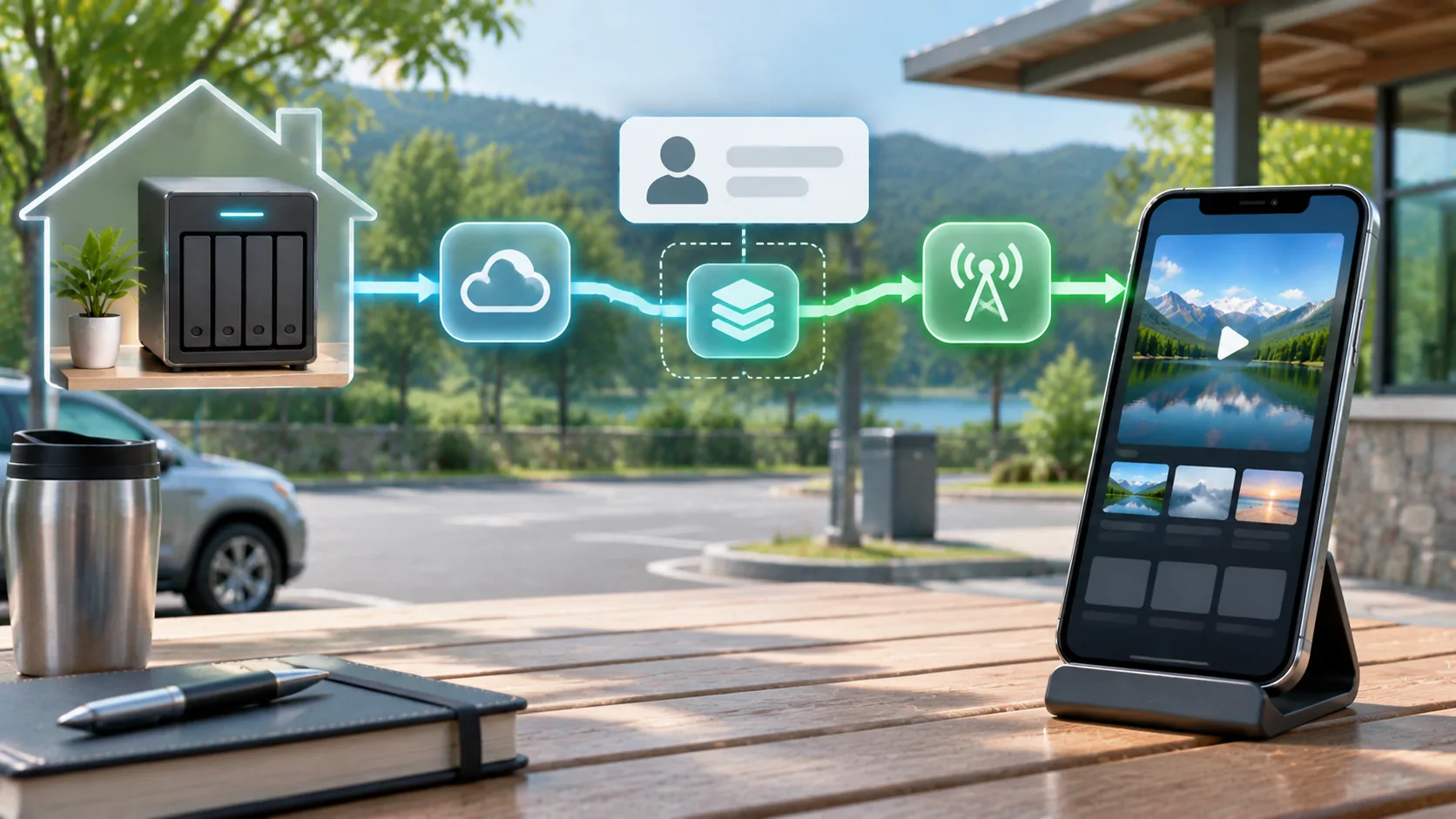
Before relying on Plex over mobile data, verify three separate things: your current account and client are permitted to use the intended remote feature, the home server is reachable from outside its network, and the complete path can deliver a compatible media stream. Local playback on home Wi-Fi proves none of those remote conditions by itself.
Use media you own or are authorised to access. For a car-related setup, plan visual viewing only for a lawful parked or passenger context on a compatible display. A Plex server connection or an audio-oriented CarPlay integration does not establish dashboard video support.
Check Current Access Requirements First
Plex features, subscriptions and supported clients can change. Review the current requirements for the exact server, account, application and remote activity you intend to use. Do not assume that instructions written for an older release still describe today's entitlement or activation rules.
The official Plex Remote Access guide is the appropriate starting reference for the server-side feature. Confirm the instructions directly before changing a network. A player successfully signing into an account is not the same as the server being reachable or the selected remote media feature being available.
Write down the client and server versions, account role and intended use. If you share another person's server, ask its administrator to confirm permission. Avoid troubleshooting a policy or entitlement issue by repeatedly changing router settings; those settings cannot grant a feature the account does not have.
Establish Local Server Health
First confirm that the server is running and that the intended library item plays through a supported client on the home network. Check that its storage is available and the account can see the appropriate library. An offline drive or missing file will remain missing over mobile data.
Choose a small representative sample rather than immediately testing the largest file in the library. Note whether it plays directly or requires server processing if the supported interface exposes that information. Do not infer the playback mode from how quickly the thumbnail loads.
Keep the server connected to reliable power and networking for the planned session. A computer that sleeps, restarts for updates or loses its storage connection cannot serve media consistently. Record these ordinary availability conditions before investigating more complicated remote routing.
Verify Remote Reachability Separately
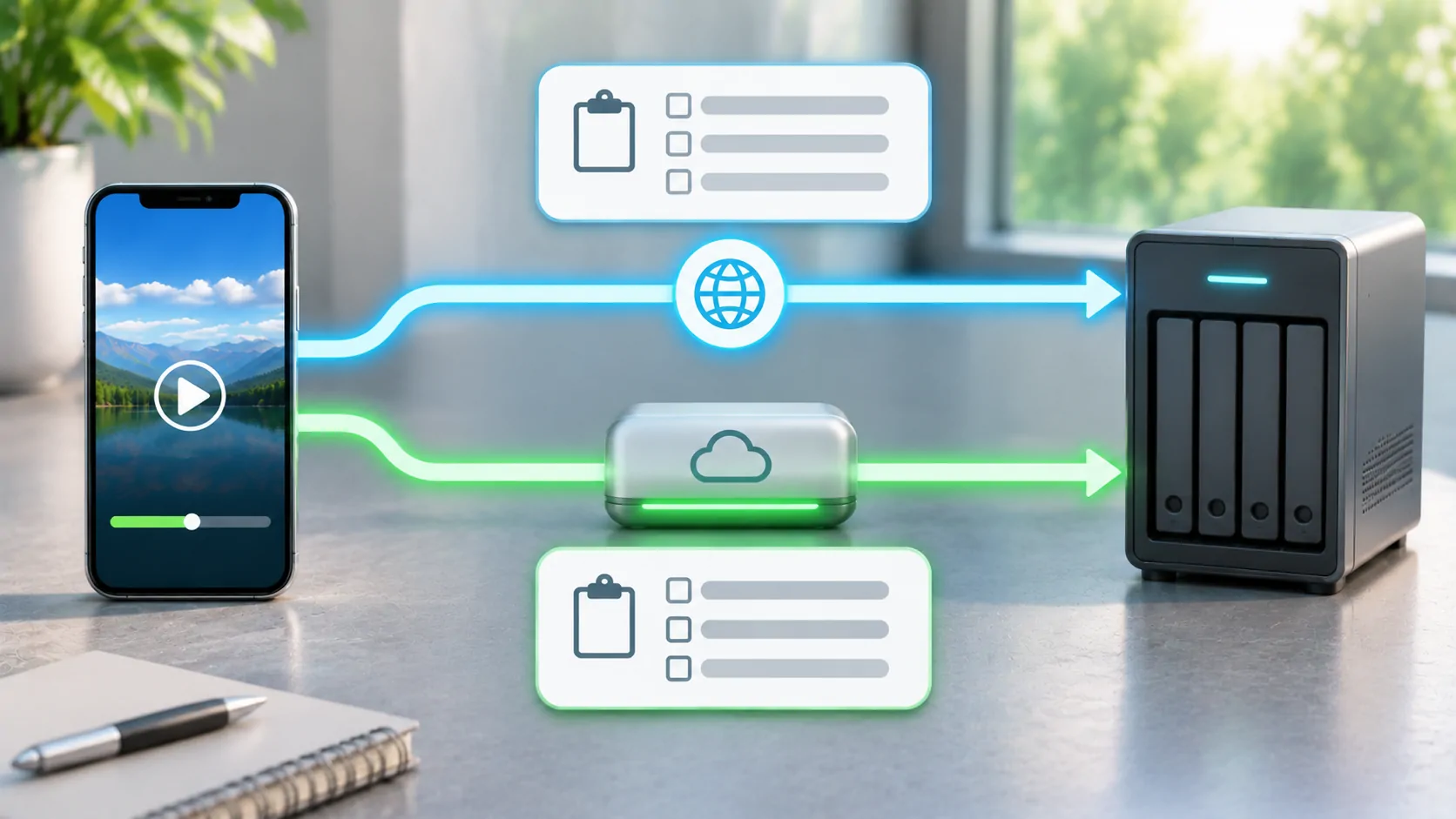
Disconnect the test phone from home Wi-Fi and use mobile data while stationary. This is a useful way to ensure the client is no longer relying on the local network path. Test the same authorised account and sample, following Plex's current supported remote-access method.
If remote access fails, the administrator should review the server's reported state, router configuration and internet arrangement using current official instructions. Some connections involve more than one routing device or an upstream address arrangement that limits ordinary inbound access. Do not open random ports or expose unrelated administration services.
Keep account credentials private and use supported secure connections. Do not disable certificate checks to make an error disappear. If an address or network arrangement needs correction, fix that cause with the server owner rather than teaching every client to ignore trust failures.
Budget for Both Ends of the Connection
The home connection must send the media out, while the mobile connection must receive it. A fast download package at home does not establish equivalent upload capacity. Other household uploads and shared use can affect the available rate during the session.
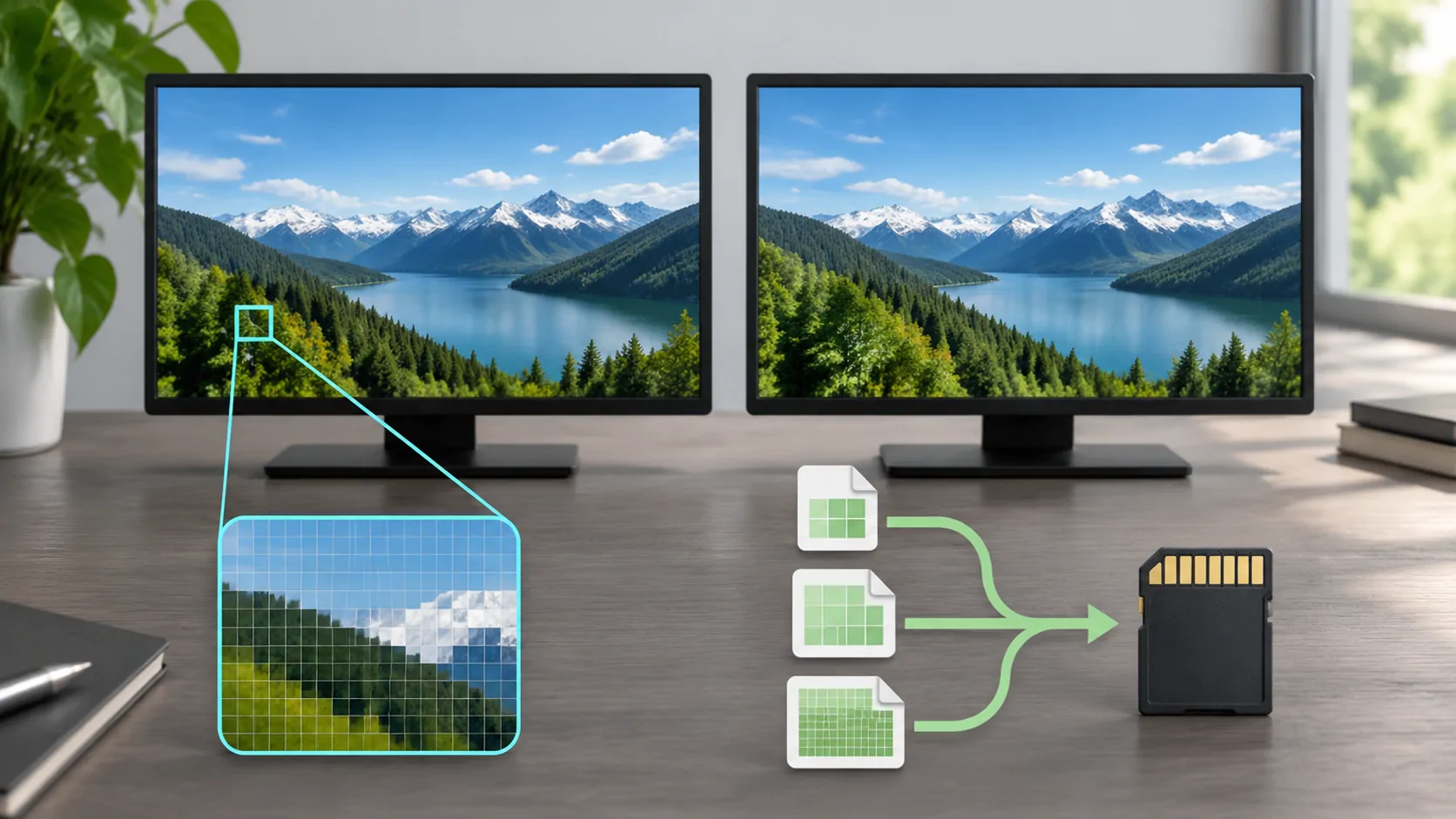
The selected media's average rate, peaks and any server conversion also matter. A large original file may require a different delivery strategy from a modest compatible encode. Avoid assigning a universal minimum speed based only on a resolution label such as HD or 4K.
Read resolution and bitrate for those distinctions. If the current supported client offers a quality preference, compare an appropriate lower setting through its documented controls. Do not invent a universal Plex control path or promise a fixed saving without checking the actual client.
Account for Server Processing and Client Support
A client must support the container, audio and video formats, and any subtitle handling required by the presentation. Where server conversion is necessary, available processing capacity can affect continuity. A network can be adequate while the server or client struggles with the selected media.
Use the server's supported playback information if available and report the actual mode you observed. Test another authorised file to see whether the issue follows one encode or affects the whole library. A single unsupported item is different from an unreachable server.
Also keep audio products separate from video workflows. Plexamp is presented as a music-focused application. Its supported integrations should not be used as evidence that Plex video appears through ordinary CarPlay. Verify any external video route independently with the content, client and receiver.
Estimate Mobile Data and Plan Alternatives
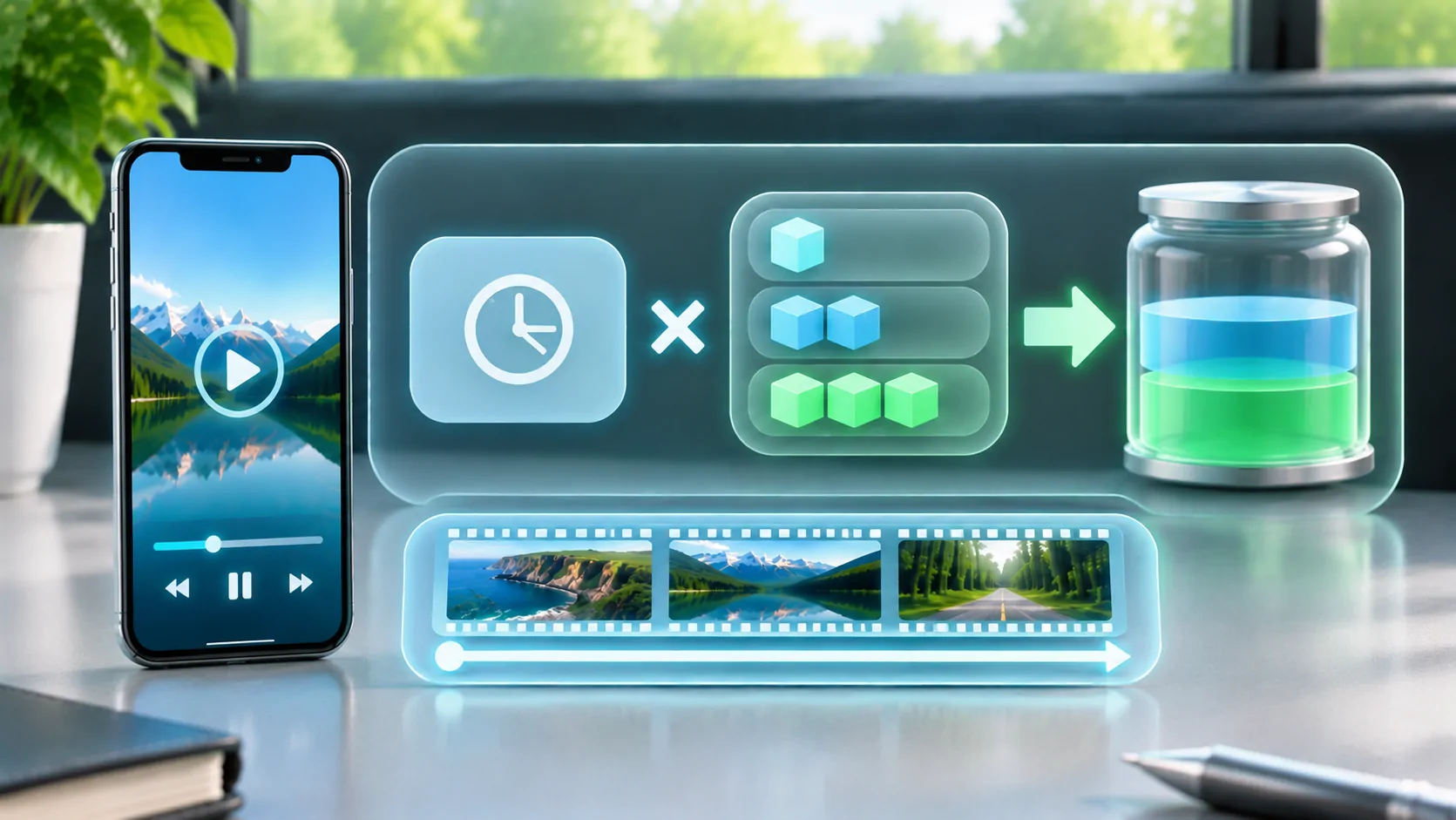
Use an assumed average bitrate and session length to build a transparent data scenario. Mobile data estimation explains the conversion. A calculation is not a measurement of your Plex session, especially when quality changes or server processing alters the delivered rate.
Apple's cellular-data guide explains how to inspect device usage. Match the counter period to the session before comparing it with a carrier record. Check hotspot and roaming terms if an accessory or receiver uses the phone's connection.
If the current service and account offer an authorised offline workflow, assess it before a trip. Prepare it on a reliable connection and verify the actual media is available offline. A saved playlist or library entry alone does not prove the video files have been stored.
Validate the Planned Session While Parked
Test startup, sustained playback, seeking and stopping on the intended mobile connection before relying on it. Then test a documented compatible external route separately if required. Note the phone, client, server, receiver and source used; do not turn a successful trial into a claim about every vehicle.
If playback fails, report whether the server was unreachable, the account was refused, the item failed to start or the stream later stalled. Include timestamps and observed errors with secrets redacted. Those distinctions help the administrator identify the responsible layer.
Reliable remote playback begins with a current supported account path, a healthy reachable server and media suited to the client and connection. Verify each deliberately, and keep the in-car display question separate from the media server's remote-access feature.
Sources
Related reading
Bring your own media.
Explore CarCast for iPhone with your own authorized sources and supported display configurations.