CarCast
Screen sharing, with clear limits.
Screen mirroring, sending a video and playing media directly are different tasks. Choose the experience your actual devices support, and use it only while safely parked.
Download for iPhone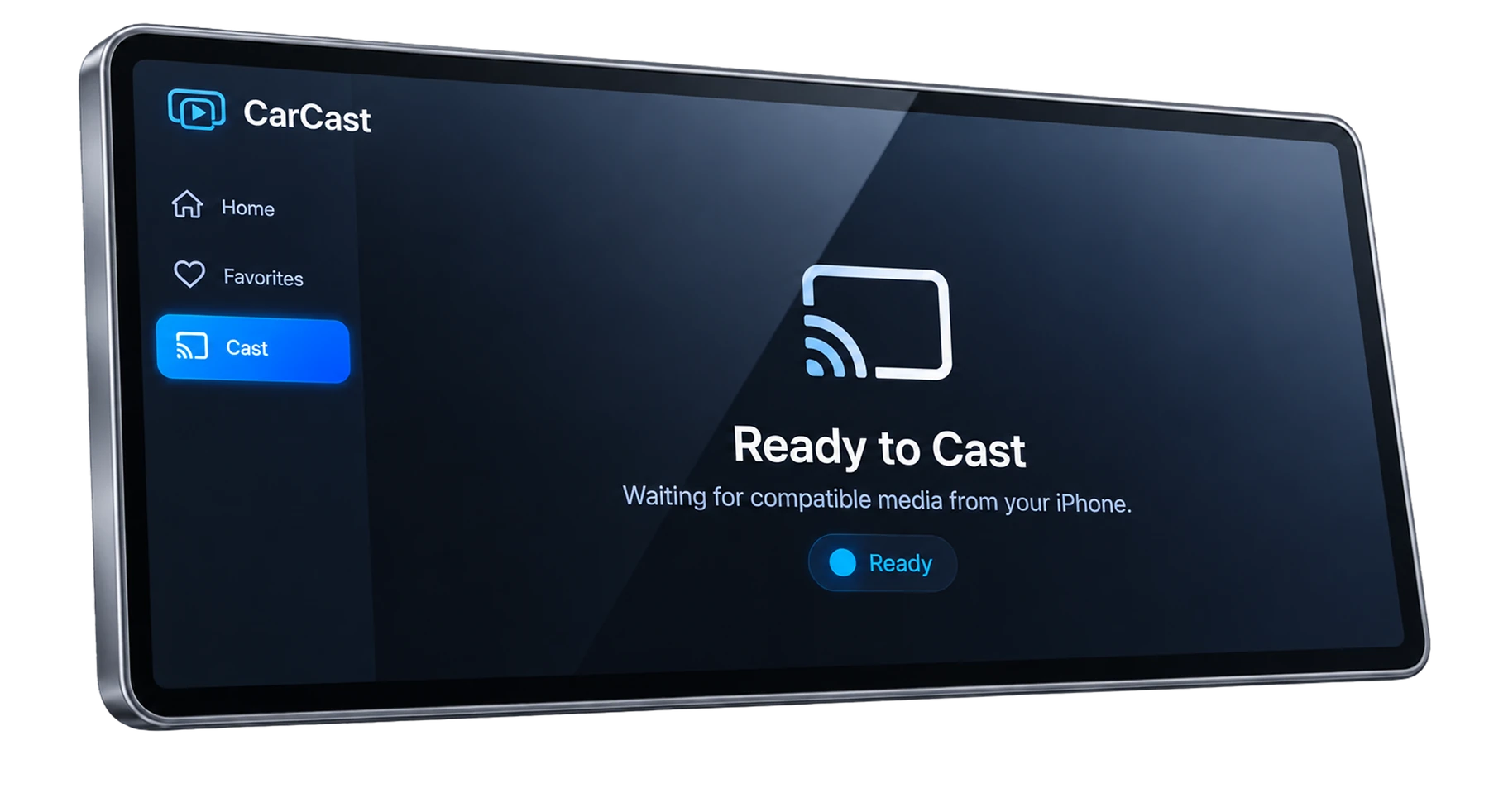
What is being shared?
Mirroring reproduces an iPhone screen on a compatible destination. Direct playback opens a media source in the player, while casting can send a particular item rather than the entire screen. Their controls and compatibility limits differ.
The presence of CarPlay, AirPlay or a screen-sharing control alone does not prove that a vehicle supports CarCast mirroring. This page does not claim that the standard iPhone AirPlay process enables mirroring on every CarPlay display.
Keep personal information off the display
Screen sharing can expose notifications, messages, account pages and other private information visible on your phone. Close sensitive apps and consider notification settings before starting.
Read any iOS screen-capture or broadcast permission prompt. Start a session only when you understand what it shares, and stop the screen-sharing session when you finish.
Check your specific setup
Consult the current CarCast instructions and the vehicle or head-unit documentation for your exact connection method. The requirements can differ between an iPhone media player, an external display and a vehicle display.
There is no verified make-and-model mirroring matrix on this website. If the destination is not available, do not assume that changing a system setting or disabling safety features will make it compatible.
A black image can be a content restriction
Some apps or services restrict capture or external output. Audio-only output, a black video area or a blocked session may be intentional. Screen mirroring does not remove DRM or a subscription service restriction.
To isolate a problem, use non-sensitive personal content that you are allowed to display. End the session if it shares unexpected material or the device becomes unstable.
References
Your media, with CarCast.
Bring your own authorized sources. Check display compatibility before in-car use.