CarCast Guide
Connect your personal media library.
Bring an existing personal library to your player. You need permission to use the server, a reachable connection and the connection method supported by your installed CarCast version.
Download for iPhone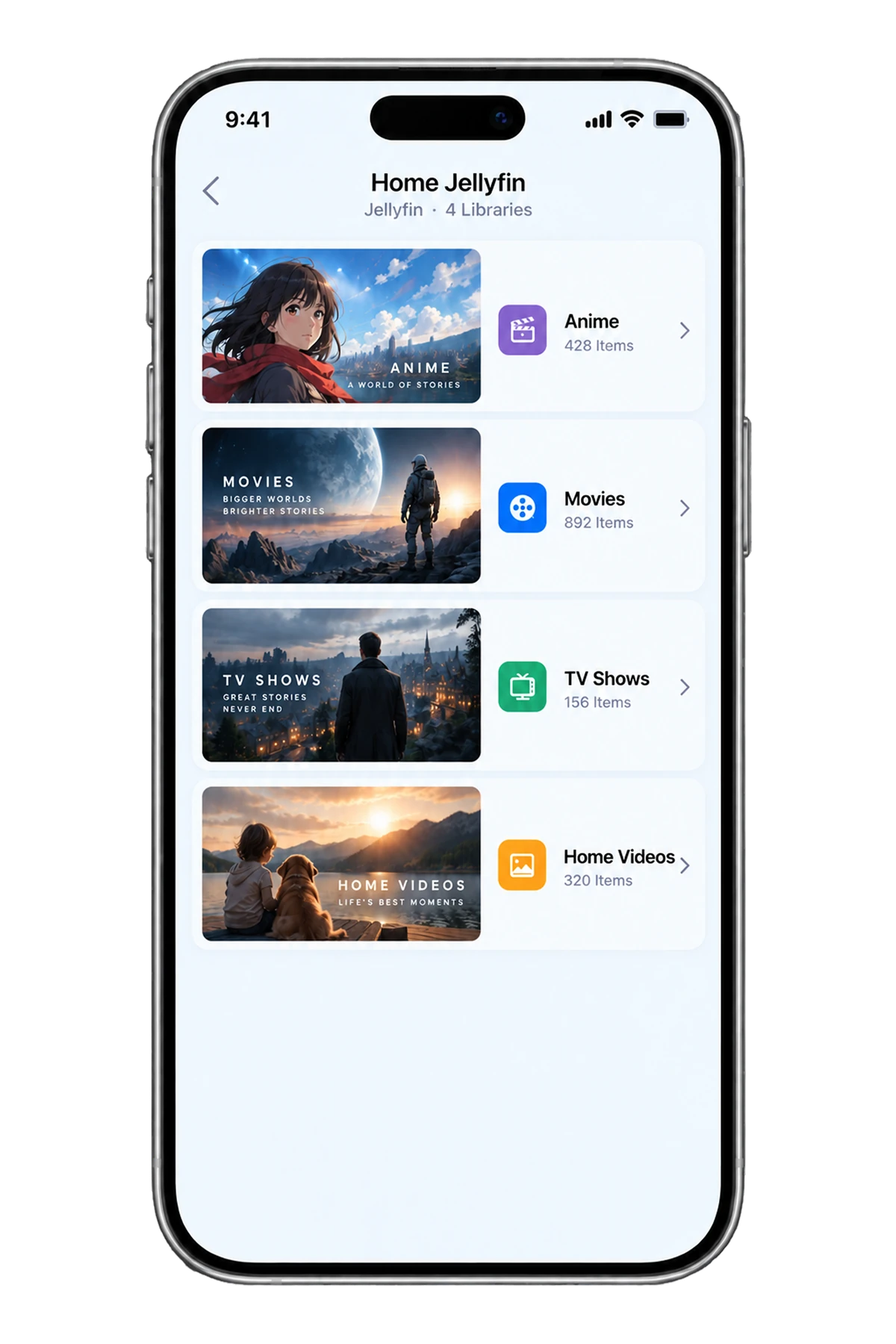
Before you connect
Confirm that the server is running and that your account can open the intended library in the server own supported client. You need a library account or authorization method, not necessarily the server administrator password.
First test while the iPhone and server can reach each other on a trusted network. Local addresses generally stop working when you leave that network. A remote connection needs a separately configured, secure server-access method.
Plex
Check the current CarCast source options and the App Store feature list for Plex support in your version. Follow the offered Plex authorization flow if available, and select the library your account is allowed to access.
Plex server access and any remote-playback requirements are governed by the current Plex setup and service terms. Do not assume that a server visible at home will be available over mobile data, or that an administrator account is necessary.
Jellyfin
Use the server URL and user account supplied by the server owner. Match the full scheme and any base path; a local IP address is only suitable when your phone can reach that local network.
Choose the Jellyfin source option present in your CarCast build and use its current connection fields. Verify that the account can list the library and play an item. If it cannot, isolate server reachability from authentication before trying an external display.
Emby
Confirm the server connection details and the library permissions of your Emby user. An Emby Connect account and a direct server address are different connection approaches; use the one the current app actually supports.
After adding the source, check whether the expected library is visible and test a personal media item on iPhone. Server transcoding and media formats may affect playback even when sign-in succeeds.
Away from home and finishing a session
Ask the server owner for the supported secure remote-access method. Do not expose an unprotected server or disable authentication to fix a connection. Data usage and mobile-network reachability can differ from home Wi-Fi.
Remove the source or revoke its access using the available app and server controls when you no longer need it. Keep server passwords, private hostnames and access tokens out of support messages.
A working personal library on iPhone does not establish CarPlay video or mirroring compatibility. Check display support separately and use any supported video experience only while safely parked.
References
Your media, with CarCast.
Bring your own authorized sources. Check display compatibility before in-car use.