CarCast
Your videos. A compatible car display.
Bring your own media to CarCast for iPhone. In-car video is a separate capability that depends on your iPhone, software and display, and must only be used while safely parked.
Download for iPhone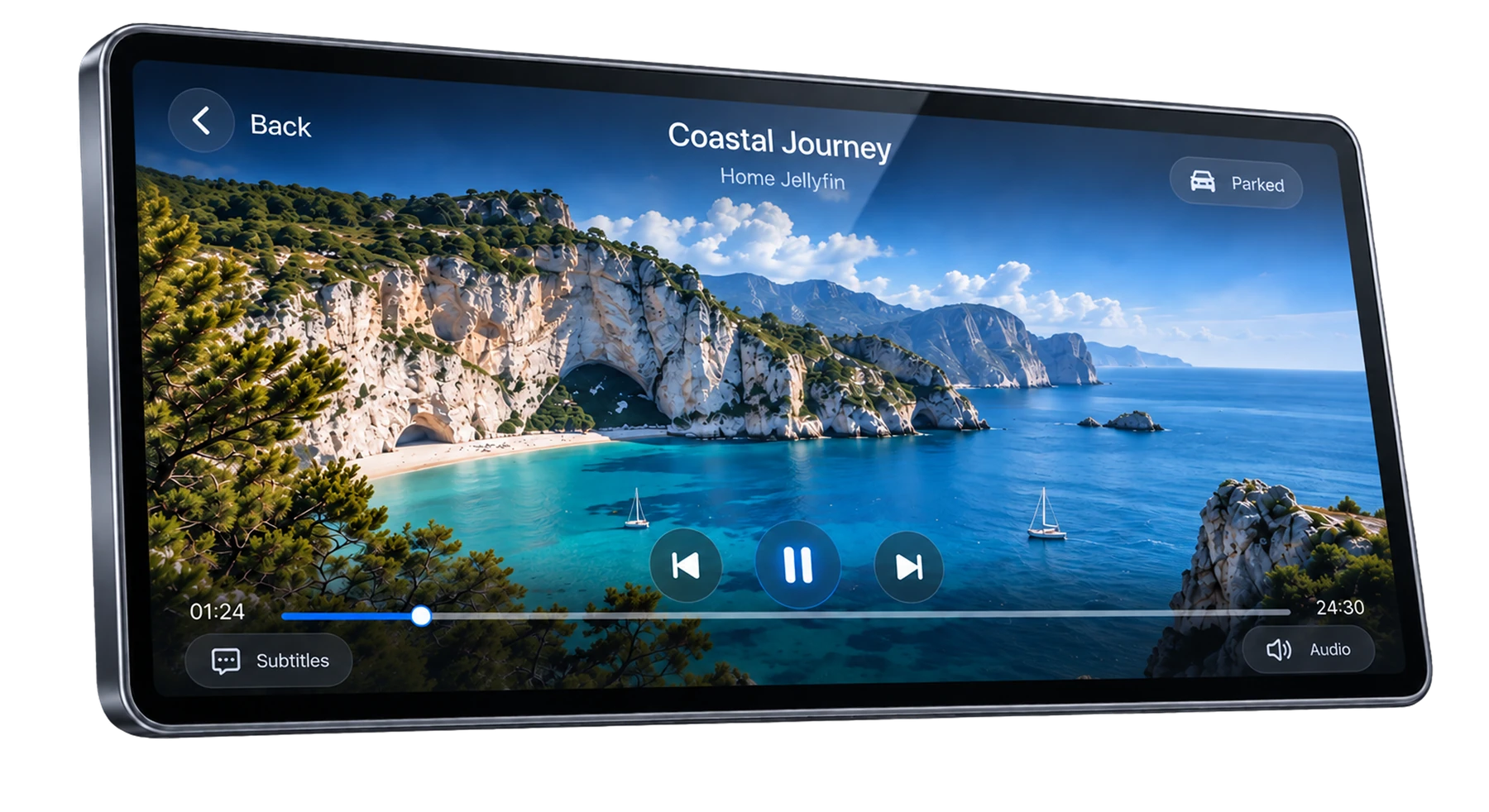
Start with media you own or may access
CarCast is a media player, not a film service or a channel subscription. Your personal videos, authorized playlist sources and supported personal media libraries provide the content.
A successful connection does not guarantee that every file plays. The container, video and audio codecs, stream availability and source permissions all matter. Test the same item on the iPhone first to separate a source problem from a display problem.
CarPlay support and video support are different
A vehicle that supports ordinary CarPlay navigation or audio is not automatically a vehicle that supports CarCast video. The product demonstration on this page is an example, not a compatibility list.
Before relying on in-car playback, check your exact display or head unit, vehicle software, iPhone model and iOS version. There is currently no verified all-vehicle video compatibility matrix on this website. If the expected display mode is unavailable, use the iPhone experience or contact support.
Park first. Respect protected content.
Do not watch or operate video while driving. Keep any vehicle and system safety restrictions in place, even when you are a passenger. Follow local law and the manufacturer instructions.
Subscription video services can impose DRM, output protection or app-specific restrictions. A black image or blocked output can be an intentional protection. CarCast does not promise to bypass those protections or make every streaming website work.
A practical pre-playback check
Use a short personal clip as a baseline before testing a long stream or a remote library.
- Safely park and establish the supported iPhone-to-display connection for your vehicle.
- Confirm that the media is available and plays on the iPhone.
- Check the current CarCast controls and compatibility guidance before selecting a supported display mode.
- If the display is unavailable, stop and record the non-sensitive device and version details for support.
References
Your media, with CarCast.
Bring your own authorized sources. Check display compatibility before in-car use.