CarCast
Your playlists. Your media.
CarCast brings user-provided playlist sources and personal media into an iPhone player. Channels, service access and permission to view them must come from you or your authorized provider.
Download for iPhone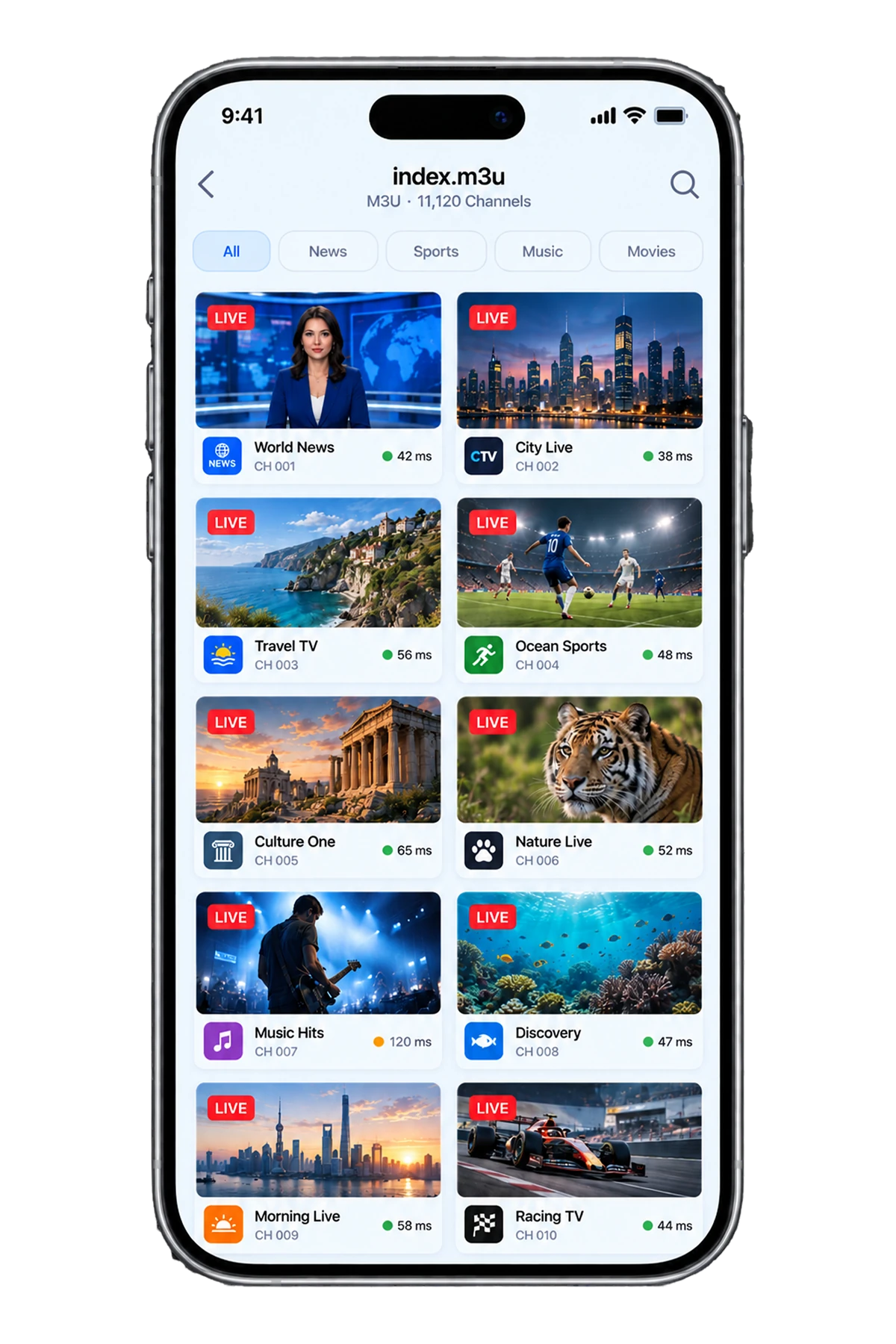
M3U and M3U8 describe a playlist
A playlist points to media; it does not contain a paid subscription or guarantee working streams. An M3U8 file is normally UTF-8 encoded, and the same extension is also used by HTTP Live Streaming playlists. The extension alone does not identify the channel or its permissions.
An expired stream URL, offline provider or unsupported codec can still prevent playback after import succeeds. Prefer a playlist supplied by your own server or a provider you are entitled to use.
Use the source type that matches your service
The existing CarCast product interface includes playlist, Xtream and personal media-server source options. These are different connection methods: a playlist URL is not interchangeable with a provider login or a server-library account.
Keep login details private. Do not paste a token-bearing playlist link, server password or subscription credentials into a public comment or a support screenshot.
Check the iPhone before the car display
Start playback on the iPhone to confirm that the account, network and media source are working. Car display output adds its own hardware, software and safety conditions.
Ordinary CarPlay compatibility is not a promise of IPTV video on every display. In-car video must be used only while safely parked, on a supported configuration, and where permitted.
When a source will not load
Confirm the full address with the provider, check whether the subscription is active and verify that the same network can reach the service. A webpage sign-in URL is not necessarily a media playlist.
If a source loads but one item fails, try a different authorized item. Report the error category and app version to support without sending account secrets or the private media URL.
References
Your media, with CarCast.
Bring your own authorized sources. Check display compatibility before in-car use.