IPTV & Media
VPN or Port Forwarding for a Personal Media Server?
Compare a private VPN and port forwarding for a personal media server, including reachability, TLS, accounts, maintenance and mobile client limitations.
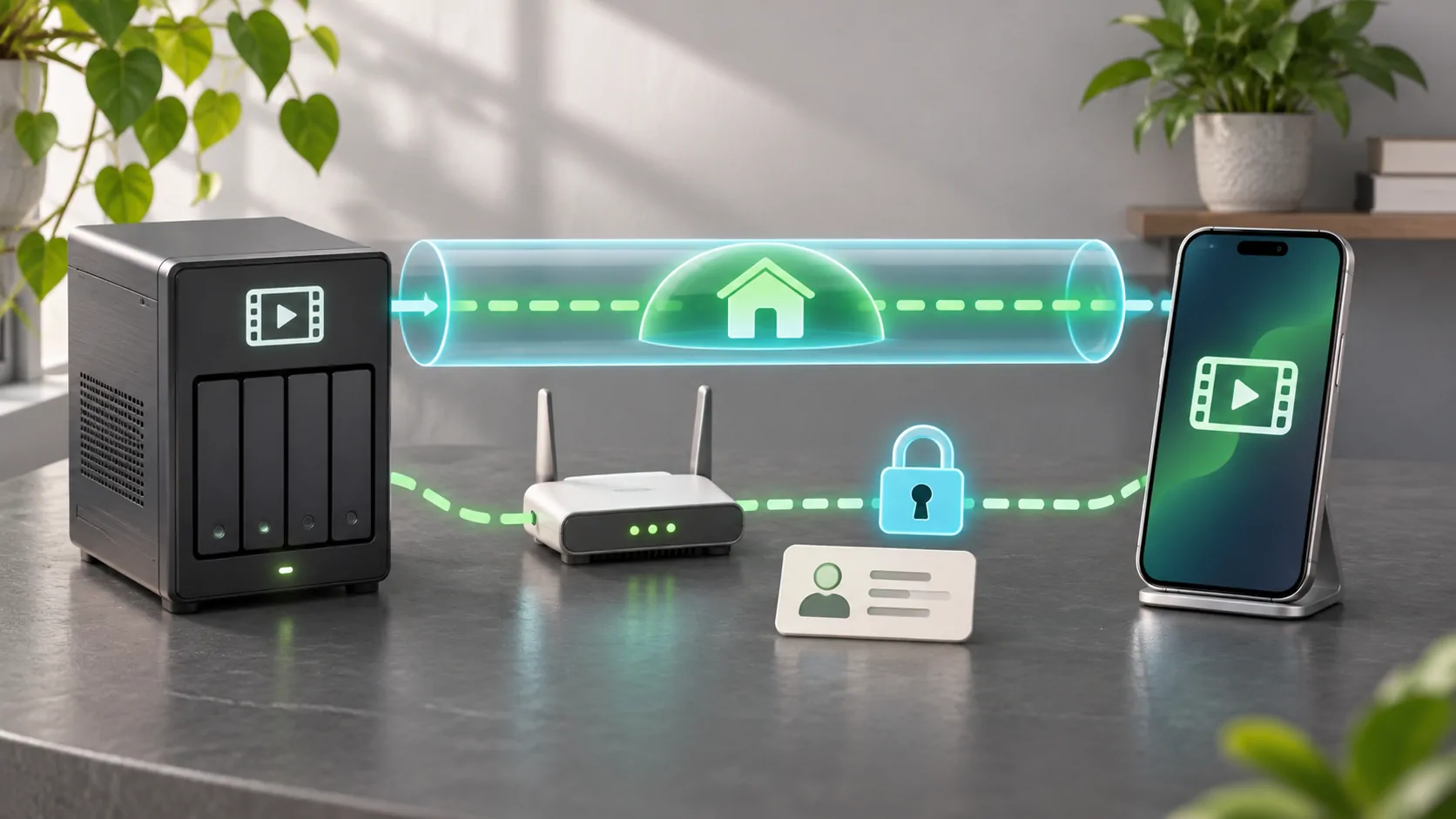
Choose the access model before opening ports
A private VPN can make an authorized device part of a private network before it contacts the media server. Port forwarding makes a chosen service reachable through a router's public address. They solve related reachability problems but create different operating responsibilities. Choose according to the people, clients and networks you need to support, not a promise that one method is automatically secure.
For a household with a few managed devices, a well-maintained VPN may reduce the need to expose the media service publicly. For broader client compatibility, a carefully configured public HTTPS service may be more practical. Neither design replaces strong accounts, updates, logging or a tested recovery plan. This is a decision guide, not a universal deployment recipe.
Map every component in the route
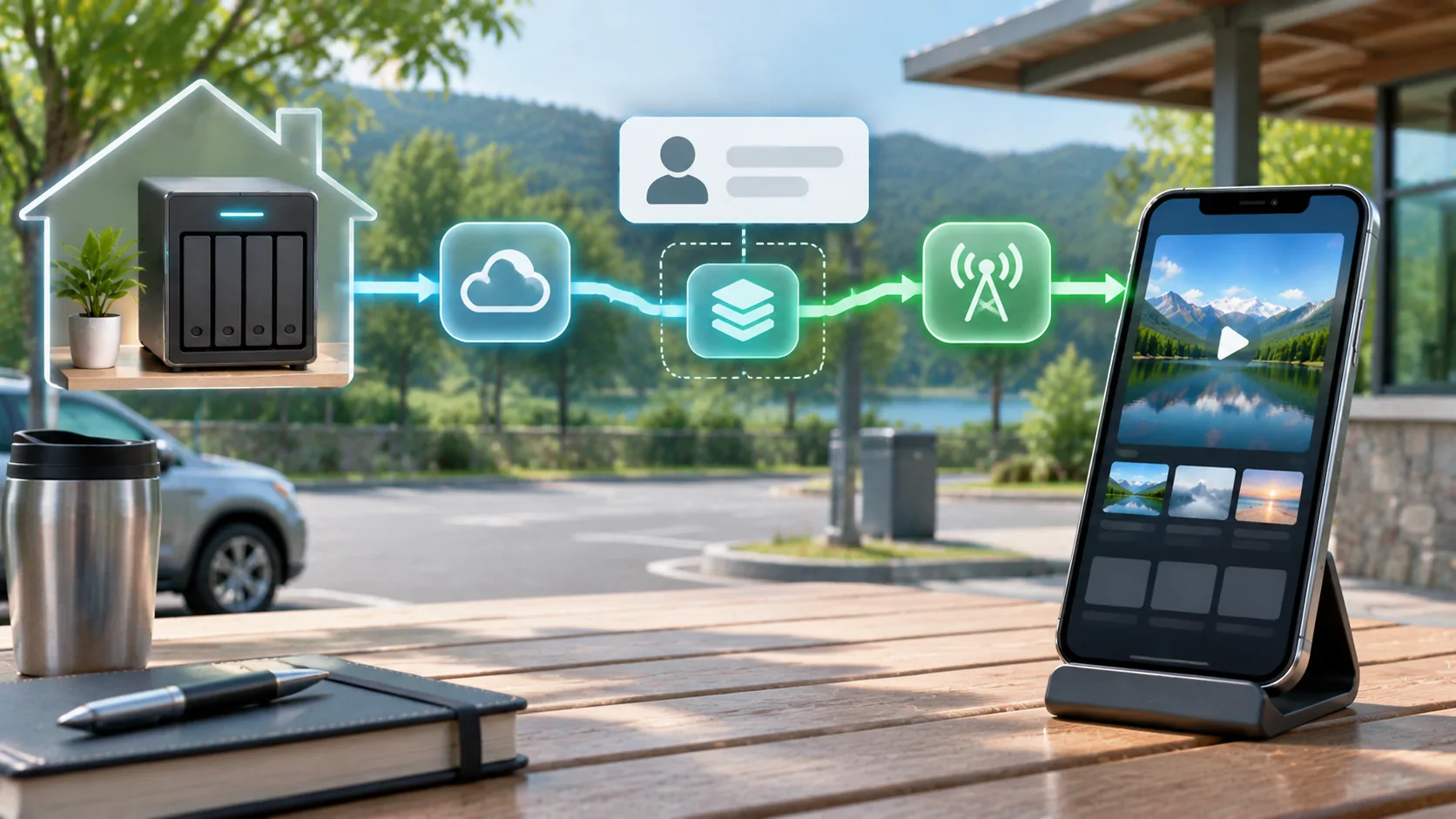
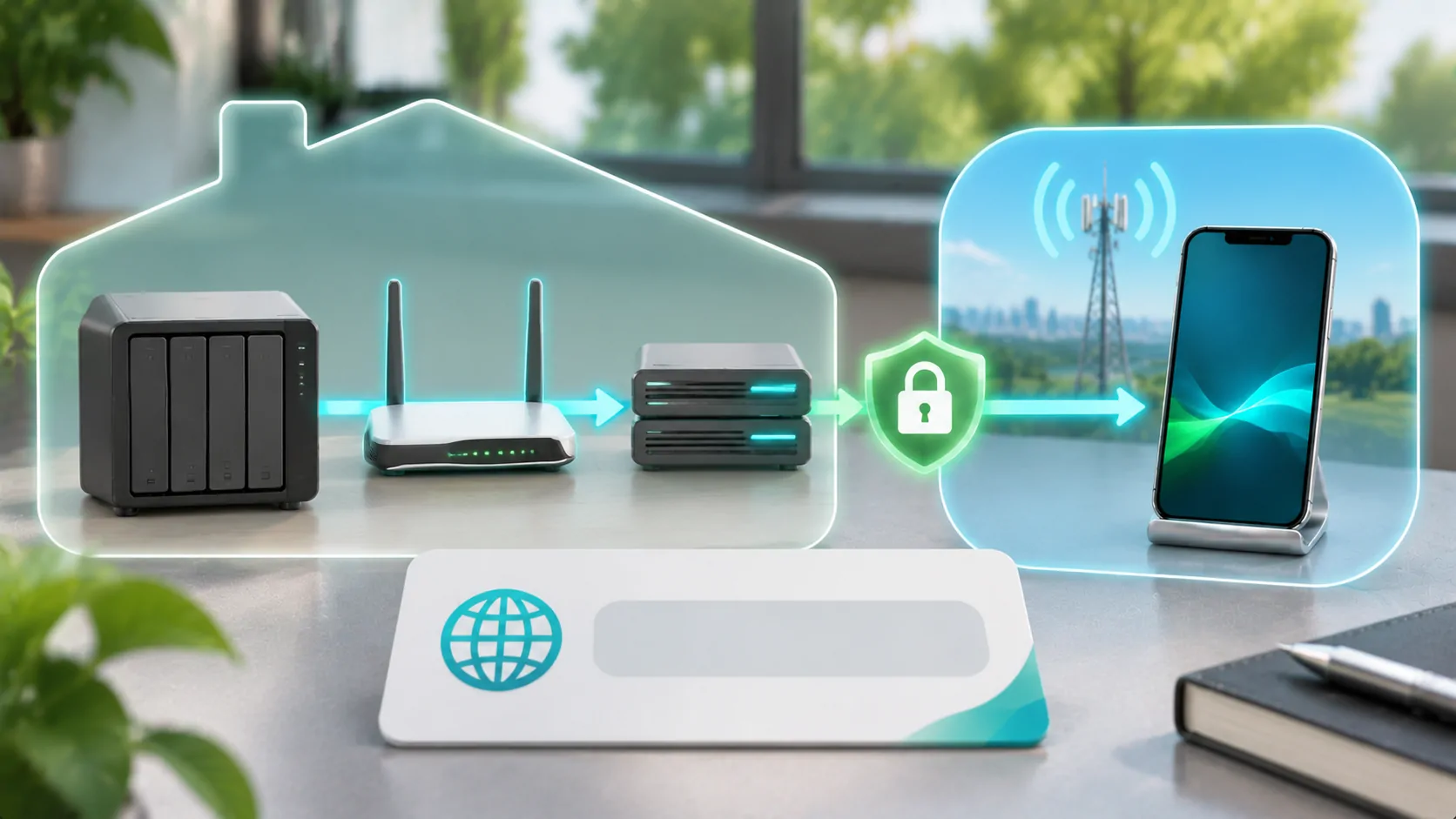
Write down the server address, router, internet connection, any reverse proxy and the expected client. With a VPN, add the VPN endpoint, device enrollment and routing rules. With port forwarding, add the public address or domain, certificate termination and forwarded destination. This simple inventory reveals which party maintains each component and where authentication happens.
Jellyfin's networking documentation describes its server network considerations, including proxies. Use that product's current guidance for its configuration rather than copying another application's ports. A reverse proxy can provide an HTTPS endpoint while forwarding requests internally, but it must be configured with the correct trust and forwarding rules. Merely installing one does not complete the security design.
Check whether inbound access is possible
Port forwarding depends on the actual connection architecture. Carrier-grade NAT, another router upstream or an internet provider's filtering can prevent unsolicited inbound connections even when a local router rule looks correct. Confirm your service conditions and network arrangement before spending hours changing the media server. IPv6 introduces its own addressing and firewall considerations; it is not a reason to allow unrestricted inbound traffic.
A VPN solution also needs a supported way for its peers to connect. Some designs use direct incoming access, while others can coordinate or relay connections. Read the chosen VPN's documentation and privacy terms. Do not assume that the word VPN guarantees a direct, fast connection or removes every dependency on another service.
Evaluate the real clients you will use
An iPhone may support a VPN client, but the media application must still be able to reach the server through that route. Check DNS resolution, local-network permissions where applicable and whether only intended traffic uses the tunnel. Corporate, school or managed-device policies may restrict VPN configuration. Respect those policies rather than installing a workaround that will fail during travel.
For a family member, consider the entire workflow: connect the private network, open the media client, sign in and recover from an expired session. A technically sound design that requires repeated administrator help may not fit the household. Public HTTPS can simplify the address a client uses, while increasing the importance of exposure management and accessible account controls.
Keep encryption and authentication distinct
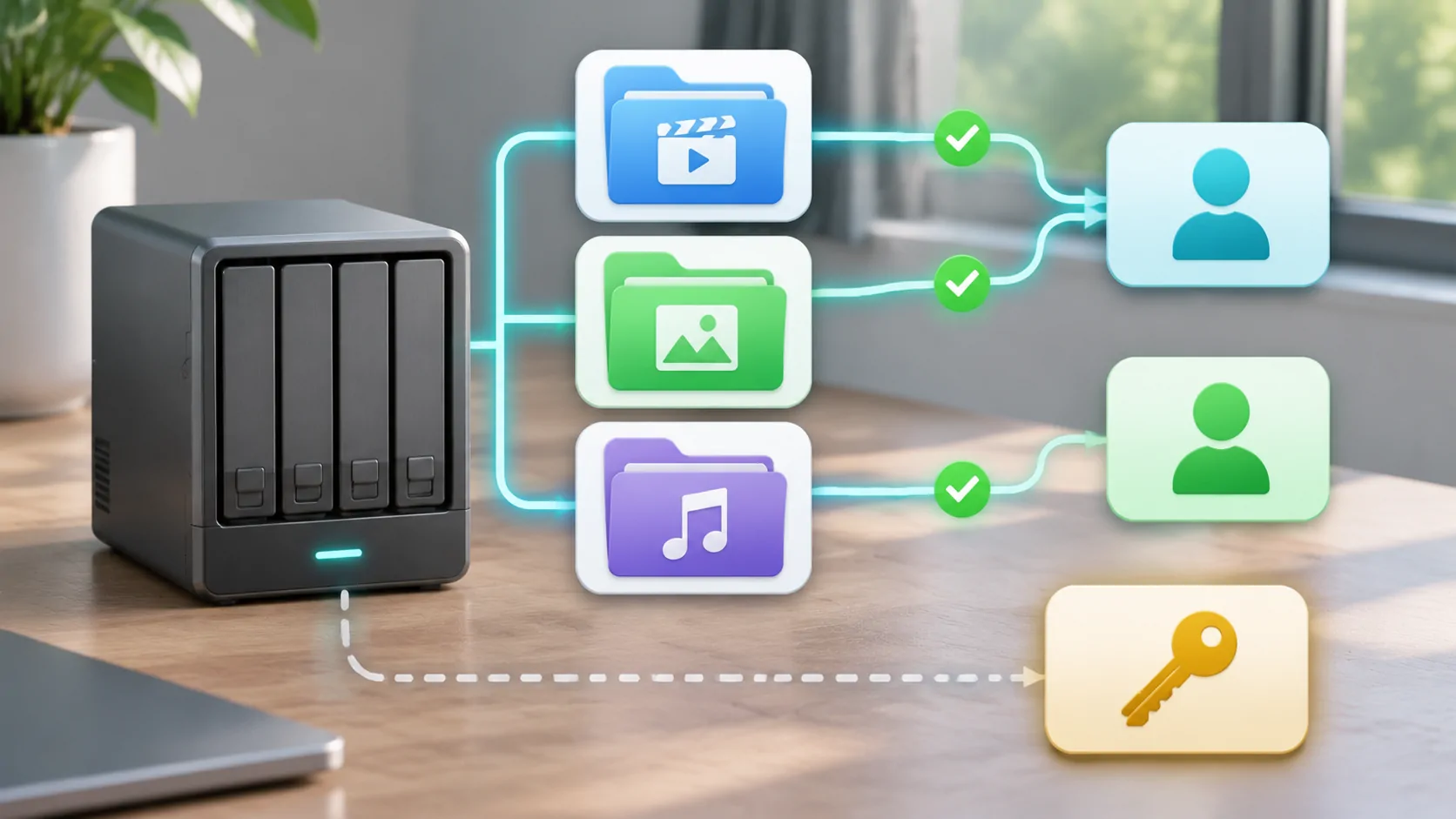
HTTPS authenticates the server through certificates and encrypts the connection when correctly configured. A VPN encrypts a tunnel and controls network participation according to its own design. Neither tells the media server which libraries a particular viewer should access. Maintain separate, named media accounts with appropriate permissions and avoid sharing the administrator login across all phones.
Emby's user guidance illustrates per-user administration in a media server. Consult the exact product for restrictions and device management. Protect both the media credentials and VPN enrollment credentials, because compromising either can change access. Store recovery information safely and avoid embedding live tokens in URLs that might be copied to public support threads.
Compare maintenance and failure modes
For a public endpoint, plan server and proxy patches, valid certificates, firewall rules and logs. Monitor failed sign-ins and remove services you no longer use. If an address changes, update the supported DNS or access mechanism. Test from an external network; successful access from home alone does not prove the public route works.
For a private VPN, plan software updates, lost-device removal, key rotation and endpoint recovery. A phone remaining enrolled after it is sold is an access-management failure even if the media password changes. Consider what happens if the home router, VPN controller or relay is unavailable. A documented restoration path is more useful than a configuration that only one person remembers.
Test performance without weakening controls
Use the same authorized file and quality setting to compare connection methods. Record startup delay, sustained playback and home upload utilization. Additional encryption, routing or relays may affect throughput, but actual results depend on the hardware and path. Avoid publishing a universal performance ranking from a single phone and internet connection.
If either method buffers, examine home upload bandwidth and the server's conversion speed before changing exposure. Opening extra ports cannot make an undersized upload link faster. Temporarily disabling authentication is also a poor diagnostic shortcut because it changes the risk without isolating the performance limit. Keep the test narrow and reverse any temporary diagnostic configuration promptly.
Make revocation part of the decision
Before relying on a design, remove a test device and confirm it actually loses access. Check both the network route and the media account session, because either can remain valid independently. A system is easier to operate when a lost phone can be removed without interrupting every other viewer or changing a shared password across the entire household.
Use the access revocation checklist to document that process. Any vehicle screen remains a separate compatibility question: reaching a home server does not grant dashboard video support or override parked-use conditions. The best choice is the simplest maintained design that supports your legitimate clients, limits unnecessary access and has a recovery process you have tested.
Sources
Related reading
Bring your own media.
Explore CarCast for iPhone with your own authorized sources and supported display configurations.