IPTV & Media
Jellyfin Remote Access: HTTPS, Addresses and Trust
Plan Jellyfin remote access with a stable address, trusted HTTPS, appropriate proxy configuration and a test that genuinely leaves the home network.
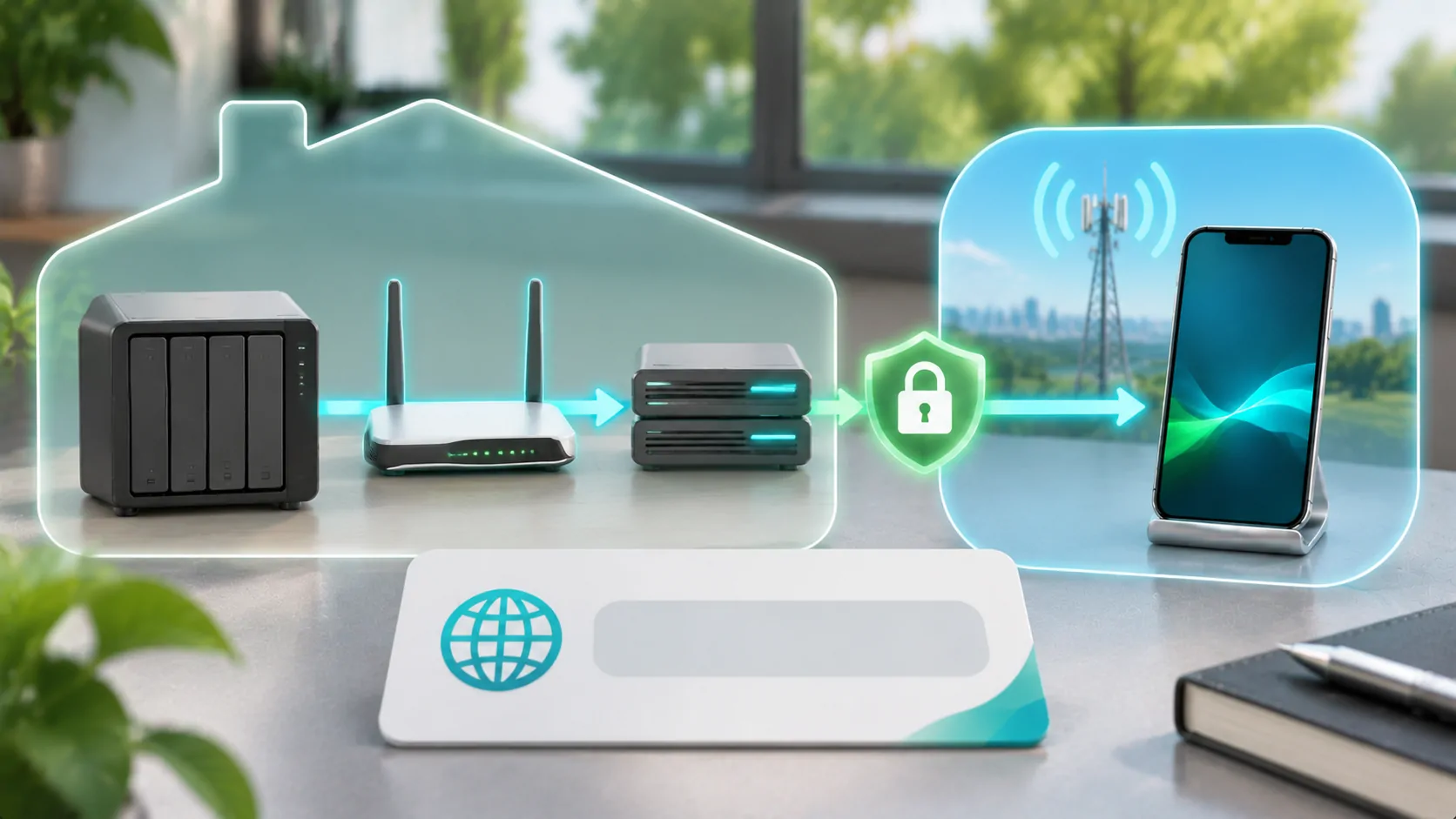
Jellyfin remote access needs more than a server address that works on home Wi-Fi. The client must reach the intended server from outside the local network, trust the HTTPS identity where HTTPS is used, and have permission to access compatible media. A connection failure, certificate warning and playback error belong to different stages.
The server administrator should choose and maintain the supported remote-access design. Use the current Jellyfin documentation for that design rather than copying isolated router settings. Only expose media you are authorised to serve, and prepare any vehicle-related visual playback while parked on a compatible system.
Distinguish Local and Public Addresses
A private home-network address commonly works only within that network. A phone on mobile data does not automatically know a route to it. A local hostname may also depend on the home network's name-resolution system. These are reachability limits, not proof of a wrong password.
Start with Jellyfin's networking documentation, which describes the server's networking considerations. Decide whether the intended access is local, through a supported private-network arrangement, or through a properly secured public endpoint. Each design has different prerequisites.
Do not guess a public address from the private one or open unrelated services to the internet. Record the official address clients should use and who administers it. If another person owns the server, ask for the supported client address instead of changing its network configuration yourself.
HTTPS Must Identify the Address You Use
HTTPS combines encrypted transport with server identity checks. The certificate must be valid for the hostname the client actually requests, within its validity period and under a trust chain the client accepts. A certificate for one name does not automatically validate an unrelated numeric address or alias.
If the client reports a trust error, inspect the hostname, certificate dates and chain through appropriate administrator tools. Also confirm the device clock is correct. Do not solve an identity failure by telling users to ignore certificate warnings or disabling verification globally.
HTTP semantics provides the request and HTTPS context. It does not configure a Jellyfin installation for you. The administrator must keep certificates renewed and the published address consistent with the chosen deployment, including any proxy or external access layer.
A Reverse Proxy Adds Another Responsibility
A reverse proxy can be part of a remote-access design, but it must be configured consistently with the server and public address. Routing paths, forwarded information, HTTPS termination and supported connection behaviour all need attention. Use Jellyfin's current guidance and the selected proxy's own documentation.
Avoid combining fragments from unrelated guides that assume different hostnames or path layouts. A homepage loading through the proxy does not establish that authentication, images, media requests and long playback all work. Check the complete client workflow after a configuration change.
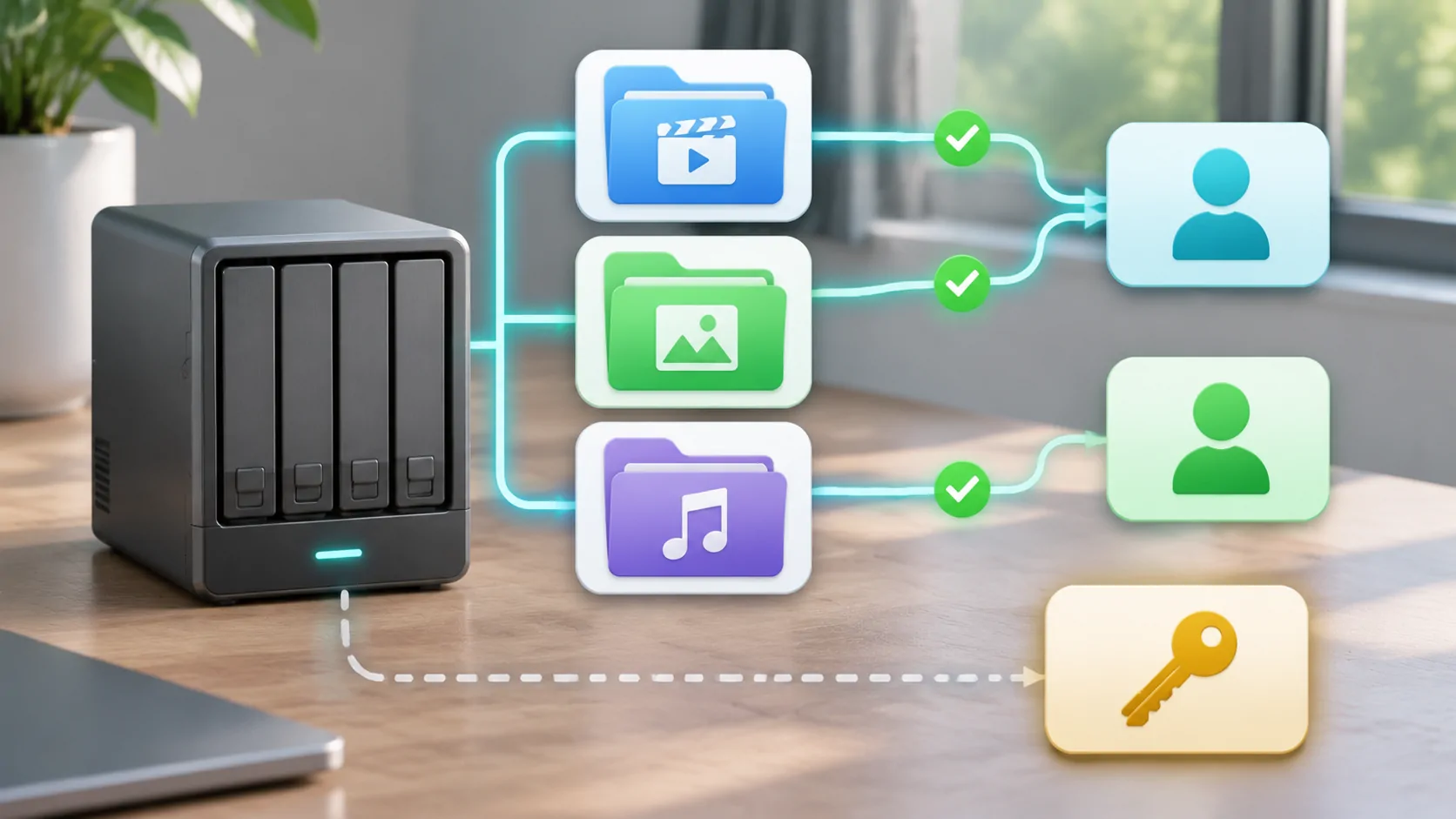
Keep the server's software and the externally exposed components maintained. Give routine viewers ordinary accounts rather than administrator credentials. A working proxy is not a replacement for account permissions, and an encrypted connection does not mean every user should see every library.
Test from a Genuinely External Connection
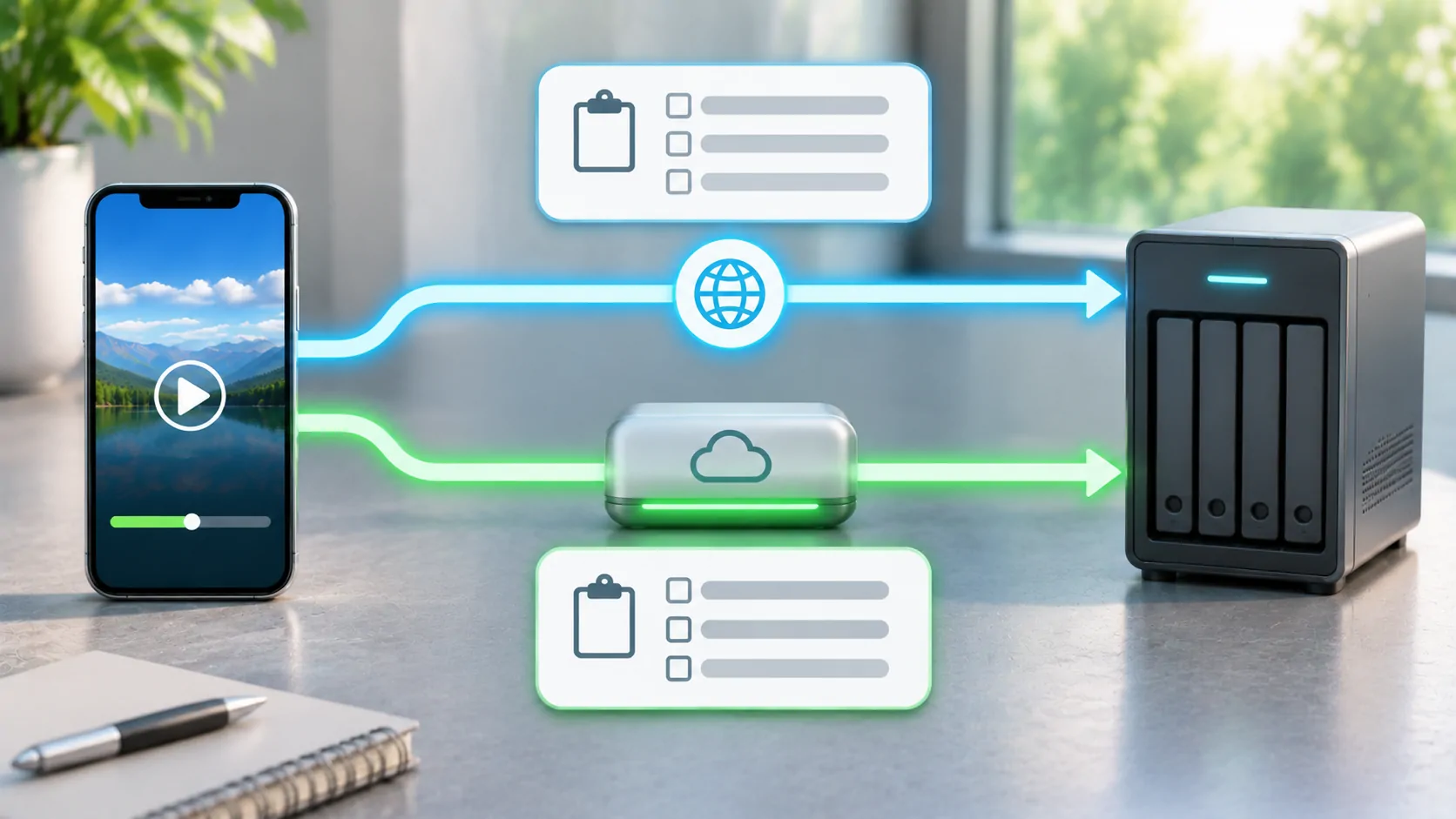
Use a stationary phone with home Wi-Fi disabled to test the documented remote address over mobile data. This helps separate local success from actual remote reachability. Keep the same account and a small authorised media sample for the first comparison.
Record the stage that fails: name resolution, connection, certificate validation, login, library listing or media playback. A timeout before the login page is a different issue from a valid login followed by an unavailable item. Do not change all network and account settings at once.
An upstream internet arrangement can affect whether a planned inbound design is possible. The administrator should investigate the actual routing situation rather than repeatedly adding forwarding rules. If a private-network solution is selected, follow its documented trust and access model instead of treating it as automatically public access.
Reachable Does Not Mean Playable
After the remote login and library view work, test picture, sound, seeking and sustained playback. The Jellyfin codec support documentation explains that client capabilities and media formats affect direct playback and conversion requirements. The same file can behave differently in different clients.
The home upload path, mobile delivery and any server processing all matter. A large original encode can exceed the practical path even though the account and HTTPS setup are correct. Use supported playback diagnostics where available and state only the mode you actually observed.
If you are comparing another server workflow, Plex remote planning discusses the same separation between reachability and media delivery. Product-specific controls and account rules differ, so do not transfer menu instructions blindly from one platform to another.
Keep Credentials and Logs Private
Remote-access logs can include addresses, account identifiers and request details. Share only the minimum relevant excerpt through the administrator's trusted support route. Redact access tokens, passwords and signed URLs before posting anything publicly. A URL can be sensitive even when it contains no obvious password field.
Create user access appropriate to the intended viewer and review it periodically. If a device is lost or access is no longer needed, use the server's supported account and session controls. Changing an external hostname alone is not a reliable way to revoke credentials.
For a separate example of library-scoped permissions, see Emby user access. The product details differ, but the principle is the same: network reachability should lead to an authenticated account with the required scope, not an unrestricted administrative session.
Maintain the Address as Part of the Service
Document the client address, certificate renewal responsibility, network design and recovery process. Recheck access after changing a router, domain, proxy or internet connection. A previously successful mobile session is historical evidence, not proof that a changed deployment still works.
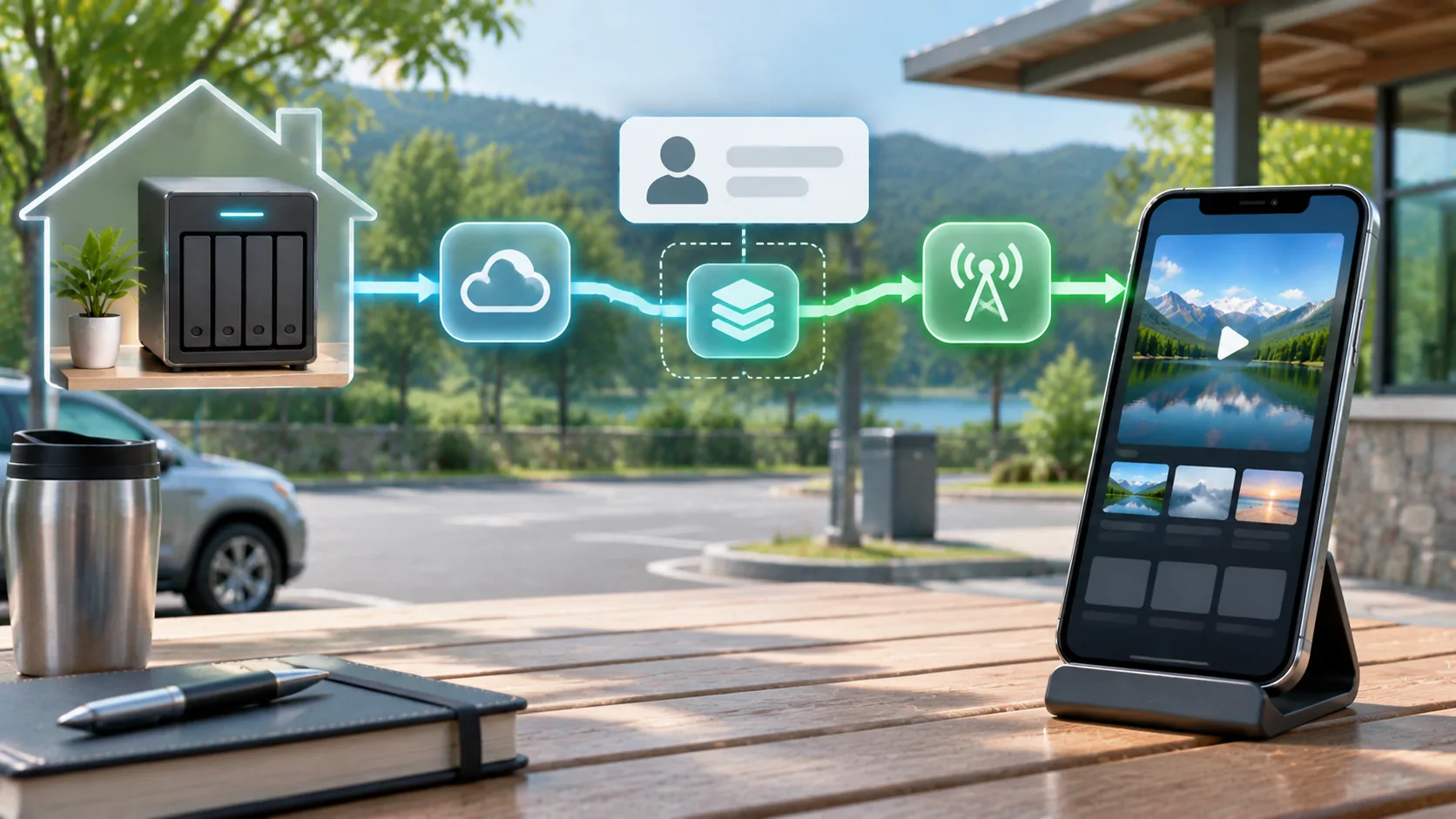
For a compatible parked vehicle display, establish phone playback first, then test the external output route separately. Jellyfin remote access does not itself establish generic CarPlay video support or remove a content restriction. Keep source permission and display compatibility visible in the plan.
A dependable setup has a stable reachable address, valid trust, appropriate users and media the client can handle. Testing those stages in order makes failures understandable and avoids weakening HTTPS just to get past an unexplained warning.
Sources
Related reading
Bring your own media.
Explore CarCast for iPhone with your own authorized sources and supported display configurations.