IPTV & Media
How Home Upload Speed Limits Remote Media Streaming
Calculate the home upload budget for remote media, compare bitrate with real available capacity and diagnose buffering without guessing.
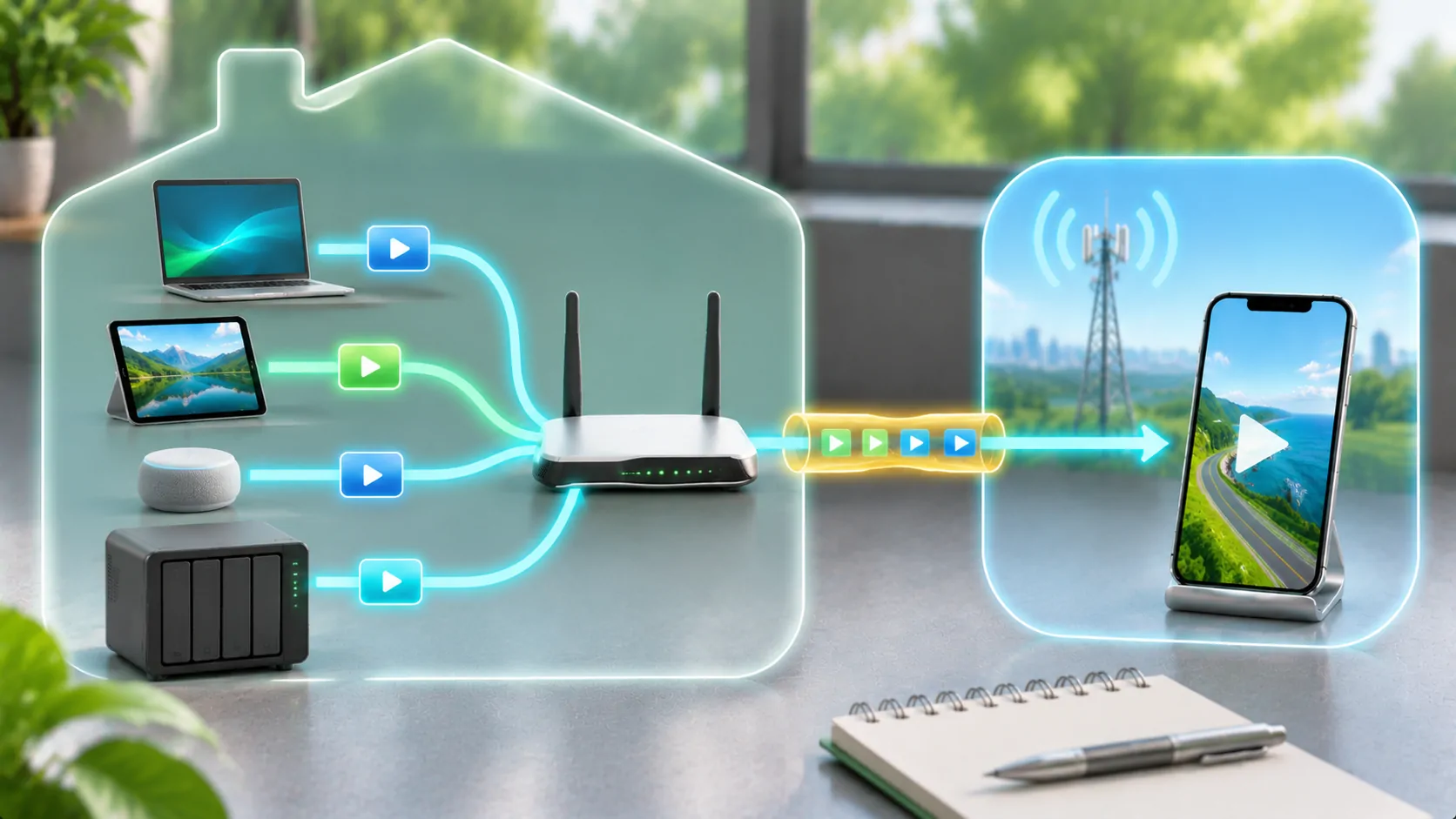
Upload at home becomes download elsewhere
When a personal server sends a movie from your home to a phone, the home connection's upload capacity is an important limit. A fast download plan at home does not establish a fast outbound connection. The phone also needs sufficient download performance, so the usable path is constrained by both ends and everything between them.
Start with the bitrate of the stream actually being delivered, not simply the original file's size or the advertised broadband tier. If the server converts a source, its output bitrate is the relevant starting point. Jellyfin's networking guidance explains the remote-access layer; its transcoding documentation describes how client constraints can influence the output.
Measure available capacity where the server runs
Test upload from a reliable device on the server's network, ideally using the same wired connection as the server. Repeat at the times you expect to use remote playback. A single unusually good speed test is not a dependable operating budget. Note whether cloud backups, video calls, cameras or other household activities were running during each measurement.
Keep measured capacity and subscription claims in separate columns. For example, a connection advertised at 20 Mbps upload may have less capacity available during a busy evening. The useful question is how much consistent outbound capacity remains for media after other traffic, not whether one measurement briefly exceeded the nominal plan. If the server uses Wi-Fi, examine that local link as another possible bottleneck.
Build a conservative stream budget
Add the expected delivered bitrates of simultaneous remote streams, then leave room for protocol overhead, bitrate variation and unrelated traffic. There is no universal reserve percentage that guarantees smooth playback. Choose an initial conservative limit and validate it on your own connection instead of treating a formula as a service-level promise.
For an illustration, two streams averaging 6 Mbps each already require roughly 12 Mbps of payload before other traffic. A consistently available 10 Mbps outbound path cannot sustain that load indefinitely. This example is arithmetic, not a measurement of a particular server. Lowering one stream to 3 Mbps may help, provided the client accepts it and the server can produce that output in real time.
Account for variable bitrate and seeking
An average bitrate can hide demanding passages. Some files need substantially more data during complex scenes, and clients may fetch data in bursts. Seeking can discard buffered content and request a new position, producing another burst. A connection that barely matches the average may repeatedly pause even though the long-term arithmetic appears close.
Test several parts of a title rather than only its opening credits. Include a seek, resume and track change if those are normal uses. Observe whether the server's output queue grows, the client buffer drains or the connection throughput falls. These observations help distinguish capacity from a momentary delay and avoid labeling every brief pause as an encoding problem.
Check the phone's connection independently
Good home upload cannot fix weak mobile reception, congested cellular service or an unstable hotspot. Run a short comparison using the same file and quality on a second trusted network. If playback works there, the result narrows the problem but does not identify a mobile operator as universally unreliable. Coverage changes by location, time and radio conditions.
Watch for data allowances and roaming charges before a long session. As a rough payload calculation, 1 Mbps sustained for an hour is about 0.45 GB using decimal units. Actual usage also includes overhead and retries. Multiplying bitrate by expected duration gives a planning estimate; measuring the app's real data consumption provides a better basis for repeated trips.
Use transcoding only when it solves the limit
Reducing delivered bitrate can make a remote stream fit the network, but the server must have the processing capacity and correct configuration to convert it. A conversion that runs slower than real time creates a different bottleneck. Examine both playback mode and encoding speed before lowering quality repeatedly or assuming your broadband is at fault.
Direct play preserves the original media and normally avoids conversion load, but it can demand more upload than a smaller transcode. Neither choice is universally superior. Direct play and transcoding explains this tradeoff. When dependable low-bitrate conversion is unavailable, preparing a compatible smaller copy beforehand may provide more predictable results.
Separate accessibility from internet exposure
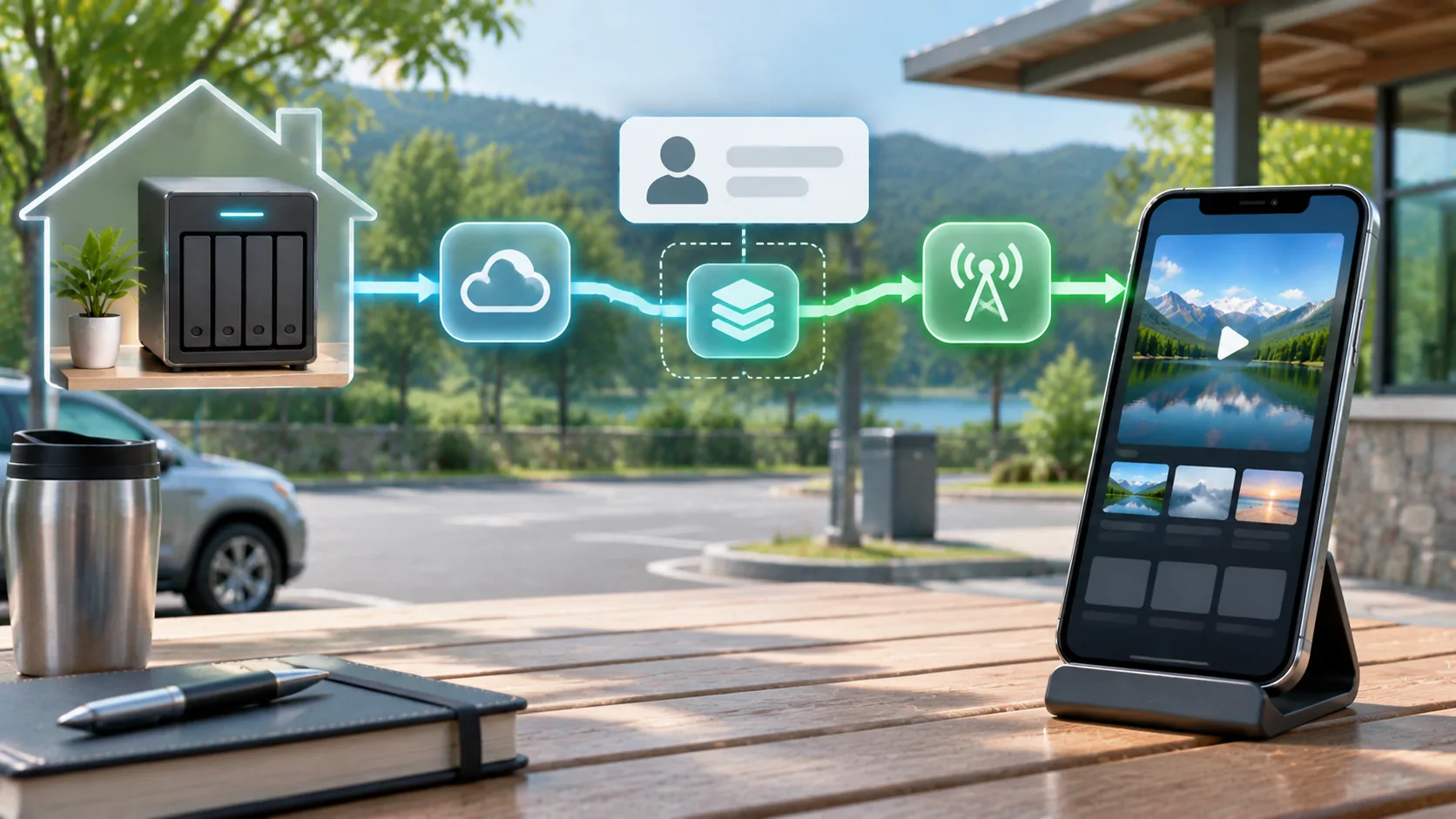
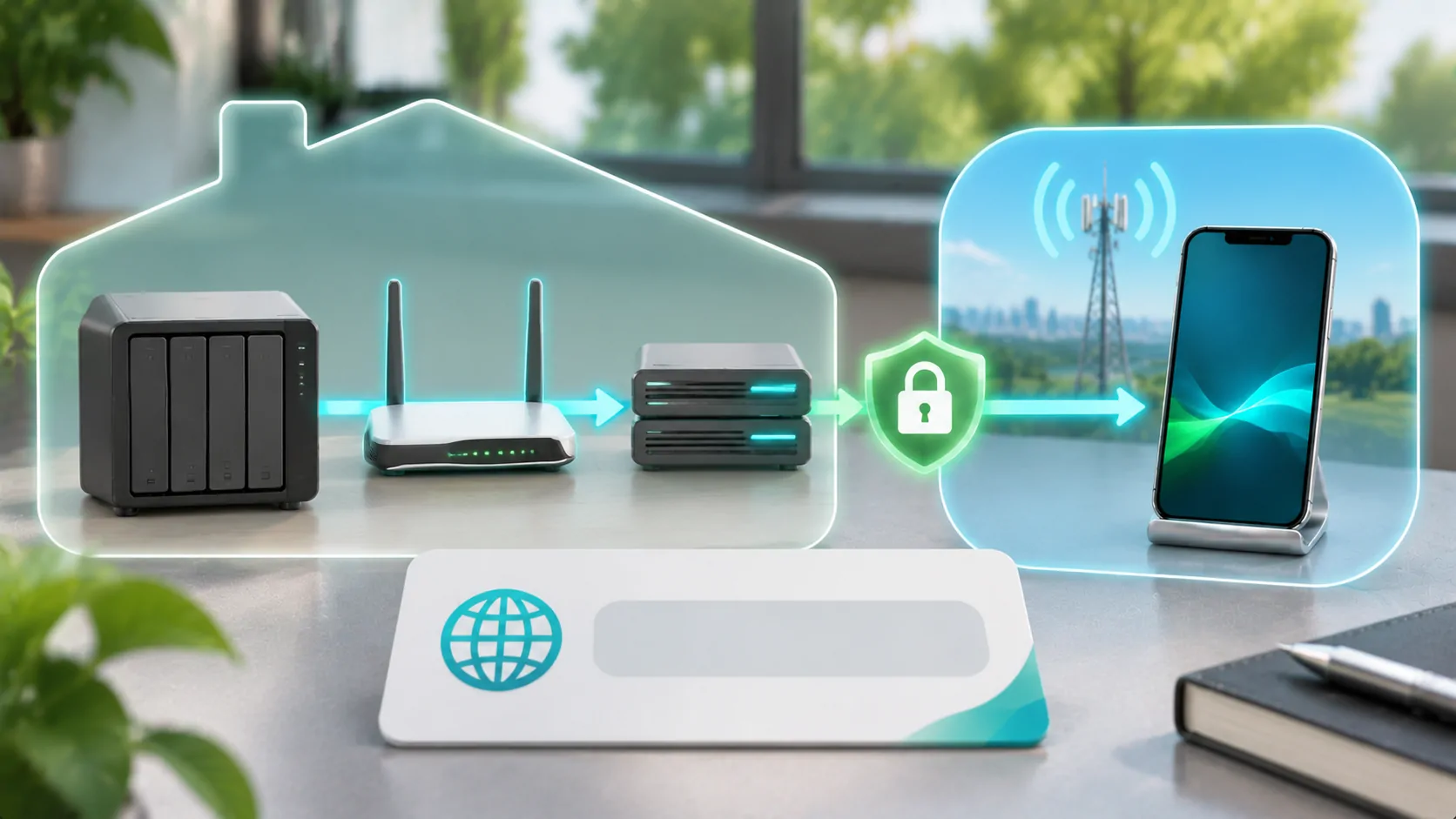
A speed problem does not justify opening additional router ports or disabling authentication. Check the documented remote-access design independently of bandwidth. Keep encrypted connections and server access controls in place. Jellyfin's official networking documentation should guide its configuration; other servers can have different requirements and supported connection methods.
If a VPN is part of the route, compare its throughput and latency using the same authorized server and client. VPN processing and routing may reduce available capacity, but a VPN can also be required by your security design. Document the difference rather than treating VPN removal as a general fix. Do not publish private server addresses or working access tokens in troubleshooting screenshots.
Set an offline fallback before travel
When a route includes poor reception or uncertain upload conditions, verify an authorized offline option while still at home. Check that the chosen client really supports downloaded playback and that the file remains available without server authentication. A library thumbnail or cached metadata entry is not an offline movie.
Vehicle display support is an additional, separate requirement. A stream playing on an iPhone does not establish permission or compatibility for a dashboard screen. Plan any supported video viewing for safe parking. A useful travel record includes output bitrate, available upload, client network, simultaneous users and the working fallback, so a future interruption can be diagnosed from evidence rather than a broadband advertisement.
Sources
Related reading
Bring your own media.
Explore CarCast for iPhone with your own authorized sources and supported display configurations.