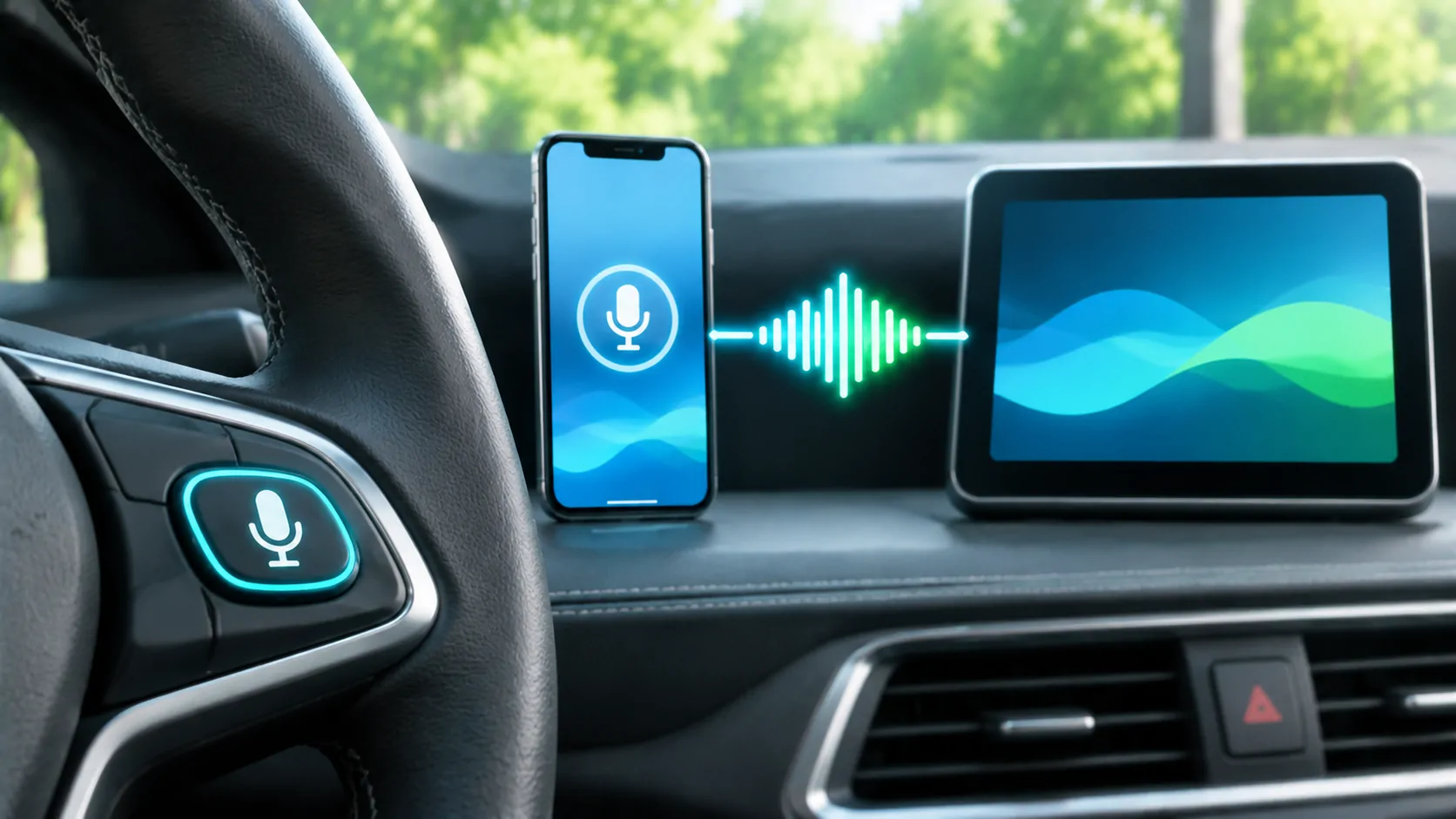
Using Siri with CarPlay: Controls and Limits
Use the steering-wheel button, CarPlay screen or supported voice activation for Siri, and distinguish microphone, connection and request limitations.
CarCast Insights
A closer look at CarPlay, personal media and the connections between them.
Use the steering-wheel button, CarPlay screen or supported voice activation for Siri, and distinguish microphone, connection and request limitations.
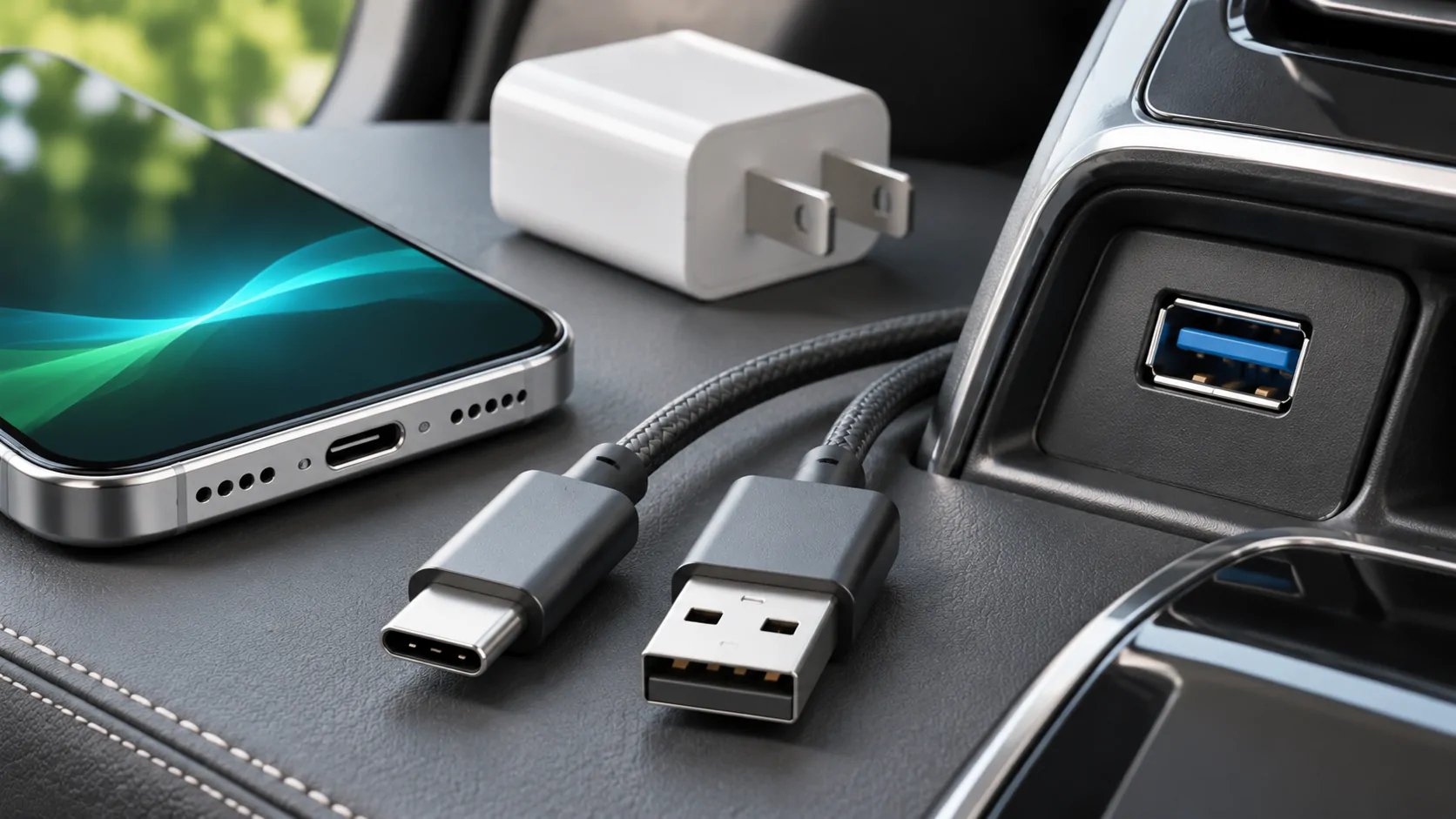
Choose a CarPlay USB-C cable by connector, data support and receiver requirements, and use controlled tests instead of charging wattage claims.
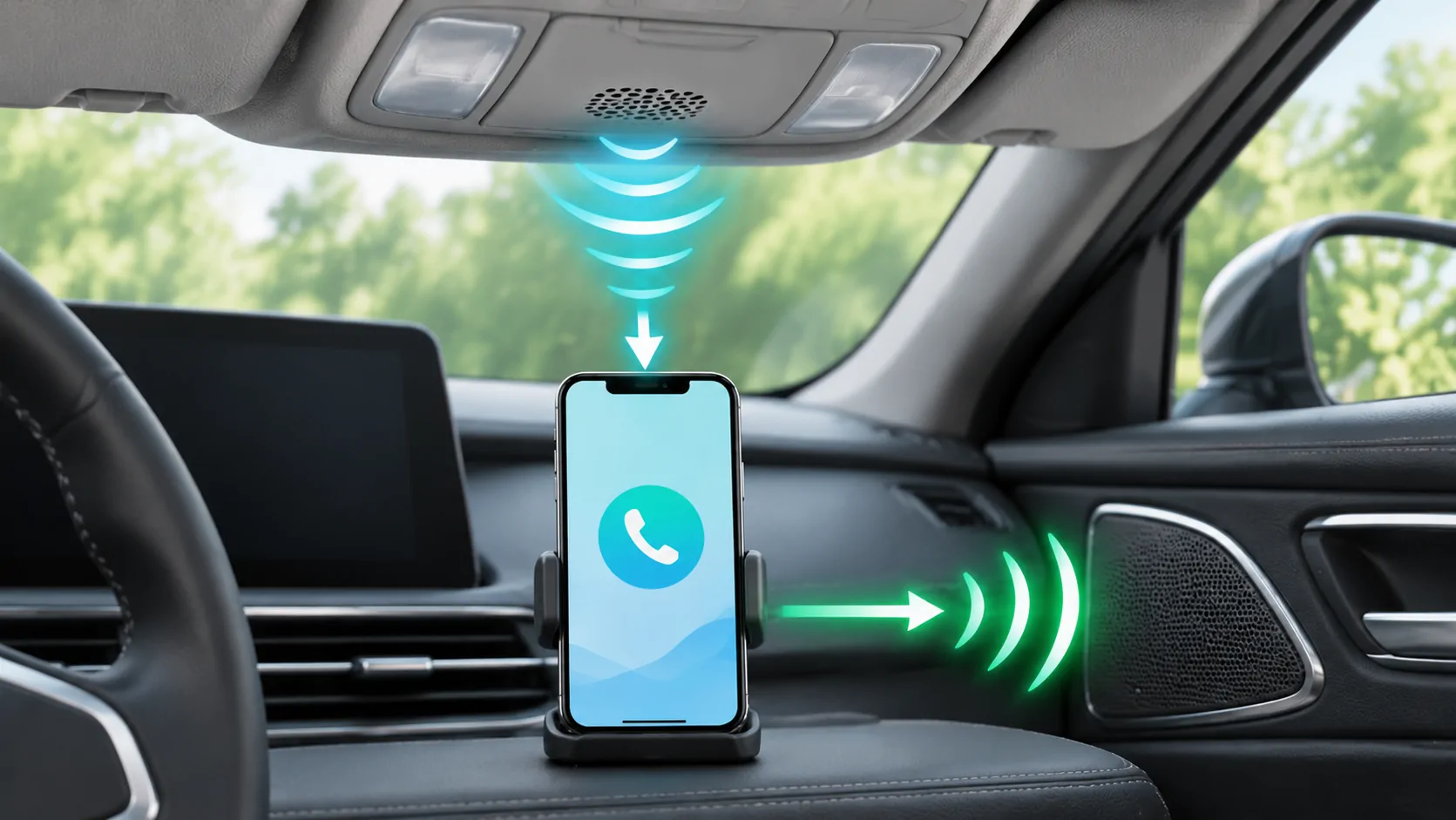
Diagnose CarPlay call microphone problems by checking mute, audio route, app permissions and separate phone-versus-vehicle input tests.
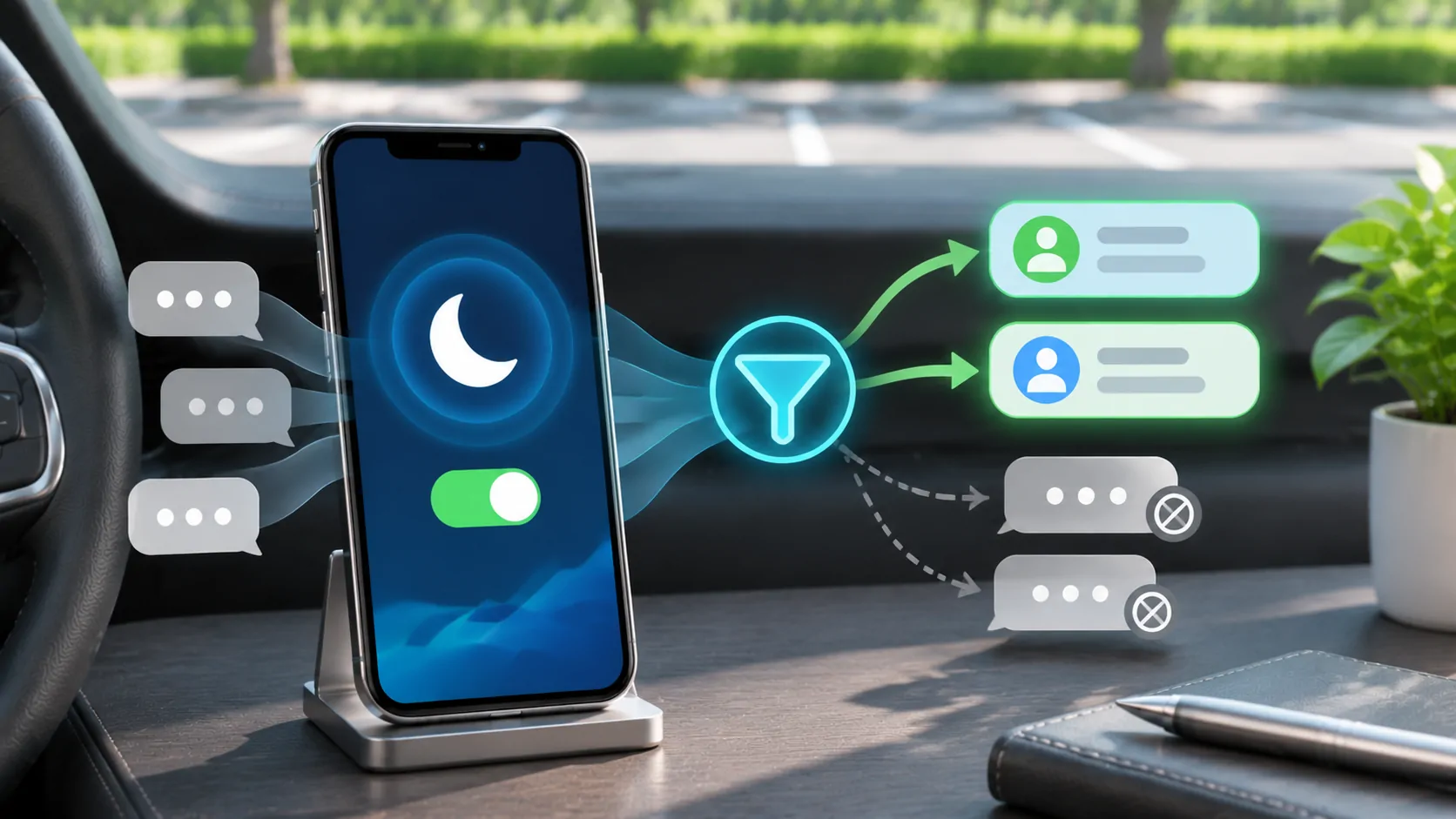
Configure Driving Focus activation, allowed notifications and auto-replies without confusing a deliberate quiet policy with a CarPlay failure.
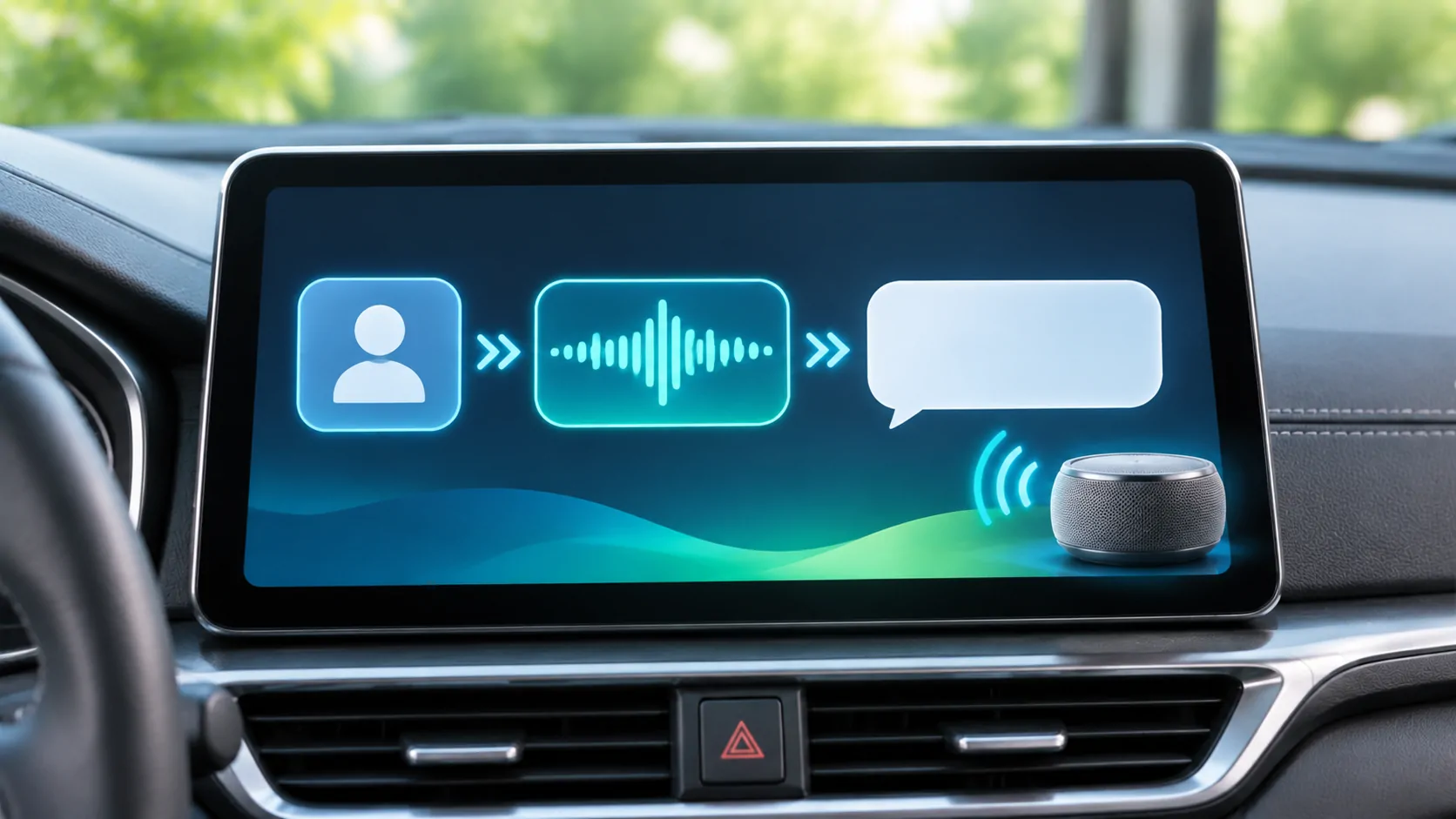
Send and hear messages through supported CarPlay and Siri controls while checking recipients, announcement settings and privacy.
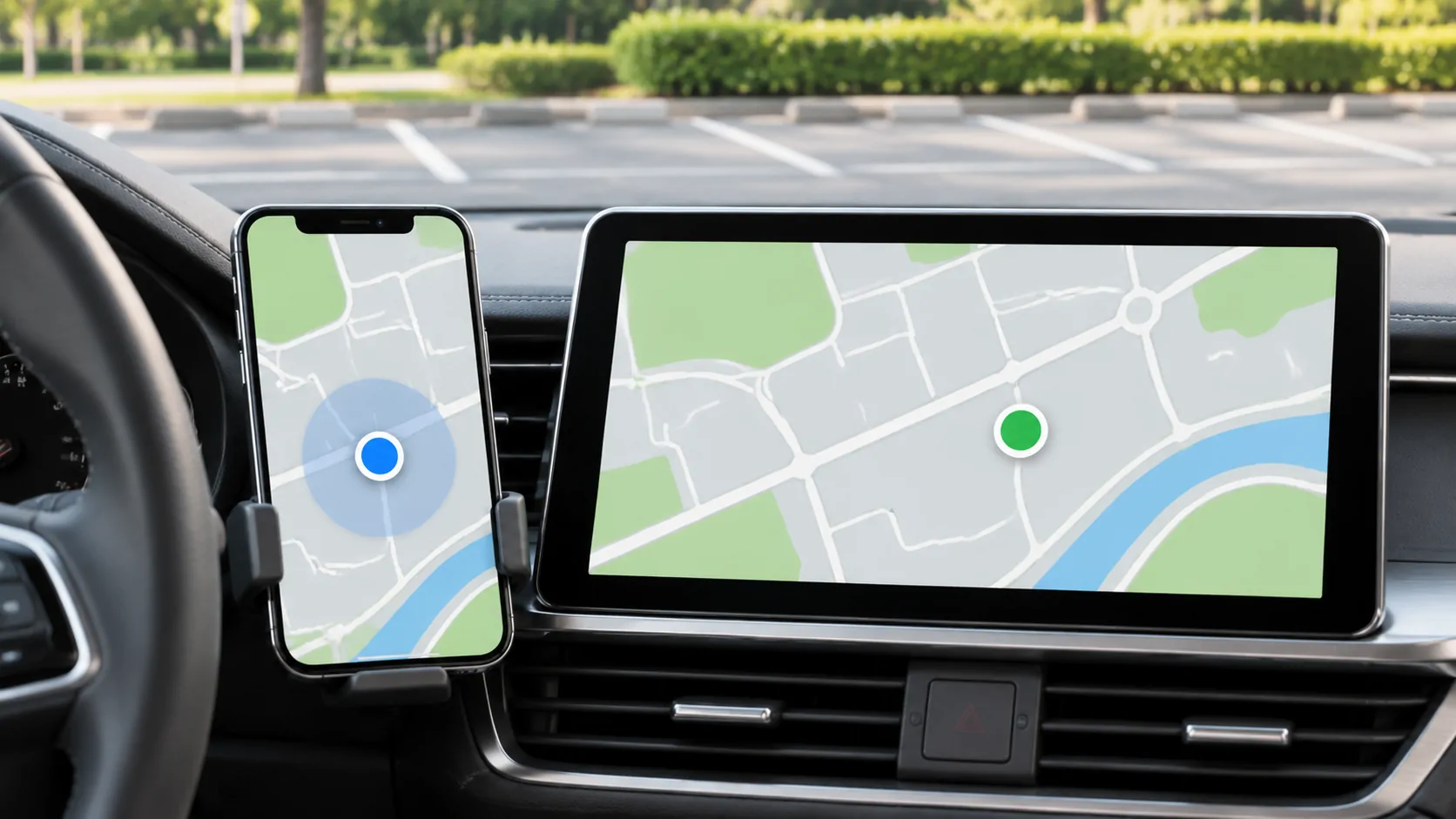
Diagnose incorrect CarPlay map positions by separating location permission, signal accuracy, map data and vehicle-display differences.