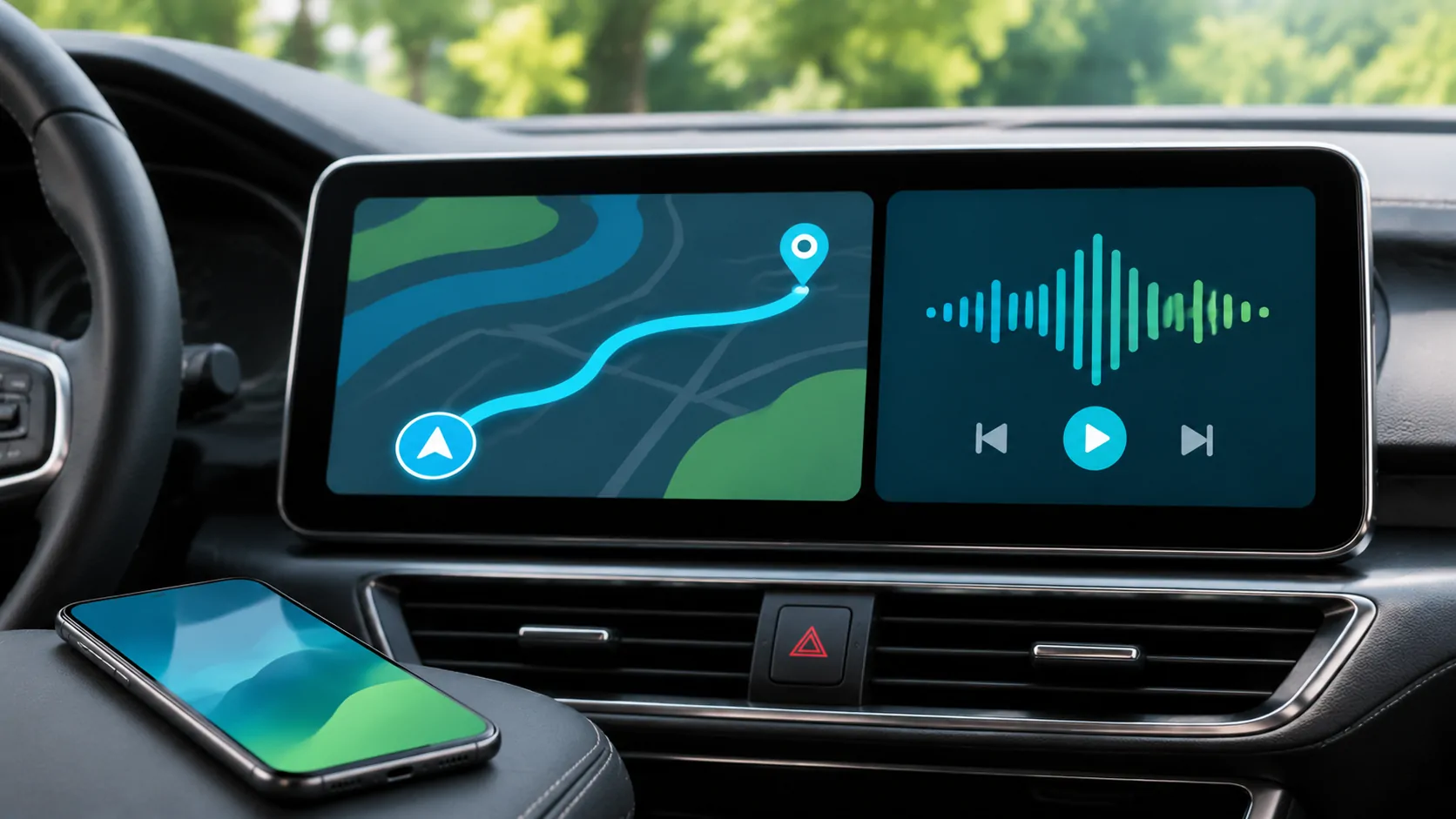
Using the CarPlay Dashboard without Losing Your Route
Use CarPlay Dashboard to keep navigation and audio in view, distinguish view changes from task changes, and diagnose disappearing route information.
CarCast Insights
A closer look at CarPlay, personal media and the connections between them.
Use CarPlay Dashboard to keep navigation and audio in view, distinguish view changes from task changes, and diagnose disappearing route information.
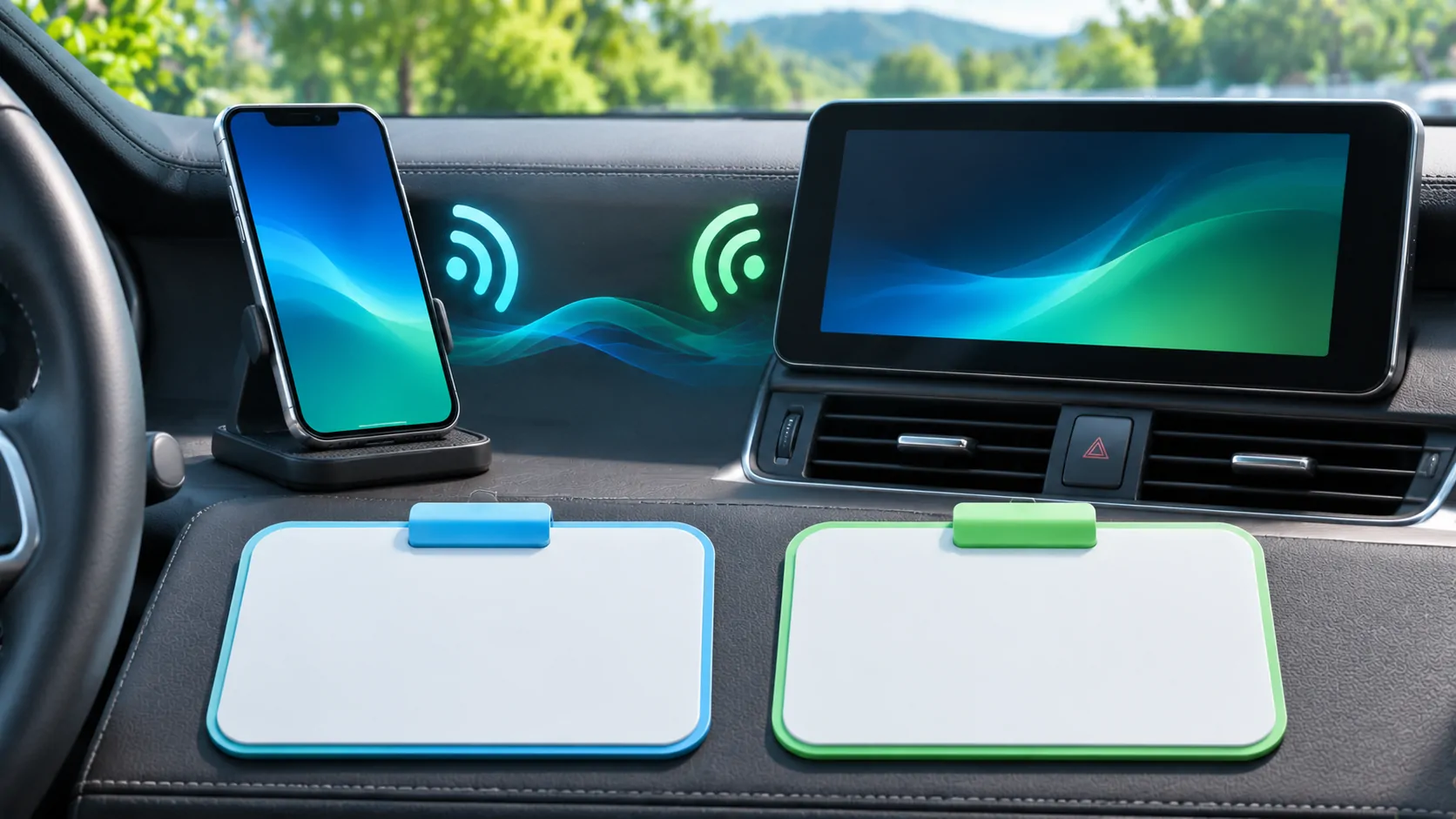
Set up wireless CarPlay with a compatible receiver, Bluetooth and Wi-Fi, then distinguish pairing, reconnection and internet-access problems.
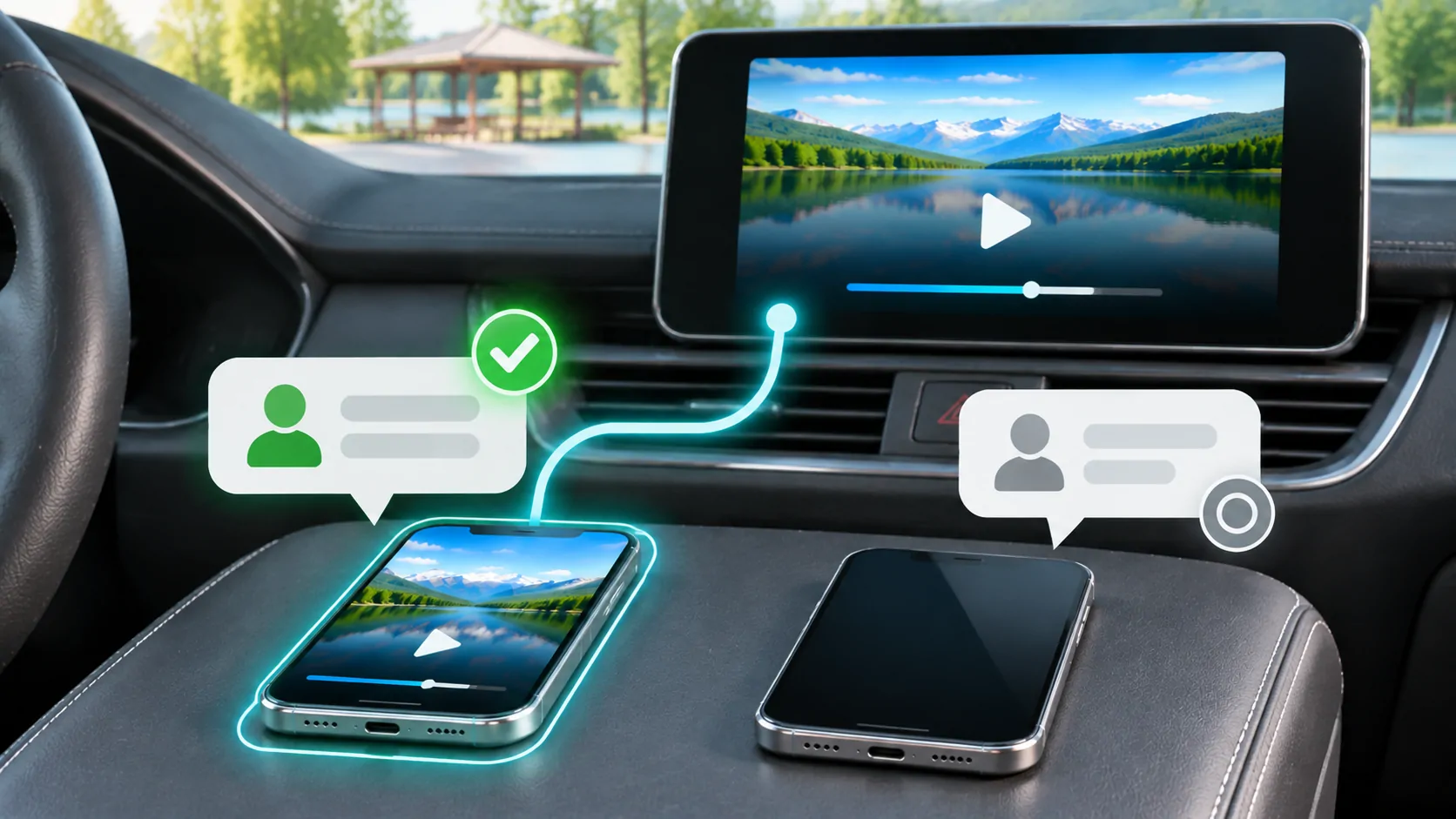
Switch two iPhones in a shared CarPlay vehicle by selecting the active device, preserving separate profiles and checking audio and privacy.
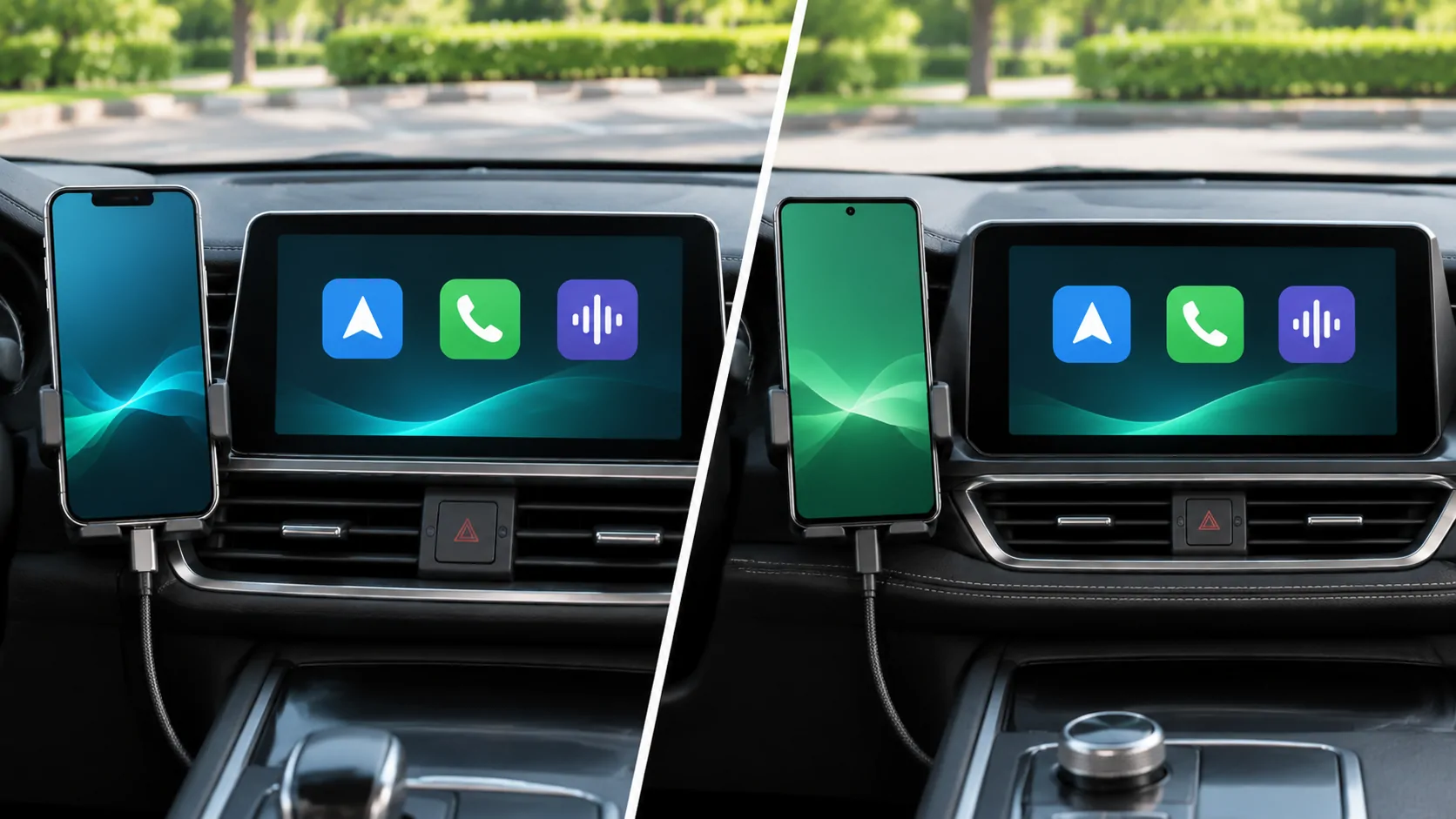
Compare supported tasks and the equipment in your car rather than assuming the two systems have identical requirements.
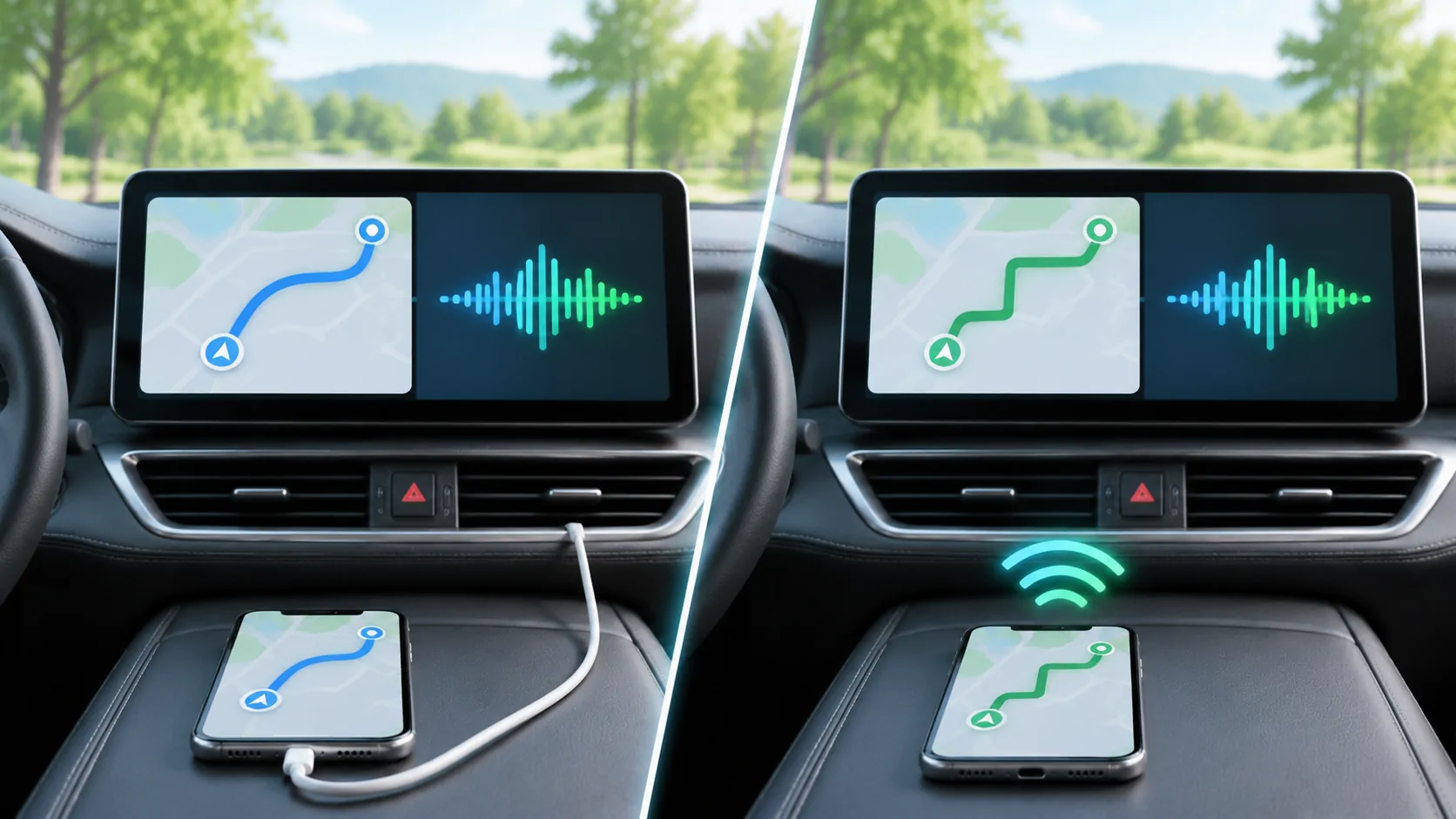
Changing how the phone connects does not automatically change what the vehicle display supports.
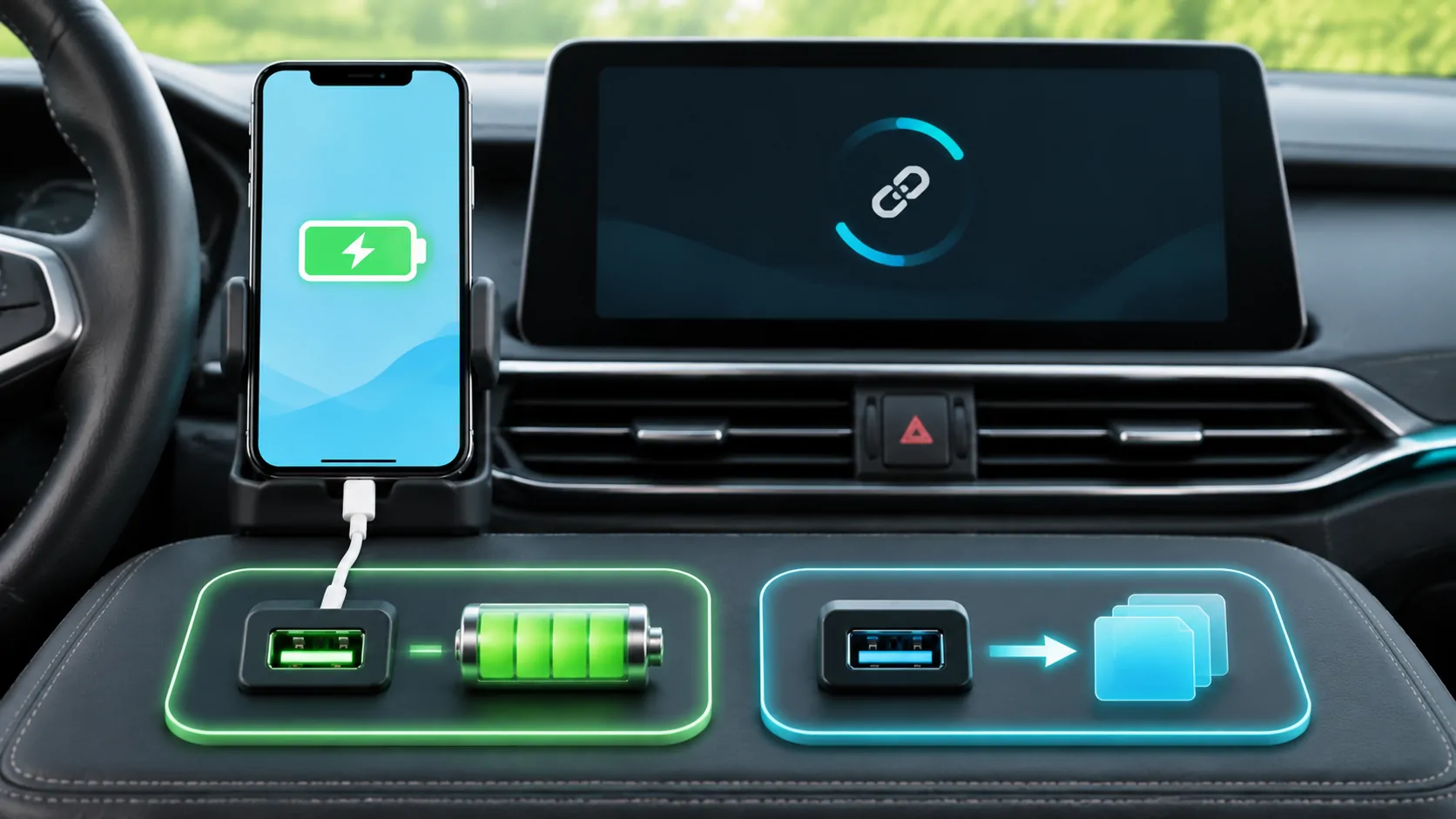
Troubleshoot an iPhone that charges without starting wired CarPlay by checking the data port, cable, restrictions and receiver selection.