Guides
Choosing a USB-C Cable for CarPlay
Choose a CarPlay USB-C cable by connector, data support and receiver requirements, and use controlled tests instead of charging wattage claims.
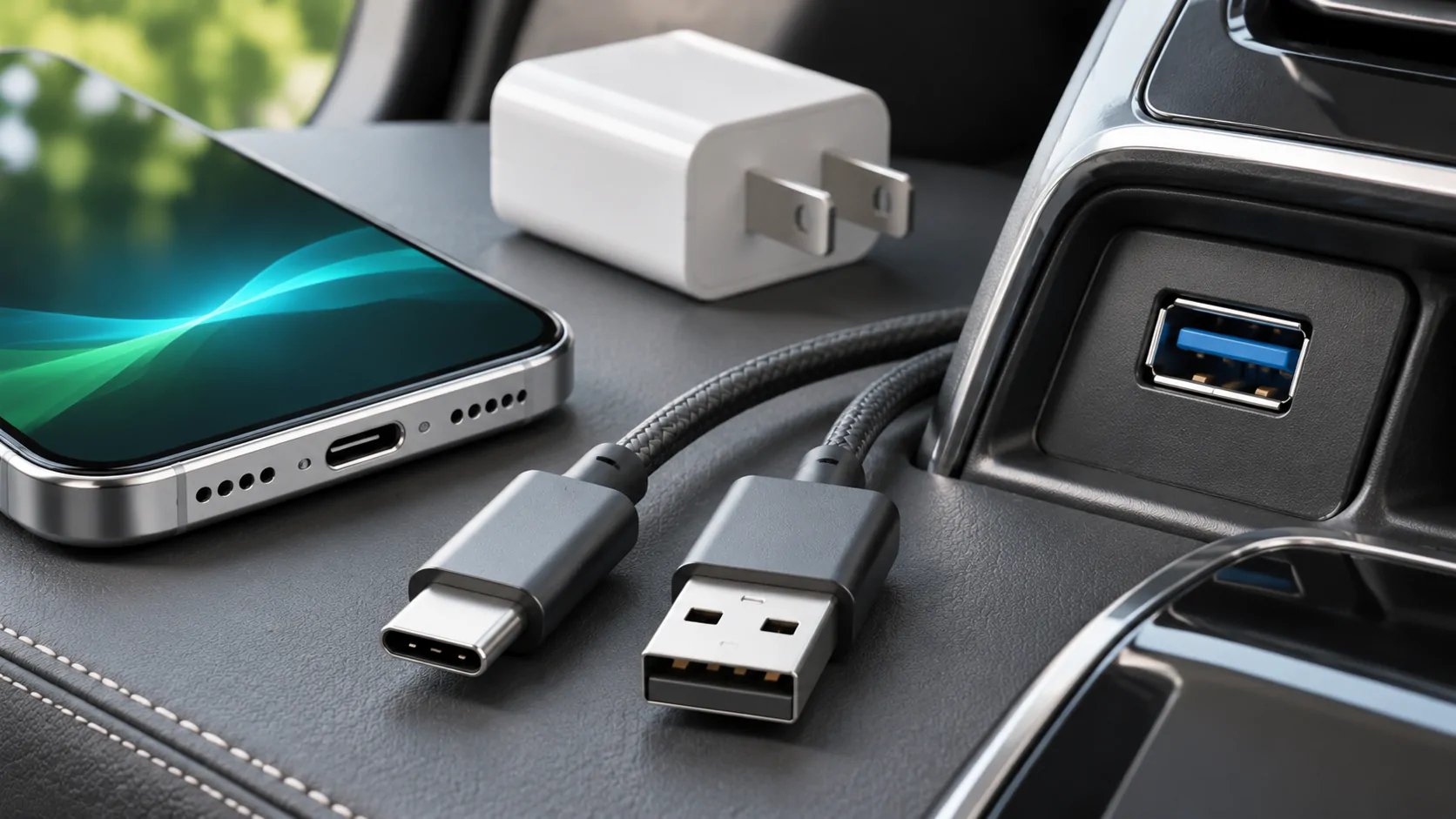
A suitable CarPlay USB-C cable must fit the iPhone and the vehicle's CarPlay port, support data, and work reliably with that receiver. Charging speed, cable thickness and an expensive retail label are not sufficient evidence. For troubleshooting, a direct cable with the correct connectors is usually the clearest reference because it removes extra adapter connections.
Start with the ports you actually have
Check the iPhone connector and the designated CarPlay socket separately. A newer phone may use USB-C while the vehicle exposes USB-A. Another receiver may provide USB-C, but a second USB-C socket elsewhere in the cabin might be charging-only. Connector shape does not identify the socket's role.
The owner's manual should show which port supports smartphone integration. Apple's setup guide notes that the port can be marked with a CarPlay or smartphone icon. If several sockets look identical, record their positions and test the documented one before comparing accessories.
Choose a connector pair that matches the installed equipment. Do not buy a cable solely because a product page says it is for a particular phone generation. A USB-C-to-USB-C cable cannot directly connect to USB-A, and adding an arbitrary adapter to make it fit introduces another compatibility variable.
Read data specifications, not just wattage
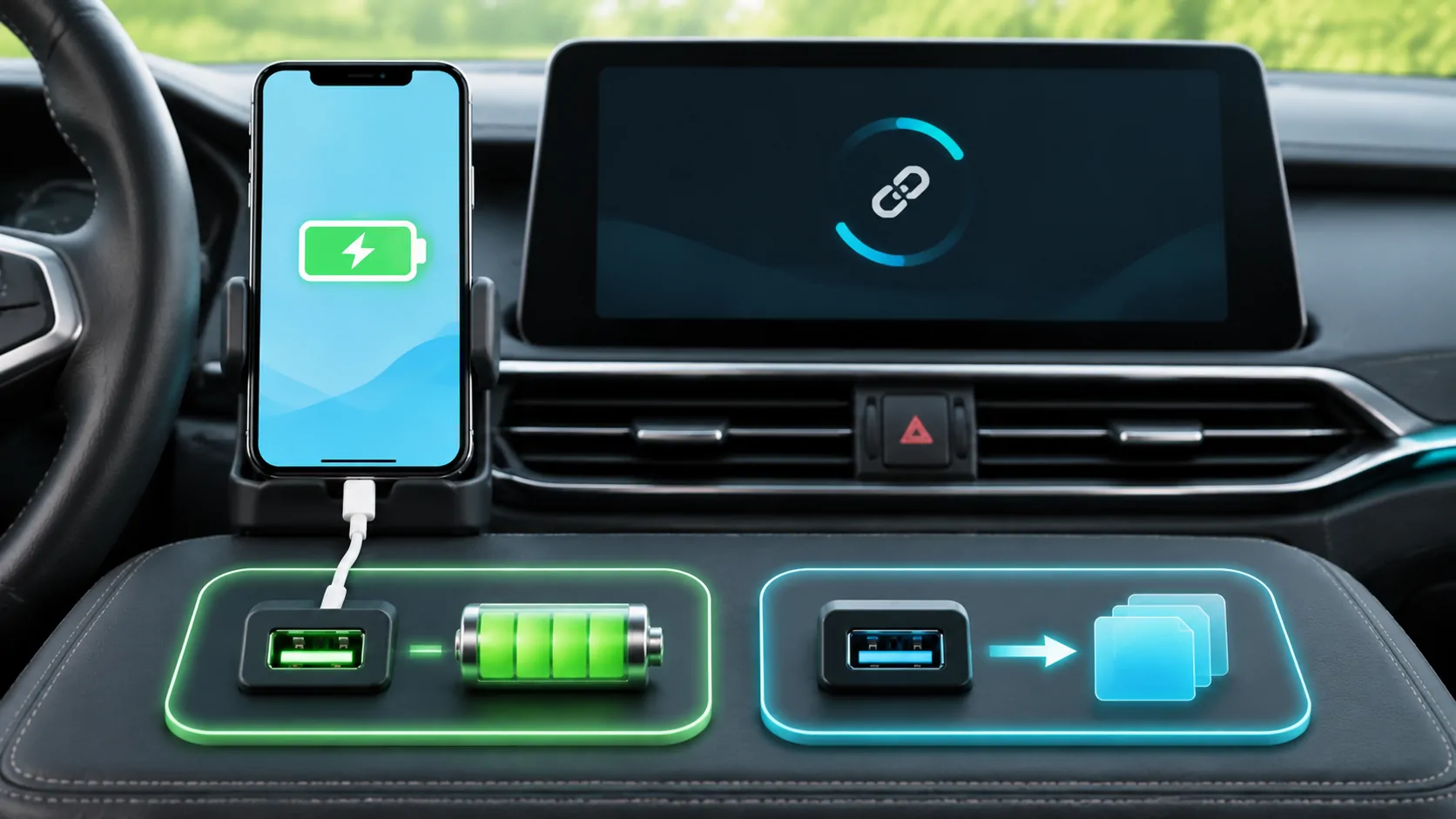
USB carries power and data through related but distinct functions. A cable that charges a phone successfully can still fail to provide a suitable data connection for CarPlay. Look for explicit data support in the accessory specification rather than treating a high charging-wattage claim as confirmation.
You do not need to infer a universal minimum transfer speed from a video-resolution claim. Ordinary CarPlay transport is not the same as directly connecting a computer monitor, and the receiver's supported connection is the relevant requirement. Follow the phone and receiver manufacturers' guidance instead of buying the fastest advertised cable by default.
Keep a purchase record and choose a supplier with a meaningful return policy. Where the specification is ambiguous about data, ask for clarification before relying on it. Avoid cables with damaged plugs, loose housings or exposed conductors even if they occasionally connect.
Understand the adapter exception
An existing Lightning accessory does not automatically become unusable when moving to a USB-C phone. Apple's USB-C-to-Lightning adapter documentation describes charging, data and audio support, including wired CarPlay in most vehicles.
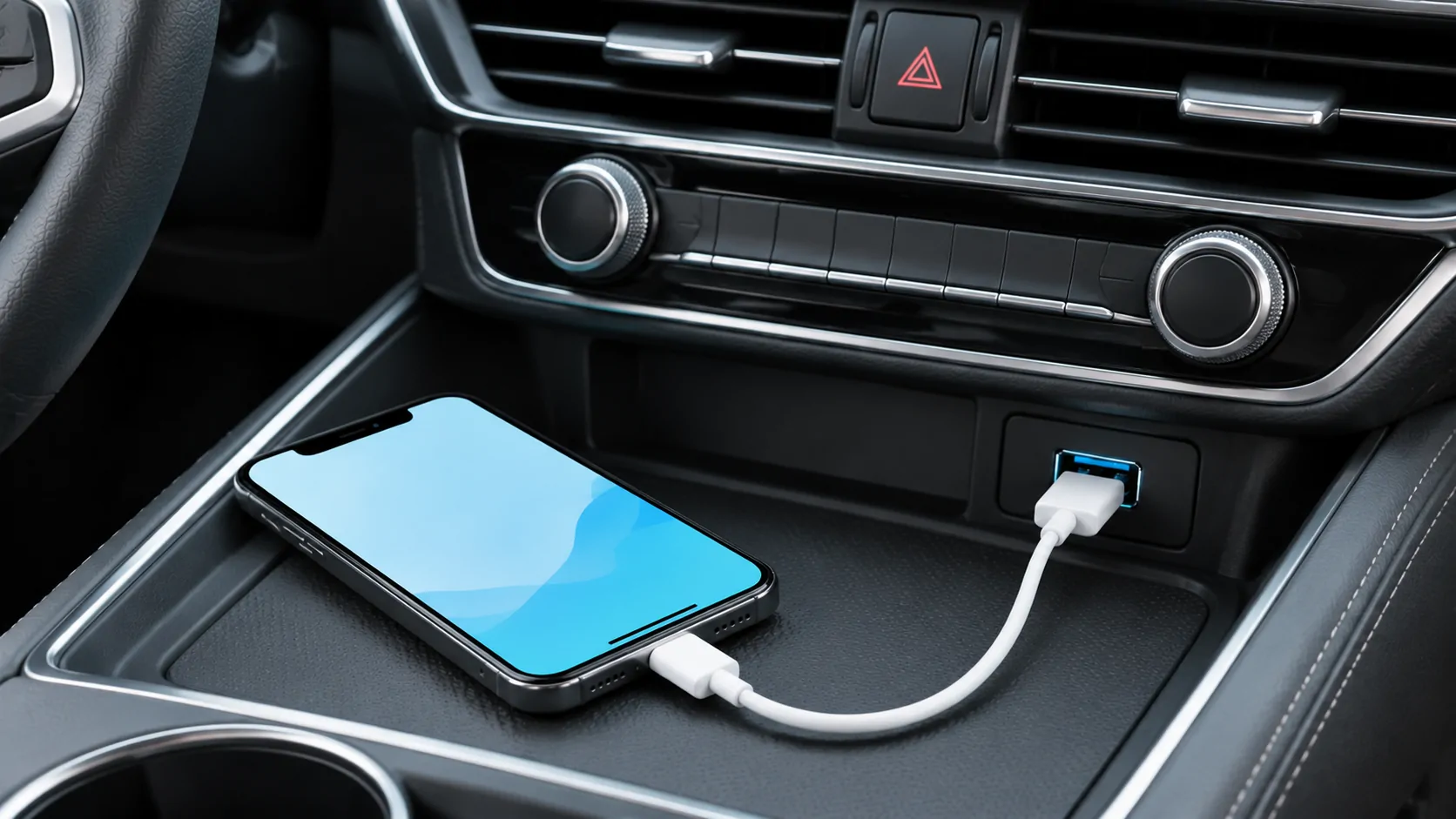
However, Apple explicitly warns that certain combinations of adapters, cables and vehicle entertainment systems can disrupt the connection. For such combinations, it recommends a direct USB cable. This is a reason to simplify a failing setup, not a basis for claiming that adapters are always unsupported.
If an adapter arrangement already works reliably, document the exact parts before replacing them. If it fails, compare a direct cable between the same phone and the same receiver port. Changing the port, phone and cable together makes it impossible to tell which change mattered.
Choose a practical length and route
Measure from the CarPlay socket to a secure phone location. Leave enough slack for normal handling while parked, but avoid a long loose loop across controls or pedals. A very short cable that holds the phone under tension can be less practical than a slightly longer suitable one.
Route the cable so closing a storage lid does not pinch it. Keep the plug away from repeated sideways loading. If the phone slides around during ordinary vehicle movement, secure the phone rather than using the cable as its restraint.
A coiled cable or right-angle connector may solve a placement problem, but it can also fit poorly around a phone case or recessed port. Check the mechanical fit without forcing it. Physical convenience should complement a working data connection rather than substitute for one.
Compare cables with a controlled test
Begin with the phone charged enough for testing, the car parked, and the same receiver port selected. Restart the connection normally, then check whether the CarPlay home screen appears. Open a supported app and play a known audio item. Record the result for each cable.
A useful comparison changes only the cable. If cable A repeatedly starts CarPlay and cable B only charges, the evidence points toward cable B or its connector fit. If both fail on one port but work on another documented data port, the receiver port or its configuration deserves attention.
Do not flex a damaged cable aggressively to provoke a failure. If gentle repositioning consistently disconnects an otherwise stable session, stop using that arrangement and inspect it safely. A short successful test does not establish long-term reliability in every temperature or installation.
Interpret failures before buying again
If no cable works, check compatibility, CarPlay restrictions, Siri and receiver settings. Apple's troubleshooting instructions recommend trying another cable and port, but also include software, pairing and manufacturer-firmware checks. Repeatedly buying cables will not fix a disabled feature.
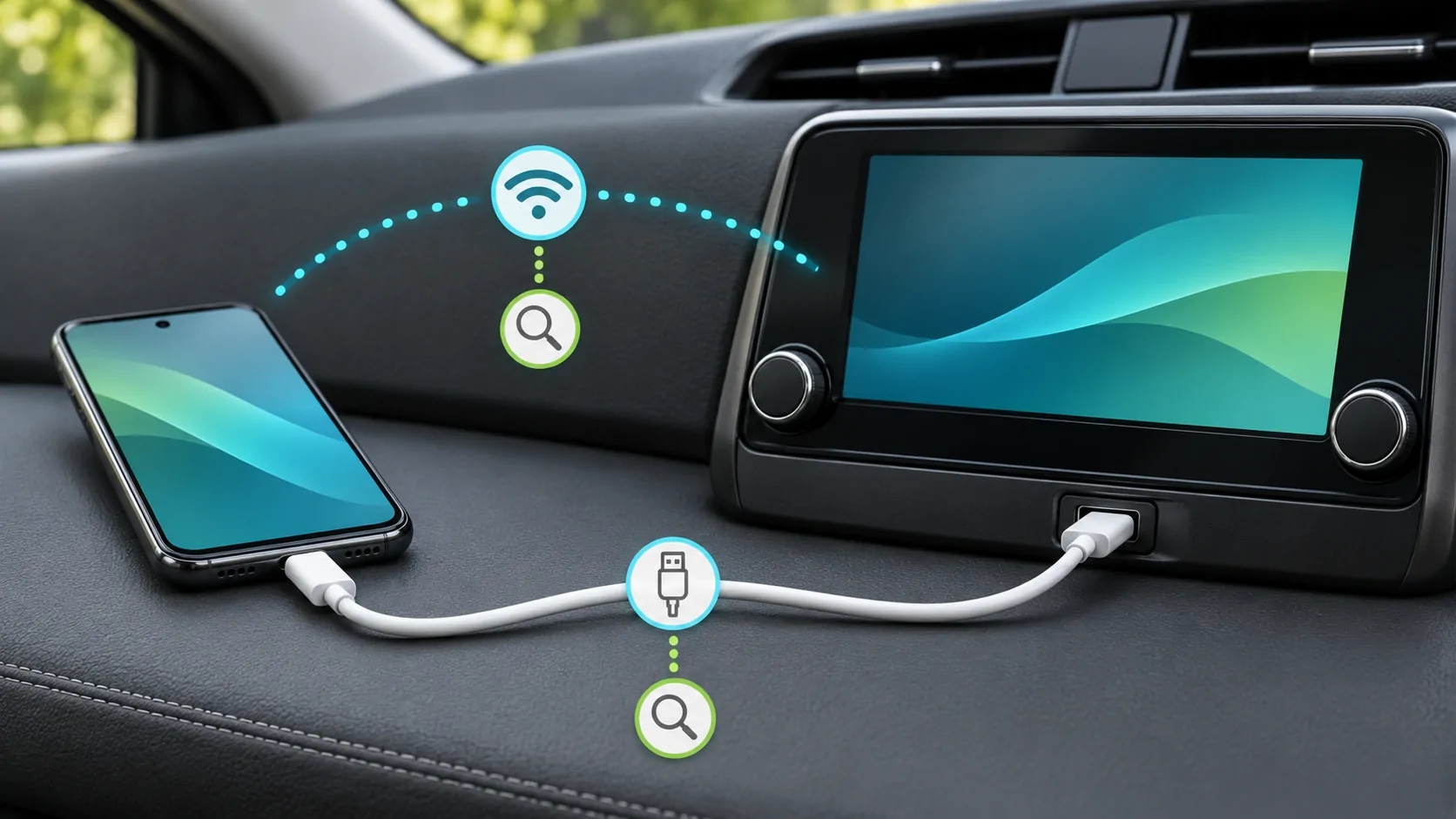
If the phone charges but the interface never appears, use the USB recognition diagnostic. If the interface opens and later drops, the disconnection guide helps distinguish contact problems from wireless, software or app failures.
A cable is also not an upgrade to a different capability. It cannot establish that the vehicle supports parked video, screen mirroring or a particular media service. Verify those independently rather than interpreting a stable CarPlay audio session as a universal compatibility result.
Keep one known working reference
Label a proven cable or keep it in the car's normal setup. Record the phone, receiver, port and any adapter used. When a future software update or phone replacement changes the behaviour, this reference lets you repeat a meaningful comparison.
Replace a worn accessory when there is clear evidence of damage or instability. Choose the simplest documented arrangement that meets the actual connector and data requirements. The goal is a repeatable connection, not a particular brand, charging number or unsupported promise that one cable works with every vehicle.
Sources
Related reading
Bring your own media.
Explore CarCast for iPhone with your own authorized sources and supported display configurations.