Skip to content
CarCast
FeaturesCarPlaySourcesFAQInsights

Choose language

English (U.S.)English (U.K.)English (Canada)English (Australia)Español (España)Español (México)Español (España)Português (Brasil)DeutschFrançaisItalianoالعربية日本語Português (Portugal)Français (Canada)FrançaisNederlandsTürkçePolski한국어繁體中文Bahasa Indonesia简体中文Русскийहिन्दीBahasa MelayuไทยTiếng ViệtSvenskaČeštinaRomânăעברית
Download for iPhone
CarCast/Insights

CarCast Insights

Guides

A closer look at CarPlay, personal media and the connections between them.

AllGuidesCarPlay NewsVideo & CastingIPTV & MediaCompatibility
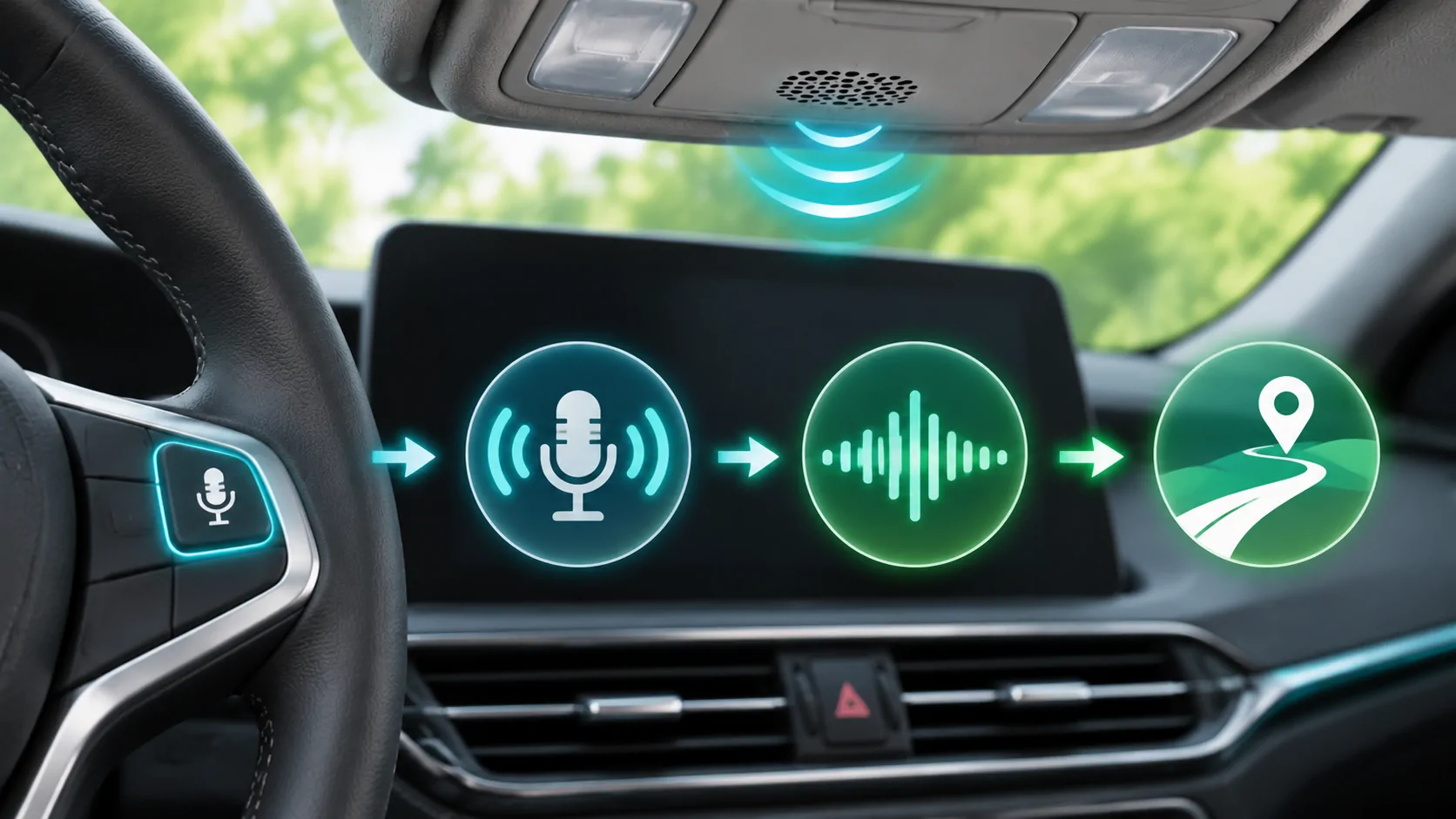
Illustration linking a steering-wheel voice button to a microphone, speech waveform and location request.
Guides5 min read

Siri Not Responding in CarPlay

Find why Siri does not respond in CarPlay by separating activation, microphone recognition, network execution and app support.
Aug 4, 2026
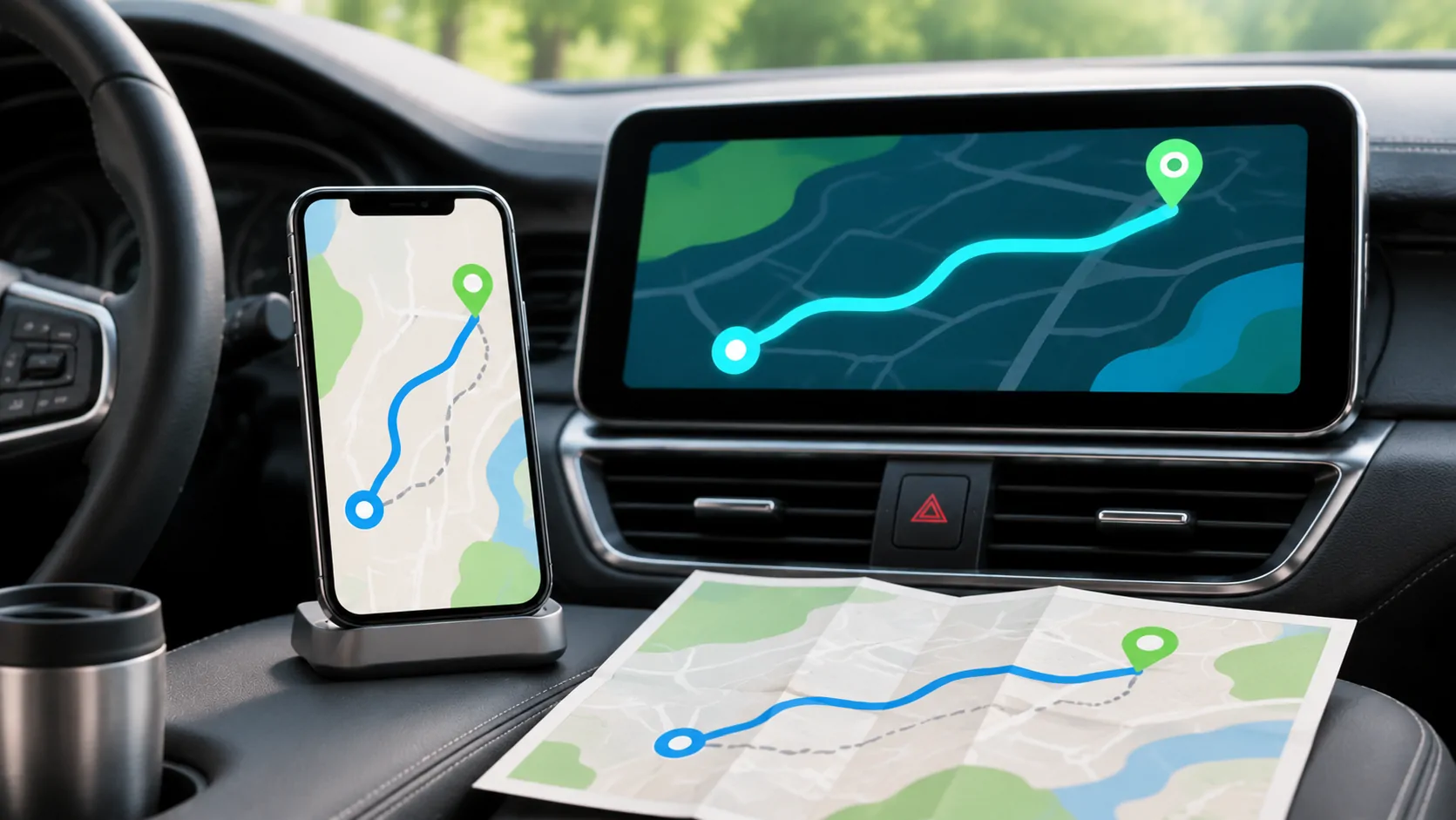
Illustration of a phone map, dashboard route display and printed map with start and destination markers.
Guides5 min read

Planning Routes with CarPlay Navigation Apps

Plan a CarPlay route by checking the destination, app, connection and offline limitations before departure, then verify guidance safely.
Jul 21, 2026
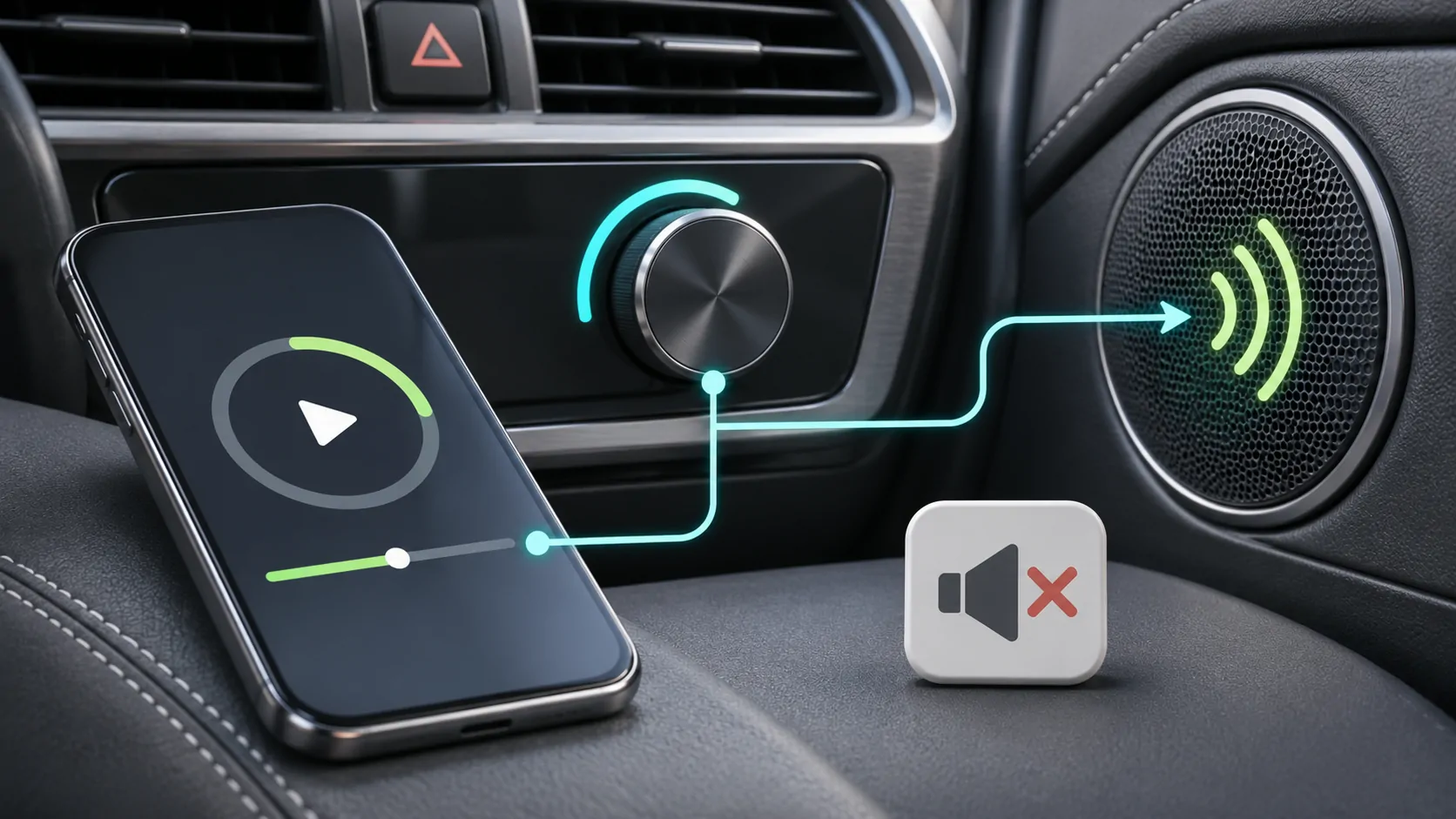
Illustration of phone playback, a car volume knob and a speaker linked by an audio path beside a mute symbol.
Guides5 min read

CarPlay Connected but No Sound: What to Check

Find the cause of silent CarPlay audio by comparing source selection, separate volume channels, call routing and local versus streamed media.
Jul 10, 2026
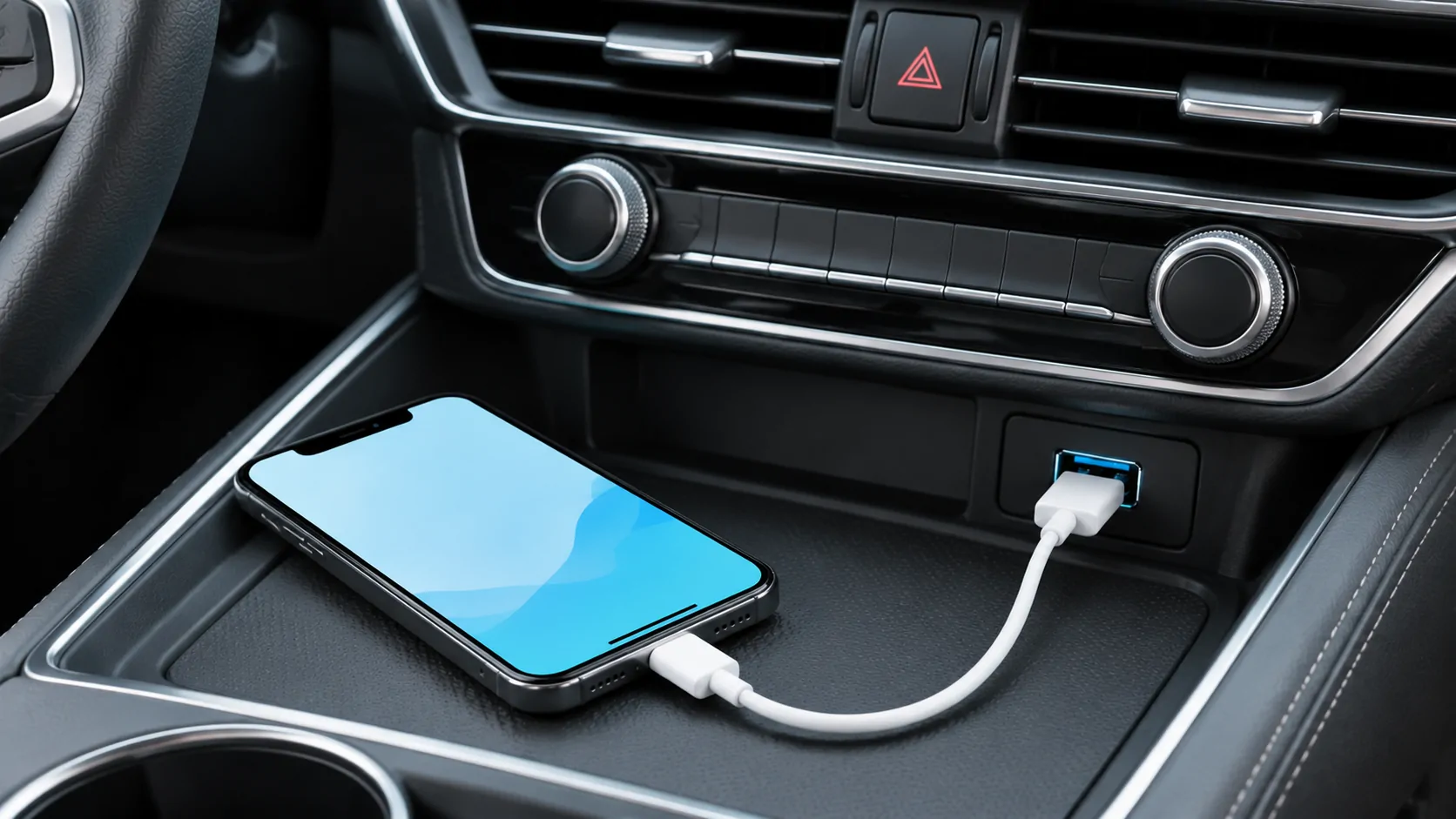
Illustration of a phone connected by a USB cable to the console port of a parked car.
Guides5 min read

How to Connect Wired Apple CarPlay

Connect an iPhone to wired CarPlay using the correct USB data port, cable and permissions, then verify navigation, audio and reconnection.
Jul 9, 2026
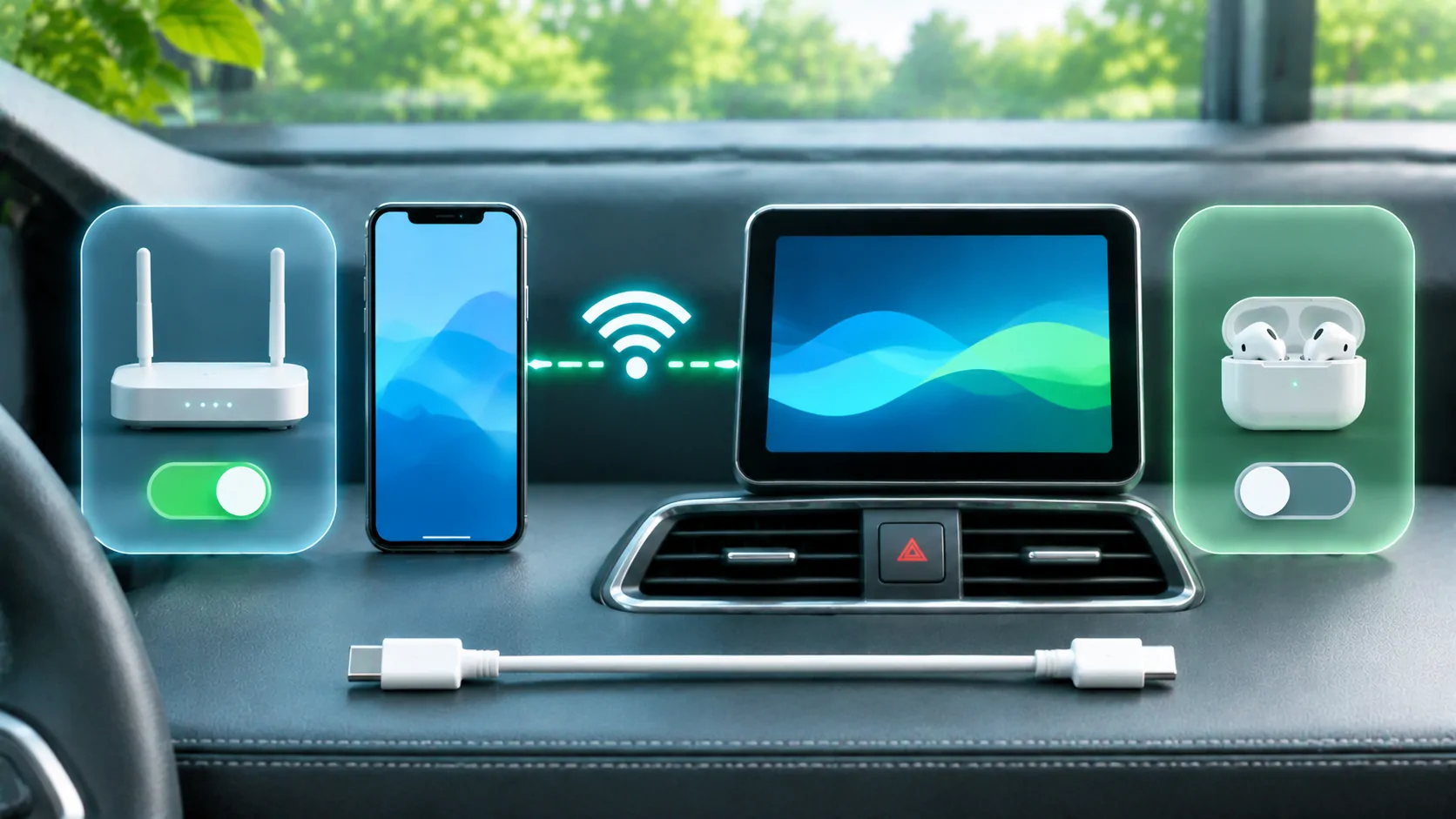
Illustration of a phone and dashboard display surrounded by router, earbud and cable connection options.
Guides5 min read

Diagnosing Wireless CarPlay Wi-Fi Interference

Investigate suspected wireless CarPlay interference with repeatable parked comparisons rather than assuming every wireless failure is radio noise.
Jul 2, 2026
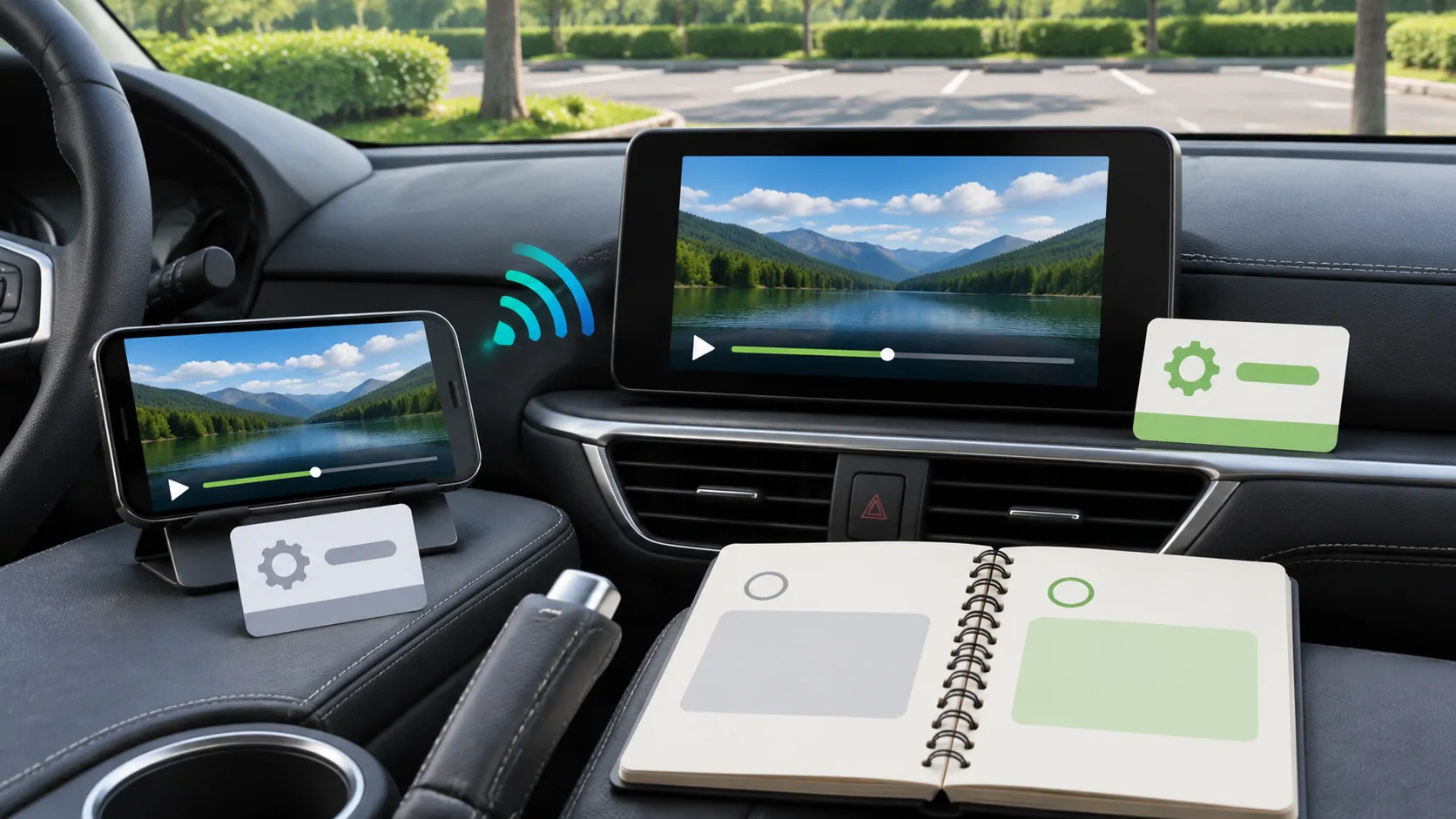
Illustration of a phone and dashboard display with wireless, settings and connection checklist symbols.
Guides5 min read

CarPlay Problems after an iOS Update

Investigate CarPlay problems after an iOS update without assuming causation, using version records, controlled tests and separate receiver checks.

Jun 22, 2026
12345
CarCast

Your media. On the road.

Download for iPhone

Product

FeaturesCarPlaySources

Resources

FAQCompatibilitySupport

Legal

Privacy PolicyTerms of Use
Video playerIPTV playerScreen mirroringBrowserAdd an M3U playlistConnect media serversInsights

CarCast is a media player. It does not supply, sell, license or host IPTV channels, movies, television series, playlists or media subscriptions. Users must provide and have rights to their own sources.

Apple, iPhone, AirPlay, CarPlay and App Store are trademarks of Apple Inc. CarCast is not affiliated with or endorsed by Apple.

© 2026 Bloom Data Technology Limited. All rights reserved.jhon6897@163.com