CarPlay News
CarPlay Video Announcements and Actual Availability
Distinguish Apple’s current CarPlay video category from app approval, vehicle integration, SDK details and actual availability in a parked vehicle.
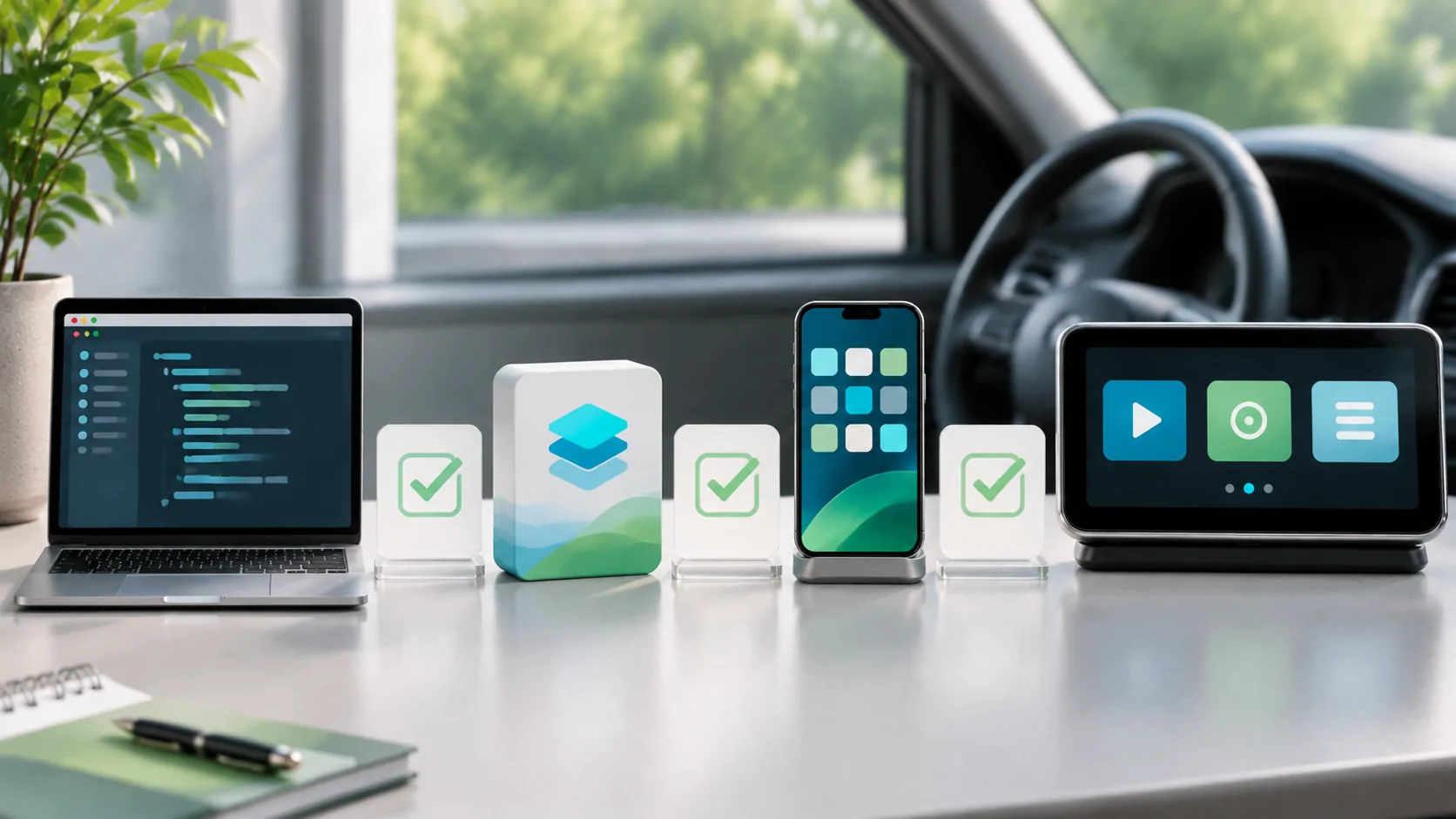
Current category support is only the first layer
Apple's current CarPlay developer page explicitly describes video apps for supported cars when parked. As checked on November 6, 2026, it is inaccurate to describe the official category as merely hypothetical. It is equally inaccurate to turn that category statement into a claim that every CarPlay vehicle or every iPhone video app already supports dashboard playback.
For a useful availability answer, identify the app, approved capability, relevant software, specific vehicle implementation and permitted operating state. Each layer can be ready at a different time. A platform announcement is evidence about the platform; an app listing is evidence about the app's claims; a documented or tested vehicle configuration is needed for the destination screen.
Distinguish video apps from AirPlay video
The same developer overview separately discusses AirPlay video in the car. It says automakers integrate support so people can watch iPhone video on the CarPlay display when they are not driving. That route is not automatically identical to a video app presenting its own CarPlay experience. Keep the connection and app architecture explicit when asking whether a feature works.
Screen mirroring, a web player, a third-party computing box and a CarPlay video app are also different mechanisms. One route working does not prove the others. A guide should name what the user selects on the phone and vehicle rather than using casting as a blanket term. This avoids buying hardware or installing software for a route the vehicle never implemented.
Separate app approval from a marketing description
CarPlay uses app categories and managed capabilities. Apple's entitlement request documentation explains review and configuration for eligible applications. A developer cannot establish approval merely by describing an app as a CarPlay player or adding an entitlement string to a local project. The approved capability must be available through the supported developer workflow.
For CarCast or any other product, verify the actual release, entitlement scope and vehicle requirements with the product team. This article does not claim that a particular CarCast build has passed such checks. An iPhone media feature list and an App Store download link are not substitutes for the technical and editorial evidence required to publish a vehicle compatibility claim.
Ask for precise SDK and operating-system evidence
A landing page can establish a category without documenting every API, minimum version or provisioning step. Developers should use the current Apple developer guide, framework reference and approved capability information for their project. Do not derive an API name or minimum iOS version from an announcement date, a search snippet or a guessed documentation URL.
Likewise, a new iOS point release does not automatically introduce all capabilities shown on the current CarPlay overview. Attribute a feature to a version only when the relevant release notes or API availability metadata support that statement. Where that detailed source has not been verified, state the uncertainty instead of filling the gap with an assumed release number.
Verify the vehicle independently
Ordinary CarPlay compatibility lists identify ordinary CarPlay support. They do not constitute a list of cars that implement parked video or AirPlay video. Obtain the exact model year, trim, market, infotainment generation and installed software. Ask the manufacturer for its supported feature and setup instructions, including any required update or activation.
Record whether the evidence is an announcement, an owner manual, a released update or an actual authorized test. These have different implications. A future model's capability should not be extended to an earlier model with a similar dashboard. Use the compatibility checklist to keep phone, app, car and route requirements separate rather than collapsing everything into a brand name.
Keep media rights and parked conditions intact
Supported vehicle video does not remove content licensing, DRM, account or output restrictions. A personal file may behave differently from a protected streaming service. Verify the source application's permitted output and playback requirements. A browser video playing on the phone is not proof it can be presented through every external display route.
All dashboard video evaluation must respect supported parked-use conditions. Do not bypass motion controls, simulate an allowed vehicle state or disable platform protection to make a demonstration succeed. A complete availability statement includes the operating state in which the function is permitted, rather than burying that requirement after a headline promising unrestricted playback.
Publish a bounded availability statement
A useful statement names the checked date, app and version, vehicle and region, software, route, source type and evidence status. If some details are unknown, say which ones. A successful local phone test, simulator session or ordinary audio connection can support that limited observation but does not establish real vehicle video behavior.
Maintain the distinction between official category support and confirmed product availability when updating the page. App entitlements explains the developer layer, while Ultra requirements addresses a different integrated vehicle capability. Clear separation lets users make an informed next step without turning a valid Apple announcement into an unsupported universal compatibility promise.
Sources
Related reading
Bring your own media.
Explore CarCast for iPhone with your own authorized sources and supported display configurations.