CarPlay News
CarPlay Ultra: Which Requirements Need Confirmation?
Check CarPlay Ultra by vehicle, region, current iPhone requirements and software status, without treating its 2025 launch specifications as universal support.
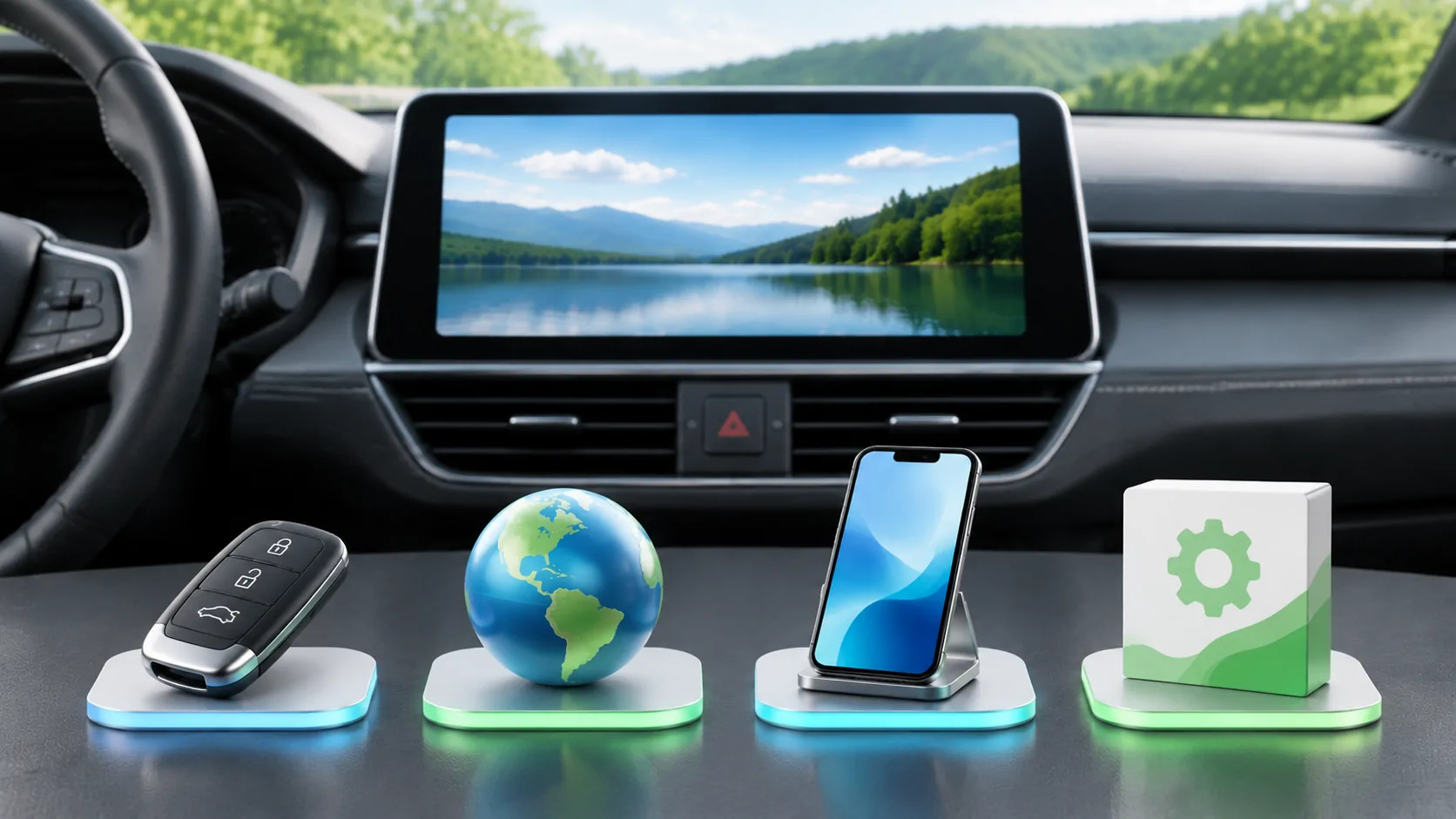
Confirm the exact vehicle implementation
CarPlay Ultra requires a vehicle implementation that explicitly supports Ultra. Ordinary CarPlay support does not establish that requirement, and a compatible iPhone alone cannot add it. Start with the exact model year, trim, region, installed system and, where necessary, VIN. Ask the manufacturer whether Ultra is available on that specific configuration today.
Apple's current developer overview describes Ultra as an integrated experience across driver displays, relying on the driver's iPhone. That architecture involves the vehicle and its built-in systems. A car with a large screen or a familiar CarPlay icon is not automatically an Ultra-compatible vehicle, regardless of how recent its phone software is.
Read the launch announcement as a dated record
Apple's May 15, 2025 announcement describes the initial Aston Martin rollout in the United States and Canada. It also describes an update route for eligible existing vehicles with the relevant next-generation infotainment. Those are specific launch conditions, not a general retrofit commitment for every car.
The same announcement names manufacturers working toward future support. A commitment in an older release is not proof that every named brand has delivered Ultra in every market by November 2026. Look for a current model specification, owner document or official delivery statement. Keep announced, orderable, delivered and available by update as separate evidence states.
Recheck the current phone requirements
The 2025 launch announcement specified iPhone 12 or later with iOS 18.5 or later. Preserve those numbers as historical launch requirements. Before a purchase or update, confirm the current requirements from Apple and the manufacturer for the actual vehicle. Do not assume a requirement can never change or that satisfying the phone minimum satisfies all vehicle conditions.
Record the exact iPhone model and installed iOS version when requesting support. Distinguish public software from beta software, and avoid using a beta as an unofficial eligibility shortcut. If the manufacturer requires a particular public release or a dealer update, follow that supported process. A higher version number is not a substitute for the full compatibility statement.
Verify market, hardware and software together
A model name can cover different infotainment generations and equipment in different countries. An imported vehicle may not match the specification advertised by the local distributor. Confirm both the car's original market and its current supported service region. If hardware replacement is required, obtain the manufacturer's exact description rather than assuming an ordinary software download will be sufficient.
Ask for the installed system version and the update that enables Ultra, if applicable. A general map update, connectivity subscription or display setting is not the same evidence. Keep a copy of the applicable official instructions with its date. The compatibility checklist provides a place to organize those details without turning a brand-wide claim into a vehicle-specific conclusion.
Understand the wireless and phone dependency
Apple describes Ultra as wireless and available when the driver's iPhone is present. It is not a standalone replacement for every native vehicle system. The developer overview also states that driving features remain powered by the built-in system. That distinction matters when asking what happens without a connected phone or when switching between drivers.
During a supported demonstration, check startup, phone selection and access to native controls. Ask the manufacturer how the vehicle behaves if the phone is absent, low on power or disconnected. Do not infer those details from the ordinary CarPlay experience in another model. A complete purchasing evaluation includes recovery and fallback behavior as well as the integrated display appearance.
Keep video availability separate
Ultra and parked video are not interchangeable compatibility labels. Apple's current developer page separately describes video apps in supported cars when parked and automaker integration for AirPlay video. A vehicle's Ultra support does not by itself establish every media application, content service or video route you might want to use.
Verify the exact feature with the manufacturer and app developer, including operating-state restrictions and content authorization. Conduct any supported video evaluation only while safely parked. Do not describe Ultra as a universal entertainment unlock or assume a media app's ordinary iPhone capabilities are all presented through the car interface. These are separate questions that deserve separate evidence.
Ask for a concrete availability answer
Before committing to a vehicle or upgrade, ask whether Ultra works on the actual car now, which phone and software are required, whether service is needed and what costs apply. A useful answer references the vehicle configuration and current documentation. A future roadmap statement should remain clearly labeled as future availability.
For an existing car, use the retrofit questions to distinguish a supported upgrade from speculation. Record the source and check date because availability can change. The correct result may be confirmed support, a documented future plan or no verified route yet. Maintaining that distinction is more useful than a long compatibility list built from launch announcements alone.
Sources
Related reading
Bring your own media.
Explore CarCast for iPhone with your own authorized sources and supported display configurations.