CarPlay News
CarPlay App Categories and Entitlements for Developers
Understand CarPlay categories, Apple entitlement review, managed capabilities, signing and why simulator or iPhone success does not establish vehicle availability.
Eligibility is a product requirement
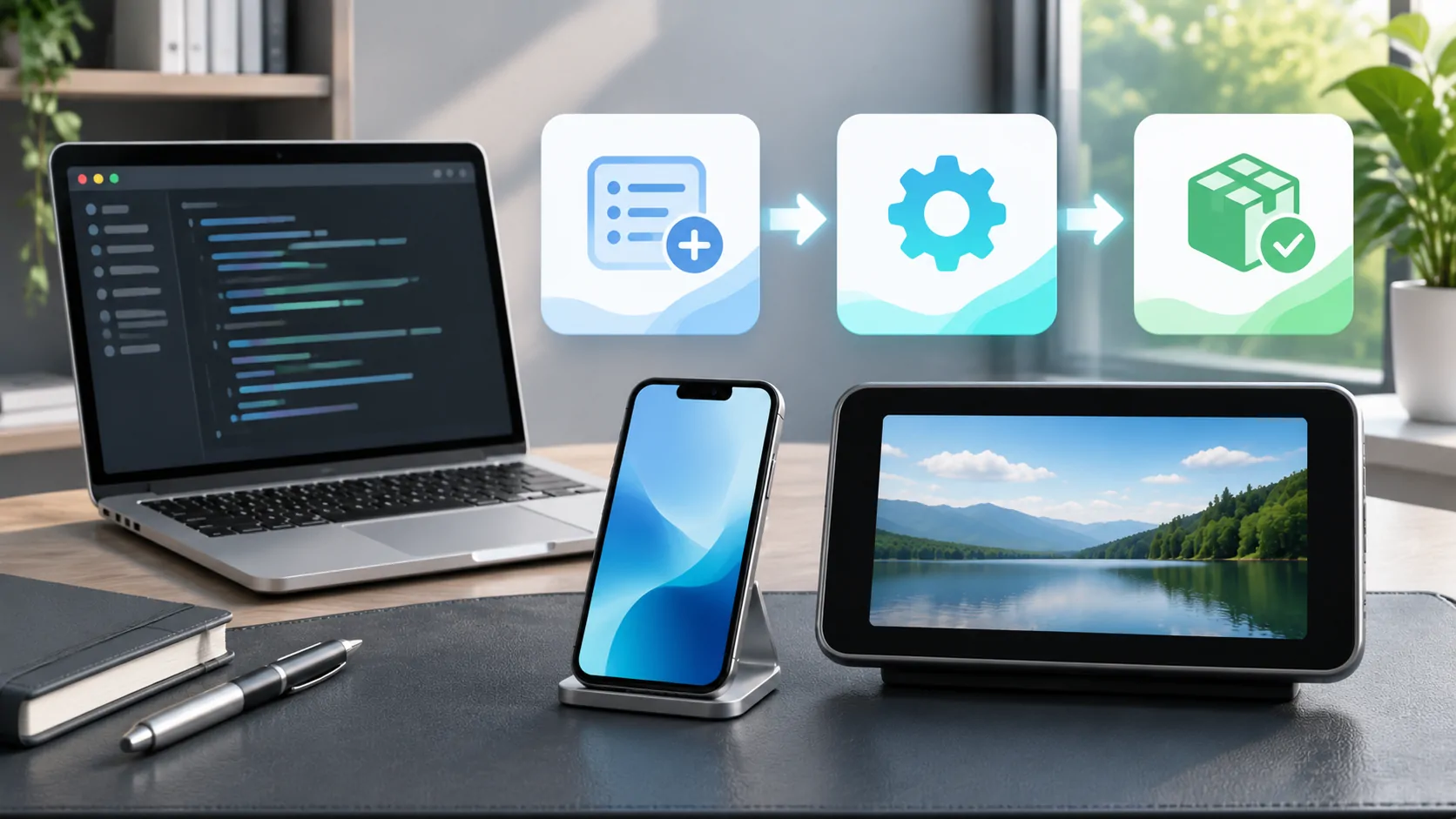
A CarPlay app needs to fit an eligible category and follow Apple's supported developer and review process. It is not enough to take an arbitrary iPhone interface and display it in the car. Start by defining the legitimate task, relevant category, expected operating conditions and information the driver or parked user needs. These choices affect both approval and implementation.
Apple's current CarPlay overview lists categories and capabilities, including audio, navigation and other driving tasks, as well as video in supported cars when parked. Use the current overview and detailed guide together. Older category tables may not reflect every newer landing-page update, so avoid presenting one historical list as a complete permanent inventory.
Distinguish an entitlement from an interface API
An entitlement is part of the application's authorized capabilities, while framework APIs and templates describe how the application implements its experience. Knowing an API exists does not establish approval to use a managed capability in a distributed app. Similarly, receiving category approval does not remove the need to implement the interface correctly or comply with relevant review requirements.
The CarPlay entitlement request documentation describes asking Apple for the appropriate capability and review. Treat that process as a dependency in the project plan. Do not promise launch dates or compatibility based solely on a prototype that has not completed the applicable authorization and distribution steps.
Prepare an accurate category request
Describe what the app actually does, the category it fits and why the car experience is appropriate. Keep the explanation aligned with the implemented product rather than a wish list. A media browser, voice-based task or navigation product can have different requirements. Where multiple experiences are proposed, confirm how each fits the current developer guidance.
For video, preserve the supported-car and parked-use conditions stated by Apple. Do not describe video as unrestricted simply to make the product appear more capable. Keep any safety-state handling and content restrictions within supported mechanisms. A clear request and an accurate public description should refer to the same intended behavior, so editorial claims do not outrun the engineering and review state.
Follow approval through configuration and signing
Apple's documentation explains that approved access becomes a managed capability associated with the developer workflow. App identifiers, provisioning profiles, entitlements and code signing need to agree. Copying a key into a property list cannot manufacture an approval that the account or App ID does not have. Validate the configuration using the current tools and instructions for the project.
When a development build behaves differently from a distributed build, compare signing and capability configuration as part of the investigation. Record bundle identifiers and profile details privately, avoiding credential exposure in tickets. Do not resolve a signing mismatch by deleting authorization checks or distributing an unsupported build. The desired result is a correctly provisioned application using the capability it has actually been granted.
Use supported templates for the intended task
The CarPlay framework documentation and current design guidance define supported interactions. A phone screen with small controls or a general website is not automatically an appropriate vehicle interface. Build around the relevant templates and category behavior, then validate information hierarchy, focus, controls and error states within the actual constraints.
Include states such as no account, unavailable source, expired authorization and loss of connection. A demonstration that succeeds only when every service is already signed in is incomplete for normal use. For supported parked media, distinguish browsing, source selection and playback availability rather than assuming any web content can be shown through the same mechanism.
Keep simulator evidence in scope
The CarPlay simulator is useful for interface development and repeatable software checks. It cannot establish the behavior of every vehicle, firmware generation, display arrangement or wireless implementation. Label simulator observations as simulator observations. A successful template presentation is useful engineering evidence but not a customer compatibility result for a named car.
Plan authorized device and vehicle testing separately. Record the phone, public or beta iOS build, app build, vehicle model and market, firmware and connection method. Test failure and recovery as well as the happy path while safely parked. Do not turn an ordinary audio connection into evidence of supported video, or infer an entire brand's behavior from one receiver.
Separate vehicle integration and content authorization
An approved app still relies on the car implementing the relevant capability. Apple's video category is explicitly limited to supported cars when parked, and AirPlay video has an automaker integration path. Approval of an app does not update the receiver or establish a vehicle's video support. Keep the manufacturer's requirements in the compatibility model.
Content authorization is another independent layer. A server connection, local file or protected service may have its own rights and output limits. Engineering and editorial teams should specify which sources have actually been tested and permitted. A generic statement that an app supports streaming should not become a promise that every subscription service, codec and external screen works.
Make release claims reviewable
Before publication, assemble the granted capability evidence, release version, supported workflow, known limits and test records. Review the product wording against those facts. State the minimum requirements only when verified by the applicable documentation and implementation. Keep announced work, development prototypes and distributed functionality in separate release notes.
Video availability explains how the platform, app and vehicle layers interact, while compatibility checking provides a customer-facing record. A reliable launch claim can be traced to both authorization and observed supported behavior. That is more useful to users and support teams than a broad category label with no version or vehicle context.
Sources
Related reading
Bring your own media.
Explore CarCast for iPhone with your own authorized sources and supported display configurations.