CarPlay News
A CarPlay Checklist before Installing an iOS Beta
Prepare for an iOS beta on a CarPlay phone with a baseline, backups, recovery limits, repeatable parked tests and a dependable navigation fallback.
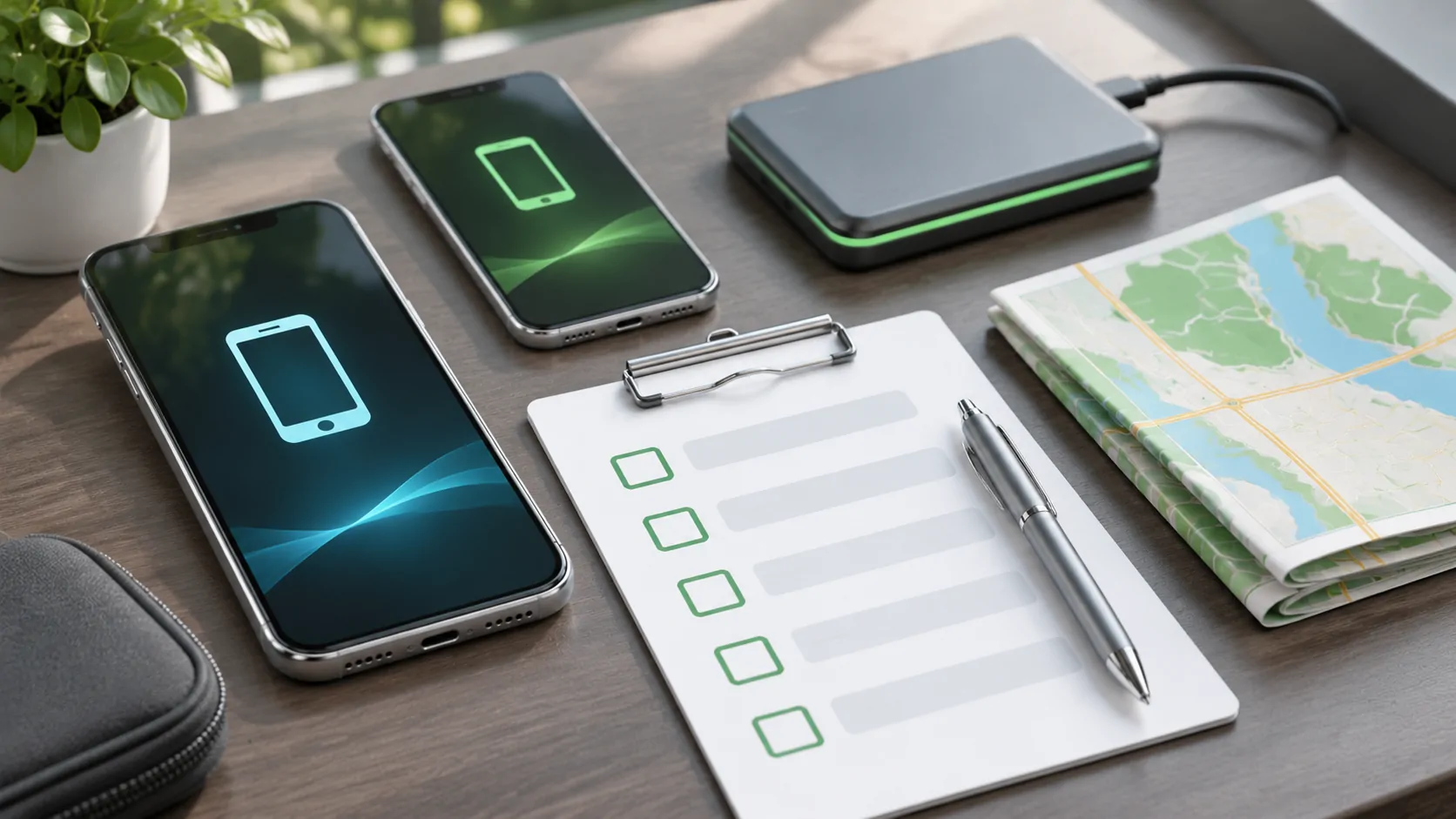
Decide whether this phone should be a test device
An iOS beta can change the phone software that CarPlay relies on. If the phone is your only dependable navigation and communication device, first decide how you will travel if the connection fails. A beta's purpose includes testing unfinished behavior; installing it is not a guaranteed repair for an existing receiver problem.
Check Apple's developer release listing for the current beta release name and build number before testing. Beta availability changes, and this guide does not assert a current release number. Do not describe a beta result as representative of the public version or infer a new CarPlay feature simply because the beta number is higher.
Preserve a usable backup and recovery plan
Read Apple's beta removal guidance before installing. Turning off beta updates stops receiving future betas, but immediate removal can require erasing and restoring the device to the current public software. A backup created on a beta may not restore onto an earlier public version. Confirm what recovery path is actually available to you.
Keep an appropriate pre-beta backup according to Apple's current instructions, and check that important data has a legitimate recovery method. Do not rely only on a new beta backup replacing an older usable one. Allow time for recovery and reauthentication if necessary. The goal is a workable return to normal use, not merely a file labeled backup that has never been considered in the restore plan.
Record a public-release baseline
Before changing iOS, note the iPhone model, public version, car model year, market, head unit firmware and relevant app versions. Include cables and adapters. While parked, test ordinary connection, navigation display, audio, a stationary call and reconnection after restarting the vehicle as permitted by its manual. Record what happened rather than a simple works label.
If an issue already exists, capture its reproduction steps now. Otherwise a longstanding receiver problem may be blamed on the beta later. Keep sensitive details such as VINs, destinations and account identifiers out of the public report. A short private test record is usually enough to preserve the configuration without collecting unnecessary personal information.
Define a narrow test matrix
Select the tasks you actually need, then test them consistently. For a wired setup, use the same designated data port and known working cable. For wireless, keep the normal pairing and device-selection arrangement. If an adapter is installed, note its firmware and retain a direct wired comparison when supported. Avoid introducing new hardware at the same time as a new operating system.
For each task, define an observable result: interface appears, route instruction is audible, call microphone works or the expected phone reconnects. Include repeated attempts with a denominator if measuring reliability. Two failures in ten attempts is a scoped observation; two forum posts are not a failure rate. Small tests can identify problems but cannot establish universal compatibility across vehicles.
Test only in appropriate conditions
Perform setup and interactive checks while safely parked in a suitable location. Do not use a drive as an opportunity to explore unfamiliar beta menus. Prepare a route and supported controls first, and stop safely before investigating a fault. If testing an allowed video feature, verify the vehicle's parked-use support separately and do not bypass motion controls.
Keep the phone at an appropriate temperature and power level. Avoid running unrelated experiments, such as changing network profiles or installing several new applications during the same session. Those changes can make it impossible to attribute a regression. A useful beta test controls enough variables that another person can understand what changed and reproduce the relevant step.
Distinguish system, app and receiver failures
If CarPlay connects but one app fails, compare that app on the phone and examine its release information. If the interface never appears, inspect connection and receiver behavior. If calls work but media does not, record that difference. A broad statement that CarPlay is broken contains less diagnostic information than the exact task that stopped working.
Use Apple's troubleshooting guide for documented checks, recording any steps performed. Do not reset every component before collecting a basic failure record. A receiver firmware update, app update or adapter reset changes the test environment. If you make one of those changes, record it as a new configuration rather than quietly combining the results.
Report a reproducible problem with limits
A useful report includes the beta build, affected configuration, expected behavior, observed behavior, reproduction steps and frequency within your test. Attach diagnostic information only through the appropriate support or feedback channel, reviewing it for personal information. Avoid posting private media addresses, access tokens or an identifiable journey history to demonstrate the problem.
State whether the problem occurs on a direct connection, through an adapter or both. If another public-release phone works on the same receiver, that is useful comparison evidence, but still not proof of a single cause. Keep alternative explanations open until investigated. Do not turn one test into a claim about every model from the automaker.
Plan when to stop testing
Set a clear threshold for returning the phone to dependable daily use: repeated connection failure, unavailable navigation or a recovery process that exceeds your available time. Revisit Apple's current public-release and restore instructions when making that decision. Turning off beta updates and immediately restoring are different choices with different consequences.
Keep a prepared navigation fallback and essential contact access while the phone is being recovered. Rollback limits explains why an arbitrary older version may not be available. A successful beta exercise ends with documented findings and a usable travel setup, even when the finding is that the beta is unsuitable for your particular daily configuration.
Sources
Related reading
Bring your own media.
Explore CarCast for iPhone with your own authorized sources and supported display configurations.