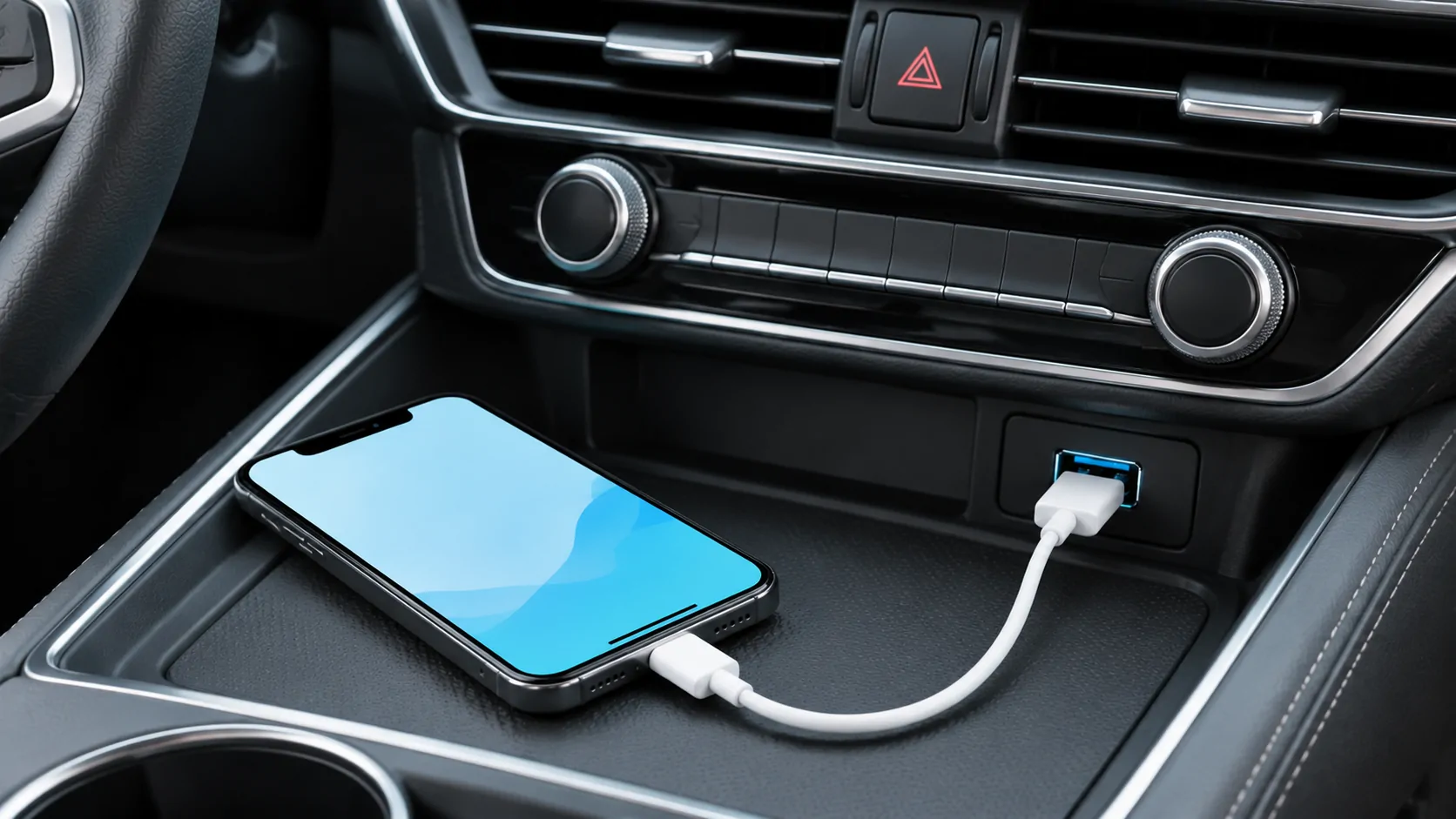
How to Connect Wired Apple CarPlay
Connect an iPhone to wired CarPlay using the correct USB data port, cable and permissions, then verify navigation, audio and reconnection.
CarCast Insights
A closer look at CarPlay, personal media and the connections between them.
Connect an iPhone to wired CarPlay using the correct USB data port, cable and permissions, then verify navigation, audio and reconnection.
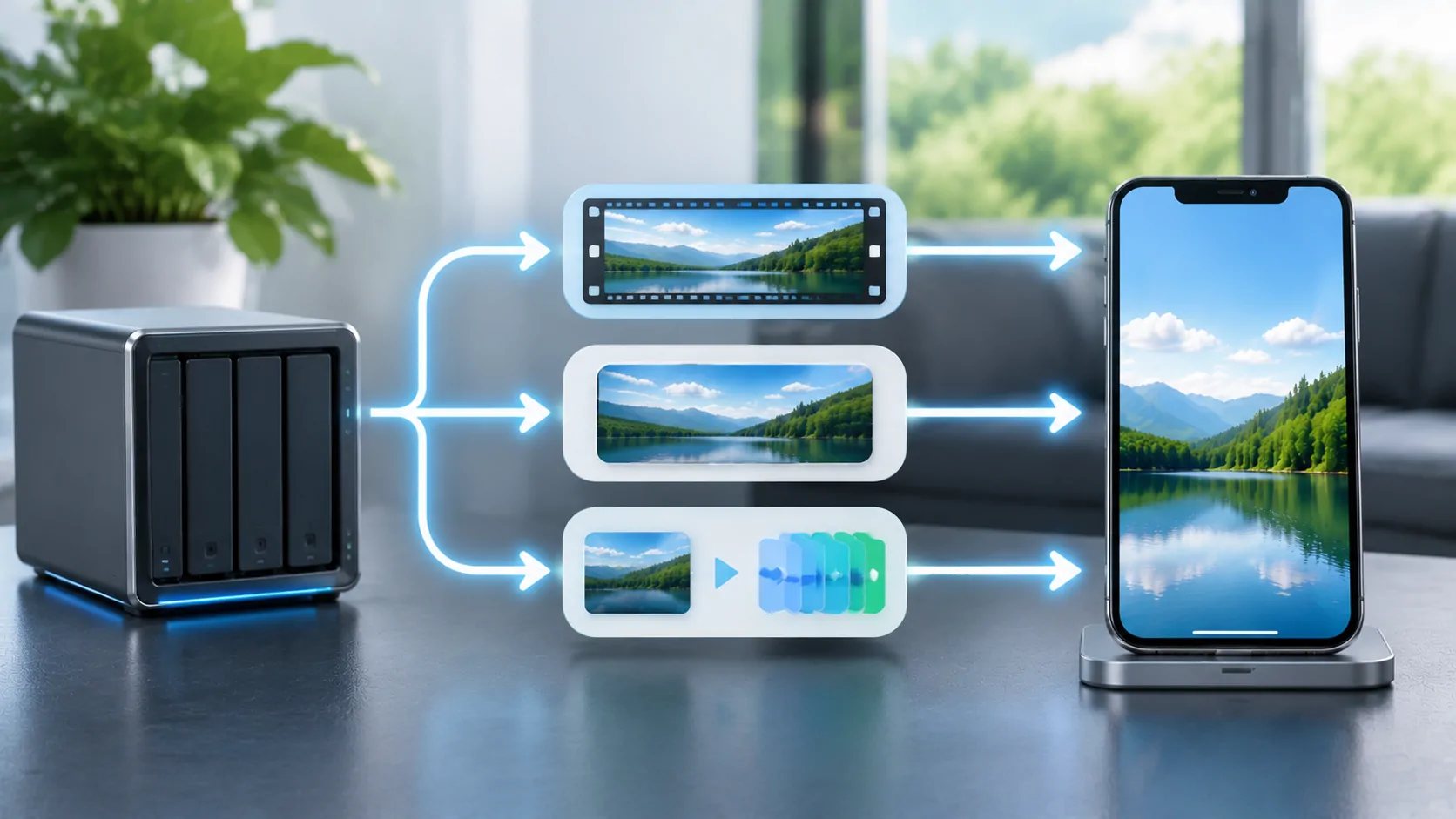
Understand how direct play, remuxing, audio conversion and video transcoding affect a personal media server, bandwidth and mobile playback.
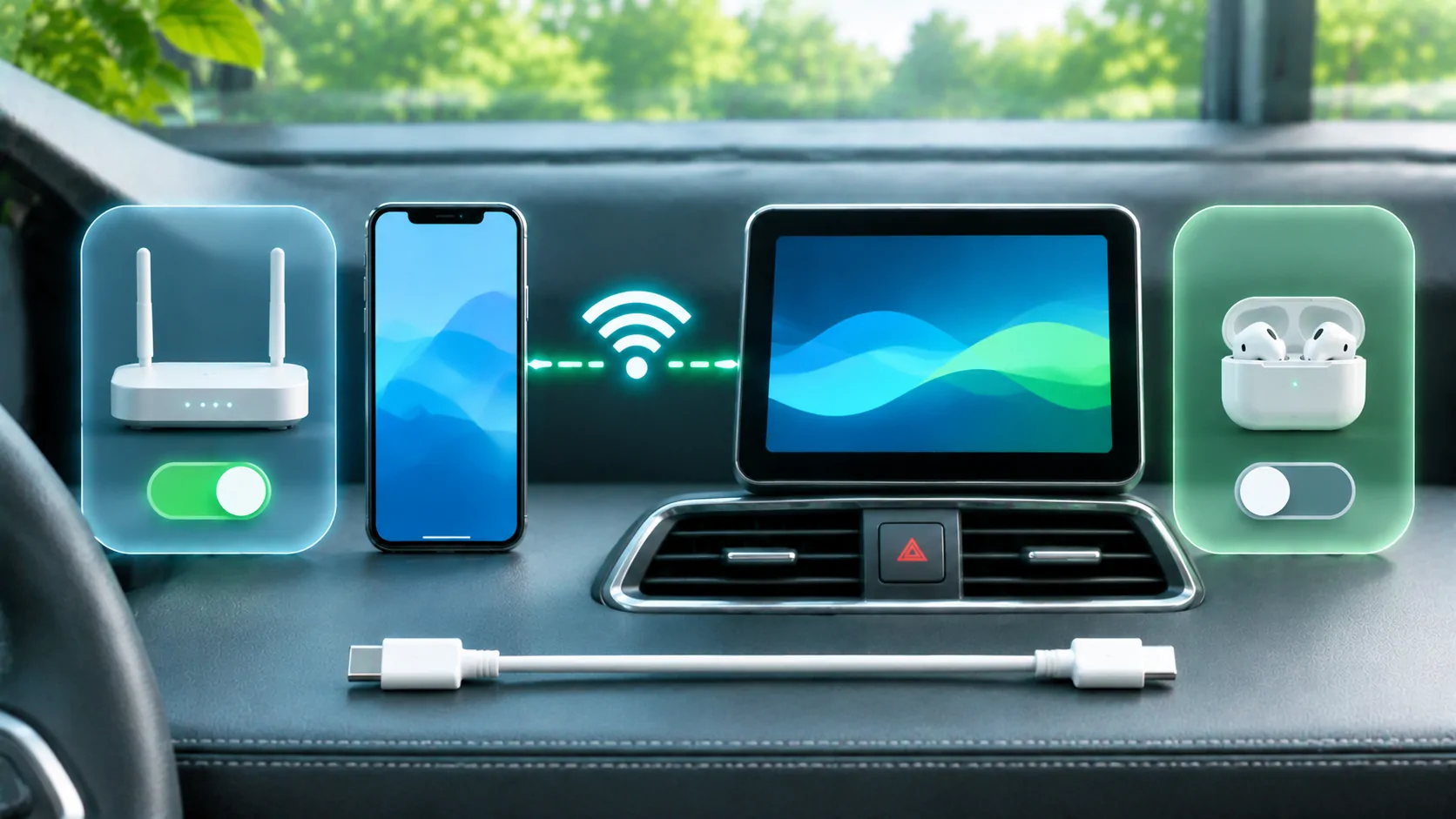
Investigate suspected wireless CarPlay interference with repeatable parked comparisons rather than assuming every wireless failure is radio noise.
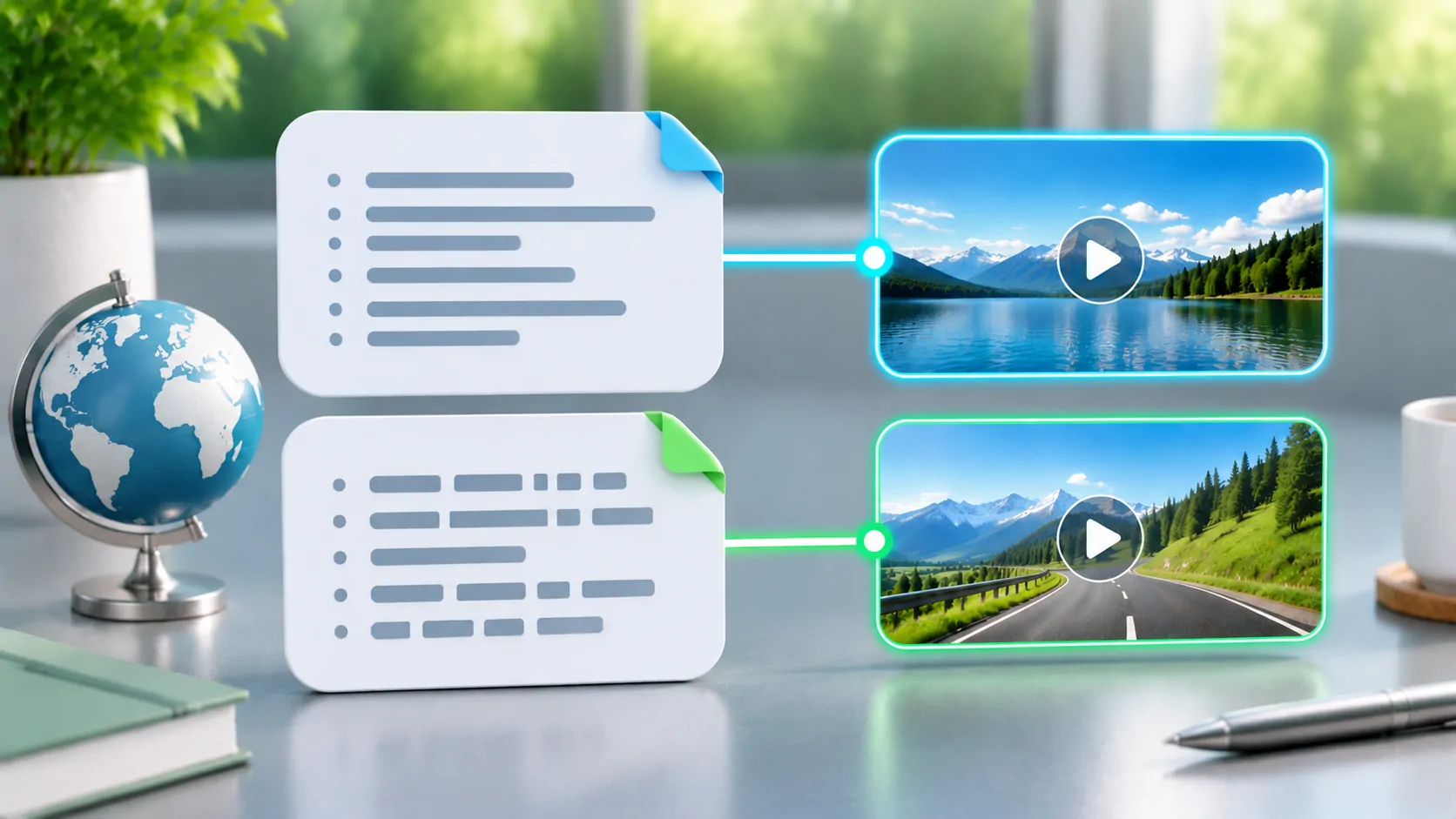
A playlist points to media. Its filename tells you less about playback support than you might expect.
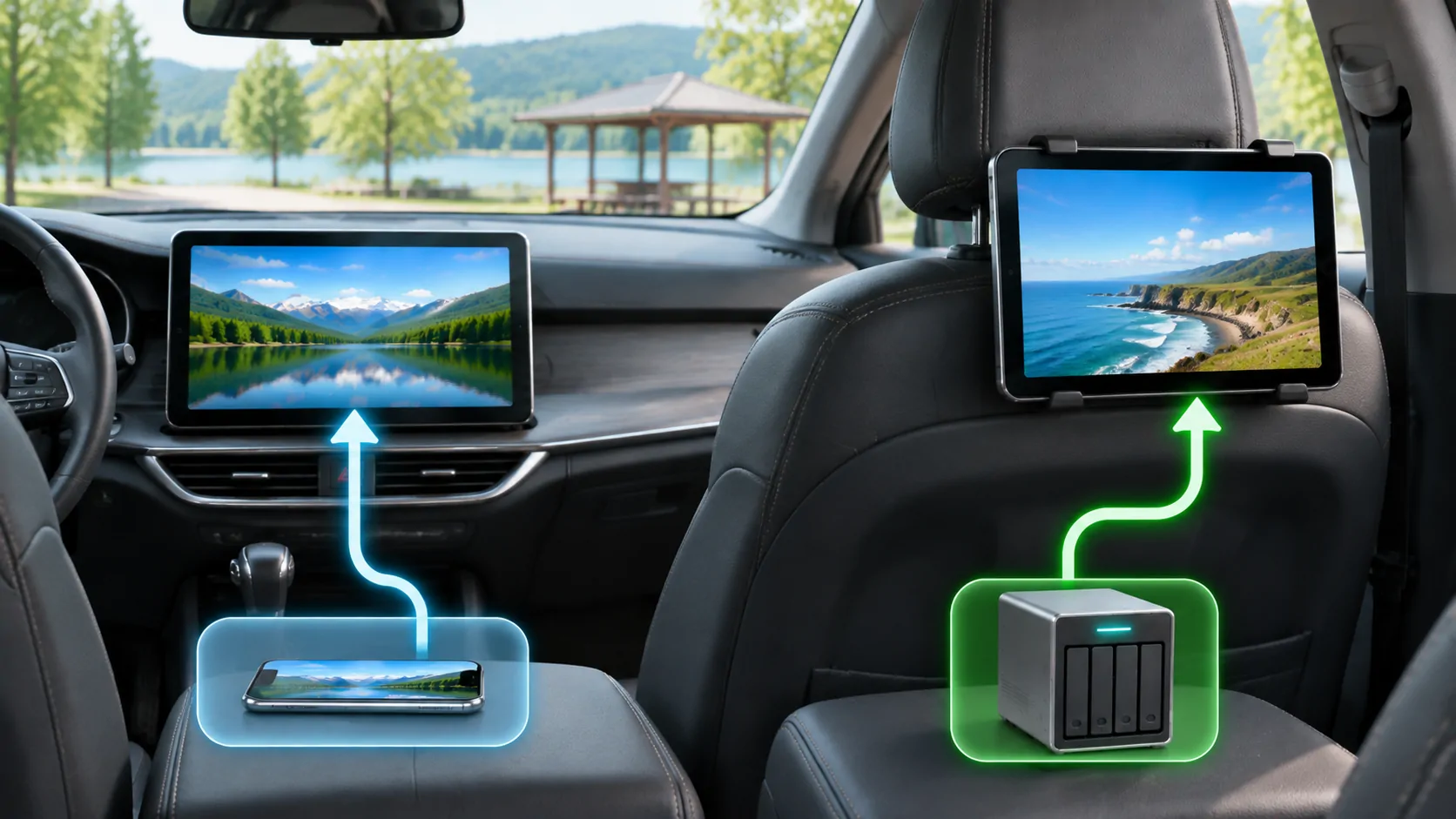
Distinguish dashboard projection, manufacturer rear-seat entertainment and independent tablets before choosing a supported video route.
Announced, released and supported by your vehicle describe three different milestones.