CarPlay News
How to Read CarPlay Update Announcements Without Overpromising
Announced, released and supported by your vehicle describe three different milestones.
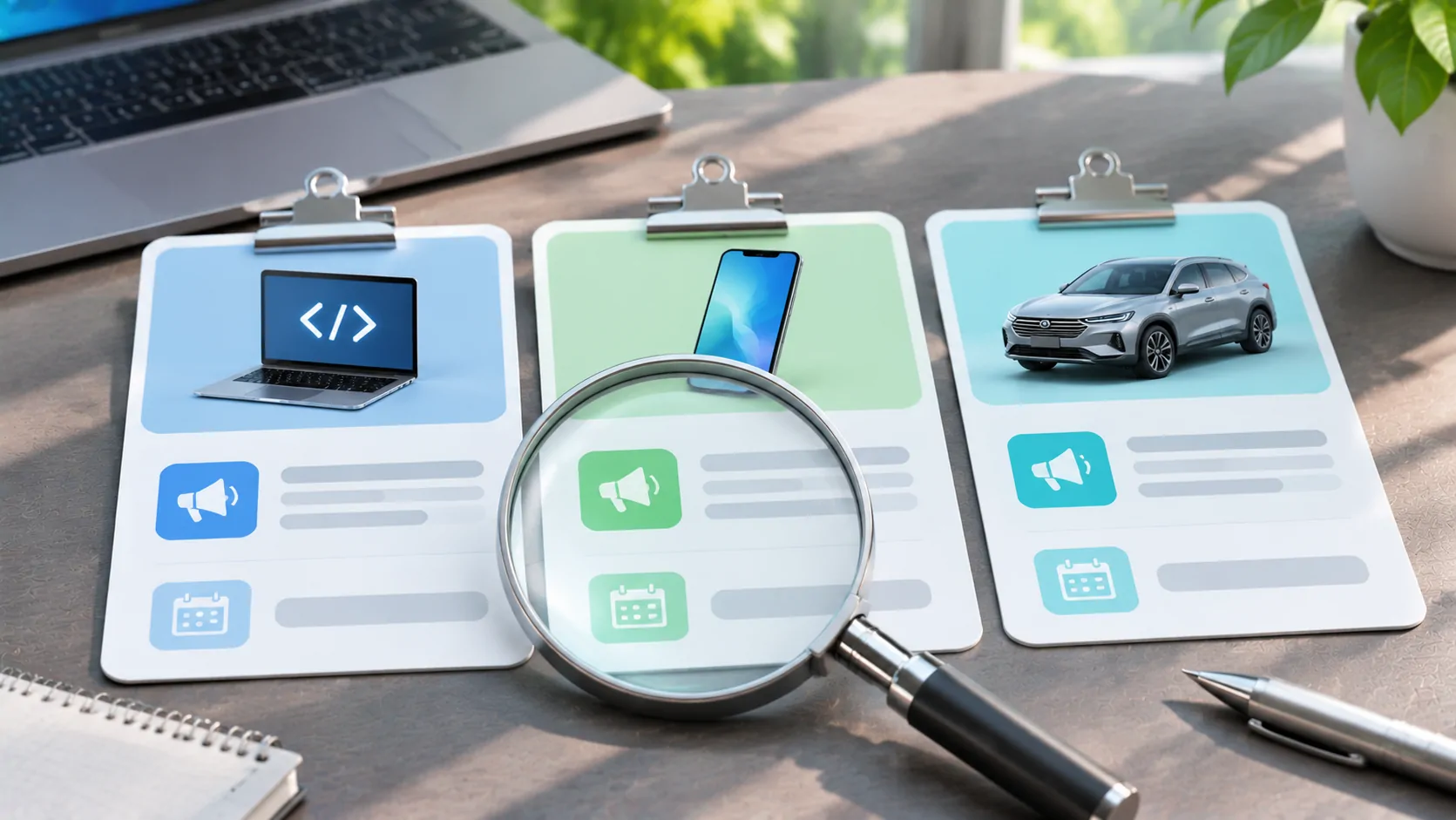
Identify what was actually announced
A CarPlay headline can describe an iPhone software change, a new tool for app developers, a vehicle manufacturer's integration or a product demonstration. Those are related events, but they are not the same release milestone. Before drawing a conclusion, open the original announcement and identify the product, the intended audience and the conditions it names.
Apple's CarPlay developer overview is a useful example. It discusses app capabilities, developer resources and automaker integration in separate sections. Reading just the feature name removes context that may determine whether the feature is relevant to your vehicle at all.
Keep three availability questions separate
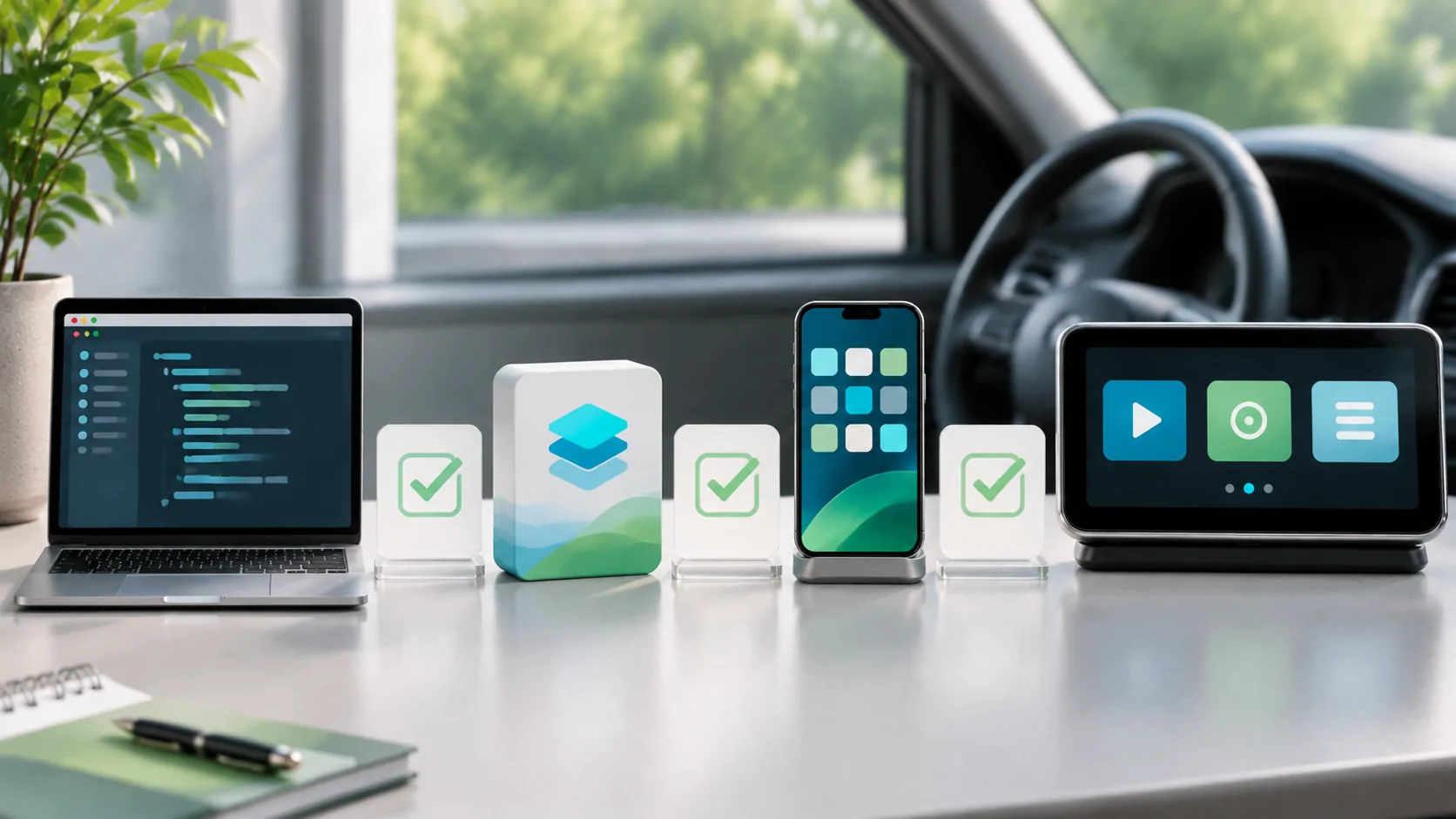
First, is the relevant iPhone software available for your device, and is the source describing a released version or a test version? Second, has the app implemented and released the supported experience? Third, has the vehicle manufacturer provided the required capability for your particular receiver?
A positive answer to the first question does not automatically answer the other two. An app developer may still need implementation work, and a vehicle feature may depend on hardware, firmware or a manufacturer's rollout. An announcement about developer tools is not a personal compatibility test.
Read the qualifiers around video features
Apple's developer page describes video apps for supported cars when parked. It separately discusses automaker support for AirPlay video. The phrases "supported cars" and "when parked" are part of the capability, not optional fine print to omit from a summary.
An accurate update article should preserve those limits and avoid turning them into "every CarPlay vehicle can now play video". It should also distinguish direct app playback from streaming or mirroring when the source makes that distinction. This matters to readers deciding whether to download an app or replace hardware.
Look for dates that mean different things
The date on a news story may be the announcement date, the publication date or the latest editorial update. A support page's modification date may simply indicate a documentation revision. None of those alone proves that a feature became available in every market on that day.
When documenting a test, record the date you performed it alongside the phone, app and vehicle versions. Keep that record separate from the original announcement date. If the same article is updated later, explain the substantive change rather than silently changing its date to make an old story look new.
Turn a headline into a useful next step
Use the original source to determine which requirement you can verify now. That may be checking the vehicle manual, opening the app's current release notes or confirming a supported connection method. Apple's user setup guidance remains a practical starting point for the basic CarPlay connection.
For CarCast, use the compatibility page alongside the relevant feature overview. This article is an evergreen method for evaluating updates, not a report announcing a new iOS version or claiming a new vehicle rollout. We will identify a specific release and its verified sources when covering a dated update.
Sources
Related reading
Bring your own media.
Explore CarCast for iPhone with your own authorized sources and supported display configurations.