Video & Casting
Rear-Seat Screens and Dashboard Video Are Different Systems
Distinguish dashboard projection, manufacturer rear-seat entertainment and independent tablets before choosing a supported video route.
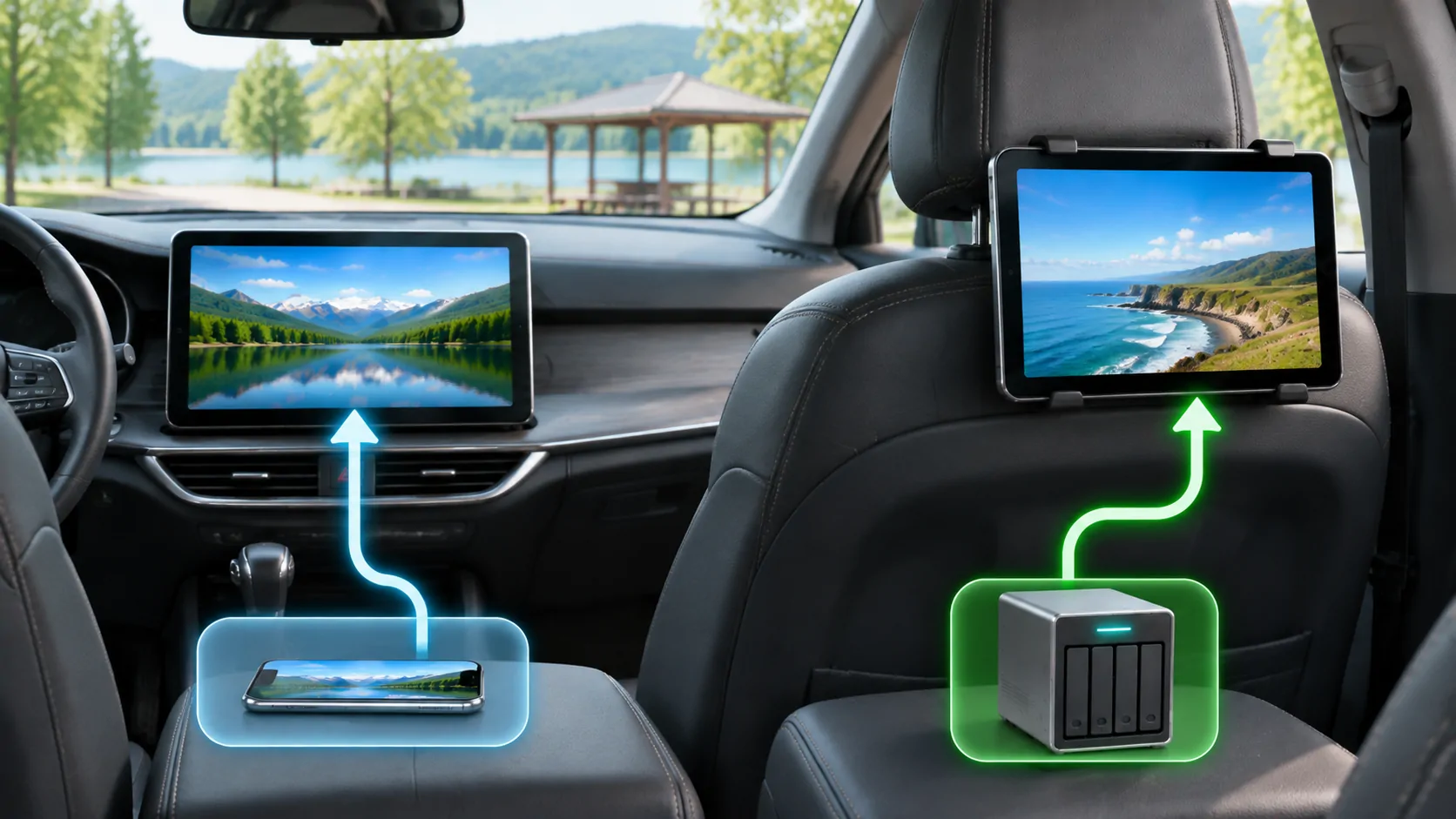
Two screens can belong to completely different systems
A rear-seat display and a dashboard display do not necessarily share applications, inputs, content permissions or safety controls. A vehicle may offer native CarPlay on the dashboard, a separate entertainment platform behind the front seats, and an independent tablet carried by a passenger. Video working on any one of them proves only that route. Identify the operating system and input for each screen before assuming that a setting, account or adapter can transfer the same experience to another.
This is especially important when watching a product demonstration. A close crop of a screen can hide which system is running the app. Ask where the video is decoded and how the picture reaches the display.
Draw a simple connection map
List the source, playback device, connection and destination in that order. For example, a personal file may be decoded on a tablet and shown on that tablet's own screen. In another arrangement, a manufacturer entertainment computer may decode content and send it to two rear displays. A projected phone interface is a third arrangement.
Then identify the network connection separately. An HDMI cable can carry a picture without providing internet, while a vehicle hotspot can provide internet without mirroring a phone. Bluetooth audio can move sound without transmitting video. Keeping these roles separate prevents an unhelpful cycle of changing Wi-Fi settings to repair the wrong link.
The map also tells you which organisation should answer a support question: the content provider, device vendor, accessory manufacturer or carmaker. The presence of an Apple logo somewhere in the chain does not make Apple responsible for every component.
Native CarPlay is a defined app experience
Apple's CarPlay page describes supported uses such as navigation, calls, messages and audio, while developer documentation explains the platform's app categories and requirements. Availability of the platform is not a blanket statement that any iPhone application can display its entire interface on every dashboard.
A dashboard may also have manufacturer functions outside CarPlay. Switching to one of those functions can change the playback device and permitted features. Therefore an owner saying the car plays video may be accurate without proving that a particular video service runs through native CarPlay.
Check your exact infotainment generation, regional specification and firmware. Model names persist across revisions, and optional packages can change the installed screen system. A manufacturer manual for the correct vehicle is stronger compatibility evidence than a similar-looking dashboard in a social post.
Rear-seat entertainment has its own requirements
Rear screens may use built-in streaming applications, removable media, a supported external input or an independent operating system. These options vary. Do not assume every rear display has an HDMI port, internet access or a shared account system merely because another vehicle does.
Review how audio is delivered. Some systems use headphones, some route selected sound to vehicle speakers, and others support separate programmes on different screens. If the picture works but headphones do not, investigate that system's audio configuration rather than changing the phone's CarPlay settings.
Also check who controls playback and what happens when the ignition or vehicle state changes. A passenger-facing screen does not eliminate local legal requirements or the need to avoid driver distraction. Keep content and bright reflections away from the driver's view, and use the manufacturer's intended controls.
Mirroring requires a compatible receiver
Apple's AirPlay and mirroring instructions describe compatible receiving devices and supported workflows. A dashboard that can connect to an iPhone for one purpose is not automatically an AirPlay video receiver. A Cast or mirroring button names a route, not a universal display standard.
When a supported route is available, test a personal clip while safely parked. Confirm picture, sound, orientation and stop/disconnect behaviour. If the phone's menus appear but protected video does not, investigate the source application's output rules rather than assuming the receiver needs a stronger cable.
Do not buy a wireless adapter expecting it to add video receiving capabilities unless the vendor documents that exact function for your system. Converting a wired CarPlay connection to wireless does not necessarily change the classes of applications or content that can be displayed.
Choose the least complicated supported route
For a passenger's authorised video, a directly supported tablet can be simpler than adding several converters to a dashboard. For a parked group session, a documented built-in entertainment system may provide a convenient shared screen. Neither option should be described as inherently superior without considering content rights, account support and the actual vehicle.
CarCast is an independent media application for users' own or authorised sources. Its compatibility needs to be evaluated for the chosen playback and display route, not inferred from a car having rear screens. Consult CarCast compatibility before relying on its in-car features.
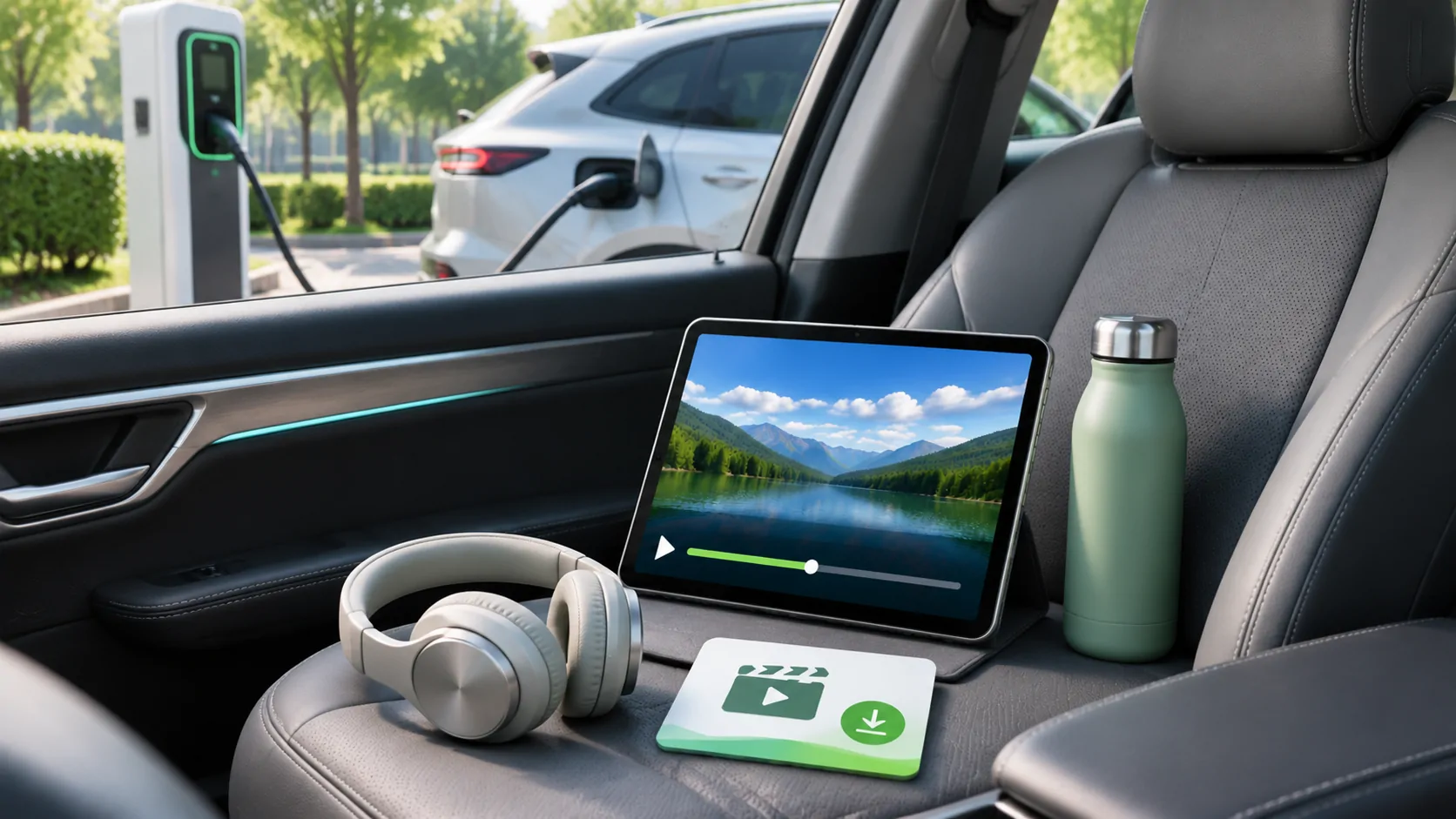
If you are planning a stop, EV charging media preparation provides a practical checklist for storage, network and interruption. It applies even when the final viewing device is a phone rather than a car display.
Keep a repeatable compatibility record
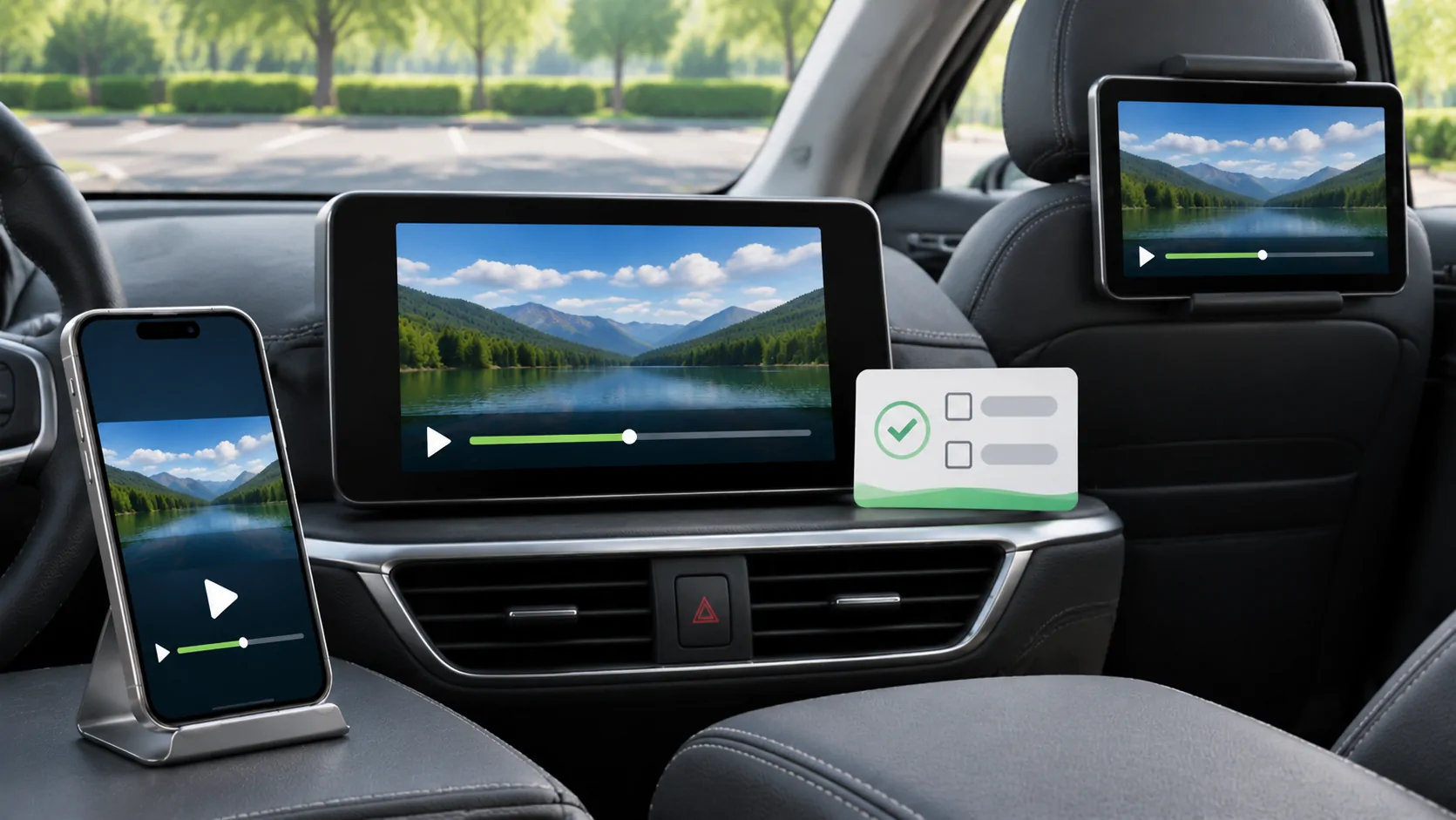
Record the vehicle model year, head-unit or rear-system model, firmware, phone and operating-system version, application version, input and test content. Note whether the test was parked and which permissions were enabled. A short permitted personal clip makes a useful baseline without exposing private account links.
Describe the result precisely: video and sound worked, only audio worked, the receiver was absent, or the service rejected playback. Avoid the broad conclusion that the car supports all video. After an operating-system or firmware update, repeat the same baseline before blaming a new source.
This method turns a vague question about screens into an identifiable compatibility chain. It also makes clear when the correct answer is to use a different supported device rather than pursue a prohibited output route or an unverified promise from an accessory listing.
Sources
Related reading
Bring your own media.
Explore CarCast for iPhone with your own authorized sources and supported display configurations.