IPTV & Media
M3U vs M3U8: What the File Extension Actually Tells You
A playlist points to media. Its filename tells you less about playback support than you might expect.

A playlist is a set of directions
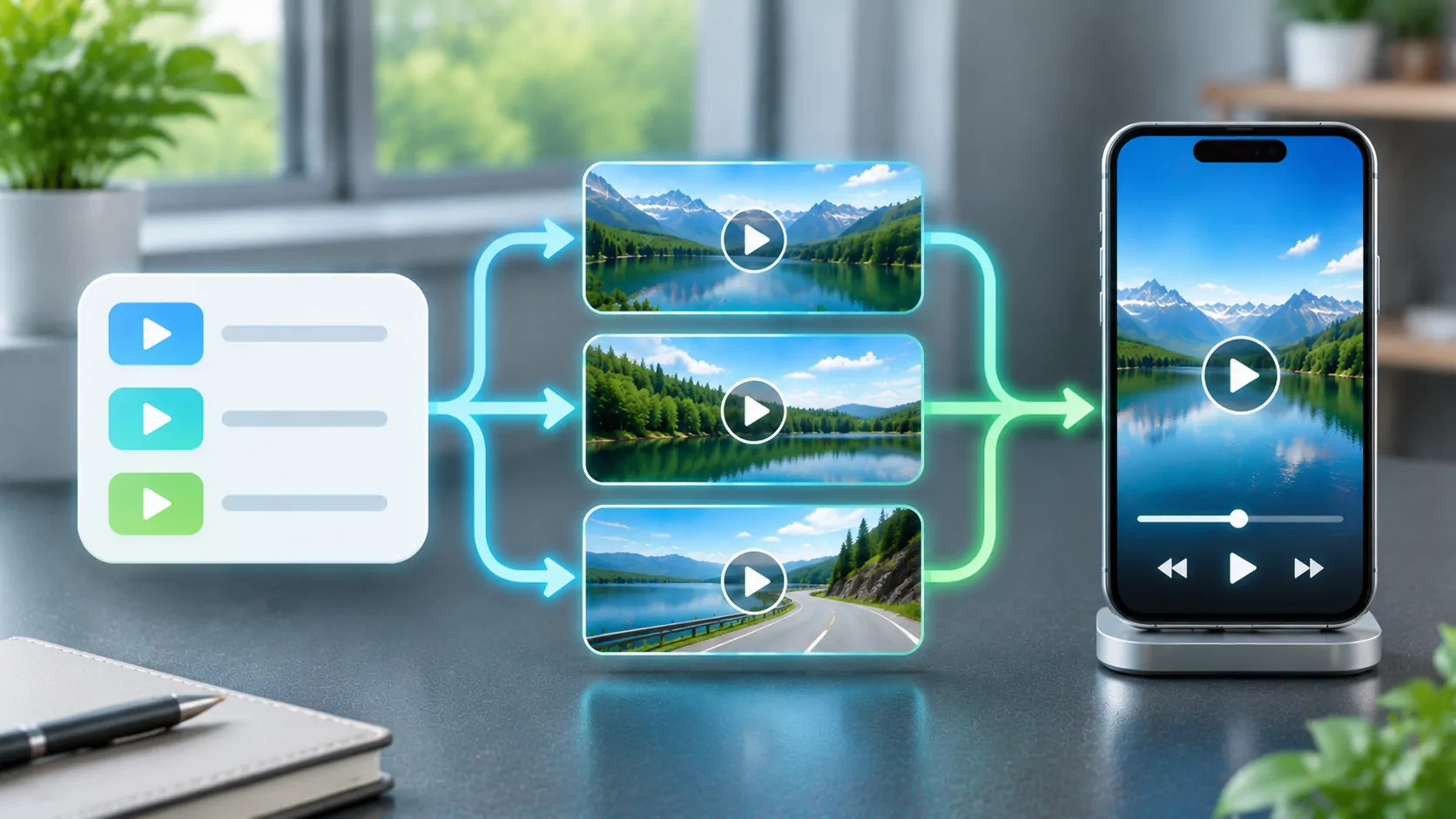
An M3U playlist is a text-based list of media locations. Those locations can point to individual files or streams; the playlist itself is not the video. This distinction explains a common surprise: downloading a small playlist file does not download every programme or movie it references.
M3U8 conventionally identifies a playlist encoded as UTF-8. UTF-8 can represent names in many writing systems without relying on an older local character encoding. Changing the extension of an incorrectly encoded file does not convert its contents, repair its addresses, or make an unsupported video format playable.
Where HLS fits
HTTP Live Streaming, or HLS, uses extended M3U playlists. RFC 8216 describes HLS playlists as UTF-8 text files with media addresses and descriptive tags. A media playlist lists segments of a presentation. A multivariant playlist, called a master playlist in that RFC, points to different versions of the same presentation, such as alternative bitrates.
That means an M3U8 address can be a streaming manifest rather than a conventional channel list. An IPTV catalogue may itself contain addresses that lead to HLS manifests. These are different levels of organisation, even when both filenames end in .m3u8.
What the extension cannot promise
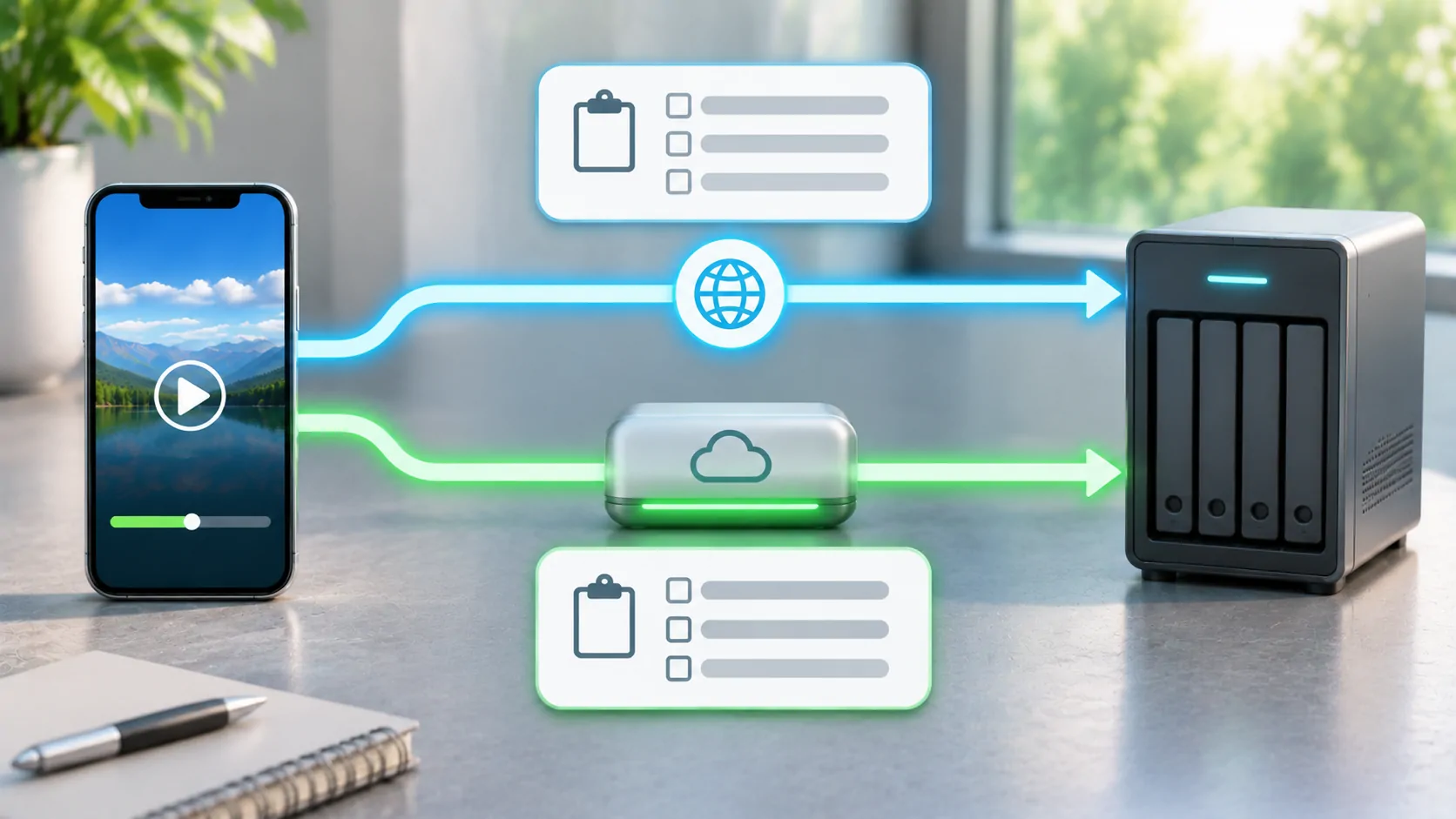
Successful playback still depends on several separate conditions:
- The playlist and the media addresses must be reachable from your device.
- Your account or time-limited access token must still be valid.
- The video, audio and stream packaging must be supported by the player.
- Any required content protection must be supported and authorised.
- The display connection must allow that type of content.
A playlist filename establishes none of these conditions on its own. A file that works on an iPhone also does not prove that a particular car display supports its video output. Check CarCast compatibility separately before planning an in-car setup.
Choose the original source, then test it
Use the address supplied by your own media server or an authorised provider. Keep a copy of the original value so that accidental spaces, missing query parameters or a copied web-page address can be identified. A public page containing a video is not necessarily a direct playlist URL.
First test one item on the iPhone while stationary. If the list loads but that item fails, narrow the question to the media stream instead of repeatedly importing the whole list. If no entries appear, investigate the playlist address, encoding and provider access first.
Do not upload a private playlist to an unknown converter just to change its extension. It can contain account identifiers or signed media links. For the actual CarCast import workflow, use the separate M3U setup guide; this article explains the formats rather than duplicating those steps.
More technical detail
Apple's HLS overview links to authoring specifications, examples and validation tools. These resources are useful when you control the stream. They do not grant access to somebody else's subscription content or remove a service's playback restrictions.
Sources
Related reading
Bring your own media.
Explore CarCast for iPhone with your own authorized sources and supported display configurations.