IPTV & Media
Direct Play, Direct Stream and Transcoding
Understand how direct play, remuxing, audio conversion and video transcoding affect a personal media server, bandwidth and mobile playback.
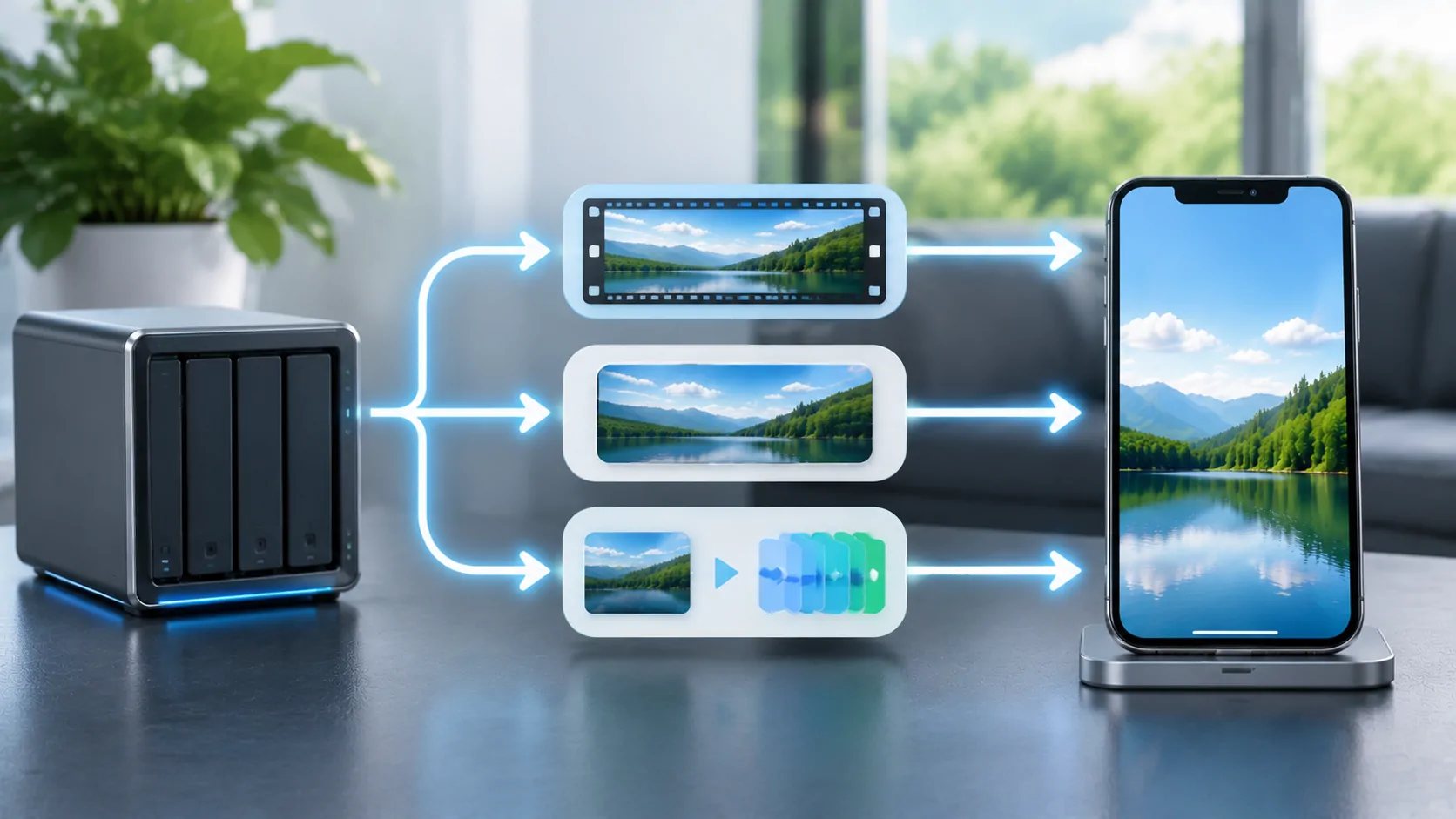
Start with what the server changes
Direct play sends a compatible media file without converting its streams. Remuxing changes how existing streams are packaged. Transcoding converts audio, video or both into another representation. The practical question is which part of your particular file the client cannot accept, rather than which label sounds best.
Terminology varies between servers. Jellyfin's transcoding documentation separates Direct Play, Remux, Direct Stream and Transcode. In that vocabulary, Direct Stream converts audio while preserving video. Another product may use similar words differently. Read the server's playback dashboard and documentation together before comparing results between applications.
Inspect a complete media combination
A filename ending in MP4 or MKV identifies a container, not the full playback requirements. Inside it are video and audio codecs, profiles, resolution, frame rate and sometimes several subtitle tracks. A client can accept the container while rejecting an audio format or video profile. A compatible video stream therefore does not prove the entire file will direct play.
Use a media inspector to note the original streams, then record the selected audio and subtitle tracks. Keep a small lawful test file that plays locally on the intended phone. When that sample works but another title fails, compare their actual properties. Replacing every server setting before looking at the file often hides a straightforward compatibility difference.
Understand why remuxing can help
Remuxing preserves encoded audio and video while moving them into a container or streaming arrangement that the client accepts. It normally needs much less computation than video conversion because the server does not have to decode and encode every frame. It also avoids the generation loss associated with re-encoding the video.
Preserving the video means preserving its approximate data requirements. A 35 Mbps source does not become a small mobile stream merely because it has been remuxed. If the connection cannot sustain the source bitrate, a different quality version or video transcode may still be necessary. Container compatibility and bandwidth are separate decisions, even when both affect the same playback attempt.
Recognize audio-only conversion
An unsupported audio track can trigger conversion while leaving video untouched. That can be a reasonable compromise: the demanding video stream stays intact, and the client receives an audio format it understands. Check whether a different existing audio track already meets the client's requirements before creating another encode.
Do not infer the conversion path from CPU utilization alone. A lightly loaded server can still be converting audio, while another server may use hardware for video and show modest CPU use. The playback details should identify input codecs, output codecs and the stated reason for conversion. Those details are more actionable than a single percentage shown in an operating-system monitor.
Decide when video transcoding is useful
Video conversion can reduce bitrate, resolution or both to fit a remote connection. It can also produce a codec the client supports. The cost is processing time, power and potentially lower image quality. The server must sustain its output at least as fast as the client consumes it, while also serving any other active viewers.
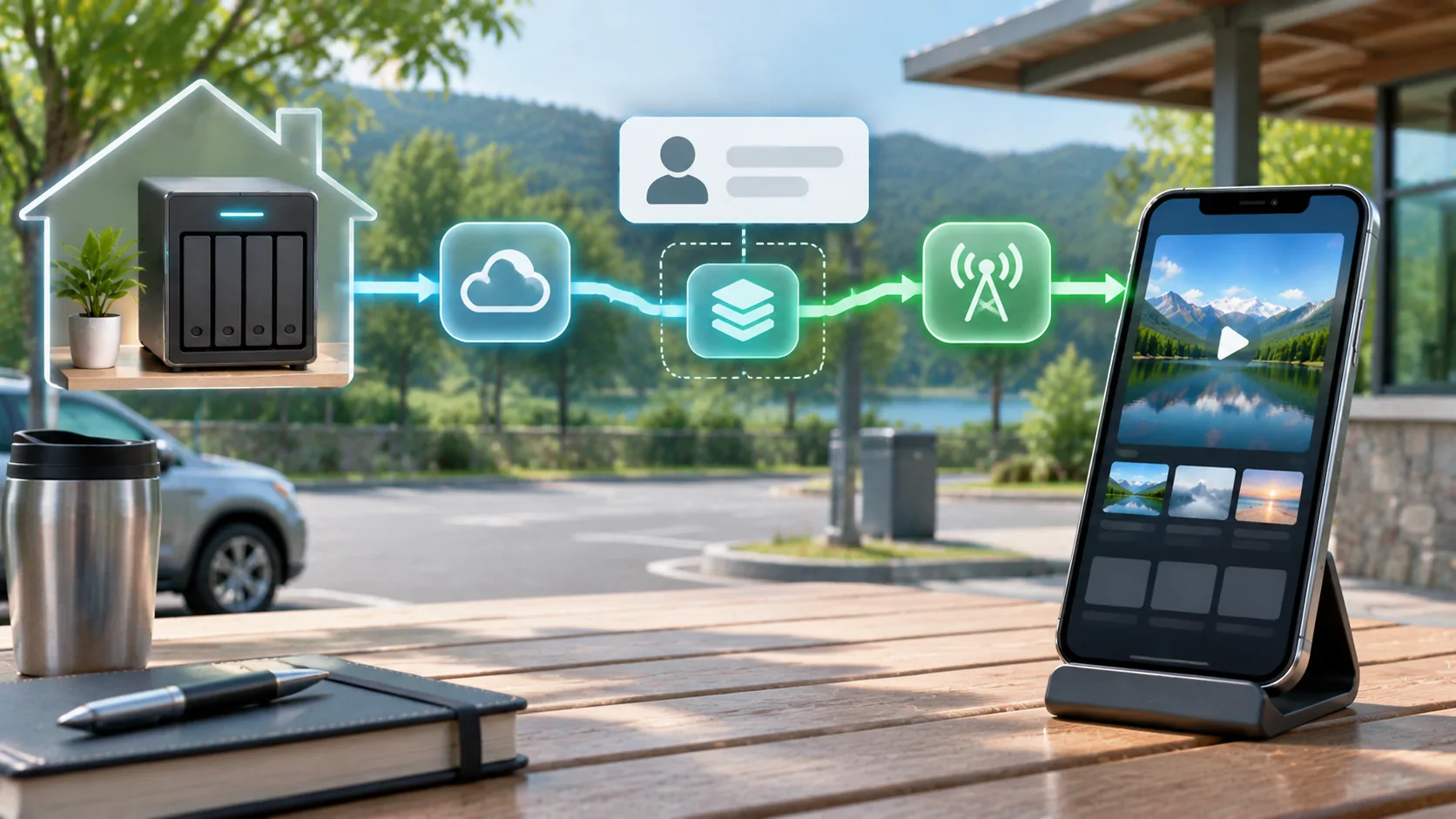
Jellyfin documents that client capabilities and constraints influence the chosen transcode profile. A quality limit selected in an app can therefore cause conversion even when the phone could decode the original file. Check the client setting before buying new server hardware. See home upload bandwidth for the separate network capacity calculation.
Treat subtitles and HDR as explicit variables
Subtitle support can change the playback path. A client that can render a text track itself may preserve the original video; a format requiring subtitles to be burned into the picture can require video conversion. Test the same title with subtitles disabled and with an available compatible track, then compare the dashboard. This is diagnosis, not a reason to discard accessibility needs.
HDR introduces another potential conversion step. An SDR destination may need tone mapping, and available acceleration depends on hardware, drivers and configuration. Jellyfin's documentation specifically discusses the computational cost of HDR-to-SDR conversion. Do not equate successful SDR playback with proven HDR handling, or assume a server's GPU is actually being used because one is installed.
Run a controlled playback test
Begin on the home network with one client and a known file. Record time to first frame, playback mode and any errors. Repeat over the intended remote connection at a conservative quality. Change one variable at a time: quality limit, audio track, subtitle track or file. A reproducible comparison makes a conversion reason easier to identify.
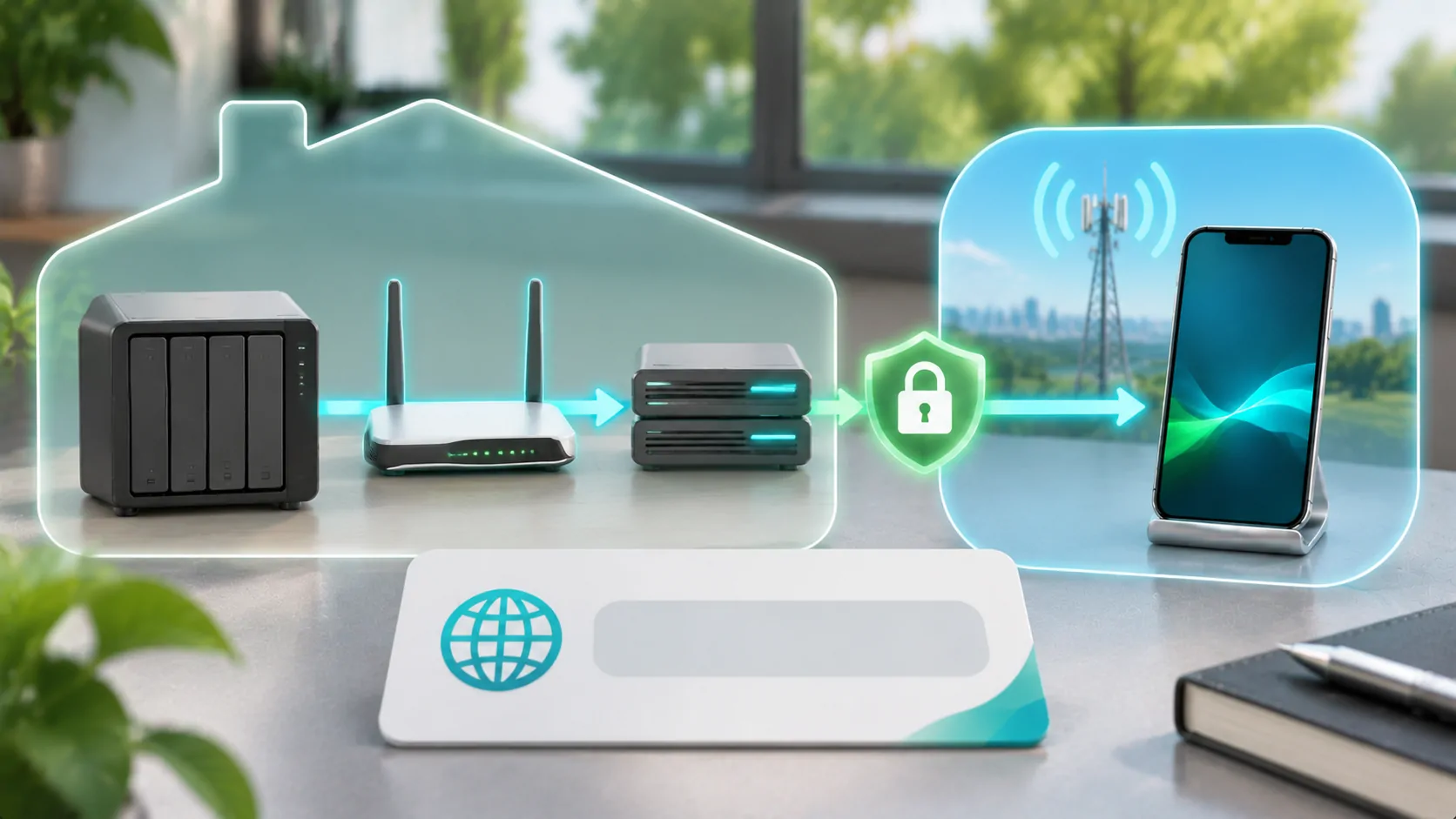
If playback stalls, inspect whether the server cannot generate output quickly enough or whether generated data is waiting on the network. These require different remedies. A server upgrade will not fix insufficient upload capacity; more upload will not correct an unsupported stream without a working conversion path. Keep the original file intact while testing alternative encodes.
Keep the destination screen separate
Successful server-to-iPhone playback proves that media path only. Showing the same media on a vehicle display requires an independently supported app, vehicle capability and permitted operating state. Ordinary CarPlay support does not establish video support. Conduct any supported dashboard video checks only while safely parked, without bypassing restrictions.
For a practical preparation plan, choose a compatible low-bitrate fallback and verify it before departure. Record the phone, client version, source properties and server playback mode alongside the result. That record remains useful when an update changes behavior. Offline library planning provides a second option when reliable remote delivery is unavailable.
Sources
Related reading
Bring your own media.
Explore CarCast for iPhone with your own authorized sources and supported display configurations.