Video & Casting
Protecting Notifications and Private Information While Mirroring
Prepare an iPhone for screen mirroring by reviewing notification previews, account screens, audience visibility and the steps that end the session.
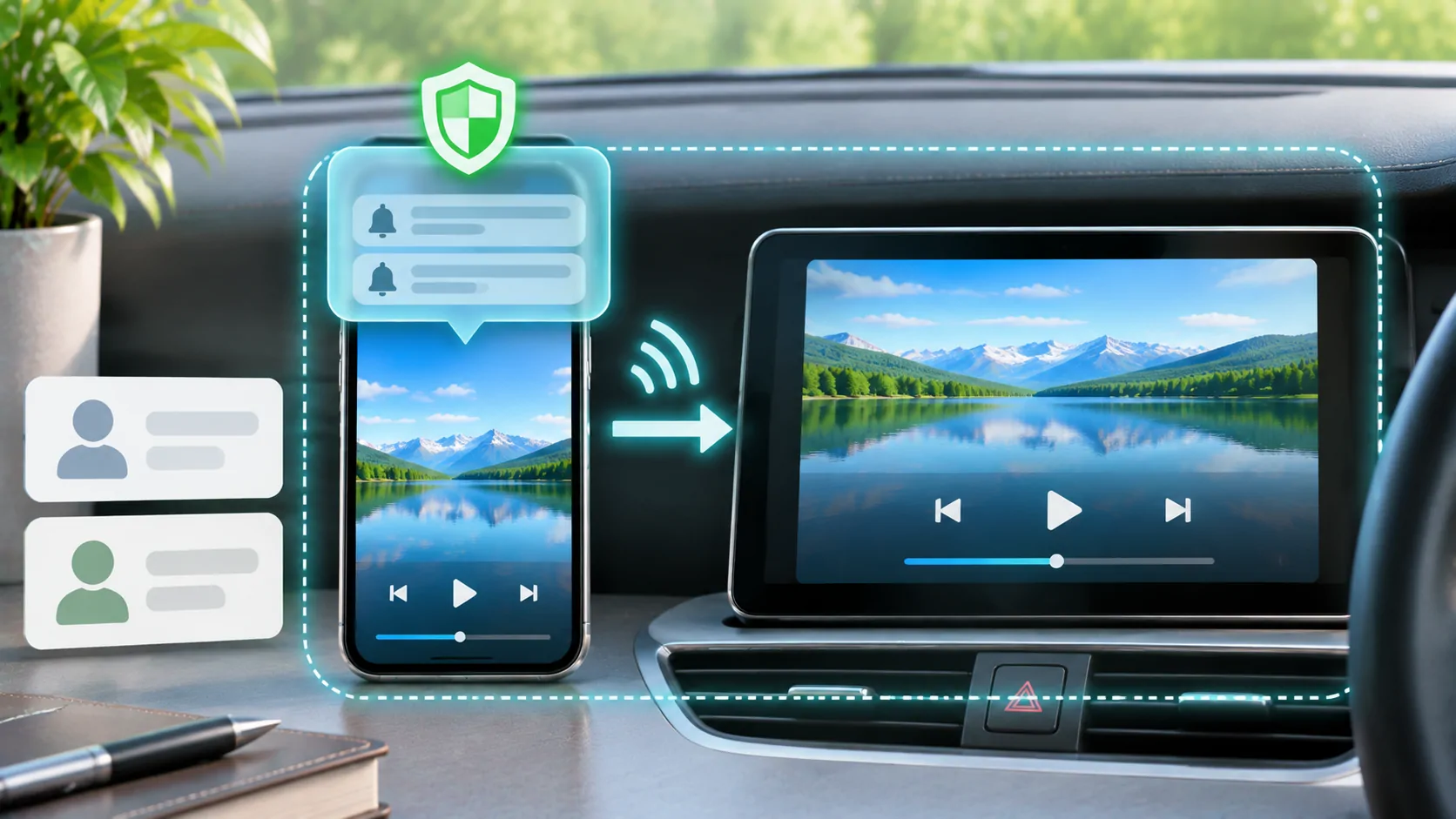
Screen mirroring can expose more than the video you intended to share. Notifications, message previews, account details and the app switcher may become visible to everyone who can see the receiving display. Prepare the phone before starting, keep the shared content narrow, and confirm that the session has ended before opening private material.
The exact exposure depends on the mirroring method, application and receiver. Do not assume that a notification-hiding option in one product applies to every capture path. For a vehicle, make these preparations while parked and use a compatible display in a lawful setting.
Know What Is Being Shared
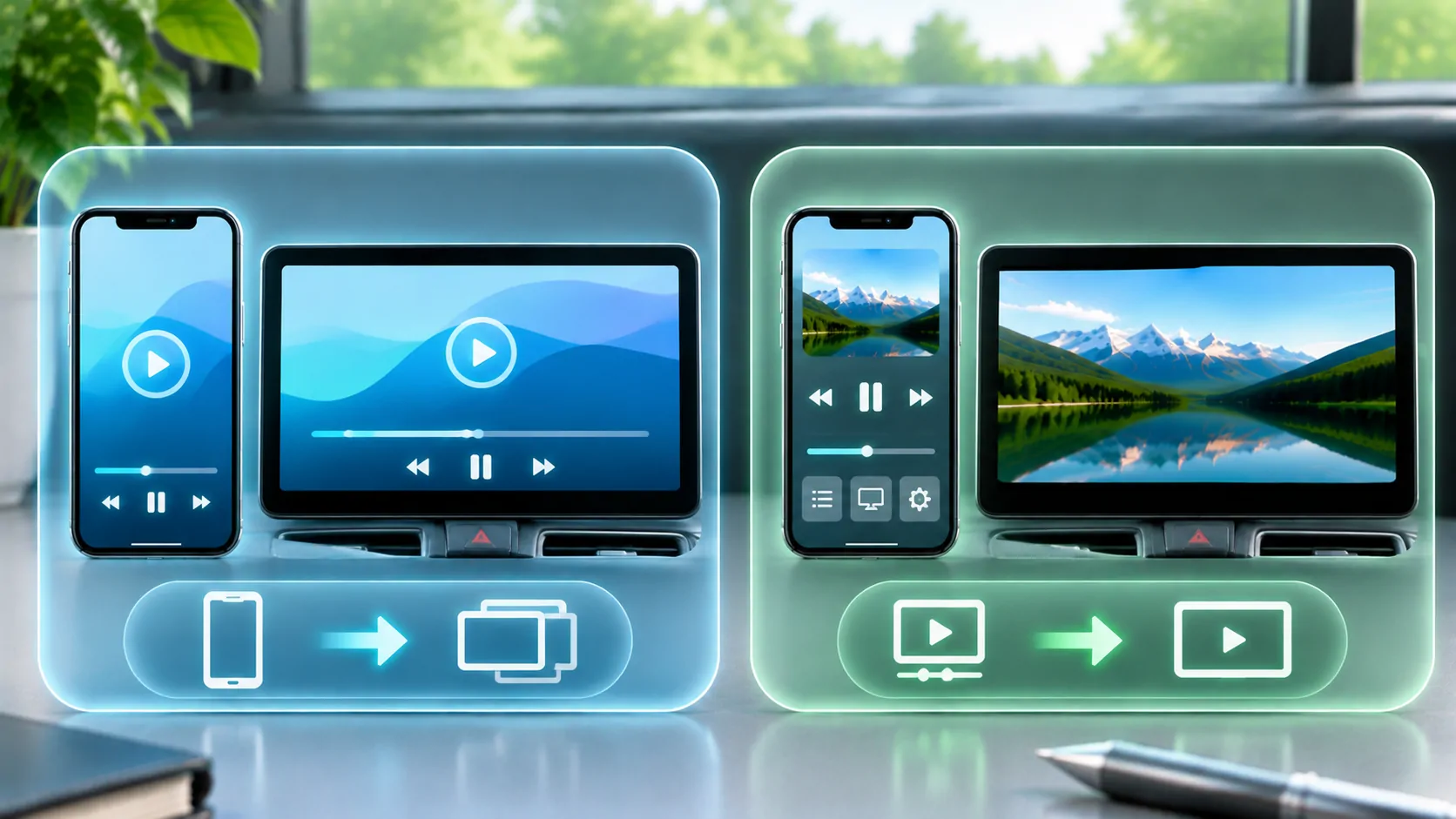
Apple distinguishes streaming a video through AirPlay from mirroring the device's screen in its AirPlay support guide. In a direct media-output workflow, the receiving screen may show the selected presentation. Screen mirroring generally follows the phone's visible display more broadly.
A third-party broadcast feature may use a different capture path and system controls. Check the actual app's documentation and look at the receiver during a harmless test. Do not infer the scope from a button labelled cast, share or play; those labels can describe different mechanisms.
Before sharing, decide whether the audience needs to see your whole phone or just one authorised media item. Mirroring versus direct playback explains the tradeoffs. Choosing a narrower supported workflow can reduce how often unrelated phone activity reaches the display.
Review Notification Previews
Apple's notification settings guide explains how notification presentation can be controlled. Review preview behaviour and the apps most likely to disclose private information, including messaging, email, calendars, banking and authentication tools.
Use a Focus configuration if it fits your needs, but review its actual allowed people and apps. A Focus name alone does not establish that all notifications are suppressed. Some communications or system alerts may follow different rules. Verify the visible result with a harmless test notification before inviting an audience.
Do not rely solely on turning the phone face down or locking its screen. The active capture path may behave differently when the phone locks, and a receiver may still display recent content. Privacy preparation should happen before the mirroring session, not after an unexpected banner appears.
Clear the Screens You Will Navigate Through
Close or move away from private conversations, account pages and photo views before starting. Check the home screen widgets and the app switcher, because a task preview can reveal content even when the app itself is no longer foregrounded. A search field may also show recent queries.
Open the intended lawful content in advance. If a sign-in is required, complete it privately where possible before sharing the screen. Avoid displaying passwords, one-time codes or account recovery information to the audience. A password field's dots do not hide every surrounding identifier or notification.
If the presentation requires switching apps, rehearse that route with non-sensitive material. Keep only the necessary content readily accessible. This is especially useful on a shared vehicle display where passengers can see a larger, brighter copy of the phone's interface.
Consider the Receiver and Audience
Confirm that you selected the intended receiving device rather than a similarly named display nearby. Use the receiver's supported pairing and access controls. A familiar device name is useful, but it is not a substitute for checking that the screen in front of you actually shows the harmless test content.
Think about who can view or record that screen. Screen mirroring does not prevent someone from taking a photograph with another device. A receiver may also have its own account, history or recording features. Consult its documentation if the session involves sensitive information.
In a vehicle, a display visible to the driver introduces attention and legal considerations beyond privacy. Keep setup and visual interaction to a lawful parked or appropriate passenger workflow. Do not defeat a vehicle's protective restrictions to make a private screen appear on an unsupported dashboard.
Distinguish Mirroring from Recording
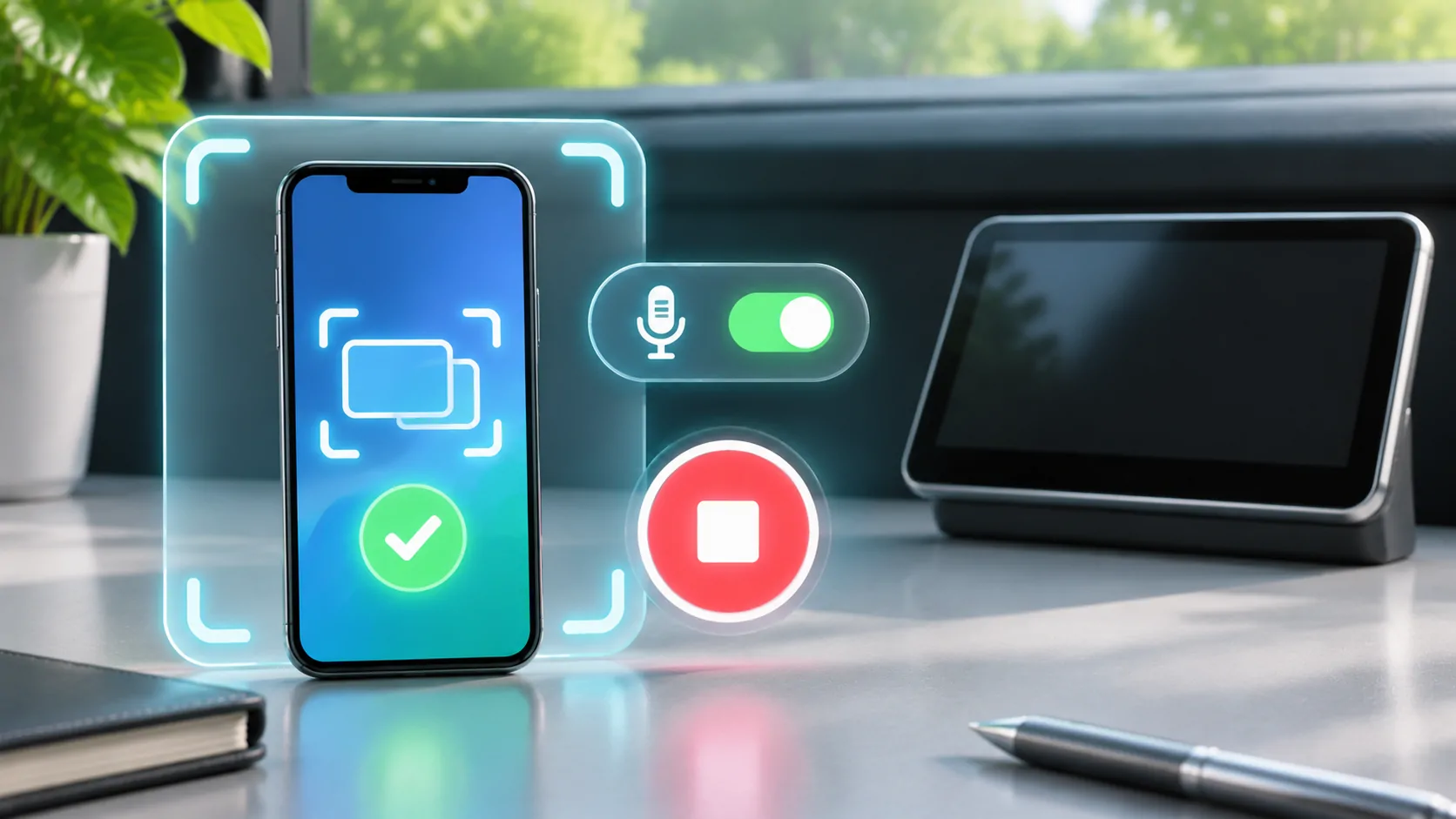
Sharing live output and saving a screen recording are different actions, although an app may offer related controls. Apple's screen recording guide describes the system recording workflow. A third-party broadcast can use its own destination and capture extension, so review the selected option carefully.
Check whether microphone audio is included and whether the receiving service stores sessions. A successful visual preview does not answer those questions. If recording is unnecessary, avoid enabling it merely because it appears near the broadcast control.
For the capture controls themselves, see screen capture permissions. Do not assume granting a capture permission gives an app access to every protected video. Content restrictions may still prevent capture, and a black protected frame should not be treated as a request to bypass those protections.
Verify the End of the Session
Use the documented stop control for the active mirroring or broadcast method. Then look at both the phone and receiver to confirm that live updates have stopped. Switching to another app or leaving the control panel is not necessarily the same as ending a broadcast.
Only after confirming the stop should you return to private messages, account settings or personal photos. If the receiver retains a frozen last frame, replace it with harmless content or return the receiver to its normal interface using its supported controls.
On a shared receiver, sign out of any accounts you directly used there and remove personal pairings if the device's documented workflow calls for it. Ending mirroring does not automatically erase every receiver-side login or browsing record created during a separate activity.
Make a Short Routine You Can Repeat
A practical routine is to prepare the intended content, review previews, check the receiver, start with a harmless screen and confirm the end. Tailor it to the capture method you actually use rather than adding settings that do not affect that path.
If a private notification appears unexpectedly, stop sharing and review the app and system settings before continuing. Describe the observed behaviour accurately if asking support; avoid posting a screenshot that repeats the disclosure. Redact names, messages, account identifiers and receiver details.
Mirroring is easier to use confidently when its scope is visible. The useful test is what your specific audience can see during starting, switching, playback and stopping, not what another application's privacy option happened to promise.
Sources
Related reading
Bring your own media.
Explore CarCast for iPhone with your own authorized sources and supported display configurations.