Video & Casting
Screen Mirroring or Direct Media Playback?
Compare screen mirroring and direct media playback for privacy, controls, quality, compatibility and supported parked-viewing workflows.
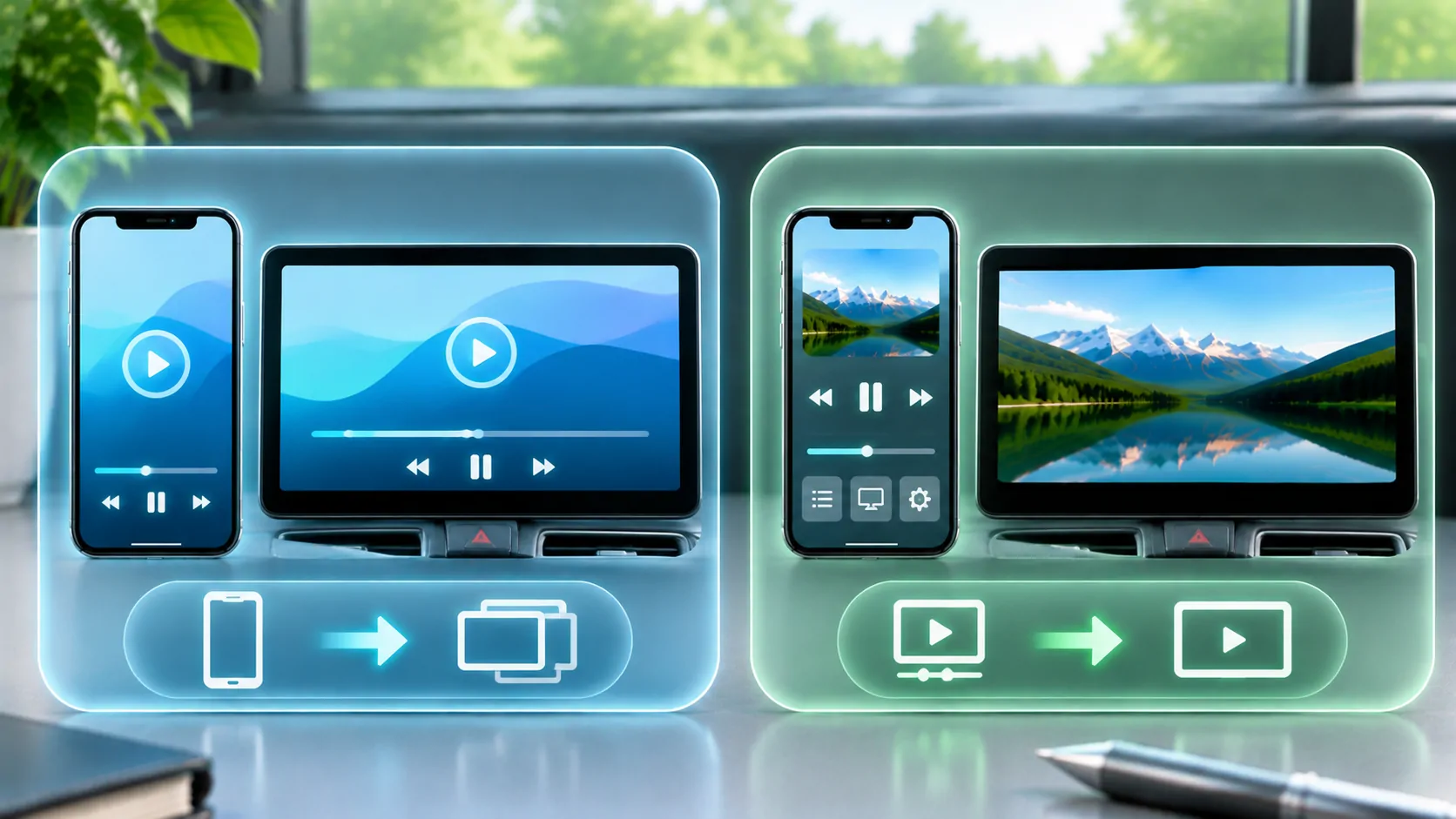
Use screen mirroring when the receiver needs to show the phone's interface. Prefer a supported direct media workflow when the goal is to watch one authorised presentation without sharing the rest of the phone. The best choice depends on the app, receiver, content restrictions and intended controls; neither method is universally available.
For a vehicle, verify the specific system and keep visual playback to a lawful parked or passenger setting. AirPlay, a browser player, a media receiver and CarPlay are different technologies. Support for one does not establish support for the others or permission to show video during motion.
What Screen Mirroring Reproduces
Mirroring follows the device's visible screen broadly. It can be useful for showing an app interface, a personal presentation or content whose supported output is the phone screen itself. It also means that switching apps, opening controls or receiving a banner may affect what the audience sees.
The phone remains central to the visual composition. A portrait interface can produce large unused areas on a landscape display, and a small control can be difficult to operate through a receiver that does not actually support touch feedback. Mirroring the picture does not automatically mirror every control capability.
Apple's AirPlay support guide distinguishes video streaming from screen mirroring. Check which mode the actual app and receiver support. A generic share icon or marketing word such as casting does not identify the complete implementation.
What Direct Playback Means in Practice
Direct media playback sends or opens a supported media presentation rather than continually showing the entire phone interface. Depending on the system, the receiver or a dedicated playback path may handle the media while the phone provides controls. The exact source of network requests and the available controls depend on that implementation.
Do not assume every direct workflow transfers a raw URL to the receiver or that the phone can always disconnect. Some routes remain dependent on the sender, account state or local network. Consult the product's documented behaviour and test the complete session.
HLS itself describes media playlists and segments, as set out in RFC 8216. The existence of an HLS URL does not prove a receiver can fetch, authenticate or decode it. Media access, protocol support and output compatibility are still separate checks.
Compare Privacy and Interruptions
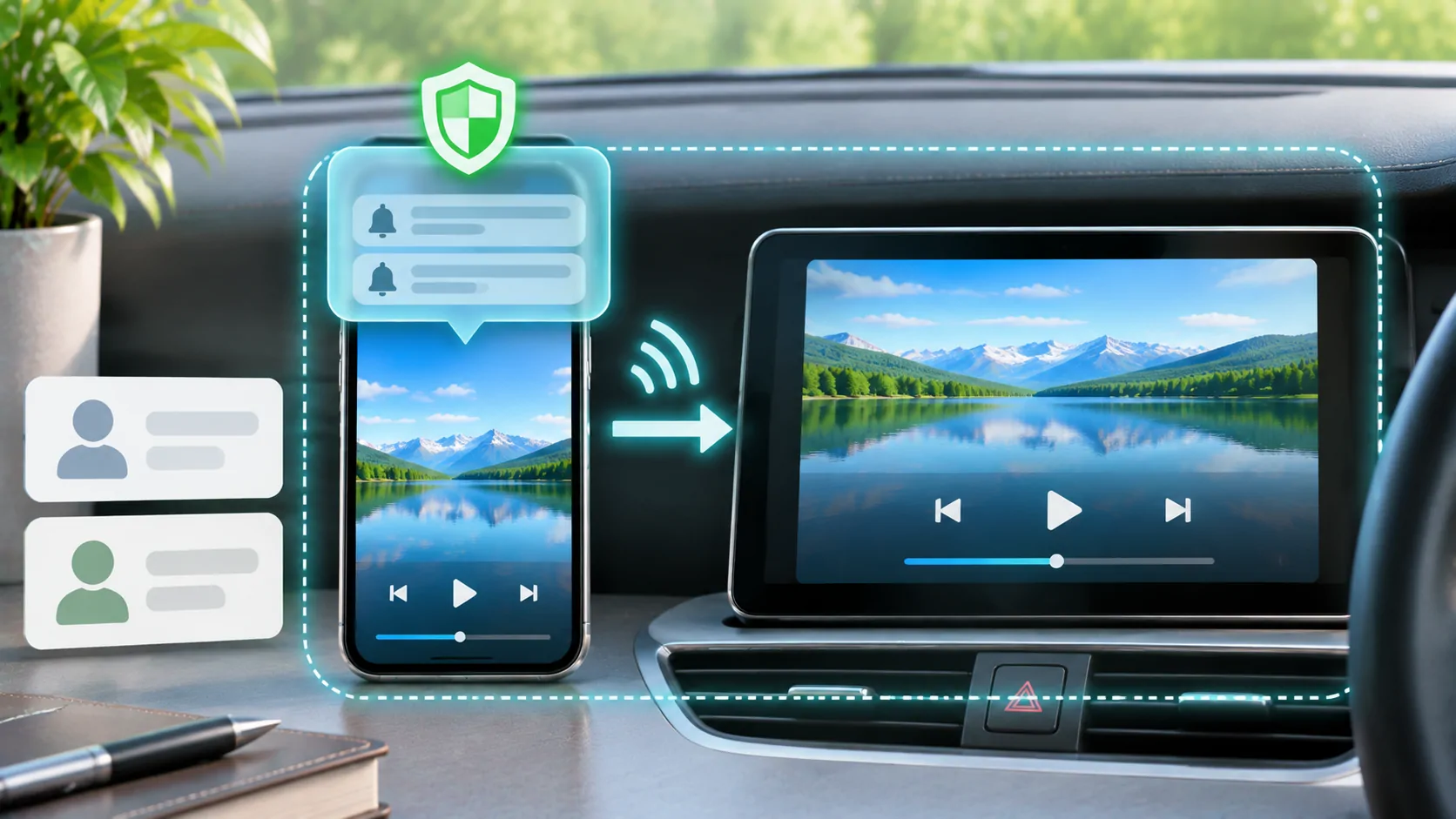
Mirroring can reveal messages, account screens and app previews if they appear on the captured display. It can also interrupt the presentation when you navigate elsewhere. Before using it, review notification previews, open the intended content and verify the selected receiver with a harmless screen.
A direct media workflow can reduce that particular exposure because the presentation is narrower. It does not automatically make the receiver private. You may still sign into an account on the receiving device or leave a history there. Check both sides of the session and end it through the documented controls.
For a repeatable preparation routine, see mirroring privacy. Choose based on the information the audience actually needs to see. If the whole interface is unnecessary, there is little reason to expose it merely because mirroring was the first option you found.
Compare Latency and Picture Geometry
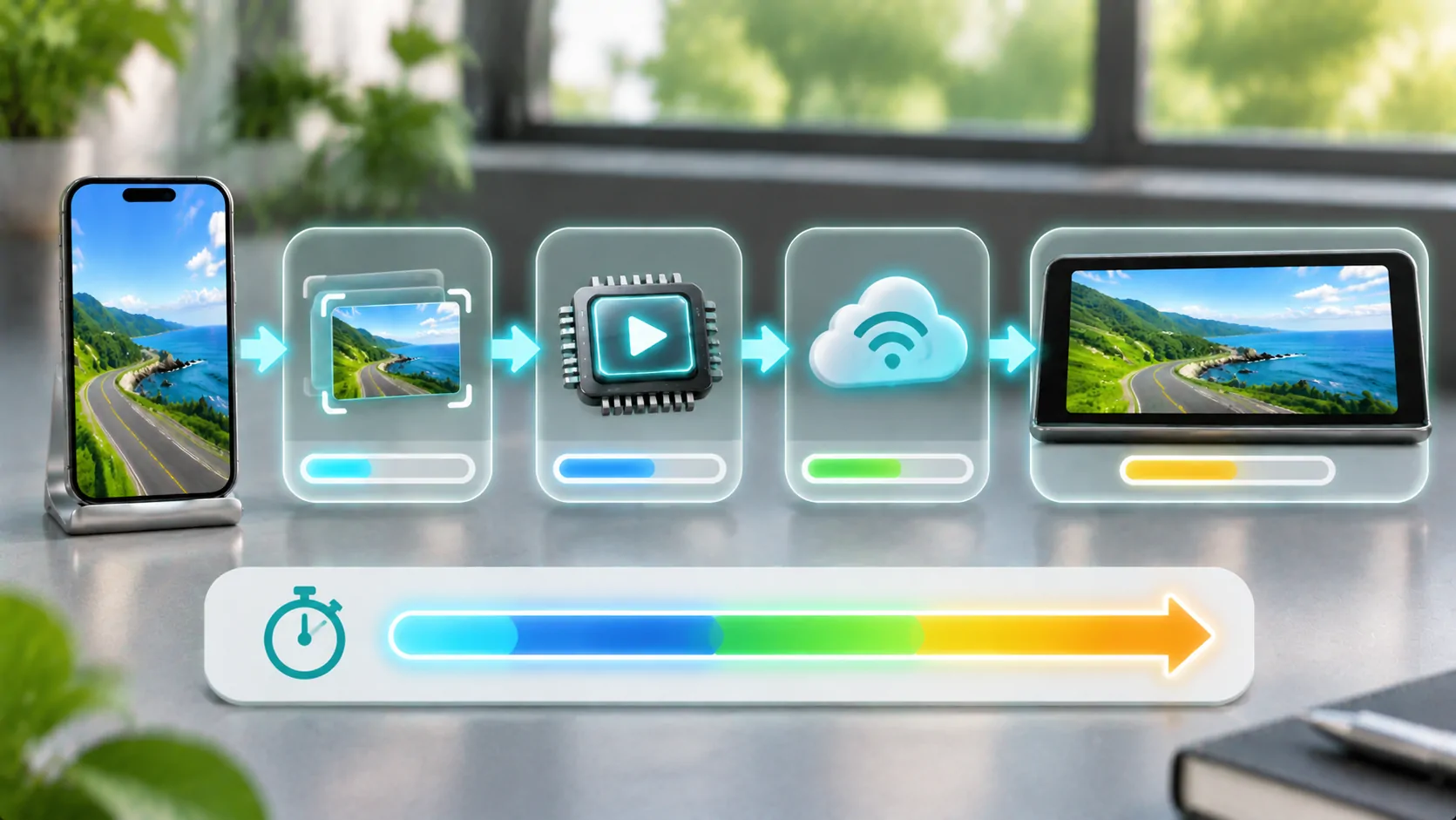
Mirroring includes capture and transport stages that can make the receiver follow the phone with noticeable delay. That matters for interactive demonstrations more than for passive viewing. Direct playback has its own startup and buffering delays, but it need not reproduce every interface change frame by frame.
Neither approach guarantees better quality in every setup. The source encode, selected bitrate, scaling, receiver capability and connection all matter. A stretched mirrored phone interface can look worse even when the underlying video is good. A direct path can still choose a lower adaptive variant under limited conditions.
Read why mirroring has latency if responsiveness is the main issue. Compare the same authorised content and connection before judging two routes. A difference observed with unrelated sources cannot establish which technology caused the change.
Check Control and Session Requirements
Decide who needs to pause, seek, change items or stop playback. A receiver's touch display does not necessarily control a mirrored iPhone. Conversely, a direct media session may expose only basic controls rather than the source app's full interface. Confirm the supported control model before relying on it.
Check what happens if the phone locks, receives a call or moves out of the supported network range. Those are implementation-specific behaviours that should be tested while stationary. Do not assume that a presentation will continue simply because it started successfully.
If the receiver uses a separate account login, apply suitable permissions and sign out on shared equipment afterward. If the source uses temporary links, confirm the supported refresh process. A direct media address copied from one session may expire even though the original app can refresh it automatically.
Respect Service and Vehicle Boundaries
Some services restrict external playback, screen capture or particular receiver types. A black image can reflect content protection rather than a broken mirror. Use the service's supported app or output method and do not treat a technical workaround as permission to bypass its terms.
Apple's CarPlay overview describes an approved in-car experience, not a promise that any iPhone screen can be projected onto any dashboard. A website, generic player or adapter needs its own compatibility evidence. A player such as CarCast should be evaluated through its current documented capabilities rather than another product's demonstrations.
Keep vehicle protective restrictions in place. A parked workflow on one compatible system does not establish that the same feature is supported while driving, in every country or on every model. Confirm the actual vehicle, receiver and operating-system combination.
Make the Choice with a Small Trial
Write down the requirement first: show an interface, watch an authorised video, present photos, or use a supported audio function. Then check the documented routes for that exact task. Start with a harmless sample and verify picture, sound, control, privacy and stopping behaviour.
If both routes are available, compare them on the same stationary setup. Record the outcome without inventing precise timing or quality measurements. A practical observation such as smoother playback in this session is narrower and more defensible than a universal compatibility claim.
Choose mirroring for its broad visual scope when that scope is required. Choose supported direct media playback when a focused presentation fits the task. The decision works best when the source rights, receiving capability and session controls are all clear.
Sources
Related reading
Bring your own media.
Explore CarCast for iPhone with your own authorized sources and supported display configurations.