Video & Casting
Cookies and Login Sessions in an In-App Browser
Understand why in-app browsers can have separate cookies, repeated sign-ins and session loss, and use targeted troubleshooting without exposing account tokens.

An in-app browser can have a different cookie store and session context from Safari or another full browser. That is why an account may be signed in on one surface but ask for a password on another. Repeated prompts can also come from expiry, blocked storage, an unsupported login flow or the service invalidating the session.
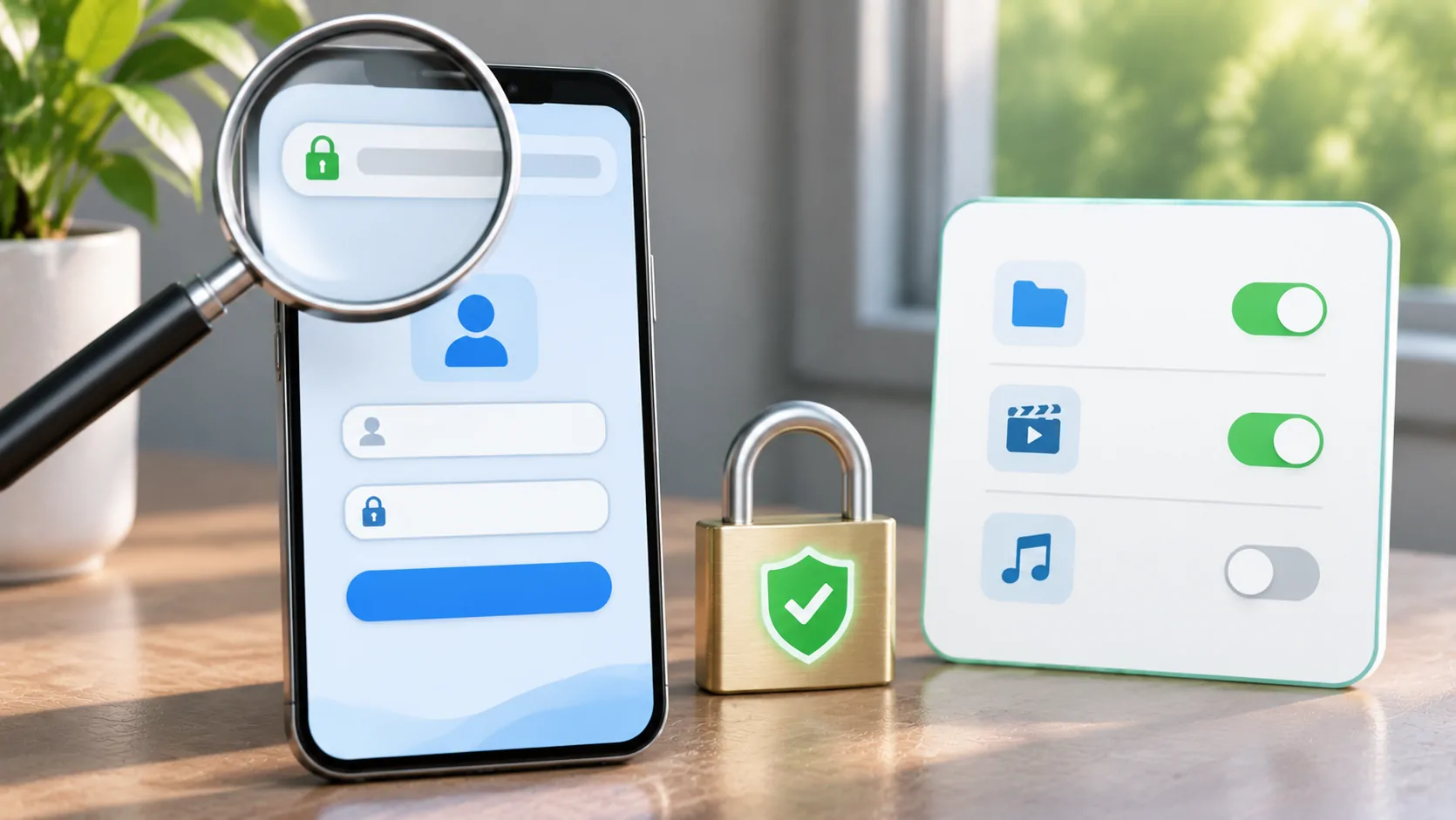
Identify the failing context before clearing data. A broad reset may remove unrelated accounts without fixing the actual problem. For vehicle-related browsing, complete sensitive sign-ins while parked and avoid showing account screens or authentication codes on an audience-visible display.
What a Cookie Does for a Session
A cookie is a piece of state associated with web requests under rules set by the browser and server. A site can use it to recognise a session after login. MDN's cookie guide explains attributes that affect scope, security and lifetime.
A cookie is not inherently a password, but a session cookie can still grant access. Treat its value as sensitive. Copying it into a support ticket, public debugging page or another application can expose the account even if you never share the original password.
Websites can also use other storage mechanisms and server-side session records. Therefore, deleting one cookie is not a universal sign-out method, and a visible login loop is not proof that cookies alone are responsible. The service's documented account and browser requirements remain relevant.
Why Another Browser Can Be Signed In
Different apps and browsing contexts may keep separate storage. A full-browser login does not necessarily propagate to an embedded web view. An app's system authentication session can have its own documented behaviour. Apple's ASWebAuthenticationSession documentation describes one supported authentication mechanism, not every app's implementation.
This separation can be intentional and useful. It prevents you from assuming that every app displaying a website automatically inherits all your browser sessions. It can also mean a legitimate additional sign-in is needed through a supported route.
Do not transfer cookies manually to force sharing. Check whether the service supports the embedded environment and whether the app offers a documented external sign-in. If a service rejects that environment, use its official route instead of attempting to impersonate a different browser.
Recognise Common Session-Failure Patterns
A session that ends after a period of inactivity can reflect expiry policy. A loop immediately after entering credentials may involve redirects, storage restrictions or an unsupported authentication flow. A session that disappears whenever the app closes may involve a nonpersistent browsing context, but that must be checked rather than assumed.
Record the exact sequence and timing. Does the service confirm login and then return to the sign-in page? Does only the video fail while the account page remains signed in? Does the problem affect one service or every site inside that app? These distinctions help locate the fault.
Avoid entering the password repeatedly without observing what changes. Repeated attempts can trigger account protections and obscure the first error. Verify that the account works through the service's supported official route before resetting or changing its credentials.
Check Scope, Redirects and Time
Cookies have domain and path scope, so a session set for one location is not available to every unrelated host. A login that moves among domains needs the service's supported design to carry the authentication correctly. Browser rules around cross-site requests can also influence the result.
HTTP semantics describes the underlying request and redirect context. A redirect to a login page is not the same as a successful media response, even if both produce a 200 status at the end. The actual destination and response matter.
Check that the device's date and time are correct when expiry or certificate errors suggest a clock issue. Do not change the clock to prolong access. Server-side expiry and account rules remain under the service owner's control, and an incorrect clock can create additional failures.
Use Targeted Data Clearing
If the app documents a way to clear the affected site's browsing data, understand what it removes before using it. It may sign you out, delete preferences or remove a session needed by another feature. Record the current symptom first so you can evaluate whether the reset helped.
Then retry through the supported login route on a stable connection. Keep the same app and account. If the problem returns immediately, stop repeating the same reset and ask the service or app support team about the observed stage.
Do not claim that reinstalling always clears every cookie or credential. Storage and backup behaviour vary by application and platform. A broad reinstall can also remove useful local configuration. Use the smallest documented action that addresses the failing context, and preserve private source information safely.
Separate Account State from Media Compatibility
A valid web session does not guarantee video playback. The service may require DRM support, particular codecs or an approved app. Conversely, a public preview may play while account-only content remains unavailable. Test the account page and media stage separately.
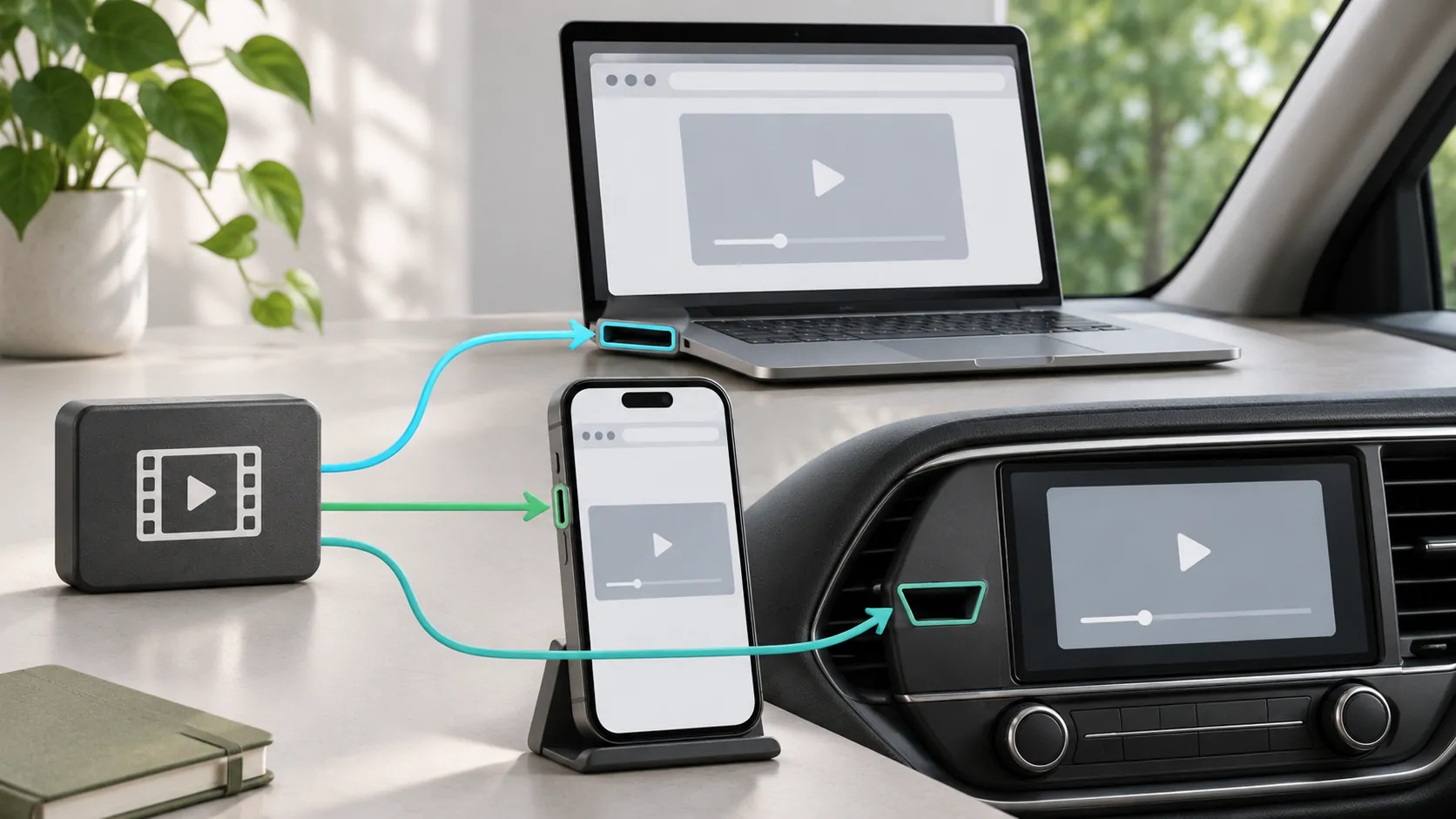
See why web video differs across screens for that distinction. A black external display can be an output restriction rather than a missing cookie. Importing a playlist is also a different workflow from maintaining a website login.
If an app such as CarCast includes a browsing surface in your current version, evaluate only its documented behaviour. Do not assume it shares Safari cookies, supports every identity provider or can open every protected streaming service. Those are separate product and service claims requiring evidence.
Close the Session Deliberately
On shared equipment, use the site's sign-out control and the application's documented data controls as appropriate. Closing a tab or ending a mirror may leave the underlying account session active. Check the receiver as well as the phone if you signed in directly on more than one device.
For a security-focused preparation routine, read safer in-app sign-ins. When requesting help, share app and system versions, the affected stage and a redacted error. Never send raw cookies, bearer tokens or full credential-bearing URLs.
Session behaviour becomes easier to diagnose when the context is explicit. Identify which app stores the state, which service controls expiry and which request fails, then apply a targeted correction rather than treating all repeated prompts as the same browser defect.
Sources
Related reading

Bring your own media.
Explore CarCast for iPhone with your own authorized sources and supported display configurations.