Video & Casting
Why a Web Video Plays on One Screen but Not Another
Explain why web video compatibility varies across browsers, embedded players and receivers, including codecs, MIME types, DRM and network requests.
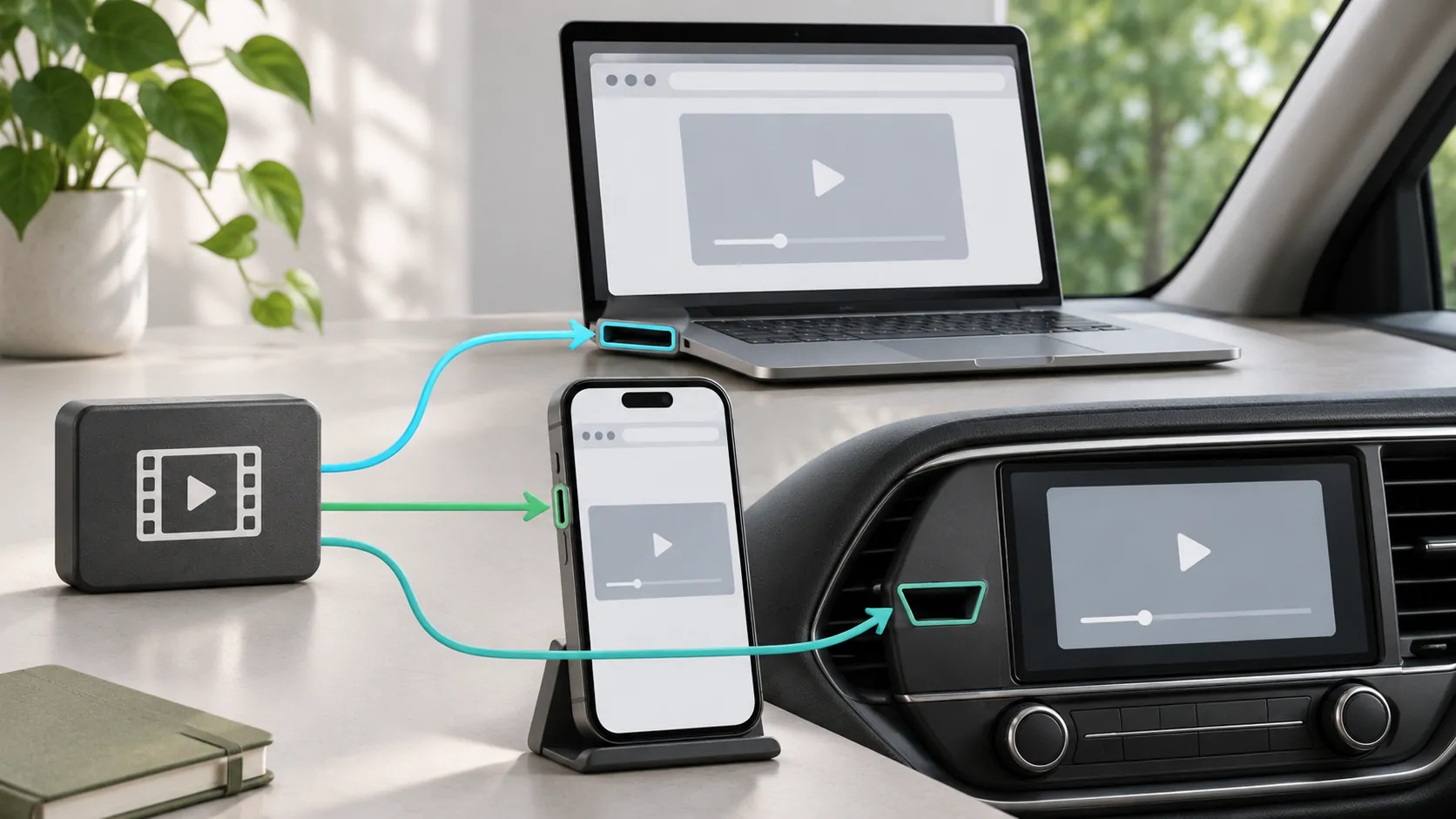
A web video can play on one screen and fail on another because the playback environment differs, even when both pages show the same thumbnail. The container, codecs, browser APIs, content protection, authentication and output route all matter. A file extension such as .mp4 or .m3u8 is only part of that description.
First test the authorised content in the service's supported browser or app on the phone. Then investigate the embedded player or external display separately. For a vehicle-related setup, perform these checks while parked and verify the particular system's supported output rather than assuming universal browser access.
A Container Is Not a Codec
A container organises media tracks, while codecs describe how audio and video are encoded. An MP4 file can contain combinations that differ in compatibility. A familiar extension therefore does not prove the device can decode every track, profile or level inside it.
MDN's media-format guide explains these distinctions for web media. A source operator should know the actual track formats and serve appropriate type information. Viewers should avoid diagnosing a file solely from its filename or the quality label beside the play button.
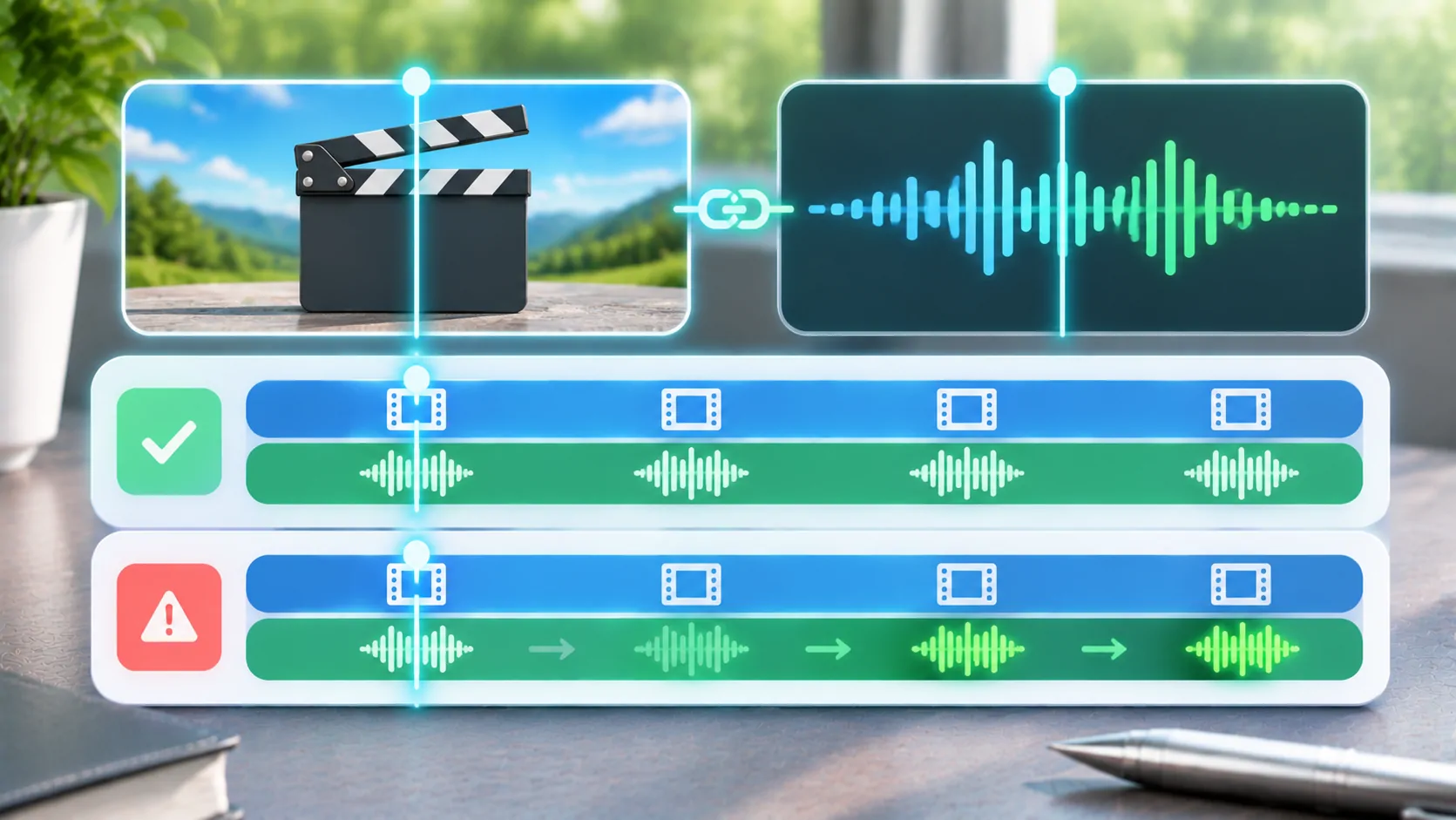
If sound works but video does not, a video-format issue is one possibility. It is not proof: output restrictions and source faults can also produce that symptom. Use a second authorised sample with known support to separate a broad player problem from one particular encode.
The Browser Environment Matters
A page in a full browser and the same page inside an app may run in different browsing contexts. Available APIs, storage, permissions and integration can differ. A service may officially support one environment while blocking or limiting another. The page's visual similarity does not erase those differences.
Some web players rely on scripts, adaptive streaming libraries or platform media features. Others require specific content-protection components. If a required feature is missing, the page may load while playback fails. A successful webpage request does not establish that the entire media stack is supported.
Check the service's current browser and device requirements. Do not change user-agent strings or extract private headers to bypass an unsupported environment. A compatible official app or documented browser route is a more reliable option than trying to make every embedded surface behave identically.
HLS Adds Several Required Requests
An HLS presentation can include a multivariant playlist, selected media playlists, segments and related resources. Apple's streaming resources explain the technology and implementation ecosystem. The first document arriving does not verify every dependency or rendition.
A stream can fail because a child resource is missing, uses an unsupported codec or requires an authorisation context the player does not carry. Relative paths and expired links can also matter. Diagnose the specific stage instead of assuming that the .m3u8 suffix guarantees compatibility with every web player.
If a source starts and then stalls, record the time and whether the same item works in its supported client. If only one quality variant fails, the operator should inspect that variant. Avoid reporting invented status codes when the interface shows only a general loading error.
Server Headers and Page Rules Can Affect Playback
A source should return the expected media type and appropriate responses for its delivery method. A URL can return an HTML account notice instead of video. Redirects, authentication and cross-origin rules can also affect how a page fetches its media, even when a direct browser visit appears to work.
If you own the site, inspect the browser's actual network and console evidence in the affected environment. Check the request destination, response body and declared type. Do not fix a web-origin problem by telling users to disable security broadly or install an unknown proxy.
If you are a viewer, provide the service with the page, client version and observed error through a private support channel. Keep signed media links and account cookies out of public reports. The site operator is responsible for publishing a supported delivery configuration.
External Output Is a Separate Compatibility Layer
Phone playback can succeed while an external screen remains blank or uses a different presentation. The app, content service and receiver may each impose conditions. DRM-protected video may restrict capture or particular outputs, and a generic mirror cannot promise to remove those restrictions.
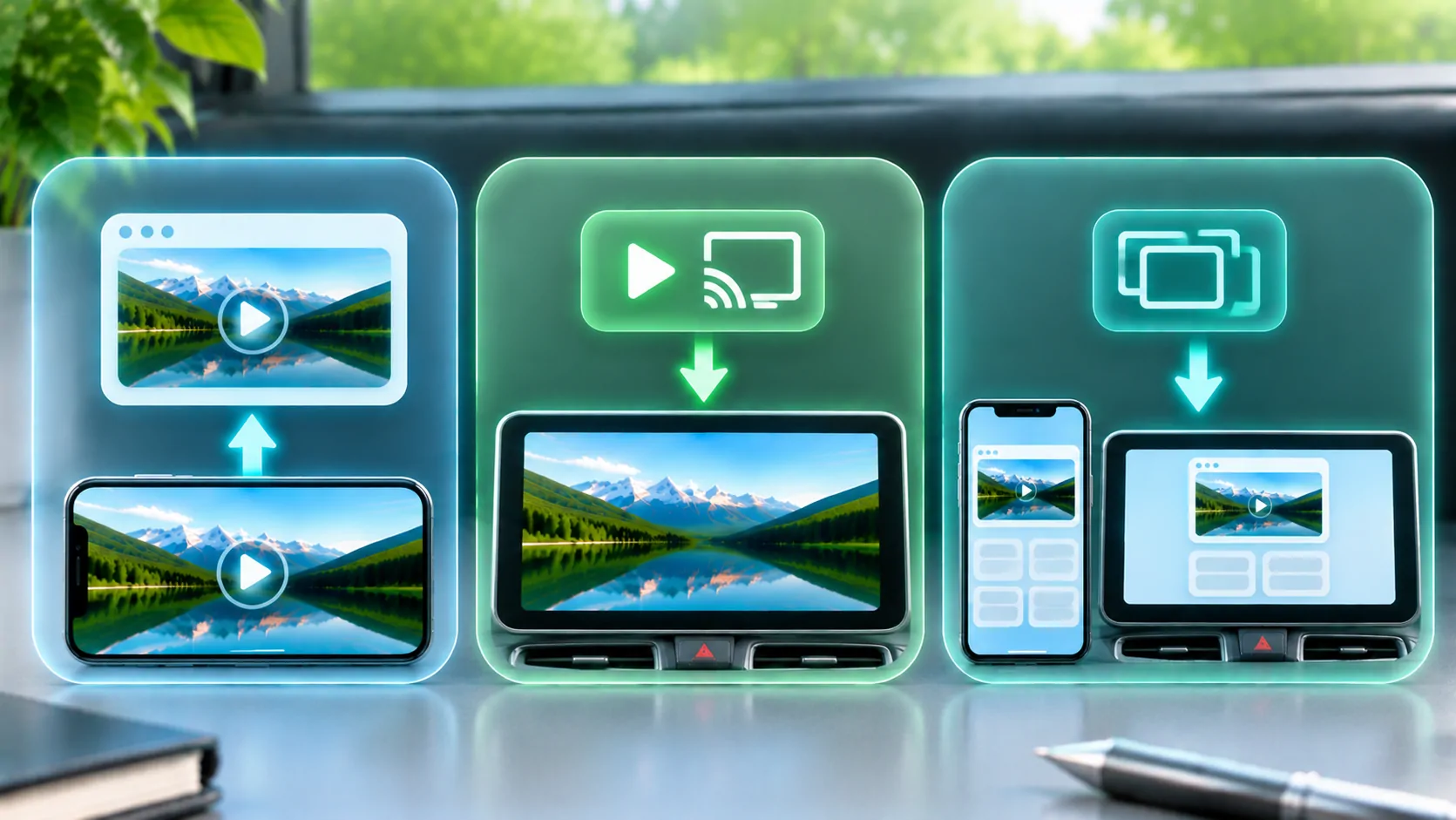
Distinguish direct media playback, screen mirroring and a CarPlay interface. A receiver supporting one does not automatically support every other route. See web fullscreen and AirPlay controls for why controls can appear or disappear depending on the environment.
Use a harmless personal video to test the output path separately from a protected service. If personal media works and one service does not, consult that service's supported output requirements. Do not infer a general device fault or attempt to bypass its content protections.
Quality Labels Do Not Resolve Format Mismatches
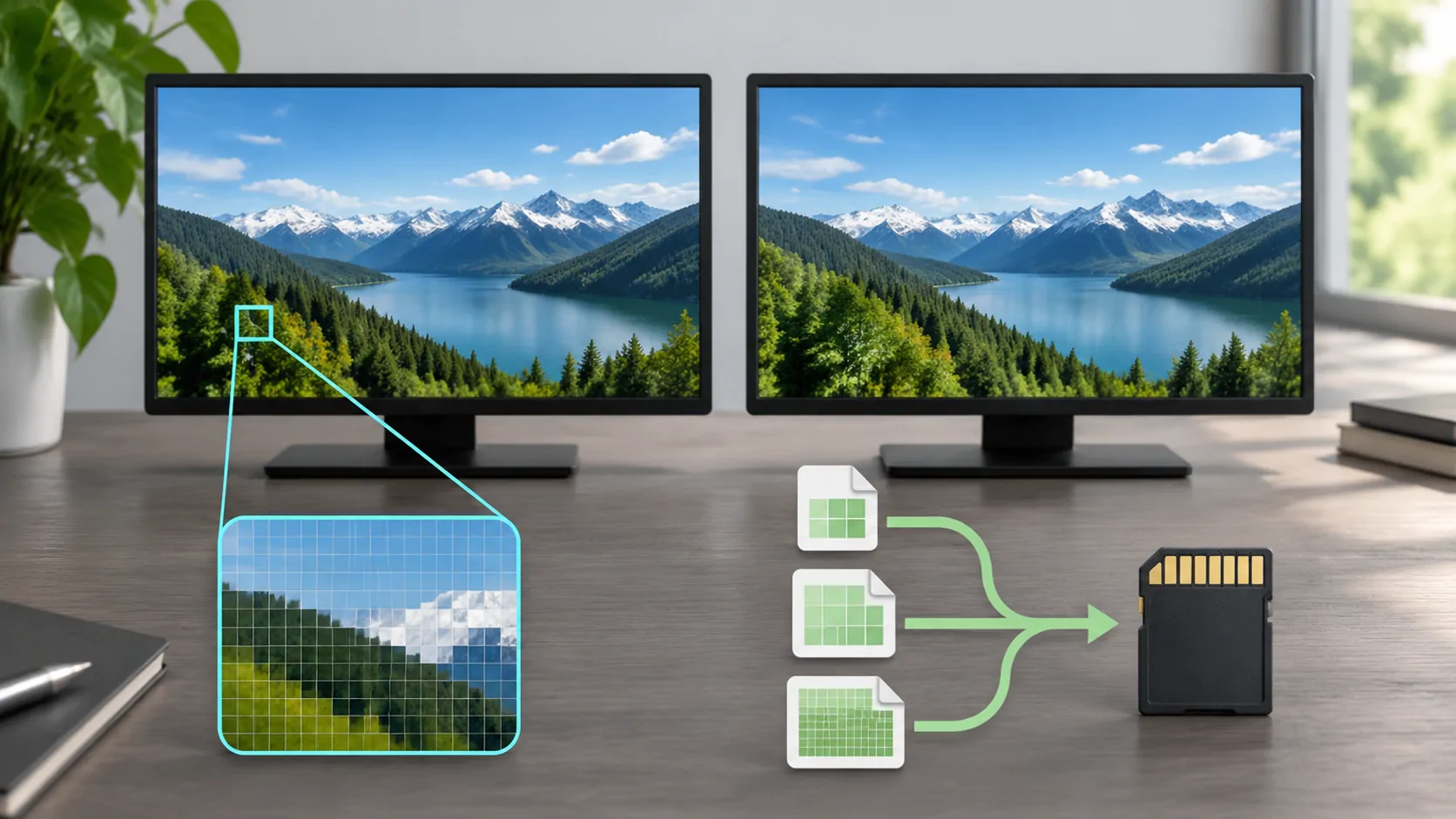
A lower resolution may reduce processing and network demand, but it does not automatically change an unsupported codec into a supported one. The source may offer a different compatible rendition, or a server you control may transcode through a documented workflow. Those are source capabilities to verify.
The Jellyfin codec support documentation shows how compatibility can vary among clients. Its specific table applies to those clients, but the broader lesson is to examine the actual media and playback path together.
For bandwidth and picture-size tradeoffs, read resolution and bitrate. Keep an encoding issue distinct from a slow connection. A stable low-quality stream and a completely unsupported stream need different corrections, even if both disappoint the viewer.
Build a Minimal Reproduction
Record the source service, phone, operating system, browser or app, receiver and connection type. State whether the page loads, playback starts, sound appears and external output differs. Test one known authorised item through the supported route before changing several settings.
If you own the media, create a small non-sensitive sample that reproduces the issue. If you do not, provide the service with a timestamp and error description rather than redistributing the programme or its private source URL. Claim only tests you actually performed.
Web video compatibility is a chain of agreements among the media, site, browser and output system. Identifying which agreement failed is more useful than renaming a file or assuming that every screen showing a browser can play the same content.
Sources
Related reading
Bring your own media.
Explore CarCast for iPhone with your own authorized sources and supported display configurations.