Video & Casting
Safer Sign-Ins in an In-App Browser
Check domains, authentication prompts and session handling before signing into a service through an in-app browser on a shared or vehicle-related display.
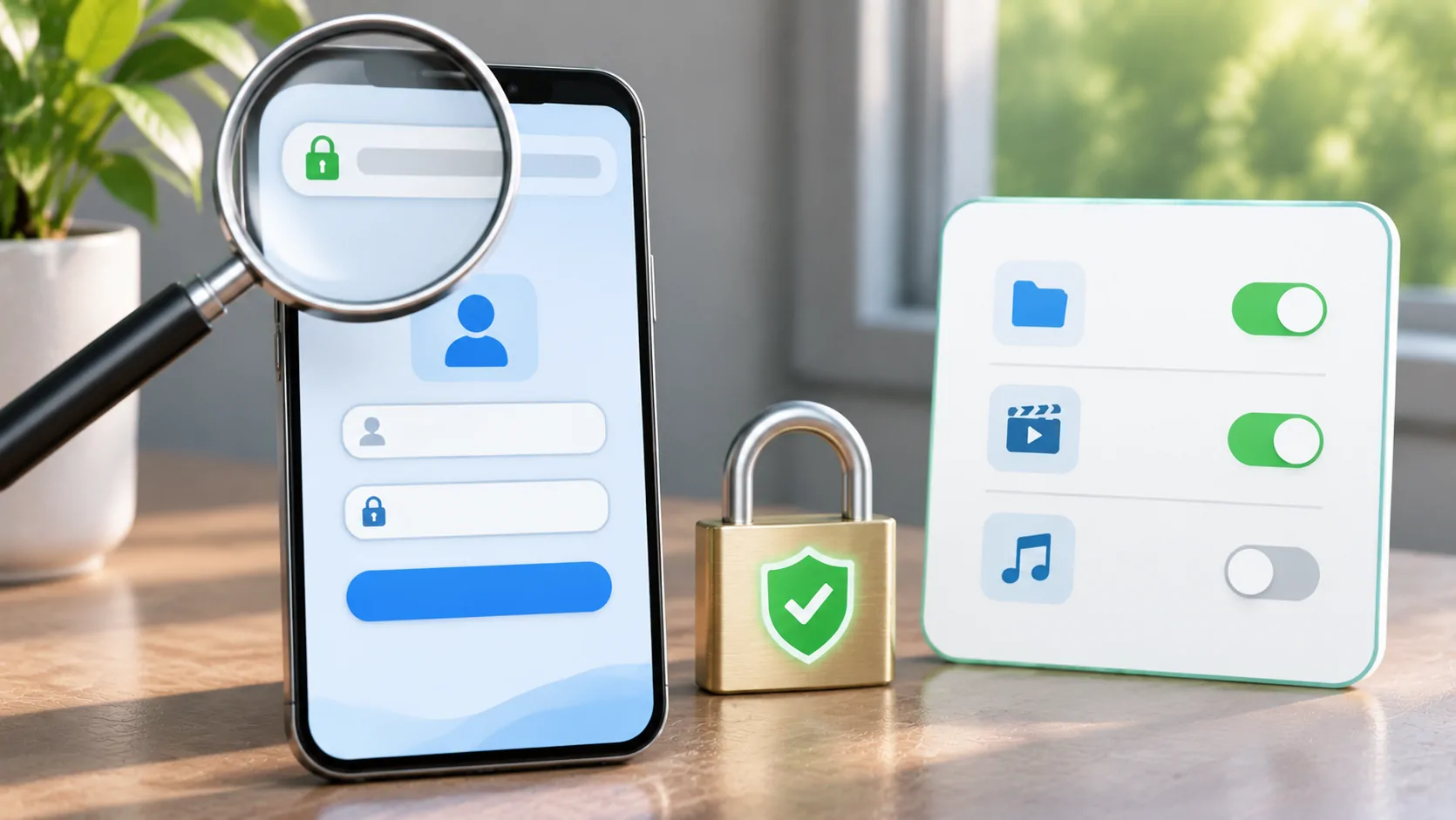
Before signing into a service through an in-app browser, verify the destination, identify the authentication method and consider where the session will remain stored. An embedded page can look like the service's normal website while running inside another app. Its appearance alone does not establish the origin or the app's handling of the session.
Use a supported system or external-browser sign-in when the service offers it. For a shared or vehicle-related display, complete sensitive setup privately while parked, and confirm how to sign out afterward. Do not enter account recovery codes or passwords into a page whose destination you cannot verify.
Identify the Page and Its Origin
Check the actual hostname before entering credentials. A service name in a page title, logo or decorative heading is not the same as the origin in the address. Watch for misspellings, unexpected subdomains and a link that opened somewhere different from its label.
HTTPS protects transport to the named server, but it does not prove that the operator is the service you intended. A lookalike site can also use HTTPS. If the embedded interface does not expose enough address information to verify the destination, use the service's documented external sign-in route rather than guessing.
Open the official service independently when needed instead of following an unfamiliar login link from a playlist, advertisement or message. Do not paste private media URLs into a search field to find a login page; the URL itself may contain account access information.
Understand Why Authentication May Leave the App
For native-app OAuth flows, RFC 8252 recommends an external user-agent rather than an embedded user-agent. That guidance concerns a particular authentication architecture; it does not mean every web page or all embedded browsing is the same kind of OAuth flow.
Apple's ASWebAuthenticationSession documentation describes a system authentication session that apps can use. Whether a particular app implements it must be verified from that app's current behaviour and documentation. Do not claim that CarCast uses a specific authentication framework without evidence.
A legitimate flow may briefly open a system-controlled page and return to the app. Check the destination and requested access during that transition. If the service blocks embedded login, follow its supported route rather than altering user-agent strings or extracting cookies to imitate another environment.
Review the Access Being Requested
A sign-in can do more than confirm a password. A consent page may request access to account information or other resources. Read the scope and the named application before approving it. An unexpected request for broad account access deserves investigation through the service's official documentation.
Do not assume that a familiar identity provider makes every requesting application trustworthy. The identity provider and the app receiving permission are separate parties. Check both. If the task is simply to watch a lawful video, understand why any additional permission is necessary.
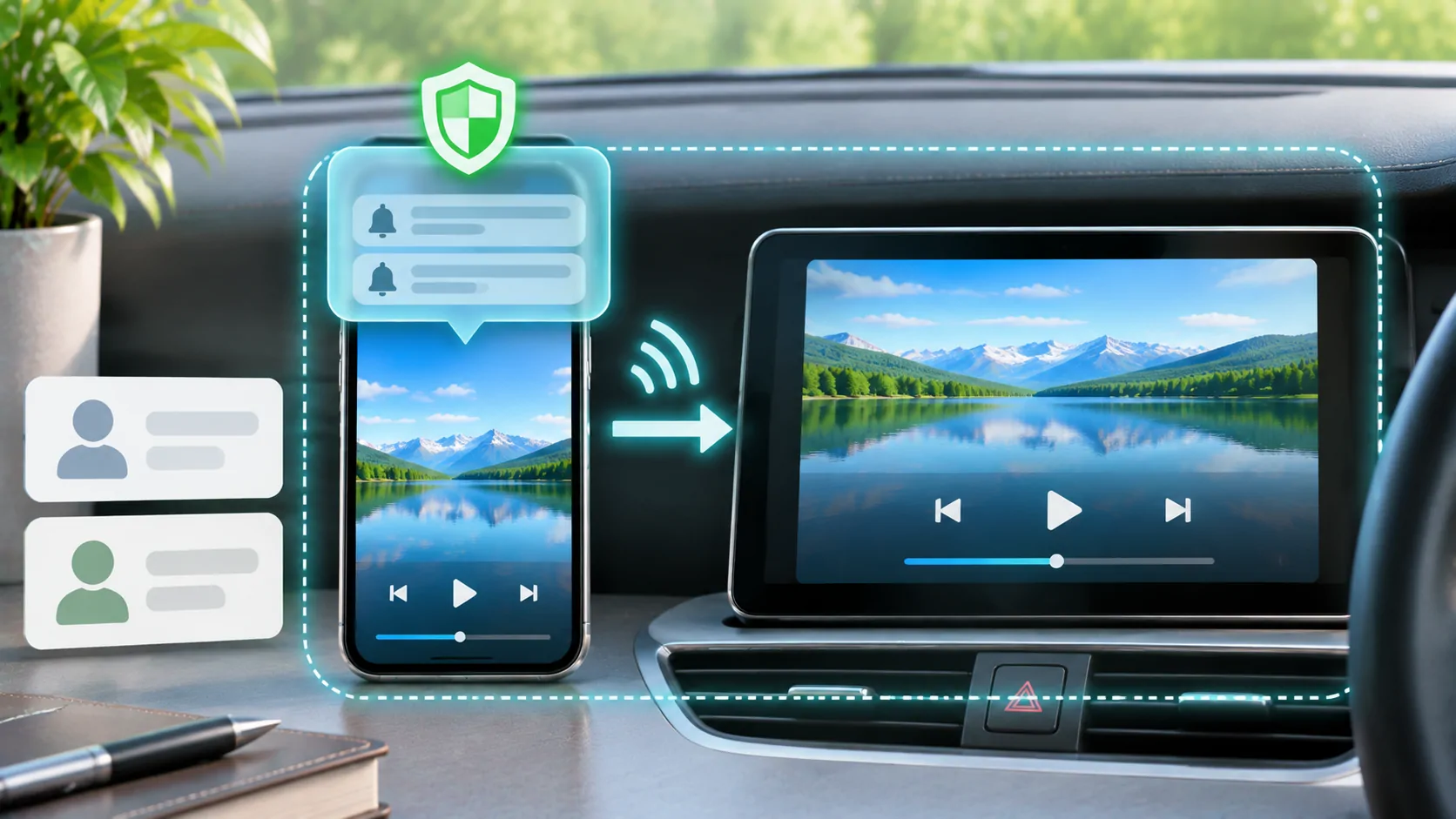
Keep passwords, one-time codes and recovery information out of mirrored views. A password field may obscure typed characters while an incoming authentication notification reveals the code. Review mirroring privacy before starting an audience-visible session, including the phone's app switcher and notification previews.
Recognise Separate Session Stores
Signing into a site in Safari does not guarantee an unrelated in-app browser shares that session. An app can use a different cookie store or browsing context. Conversely, a system authentication flow can have its own documented relationship with existing browser sessions.
MDN's cookie guide explains how cookies support state on the web. An account session can persist until the site or client expires or clears it. Closing a visible page is not necessarily the same as logging out or deleting stored session data.
If a sign-in loop occurs, do not immediately clear every browser on the phone. First identify which context is failing. A targeted, documented session reset is more useful than a broad reset that removes unrelated accounts and makes the original behaviour harder to reproduce.
Avoid Credential Workarounds
Do not send your password to a player developer or paste it into a generic support form because a website login failed. A legitimate service should document the supported account route. If a provider supplies application-specific credentials, distinguish them from your main email or identity account.
Avoid copying cookies, bearer tokens or hidden authentication headers from another application to bypass an unsupported login. Those values can grant access without another password prompt and may be intended for one session. They should be protected like credentials, not treated as harmless troubleshooting text.
When a website refuses the embedded environment, use the official app or documented browser workflow. Compatibility is a real constraint. A media player cannot guarantee that every third-party login, DRM system and account policy works inside its browsing surface.
End the Session on Shared Equipment
Use the service's sign-out control when you have finished on a shared receiver or device. Then follow the app's documented method for clearing its browsing data if that is necessary for the shared setting. Sign-out and data deletion have different effects and should not be conflated.
Check whether account permissions remain active at the service. Some authorisations can be reviewed or revoked from the account's security page. Ending a mirror or closing the player does not automatically revoke every grant made during a login flow.
Also inspect what remains visible on the receiving display. A frozen account screen or recent-page preview can disclose information after live sharing ends. Return the display to harmless content before leaving shared equipment, and keep the phone private while completing any final account checks.
Report Login Failures Without Exposing Secrets
Provide the service name, app version, operating-system version, stage of failure and exact message. State whether the same account works through the service's supported official route. Redact codes, email addresses, session identifiers and query parameters from screenshots.
For repeated login prompts or disappearing sessions, see in-app browser cookies. A session problem is different from a wrong password or a blocked authentication environment. Identify that distinction before changing account settings.
A safer login is one whose origin, requested permission and session lifetime you can understand. Follow the service's supported authentication route and verify the end state, rather than relying on a familiar-looking page inside an unfamiliar container.
Sources
Related reading

Bring your own media.
Explore CarCast for iPhone with your own authorized sources and supported display configurations.