Video & Casting
YouTube and CarPlay: Understanding the Support Limits
Separate YouTube playback on iPhone, native CarPlay, AirPlay and independent car hardware before choosing a supported parked viewing setup.
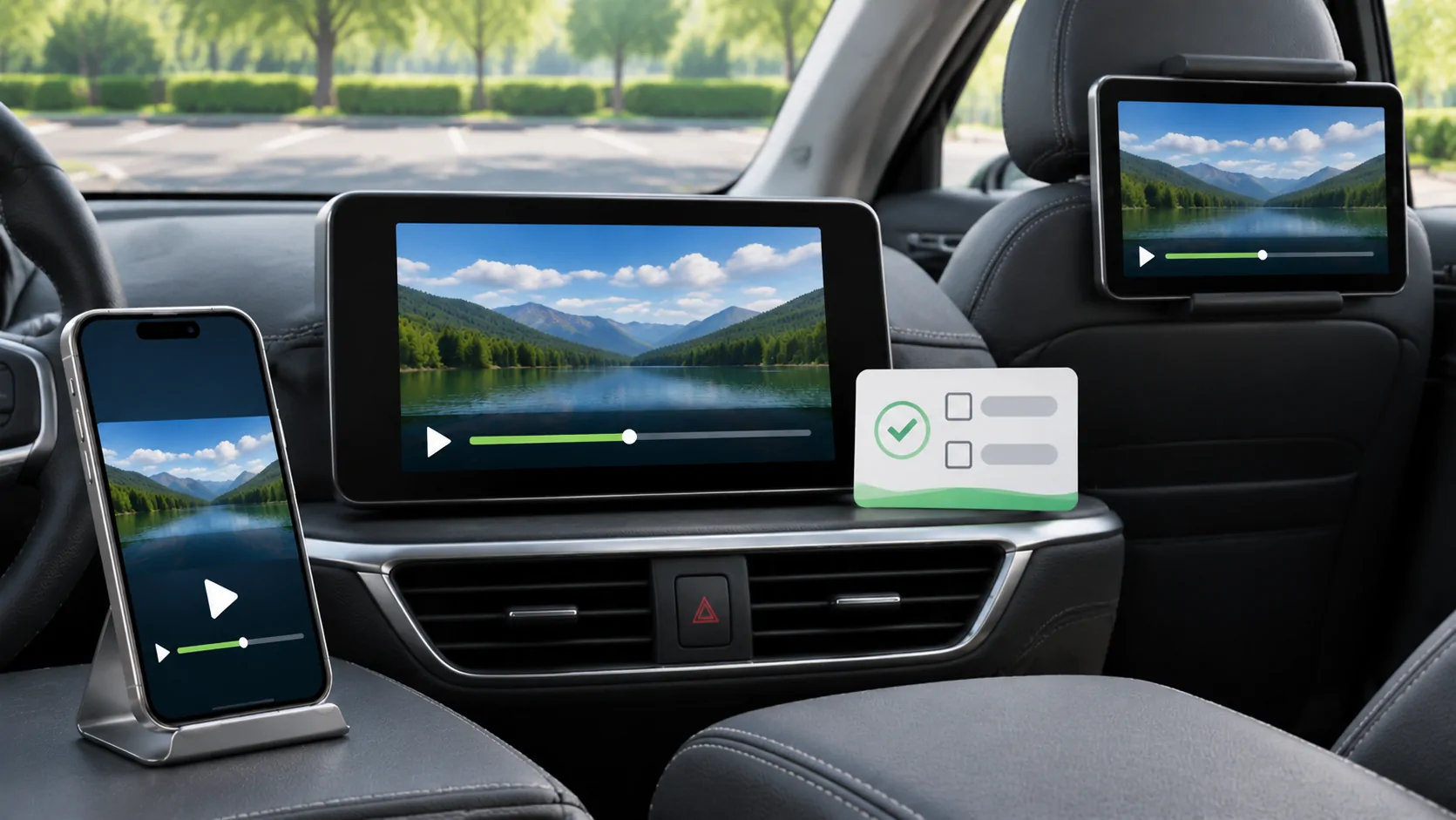
The answer depends on the playback route
YouTube working on an iPhone does not establish that its video can appear through native Apple CarPlay. A compatible car display, the connection method, the source application's permissions and any applicable vehicle restrictions must all support the intended route. A screen running an independent Android system is another category entirely. Plan video viewing only while safely parked and when permitted by the vehicle and local rules; a passenger account or a moving car's available screen does not remove those restrictions.
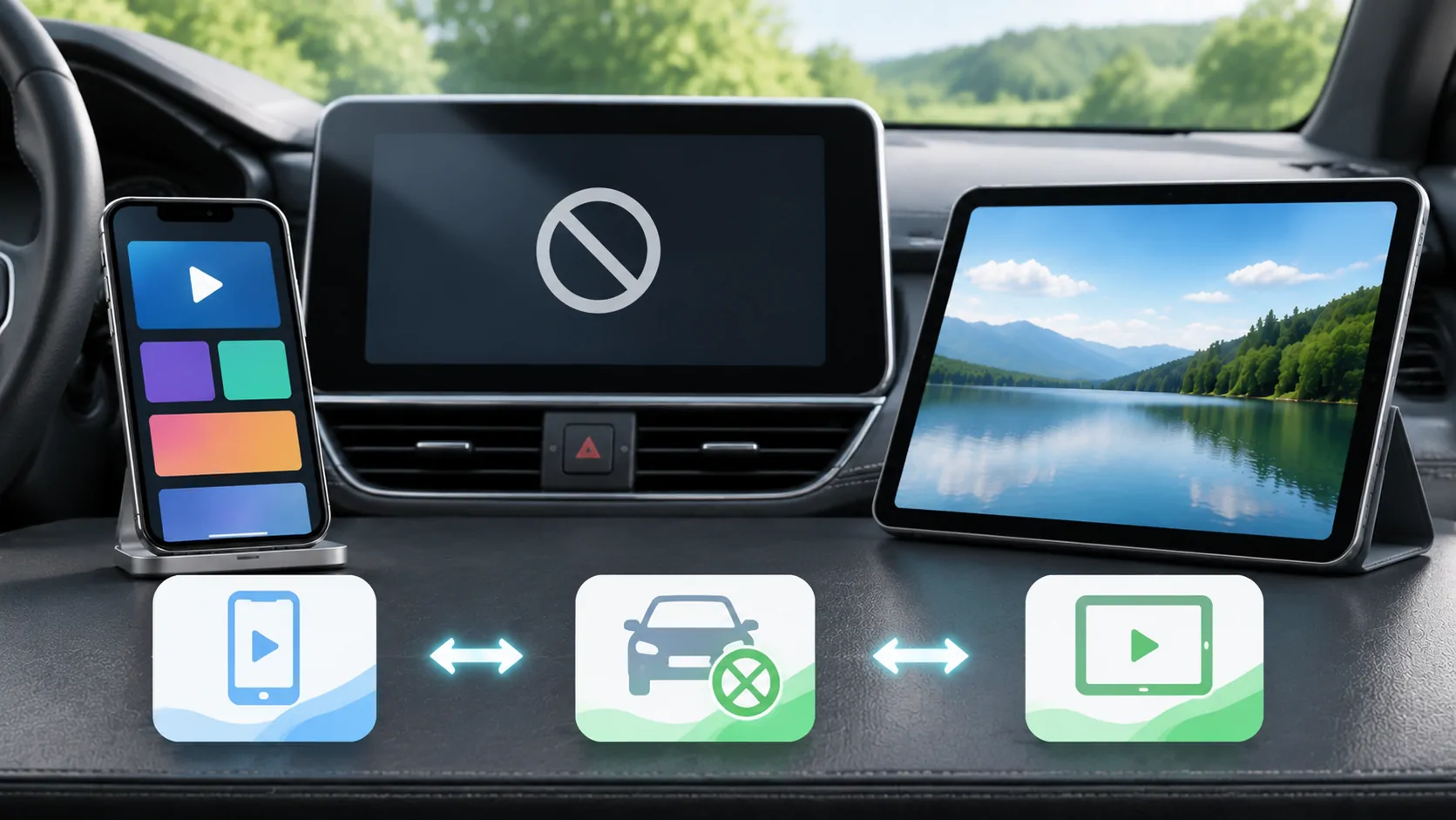
This distinction matters because searches for YouTube on CarPlay mix several products. Some results describe audio, some describe phone mirroring, and others sell replacement hardware. Start by identifying what is actually installed rather than following instructions based only on the word CarPlay.
Identify the system before installing anything
Apple's CarPlay overview describes the platform and its supported app experience. Use the car manufacturer's manual to identify the exact head unit, model year, software version and connection options. The same vehicle name can have several infotainment packages, so a video from another owner may describe different hardware.
Write down whether the display is showing the native CarPlay interface, the manufacturer's own entertainment interface, or a separate connected box. If a product launches its own app store, cellular connection or Android home screen, do not assume that its YouTube application runs inside Apple's CarPlay app framework. This also changes who supplies updates, handles credentials and provides technical support.
Do not buy a device solely because its listing says it supports every car. Ask for your exact system and a return policy, and verify the manufacturer's current documentation independently.
Audio playback is a separate question
Hearing a YouTube-related service through car speakers proves an audio route, not a video route. Bluetooth audio, an application's approved CarPlay audio interface and playback from a phone speaker are different paths. A screen can display track information or playback controls without displaying the underlying video.
If the aim is listening to music, check the service's supported music application and account requirements rather than trying to turn a video page into a dashboard video player. Consult the YouTube Help Center for the particular product and subscription. YouTube and YouTube Music have different interfaces and capabilities; instructions for one should not automatically be applied to the other.
When troubleshooting, record whether the problem is silence, missing controls, a black picture or an unavailable application. These symptoms belong to different layers and should not be combined into one supposed fix.
Check casting and mirroring independently
A Cast, AirPlay or screen broadcast control on the phone is not a universal promise of receiver compatibility. The destination must implement the relevant route, the application must permit it, and the content may impose additional requirements. A button appearing in one app does not guarantee the same behaviour in another.
Test a short, non-sensitive video that you own on the phone first, then test the intended supported receiver while parked. If personal media works but a particular service does not, that comparison points toward service, account or protection restrictions rather than proving that the phone's display connection is broken. Do not attempt to circumvent a protection mechanism to make the comparison pass.
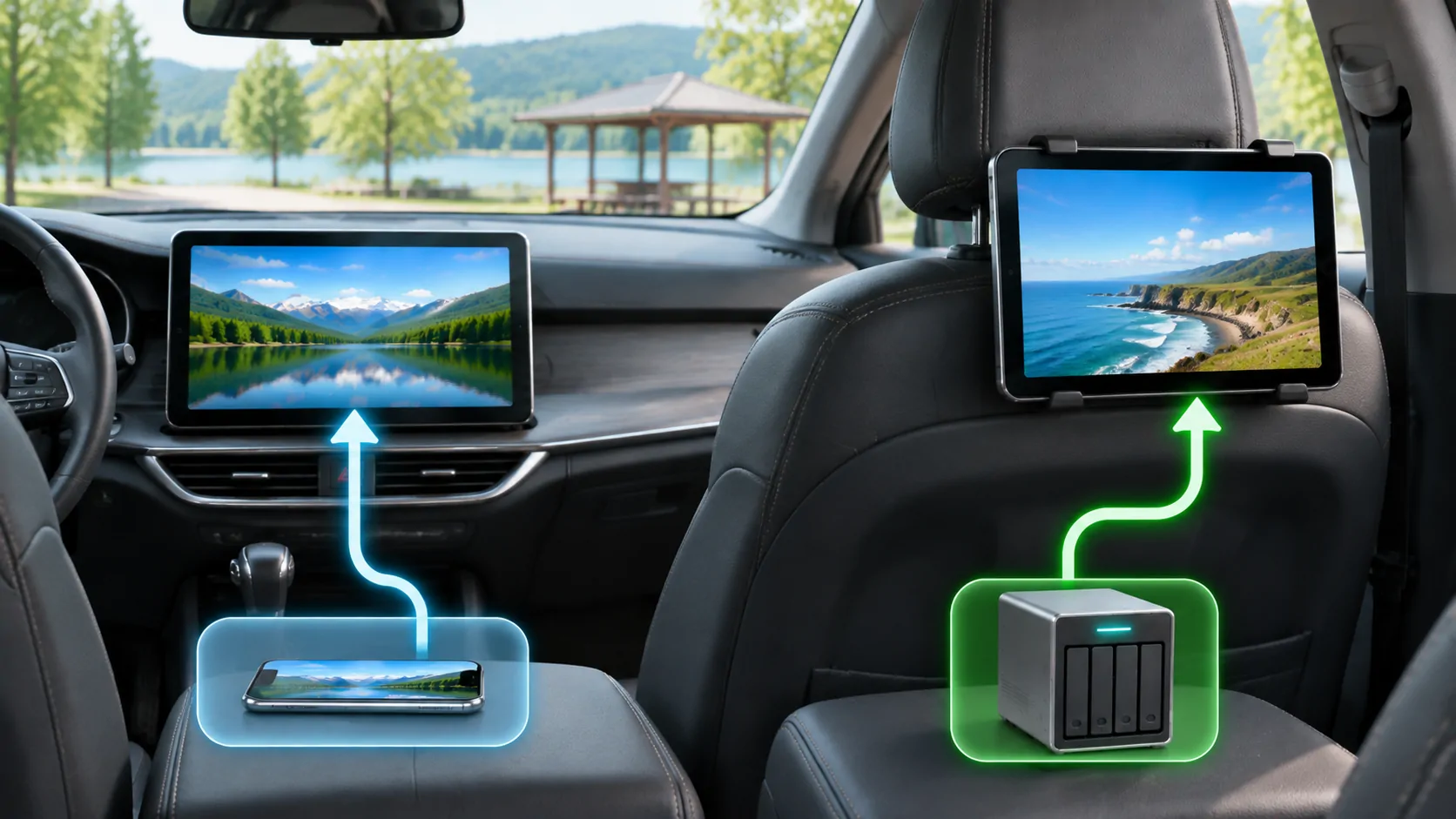
For a broader distinction between vehicle screens, see rear-seat and dashboard systems. Moving content between those systems can require a different supported application or input, even inside the same vehicle.
Downloads do not create a general-purpose video file
An offline option inside a subscription application is normally managed by that application under its own rules. It should not be treated as an exportable MP4 that any player can open. Availability, expiry and supported devices can change with the service and account.
Before a stop with unreliable reception, use the service's own documented offline method on a supported device and confirm that the chosen item plays before leaving a reliable connection. Avoid assuming that a downloaded item can subsequently be mirrored or sent to another screen. Offline access and external display permission are independent.
Do not share account credentials or download tokens with an unknown converter. A site promising to turn every protected download into an unrestricted car video may create a security problem as well as conflict with the service's terms.
Evaluate third-party claims with a short checklist
For any proposed setup, ask five concrete questions: Which application runs the video? Which operating system runs that application? What physical or wireless connection carries it? Which exact vehicle systems are supported? What happens when the vehicle leaves its permitted parked state?
Apple's developer CarPlay page is a better starting point for platform categories and developer requirements than an adapter advertisement. A vendor's demonstration can show its own claimed workflow, but it is not proof that YouTube has become a native CarPlay video application in every car.
CarCast is an independent iPhone media application for users' own or authorised sources. Its media and supported display features should be evaluated against the same device, content and compatibility conditions. It is not an Apple product and should not be described as granting unrestricted YouTube access.
Choose a usable result and stop safely
The most reliable outcome may be watching on the iPhone, using a documented rear-seat entertainment feature, or choosing audio during travel. A dashboard video setup is appropriate only when the whole documented chain permits it. Check CarCast compatibility guidance for the limits relevant to CarCast, without treating that page as a certification of other vendors' equipment.
If a route fails, preserve the exact device, iOS, application, head-unit and error details. Ask the responsible provider about that specific path instead of repeatedly installing unrelated apps. Stop playback and disconnect the viewing session before preparing to move. A successful parked test establishes only that tested configuration and content, not all videos, all vehicles or a permanent guarantee after future updates.
Sources
Related reading
Bring your own media.
Explore CarCast for iPhone with your own authorized sources and supported display configurations.