Compatibility
Ford SYNC and CarPlay: Identify the System Generation
Identify a Ford SYNC generation before checking CarPlay, using regional Ford documentation to separate smartphone integration, updates and connected services.
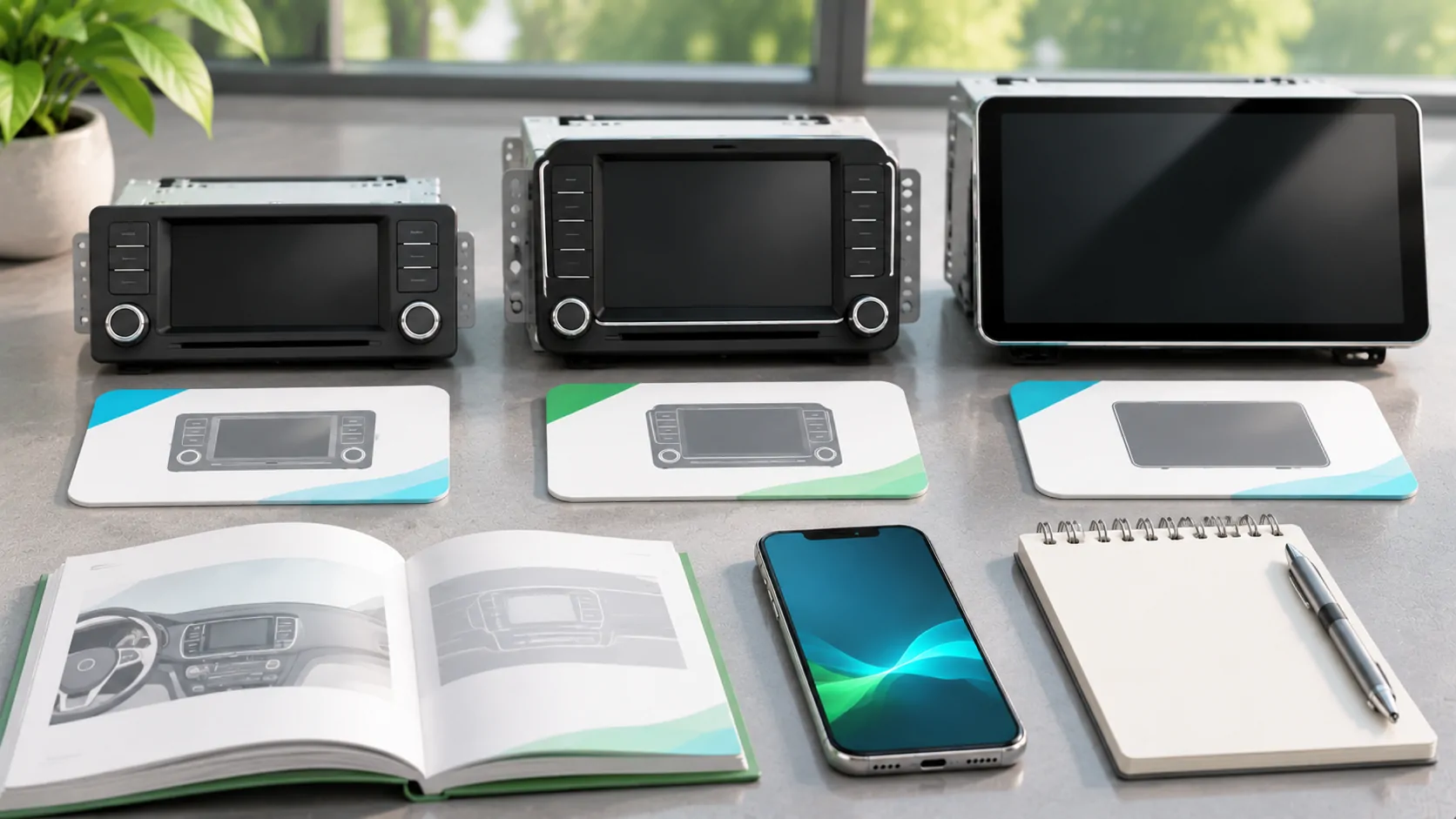
Identify the SYNC generation before pairing
For Ford CarPlay questions, start with the installed SYNC system rather than the vehicle name alone. Generation, equipment, model year and region can change the available connection and update paths. Do not apply instructions from a newer touchscreen to an older receiver merely because both are branded SYNC or belong to the same vehicle model.
Ford UK's SYNC 4 overview explicitly describes wireless Apple CarPlay and Android Auto, while qualifying that shown features may be optional or limited to selected vehicles. That is useful regional evidence about the system offering. It is not a blanket statement that every Ford with a SYNC badge, or every model in another market, has that capability.
Compare system names with installed equipment
Find the system information and consult the manual for the actual car. Record the software version and whether the receiver is original. A screen size or dashboard photograph can help locate the right reference, but it should not replace the system identification. Used and modified vehicles require particular care because a previous owner may have changed the receiver or added an adapter.
Ford UK's SYNC 3 overview presents a different generation with its own controls and connected features. Its general feature page is not a complete eligibility statement for every CarPlay setup. Use the exact owner's instructions for port, phone and software requirements rather than borrowing the wireless wording from the SYNC 4 page.
Separate smartphone projection from Ford services
Ford's built-in navigation, app-based remote vehicle functions and smartphone projection are different services. A vehicle communicating with an owner app does not by itself prove CarPlay support. A working CarPlay connection likewise does not establish that a separate Ford connected service is active or included without charge. Keep the account and feature requirements for each route distinct.
The SYNC 4 overview discusses cloud-connected navigation and notes that a paid plan may be required. That should not be generalized into a fee claim for every CarPlay connection. Ask which specific service a subscription covers. When troubleshooting, name the function that fails instead of assuming a connected-service account problem explains every missing smartphone interface.
Verify the supported connection route
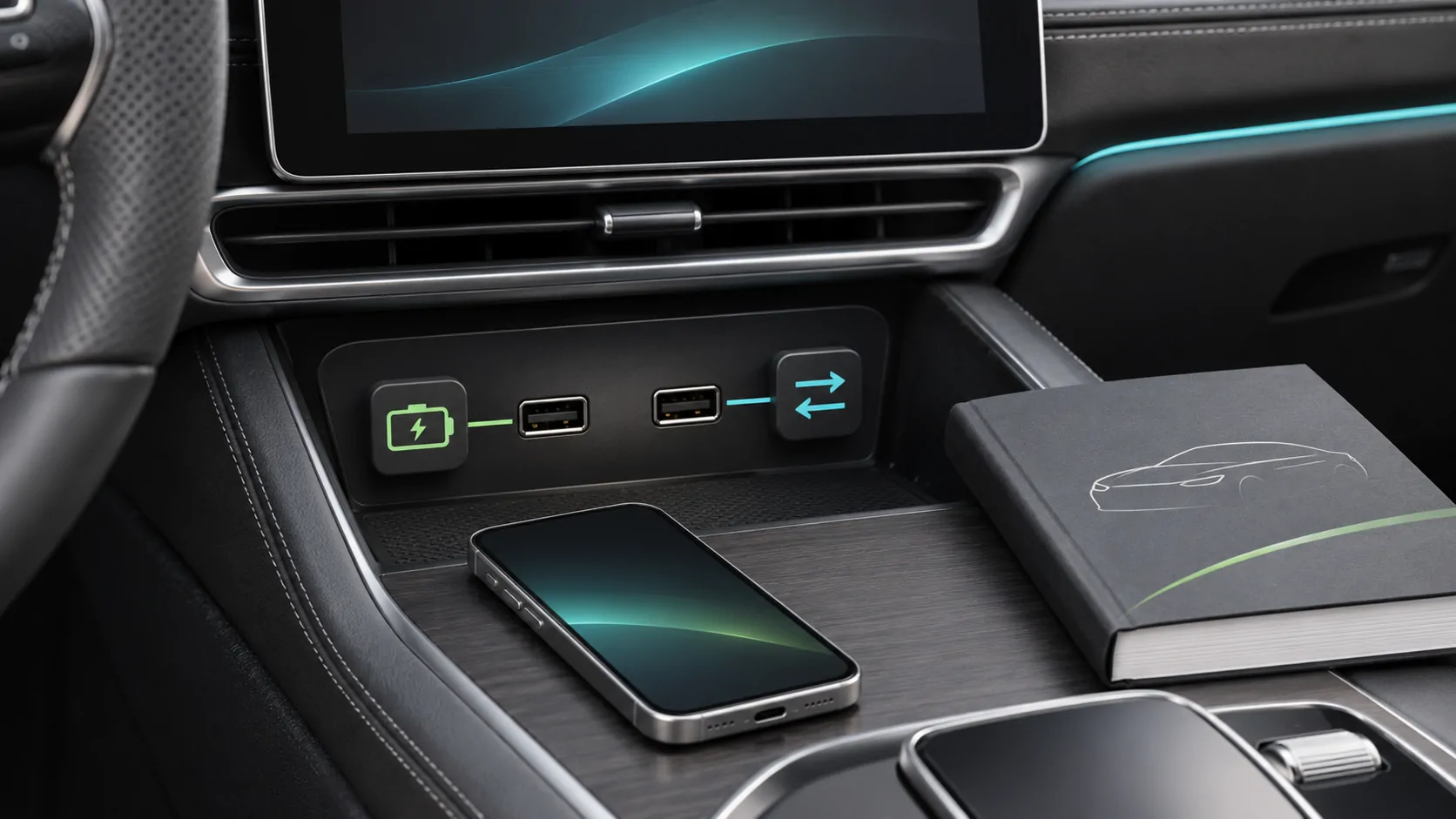
When the manual documents wired CarPlay, identify the designated data-capable port and use a known suitable cable. A USB socket that supplies power is not enough evidence. Follow Apple's setup guide, observe phone permissions and record whether the interface opens. Avoid introducing an adapter before establishing the direct supported baseline.
When native wireless is documented for the actual vehicle, follow Ford's pairing and phone-selection controls. Bluetooth audio alone is not the same result. If an aftermarket converter is present, identify it separately and check its supported equipment. Do not describe a converter's behavior as an inherent feature of all SYNC units, even when it uses the receiver's existing wired connection successfully.
Understand what the update statement covers
Ford's SYNC 4 overview describes over-the-air software updates for that system offering. It does not establish the same delivery method for every older SYNC generation or every market. Use the actual vehicle's official update instructions and current eligibility. Keep native map data and infotainment firmware distinct when the update materials treat them separately.
An iOS update is another independent layer. It does not install Ford firmware, and a Ford update does not restore an older iPhone app. Record both sides before making changes. Read the applicable release description for the desired repair or capability rather than assuming that the latest available file adds wireless support, new screens or media features to every installed receiver.
Test driver selection and audio after connection
For a shared Ford, confirm which saved phone connects at startup and how to switch while parked. Check a supported map, audio playback and a stationary call as separate tasks. A successful home-screen connection does not prove microphone routing or every app behavior. Record exactly which function fails if the result is incomplete.
Ford's SYNC 3 overview notes contact downloading and storage in its hands-free context. For shared or rental use, consult the actual manual for removing personal information when finished. Do not assume disconnecting the phone clears all retained data. A private pairing record can remain in the receiver after the phone leaves, so cleanup belongs in the normal ownership workflow.
Keep troubleshooting scoped to the failing component
Apple's CarPlay troubleshooting guidance provides documented phone-side checks. Pair that with the correct Ford manual and version information. If the direct route works but an adapter route does not, preserve that observation. If only one app fails, test its account and phone behavior before resetting the entire receiver.
Record whether the issue began after iOS, an app, Ford firmware or accessory firmware changed. Avoid several updates and a full reset in the same experiment unless the supported procedure requires them. Phone and automaker firmware explains the ownership boundary and why a reproducible sequence is more useful to support than an unspecified connection complaint.
Limit the final claim to the actual vehicle
A verified ordinary CarPlay connection does not establish CarPlay Ultra, parked video or unrestricted phone mirroring. Those capabilities require their own app and vehicle evidence. The presence of a sophisticated SYNC display, native entertainment or an owner-app account does not settle the question. Any supported dashboard video evaluation must remain within safe parked-use conditions.
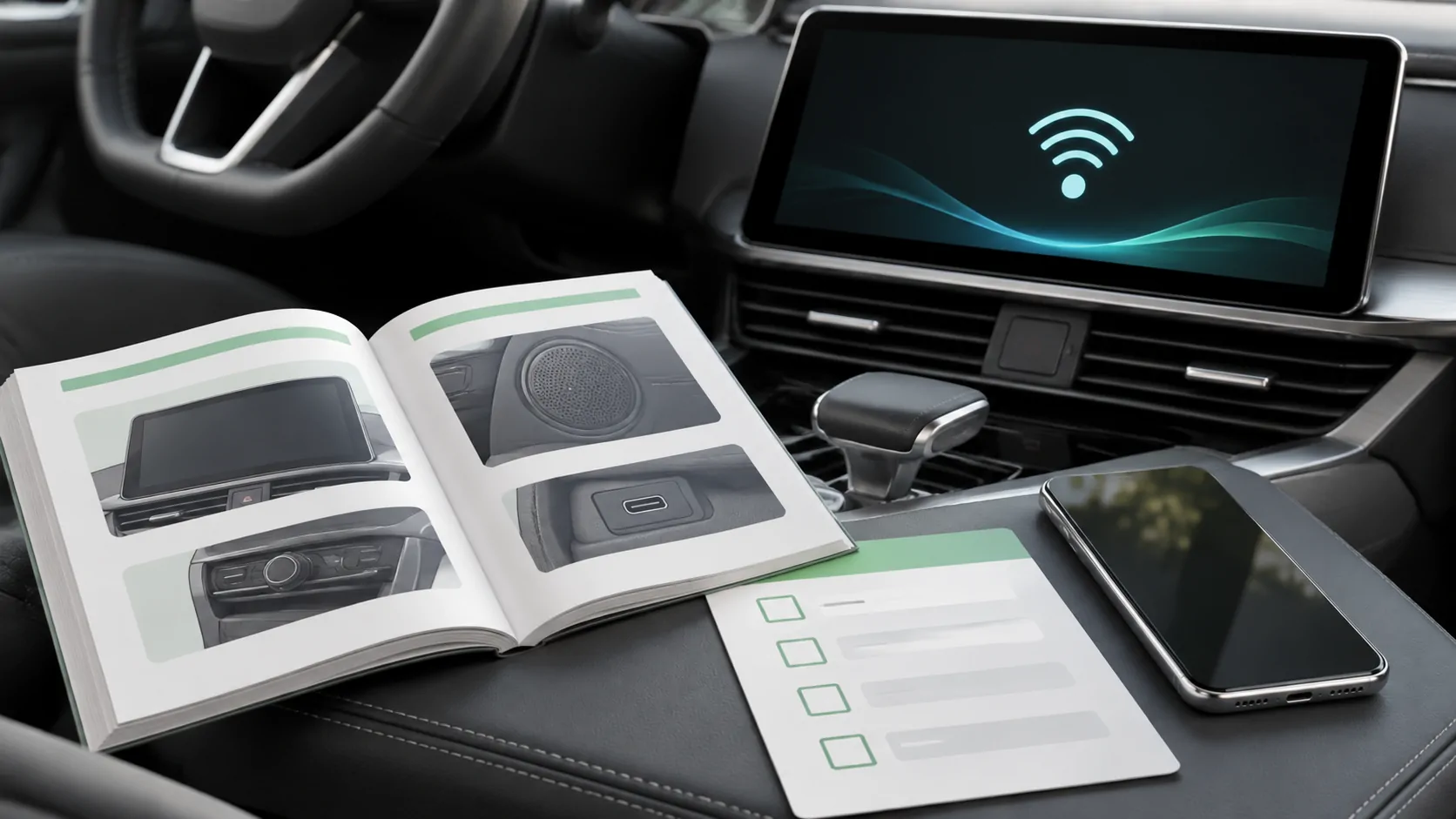
Use the compatibility checklist to retain the SYNC generation, vehicle market, software, phone and route. A useful conclusion identifies the supported setup and the next responsible support channel. It does not extend a regional SYNC 4 feature statement to every Ford generation or assume that a general connected-car service and CarPlay are the same system.
Sources
Related reading
Bring your own media.
Explore CarCast for iPhone with your own authorized sources and supported display configurations.