Compatibility
Audi MMI and Smartphone Interface: What to Verify
Separate Audi MMI, smartphone interface and connected-service questions, then verify CarPlay equipment and diagnose a missing connection without guessing activation terms.
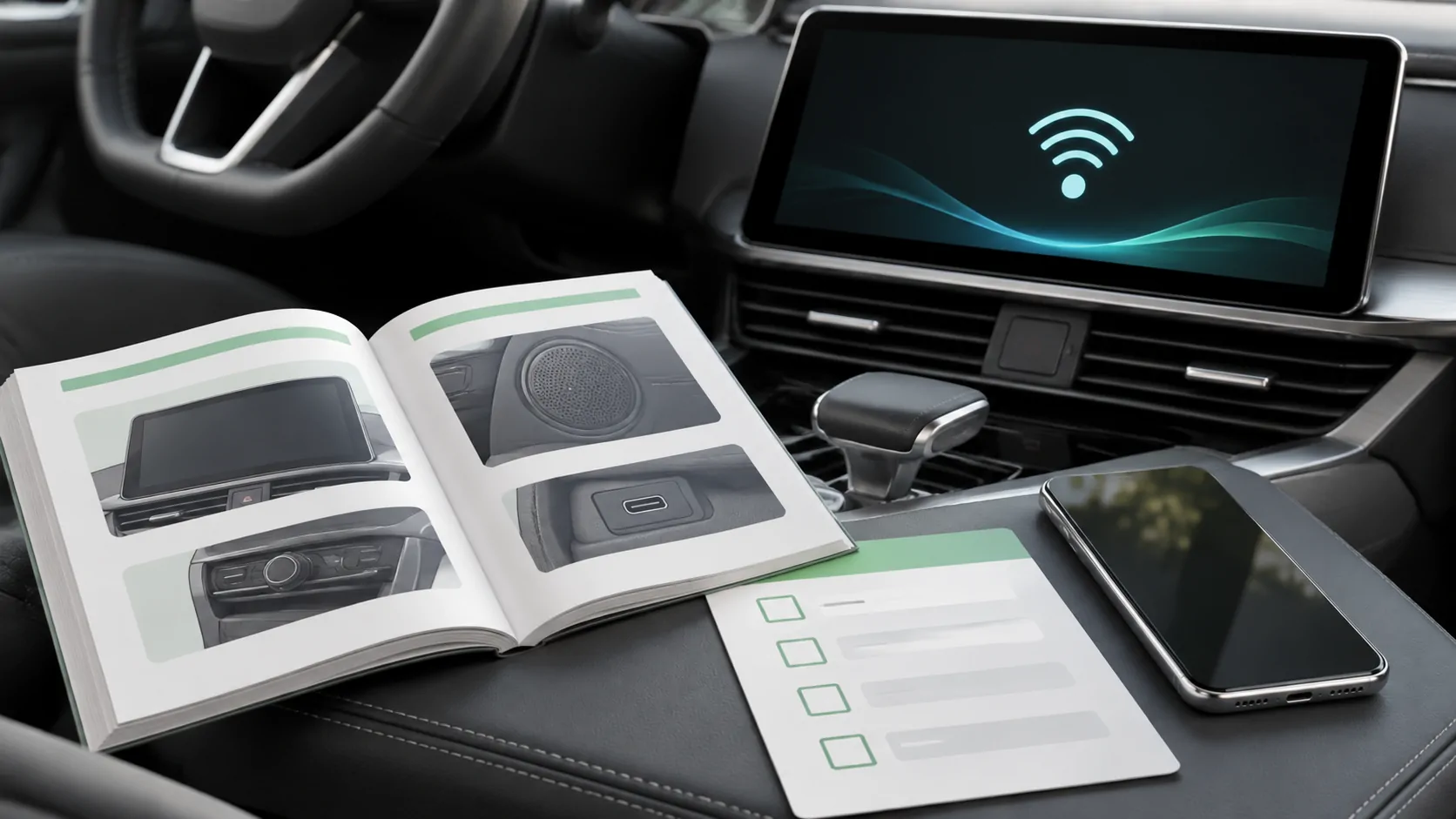
For Audi MMI CarPlay questions, first establish whether the individual vehicle has the relevant smartphone-interface equipment and which connection method it supports. Then diagnose the phone connection. An MMI display, a connected-services account and Bluetooth audio are different pieces of evidence; none independently proves that CarPlay is fitted or that an activation purchase is needed.
Turn the terminology into specific questions
An enquiry about Audi MMI can cover the dashboard interface, navigation, media, phone calls or online services. Narrow the request to the function you need: displaying supported iPhone apps through Apple CarPlay.
When someone mentions Audi smartphone interface, ask whether they mean the actual equipment installed in the car or a general feature description. When they mention connected services, ask which named service and entitlement they are discussing. This avoids treating every account notification as a CarPlay fault.
Create three lines in your notes: installed system, confirmed CarPlay capability, and current connection result. Keep unknowns marked as unknown. A salesperson's broad statement that the car connects to an iPhone does not fill all three lines.
Establish the equipment record
Gather the model, model year, original market and available equipment documentation. Check whether the original head unit remains installed. A replacement receiver or added interface can require its own documentation, firmware and support contact.
Use the official Audi owner's manual portal to find the applicable instructions. Select the correct vehicle details through the available official process, and inspect any qualifications about optional equipment. Ask an Audi service contact to confirm the fitted configuration when the documentation does not settle it.
A manual portal is a route to evidence, not a universal compatibility statement. Avoid copying a forum's model-year threshold into a purchase decision without checking the actual vehicle, especially for imports, production changes or modified installations.
Ask what an activation proposal would change
If CarPlay is absent, a seller may suggest activation, a service renewal, software work or replacement hardware. Before paying, request an explanation of which missing requirement has been identified.
Ask for the exact applicable product, the equipment it requires, the supported connection method and who will support the result. Request current terms for the relevant VIN and market through a private manufacturer channel. Do not publish the full VIN on an open discussion page.
A missing icon alone is not evidence that a subscription expired. Conversely, an existing account does not prove that all required equipment is present. Written confirmation is especially useful when a proposed upgrade is described with vague words such as unlock or coding.
Separate never available from previously working
A car that has never demonstrated CarPlay has an unresolved availability question. A car that connected successfully yesterday has a different starting point. Record the last known working arrangement before changing anything.
For a previously working setup, note whether the change involved the iPhone, an iOS update, a cable, vehicle software or another saved driver. Our post-update checklist helps document changes without assuming that timing proves the cause.
For a never-confirmed setup, return to the equipment record and manual. Repeatedly resetting the phone cannot establish an absent receiver function, and an accessory intended for an existing CarPlay connection does not prove that a different installation is supported.
Demonstrate the correct interface
With permission and the car safely parked, follow the applicable Audi instructions and Apple's general CarPlay setup guide. Use the documented wired or wireless route rather than choosing a method from another MMI generation's tutorial.
Confirm that the CarPlay interface appears, not only a Bluetooth media screen. Open a supported navigation or audio app and check the normal controls. If using a cable, identify the specified data port and a suitable direct cable.
For a documented wireless connection, ensure Bluetooth and Wi-Fi are enabled on the phone and confirm the intended device is selected. Record whether the phone is connected wirelessly even when a charging cable is attached. This makes later comparisons meaningful.
Diagnose a limited failure at the right layer
If CarPlay opens but one app is absent, check that app's CarPlay support and its presence in the iPhone's CarPlay customisation settings. The missing-app guide explains why an installed iPhone app may not appear on the dashboard.
If no CarPlay connection forms, use Apple's troubleshooting instructions to check Siri, restrictions, cable or wireless settings, restart steps and the saved vehicle connection. Keep a note of the initial state before forgetting a pairing.
If navigation works but an online audio service fails, examine the app, account and data connection. That pattern does not establish missing smartphone-interface equipment. Identifying the narrow failure reduces the chance of purchasing an unrelated service or changing a working configuration.
Treat software and ownership changes carefully
Use the manufacturer's documented update route for the installed unit. A file offered for another market or similarly named system may not be appropriate. Record the existing version and the issue you expect an update to address before seeking service.
When a vehicle changes owners, remove previous personal device associations through the normal process and handle connected-service ownership separately. Do not assume deleting a phone pairing transfers an account or that signing into an account automatically configures CarPlay.
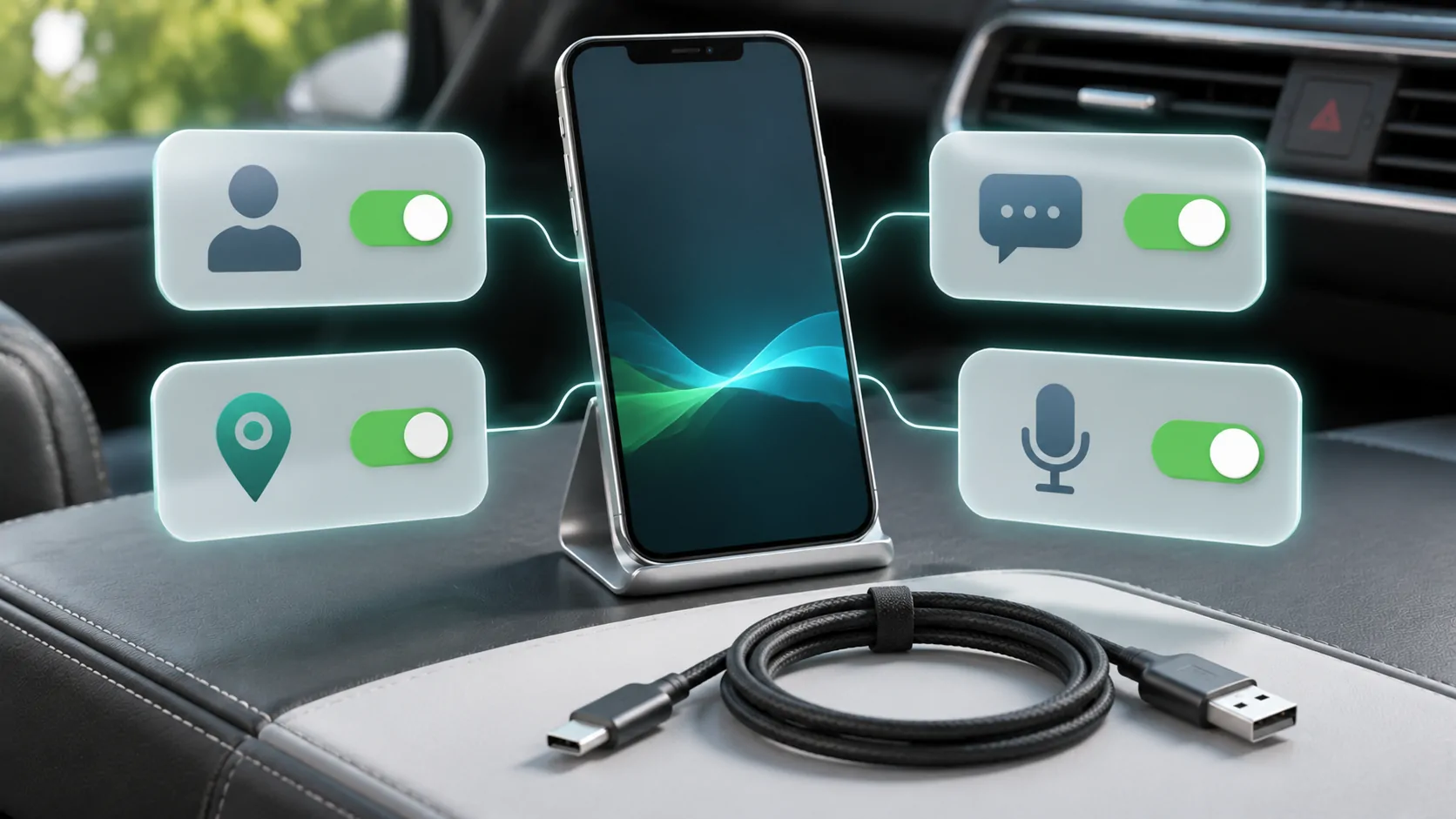
Check the intended permissions with the new owner present. A working demonstration should not expose someone else's messages, contacts or saved destinations, and personal account credentials should never be included in a public support post.
Finish with an evidence-based decision
Classify the result as confirmed and working, confirmed but failing, or availability still unconfirmed. Attach the relevant manual reference and observed connection method to that conclusion. This is more actionable than a broad statement that all Audi MMI systems either support or lack CarPlay.
Escalate unresolved equipment or activation questions to Audi with the precise configuration. Send app-specific faults to the relevant app developer once the base connection works.
Finally, keep ordinary CarPlay capability separate from other display features. A successful map or music screen is not evidence of unrestricted mirroring, supported video or CarPlay Ultra. Each additional capability needs its own current vehicle and software documentation.
Sources
Related reading
Bring your own media.
Explore CarCast for iPhone with your own authorized sources and supported display configurations.