Compatibility
Checking CarPlay Availability in BMW iDrive
Verify BMW iDrive CarPlay equipment with the VIN, installed system and a parked demonstration before relying on a listing or buying an upgrade.
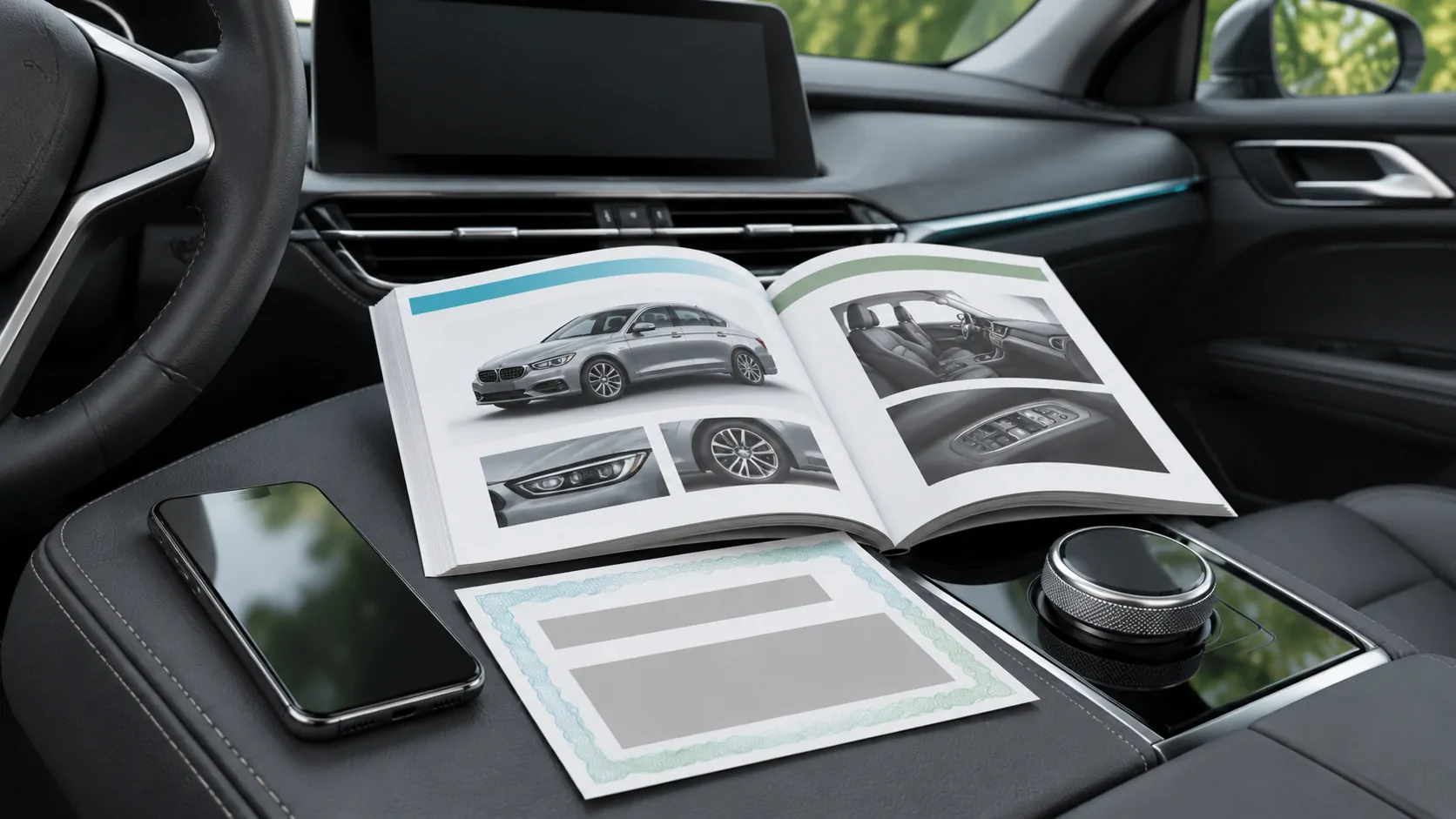
BMW iDrive CarPlay availability should be checked against the individual vehicle's equipment, market and installed system. An iDrive name, a large display or a used-car listing that mentions smartphone connectivity is not sufficient proof. Start with the VIN and the applicable BMW owner's manual, then ask for a parked demonstration with your own compatible iPhone.
Start with the vehicle you are actually considering
For a purchase or an upgrade enquiry, write down the model, model year, original sales market and whether the dashboard system is factory equipment. Registration year and model year can differ. A replacement display or added interface also changes which documentation applies, even when the surrounding dashboard looks original.
Keep the full VIN private when posting a question publicly. Give it directly to BMW or an authorised service contact when they need to identify installed equipment. Ask the seller whether the head unit has been replaced and request any installation or retrofit paperwork.
This information turns a broad question about BMW iDrive CarPlay into a specific one: what documented phone-integration function is available in this car, using this installed hardware?
Use BMW's VIN-based manual lookup
The BMW USA owner's manual page asks for the 17-digit VIN to find a digital manual. It also notes that digital manuals are available for selected model years. Use the equivalent official owner resource for the vehicle's market if the car was sold elsewhere.
In the applicable manual, search for Apple CarPlay, smartphone connection and mobile devices. Check whether the section has equipment qualifications rather than assuming every function described is fitted. A manual can cover optional equipment, so the appearance of a chapter is a starting point for verification.
If the lookup cannot provide a manual, ask BMW for the correct documentation and equipment confirmation. A public manual selector does not itself establish CarPlay support, wireless capability or upgrade eligibility for a particular VIN.
Distinguish iDrive, connected services and CarPlay
Treat the infotainment system, online services and phone projection as separate questions during an enquiry. The ability to see a connected-services account, receive an online feature or pair a phone for calls does not by itself demonstrate CarPlay.
Ask a precise set of questions: is Apple CarPlay already available in this vehicle, how is it launched, which connection method is documented, and is any separate activation required for this exact configuration? Request current written terms if an account, purchase or activation is proposed.
Avoid assuming either that every BMW needs a subscription or that every upgrade is free. Establish the installed function first. An unrelated expired service is weak evidence about why a CarPlay icon is missing, and a generic sales page may not describe the car in front of you.
Ask for a useful parked demonstration
Prepare the iPhone before the appointment: enable Siri, install a supported software version and know how to approve the normal pairing prompts. Follow the car's manual for the vehicle-side controls. Apple's CarPlay guide provides the general phone-side setup process.
During the demonstration, verify that the actual CarPlay interface appears. Try a supported navigation app, a short audio selection and a brief call if appropriate. Check that the controls respond and that the microphone and speakers use the expected route. Keep the car safely parked throughout.
Record the phone model, connection method and any unresolved limitation. A Bluetooth music screen is not the same result as the CarPlay home screen, and a seller's screenshot from another vehicle is not a demonstration of this one.
Confirm how this car connects
Do not infer wired or wireless operation from the presence of a USB socket. Establish the method specified for the installed system. For a documented wireless setup, Apple advises using Bluetooth and Wi-Fi; follow the vehicle's own pairing process and confirm the matching prompts.
For a documented wired setup, identify the designated data port and use an appropriate direct data cable. Power reaching the phone establishes charging, not successful CarPlay data communication. Avoid changing cables, adapters and connection modes simultaneously during the demonstration.
Our wireless setup guide explains the general phone-side checks. It cannot replace the BMW instructions or establish that a particular iDrive installation supports that method.
Investigate a missing function before buying parts
If CarPlay is documented but fails to connect, compare the observed failure with Apple's troubleshooting guidance. Check Siri, permitted CarPlay access, the selected vehicle connection, and the relevant cable or wireless settings. Restart through the ordinary documented controls if needed.
If the function is not confirmed as fitted, stop treating the problem as an iPhone pairing fault. Ask BMW to identify the equipment and any official options. A cable cannot supply missing receiver functionality, and an adapter intended for an existing wired CarPlay connection does not prove compatibility with an unsupported system.
For a proposed retrofit, request the exact hardware, installer responsibilities, retained vehicle functions and return terms. Do not accept an unexplained coding promise as evidence of manufacturer-supported availability.
Check ownership and everyday handover
A used vehicle can retain another person's phone or account information. Ask the seller to remove their devices and handle account transfer through the manufacturer's normal process. Add your own phone with permission, and avoid accessing another owner's contacts or messages.
If two drivers will share the car, demonstrate how to select the intended phone. Our multiple-iPhone guide helps organise the handover without assuming identical menus across receivers.
Before purchase, record any remaining questions about software updates and support. Distinguish a functioning CarPlay connection from separate services that may need new ownership registration.
Keep the final compatibility statement specific
A useful conclusion reads like a small evidence record: this VIN and installed system, in this market, displayed CarPlay with this phone through the documented connection method. List anything that was not demonstrated.
That result should not be expanded to every BMW with the same badge or all iDrive generations. It also does not establish video, unrestricted mirroring or other separately documented capabilities. Recheck the configuration when equipment changes, and retain the relevant manual reference with the vehicle's records.
Sources
Related reading
Bring your own media.
Explore CarCast for iPhone with your own authorized sources and supported display configurations.