Guides
Switching between Two iPhones in One Car
Switch two iPhones in a shared CarPlay vehicle by selecting the active device, preserving separate profiles and checking audio and privacy.
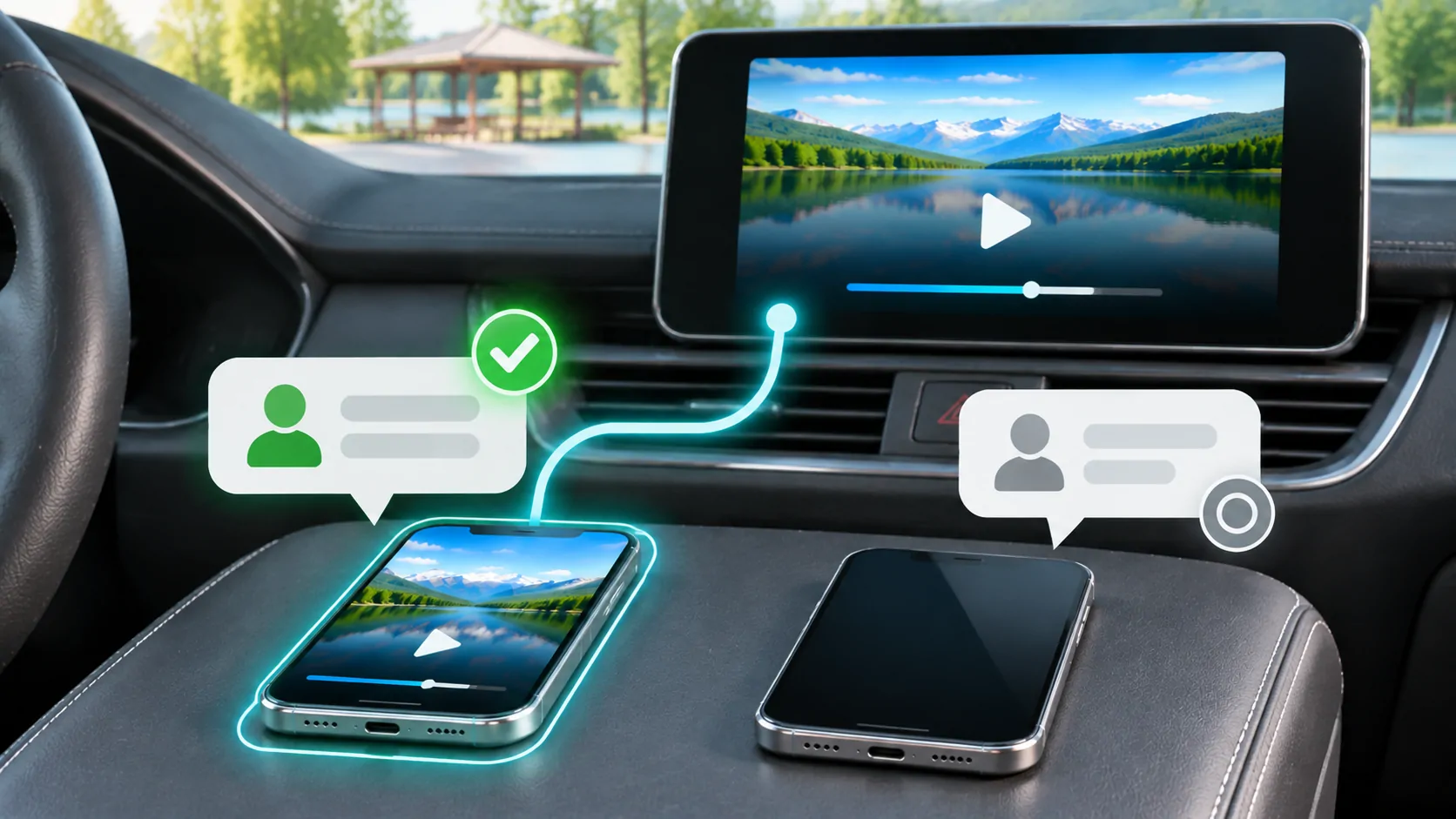
To switch between two iPhones in one CarPlay vehicle, use the receiver's documented phone-selection controls and verify which device becomes active. Pairing both phones does not guarantee simultaneous CarPlay sessions or predictable priority. The exact switching behaviour belongs to the receiver, so distinguish the active CarPlay phone from devices connected for charging or ordinary Bluetooth audio.
Give the two phones clear identities
Before pairing, make sure you can distinguish the device names displayed by the vehicle. Two phones with an identical default name make troubleshooting unnecessarily difficult. Use names that are recognisable without exposing sensitive personal information in a shared car.
Keep a note of which phone belongs to each driver and which is intended to provide navigation, calls and audio on a particular journey. A passenger's phone might reconnect automatically before the driver's phone completes setup.
Do not infer the active phone from a familiar playlist or contact alone. Shared accounts and similar libraries can make the wrong device appear correct. Check the receiver's connected-device screen and the phone's CarPlay state while parked.
Learn the receiver's switching policy
Consult the manual for device selection, priority and profile controls. Some receivers let you choose a preferred phone or associate it with a driver profile. Others require manually disconnecting one phone before selecting another. Do not assume that plugging in a second cable always overrides a wireless connection.
Apple's CarPlay setup guide describes different wired and wireless connection methods, but it does not prescribe one universal multi-phone interface for every vehicle. Use the instructions for the fitted receiver, especially if it is aftermarket.
If the vehicle stores ordinary Bluetooth devices separately from CarPlay devices, identify both lists. A phone can remain available for a non-CarPlay function without being the device whose apps appear on the screen.
Switch while safely parked
End any active call before changing phones unless the vehicle explicitly documents a supported transfer process. Stop or pause media and note the current navigation destination. Switching can replace the interface and may interrupt the tasks associated with the previous phone.
Select the intended device using the vehicle's smartphone or CarPlay controls. If the manual requires disconnecting the previous phone, do that first through the supported interface. Then connect the second phone by its documented wired or wireless method.
Verify the result by opening a harmless app or checking a non-sensitive audio item. Confirm that the second phone's expected app layout appears. Do not test by calling an unfamiliar number or exposing private messages to everyone in the cabin.
Diagnose a phone that keeps reconnecting
If the wrong phone repeatedly wins automatic connection, inspect the receiver's priority setting before deleting pairings. A saved preference can explain consistent behaviour even when both phones are functioning normally.
For a controlled test, keep the intended phone available and temporarily remove the other phone from the connection process using its owner's settings. If the intended phone now connects reliably, that supports a selection or competition explanation. It does not prove a radio defect.
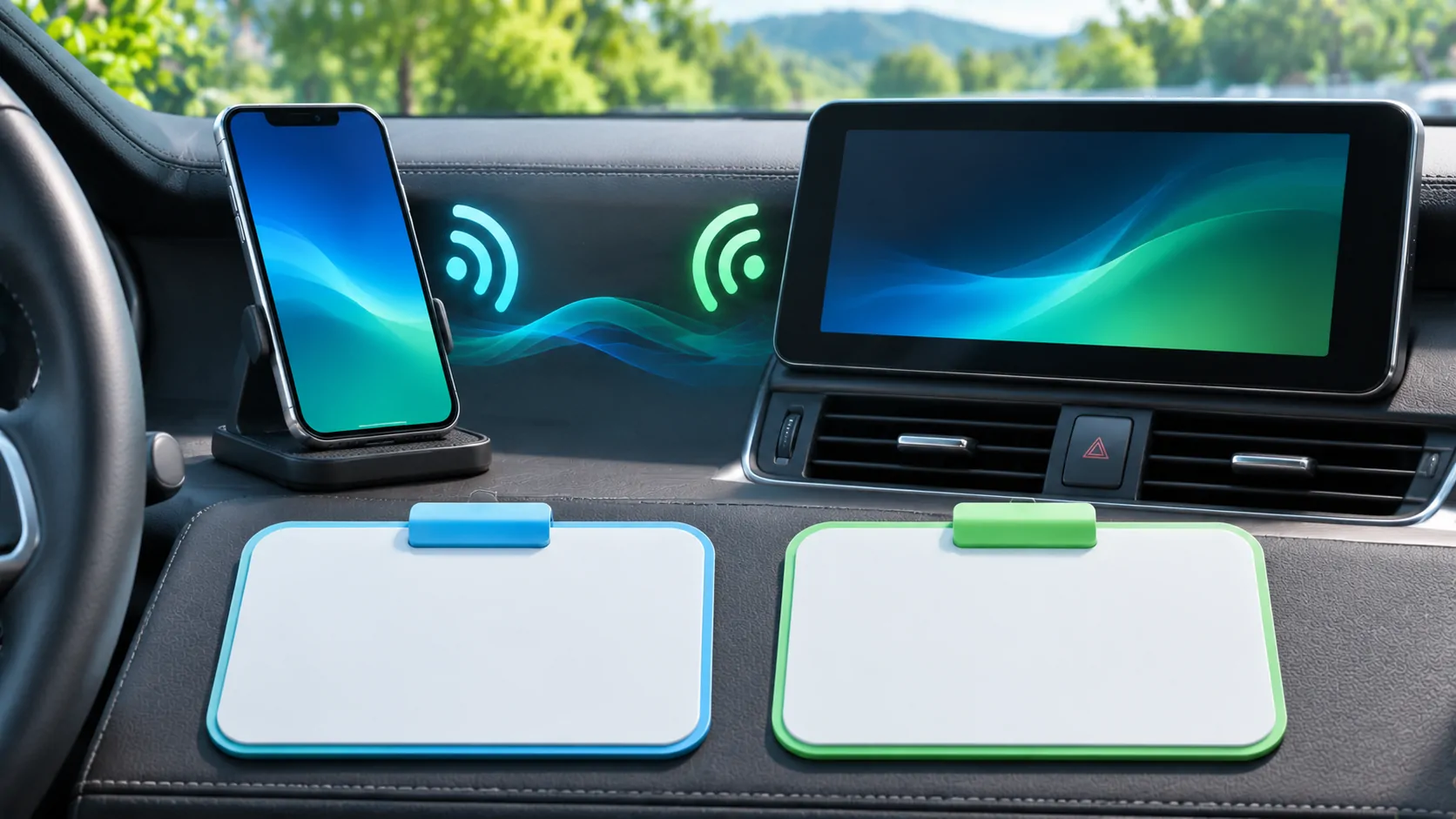
For wireless CarPlay, keep the necessary Bluetooth and Wi-Fi settings enabled on the phone being tested. The wireless setup guide explains why disabling Wi-Fi indiscriminately can defeat the very connection you are trying to establish.
Separate app layouts and accounts
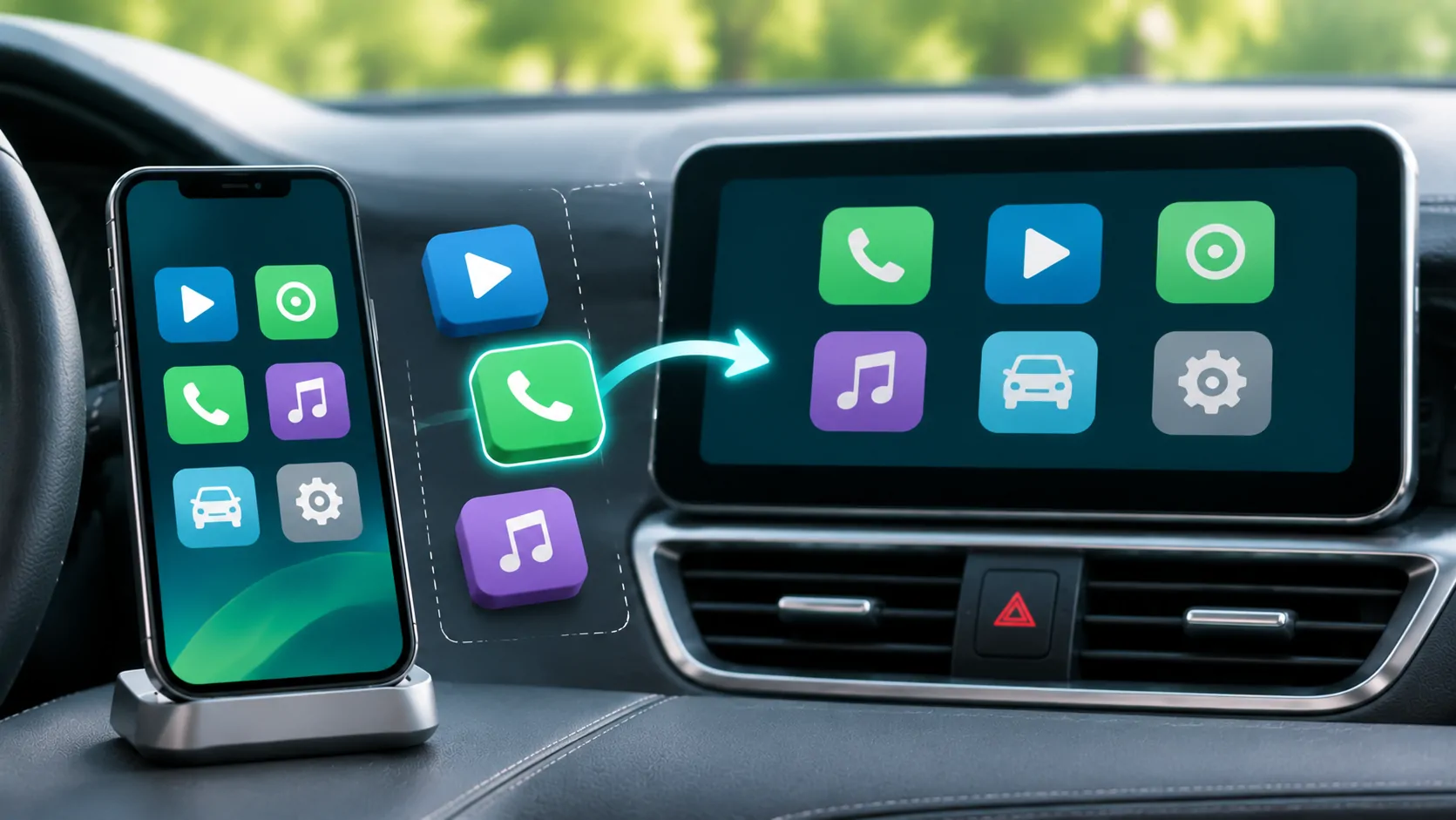
Each iPhone can have its own installed apps, CarPlay arrangement, permissions and media accounts. Switching phones can therefore change the visible grid without any receiver malfunction. Use app organization on each phone independently.
A subscription or saved playlist on one phone should not be assumed available on the other. Check the relevant app and account while parked. CarPlay pairing is not a mechanism for transferring purchases, subscriptions or private app data.
Driver profiles in the vehicle can add another layer of preferences. Confirm whether the profile stores device priority, seat settings or audio preferences, and do not assume that selecting a profile changes every phone setting.
Protect personal information in a shared vehicle
Review notification announcements before switching to a phone that may receive private messages. A passenger who controls the music may not intend to expose their contacts, message previews or call history.
When lending the car, explain how to select and disconnect a phone. For a rental or temporary vehicle, remove the saved relationship from both the phone and receiver at the end of use where the controls allow it.
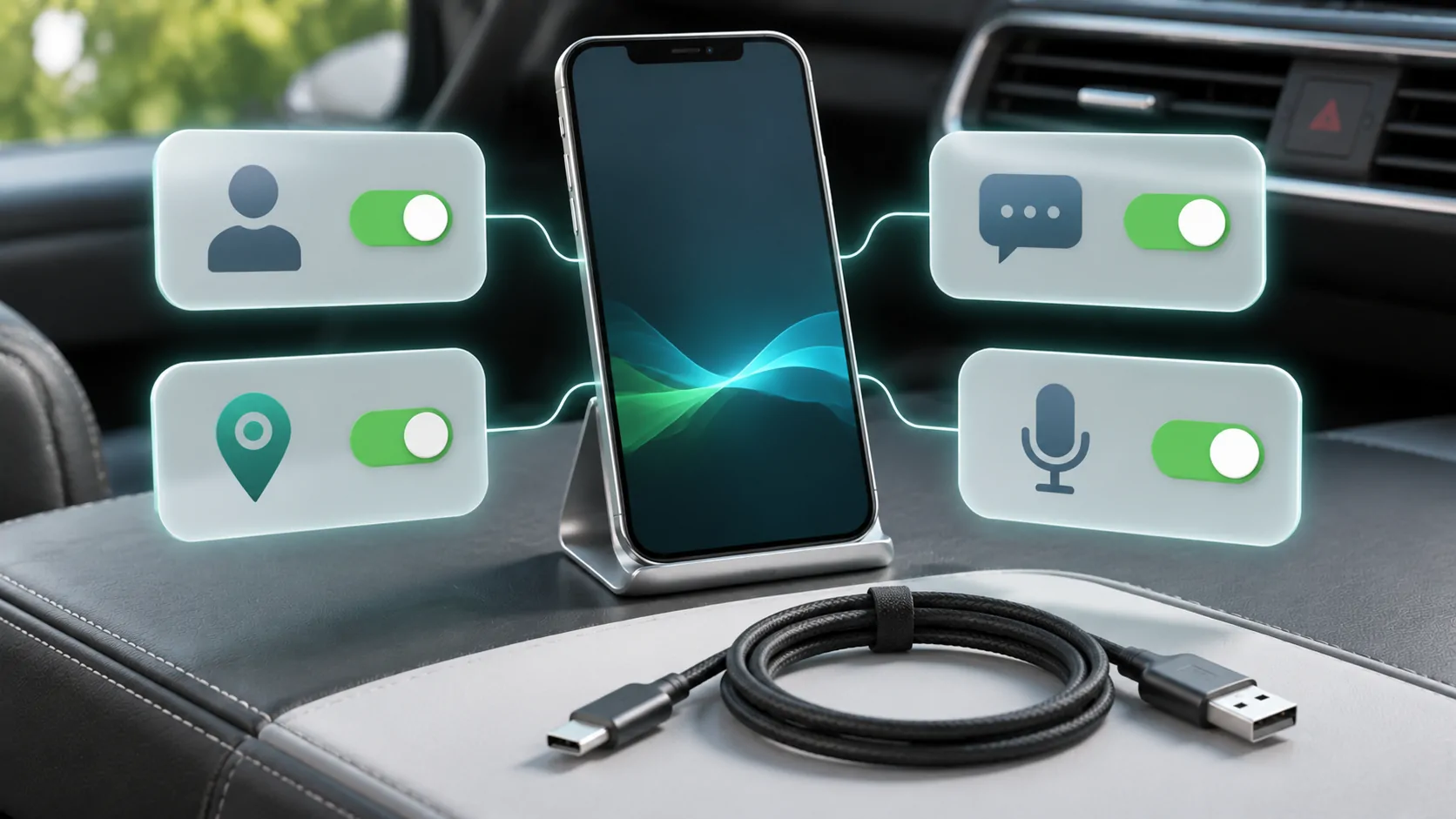
The permissions guide explains why contacts, location, messages and CarPlay connection approval are separate choices. Do not grant every available permission merely to make switching easier.
Recover an incomplete pairing carefully
If a phone appears in the list but cannot establish CarPlay, repeat its normal connection procedure first. Compare whether the other phone works through the same documented port or wireless setup. Change one variable at a time.
Apple's connection troubleshooting includes forgetting the car and setting it up again. That can be appropriate for a damaged saved relationship, but record the existing selections first. Remove the corresponding receiver entry if its manual requires it, then pair only the affected phone.
Do not erase all saved devices as the first step. That can disrupt other users and conceal whether a simple priority setting was responsible.
Set a repeatable handover routine
A practical routine is short: park, finish the active task, select the intended phone, verify the interface and check audio. Agree on which phone should connect when both regular users travel together.
Record any repeatable failure with the phone models, software versions, receiver version and connection order. State whether the issue is inability to pair, wrong automatic selection or a drop after a successful handover.
A reliable two-phone arrangement does not require simultaneous CarPlay control. It requires clear device identity and predictable switching within the receiver's documented capabilities. Treat any promise of universal dual-phone behaviour cautiously until it is verified for the exact hardware.
Sources
Related reading
Bring your own media.
Explore CarCast for iPhone with your own authorized sources and supported display configurations.