Guides
CarPlay vs Android Auto: Compare the Setup You Actually Own
Compare supported tasks and the equipment in your car rather than assuming the two systems have identical requirements.
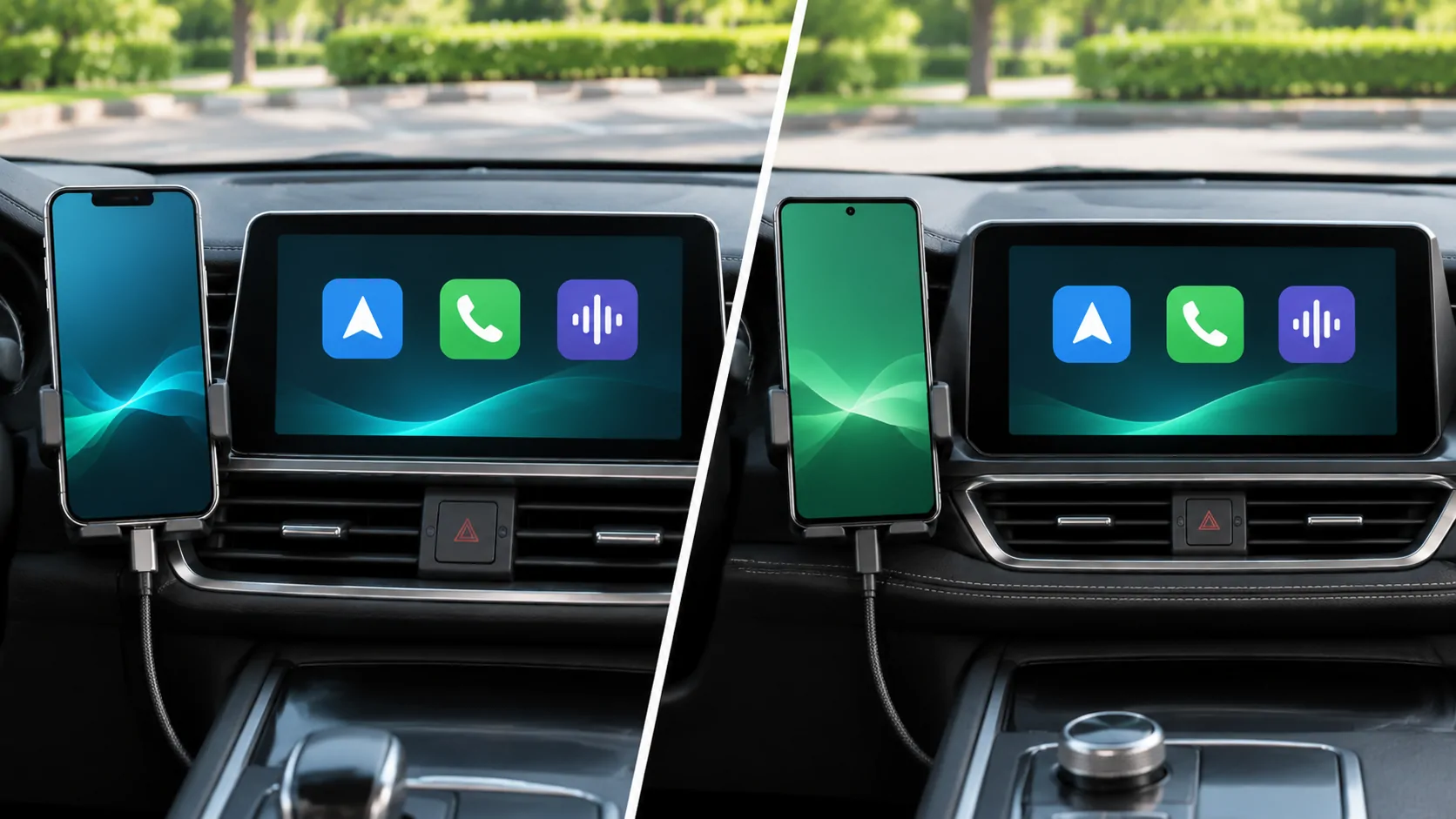
Begin with the phone and receiver
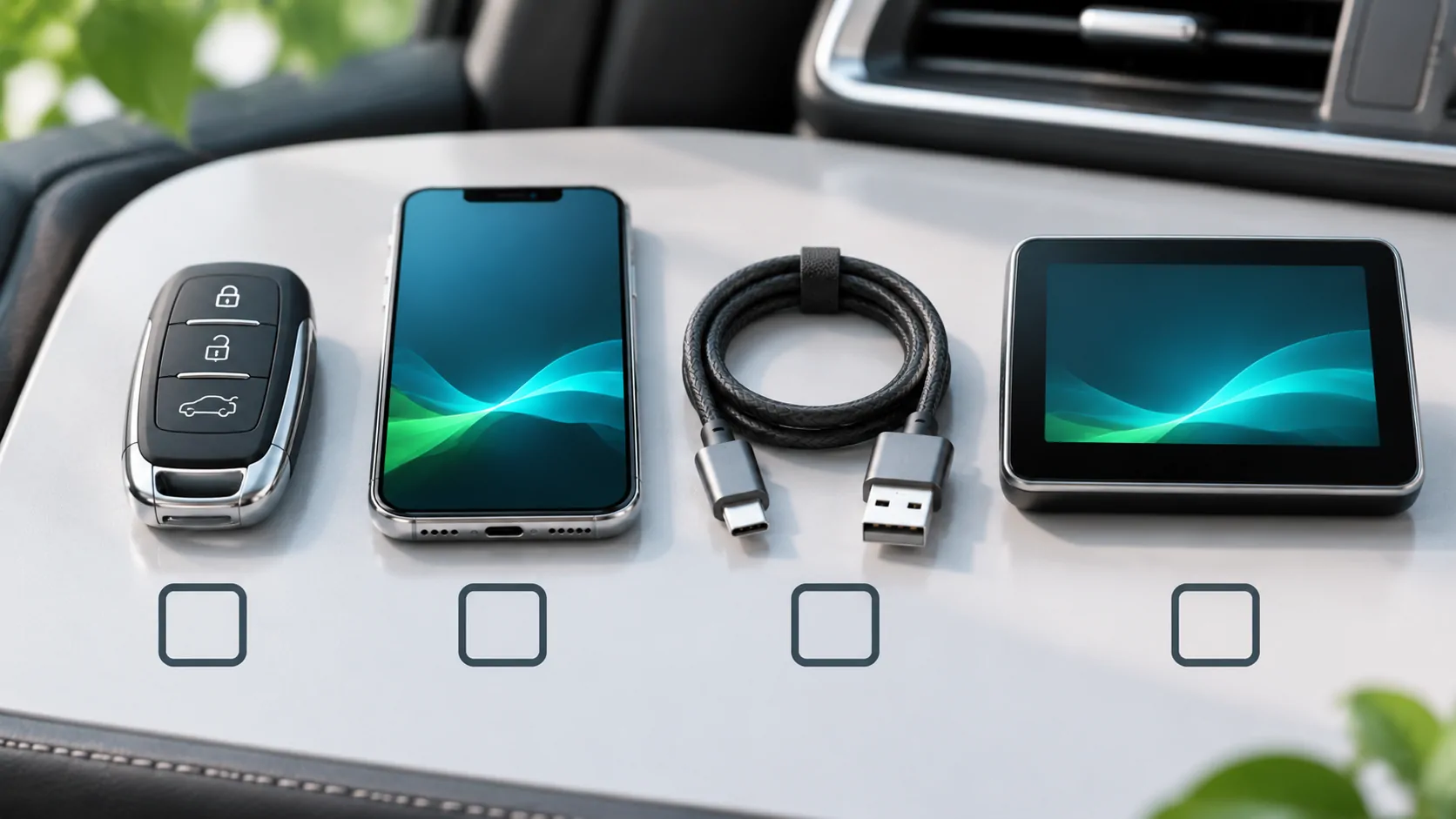
The first comparison is the equipment you already own. Identify the phone model, operating-system version and receiver installed in the actual vehicle. Then consult each platform's current official requirements. A vehicle advertising smartphone connectivity may offer different wired and wireless support for different systems.
Do not rely only on the car's model name. A replacement head unit, regional equipment package or firmware revision can change the available connection. Keep the receiver manual alongside the platform documentation so that requirements can be matched to your setup rather than inferred from a similar dashboard photograph.
Compare tasks rather than icon counts
List the tasks you need: navigation, calls, messages and supported media apps. For each one, identify the service you use and the relevant in-car implementation. An app being available on a phone platform does not automatically establish the same vehicle interface or features.
Apple's CarPlay support guide explains how available supported apps are arranged for the car. Android Auto's current app and connection requirements must be checked separately. A useful comparison should name the relevant app and task rather than imply that every feature transfers between platforms.
Separate connection convenience from capability
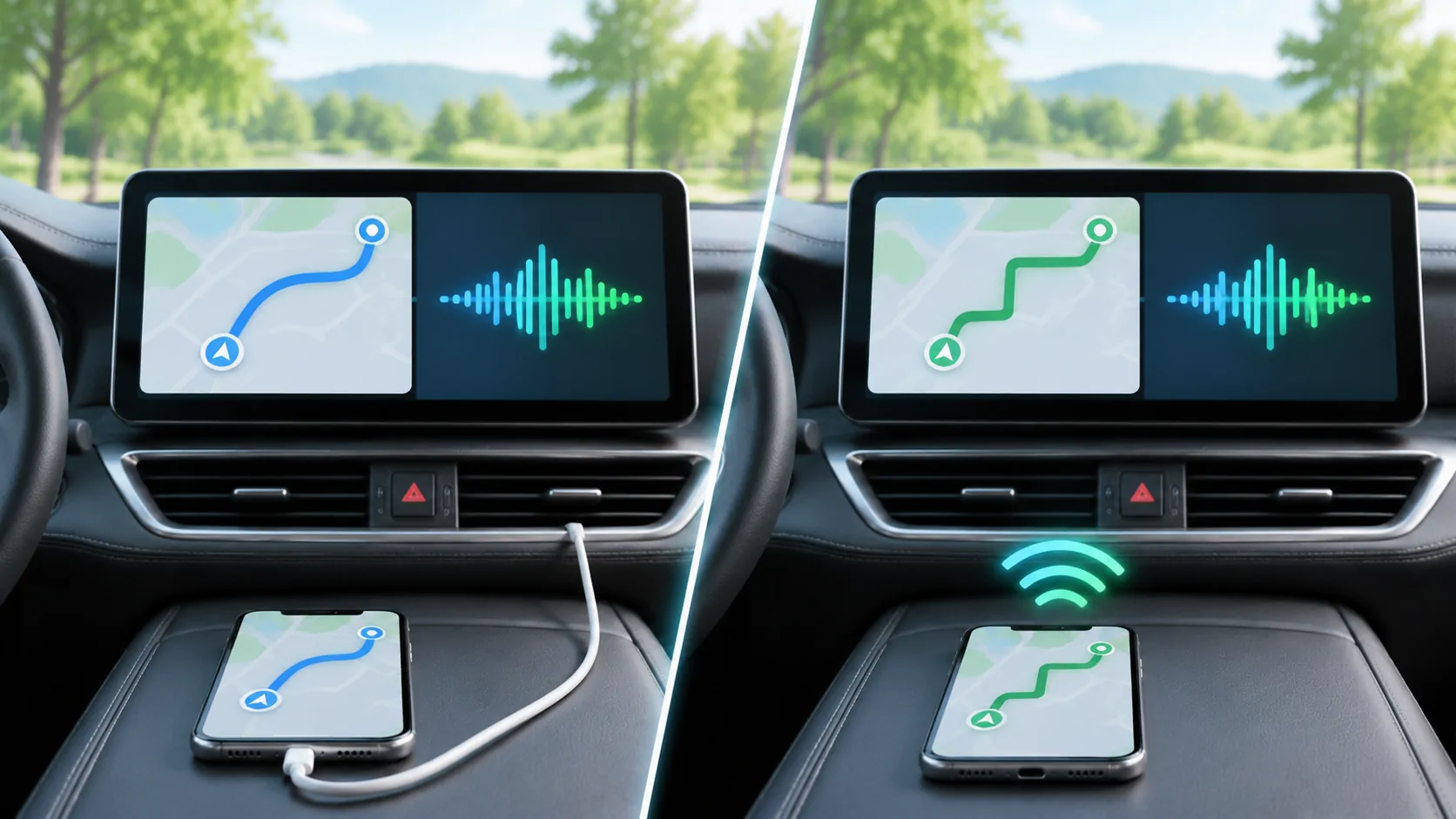
Wired and wireless operation describe how the phone connects. They do not, by themselves, establish that a particular video, browser or mirroring experience is supported. Treat those capabilities as separate compatibility questions for the exact phone, app and receiver combination.
If the current system already works, record a baseline before changing an adapter or receiver. Confirm basic navigation and audio first, then test one app-specific action. This makes it easier to distinguish a connection failure from an unsupported source or feature.
Check the cost of changing ecosystems
Consider the services and accessories you already use, the receiver's supported connections and who can provide support. Avoid a comparison based on an unverified list of future features or an assumption that a software update adds missing vehicle hardware.
This article is intentionally held as a draft until the current Google documentation has been verified. The published connection comparison and compatibility checklist cover the verified CarPlay side of the decision in the meantime.
Sources
Related reading
Bring your own media.
Explore CarCast for iPhone with your own authorized sources and supported display configurations.