Compatibility
CarPlay and Android Automotive OS Compared
Compare iPhone-based CarPlay with Android Automotive OS, including phone dependence, vehicle apps, navigation, updates and supported parked entertainment.
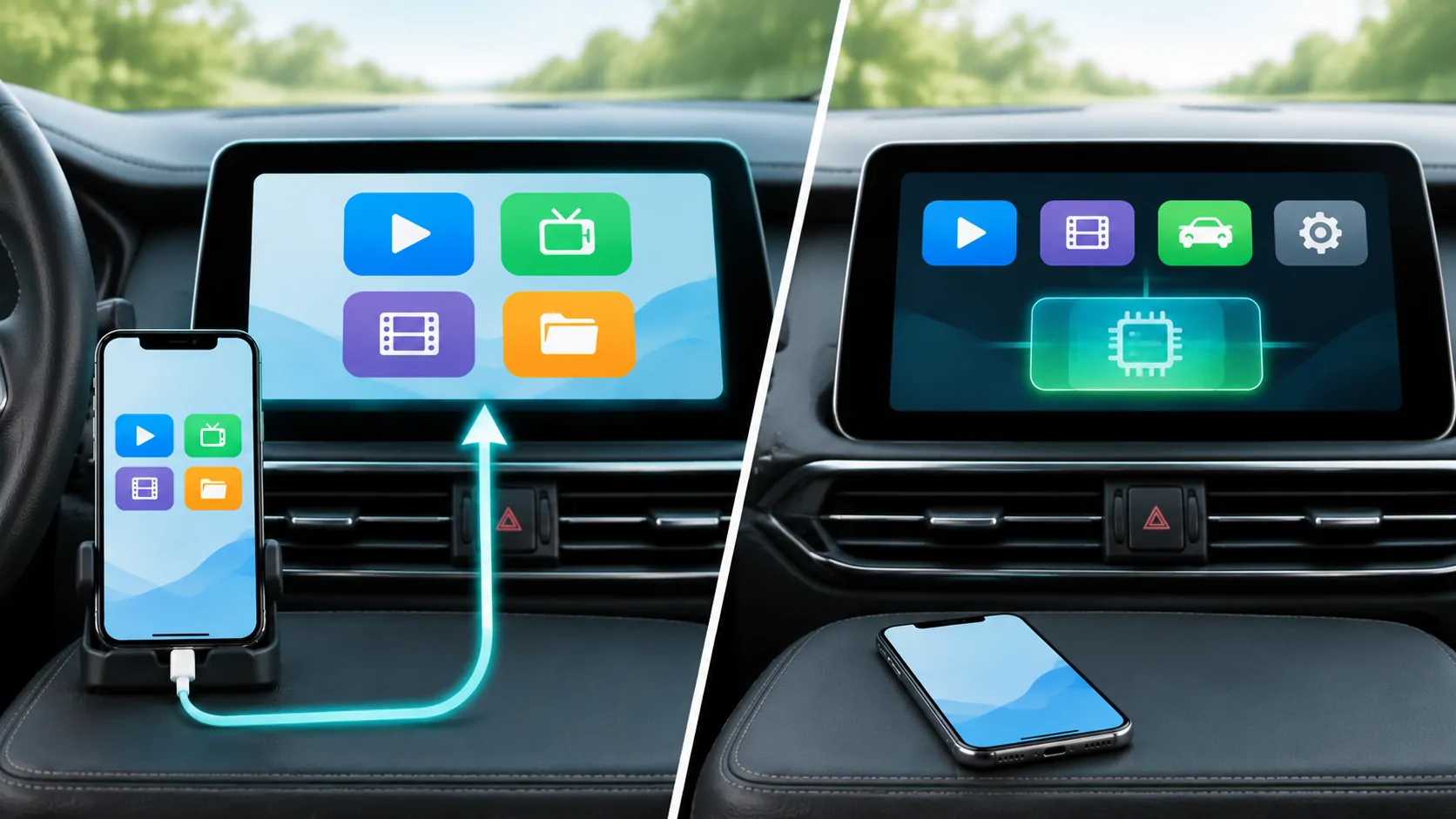
Compare the correct two layers
CarPlay brings a supported iPhone experience to a compatible vehicle system. Android Automotive OS is an operating system designed to run in a vehicle. That makes this a comparison between phone integration and an embedded vehicle platform, rather than two interchangeable phone apps. A car can combine a built-in operating system with a separately supported phone-projection feature.
Android Auto is a third name that often causes confusion. It is Google's phone-based driving experience, while Android Automotive OS runs in the car. The Android Open Source Project overview explains the embedded platform. When comparing a particular car, ask which of these systems it actually includes instead of interpreting an Android logo as a complete specification.
Identify what depends on your phone
CarPlay relies on the driver's iPhone for its experience. The vehicle supplies a compatible display, controls and integration. Connection can be wired or wireless depending on the implementation. Your phone's apps, account state, settings and connectivity can therefore affect what appears and works. A CarPlay-ready vehicle still has its own native interface and operating software.
An Android Automotive implementation can run vehicle applications without a connected phone, subject to the manufacturer's configuration and the app's needs. That does not mean every feature works without an account, subscription or data connection. Ask what remains available when no phone is paired, and distinguish basic vehicle controls, cached maps and online services. Testing that scenario is often more revealing than comparing home-screen screenshots.
Separate Android Automotive from Google services
Android Automotive OS does not by itself establish that a car includes every Google service. Manufacturers can build different experiences on the platform, and Google automotive services are a separate part of the product offering. Check the actual vehicle's documentation for its app store, assistant, maps and supported markets. Avoid treating an operating-system family as a promise of a particular application catalog.
Similarly, an app available for an Android phone is not automatically available for the vehicle. Distribution, form factor, driving restrictions and manufacturer support matter. A purchase decision should name the app and task that you need, then verify the specific car's implementation. The words Android-powered are too broad to answer whether an existing subscription or preferred navigation service will work there.
Compare navigation as a workflow
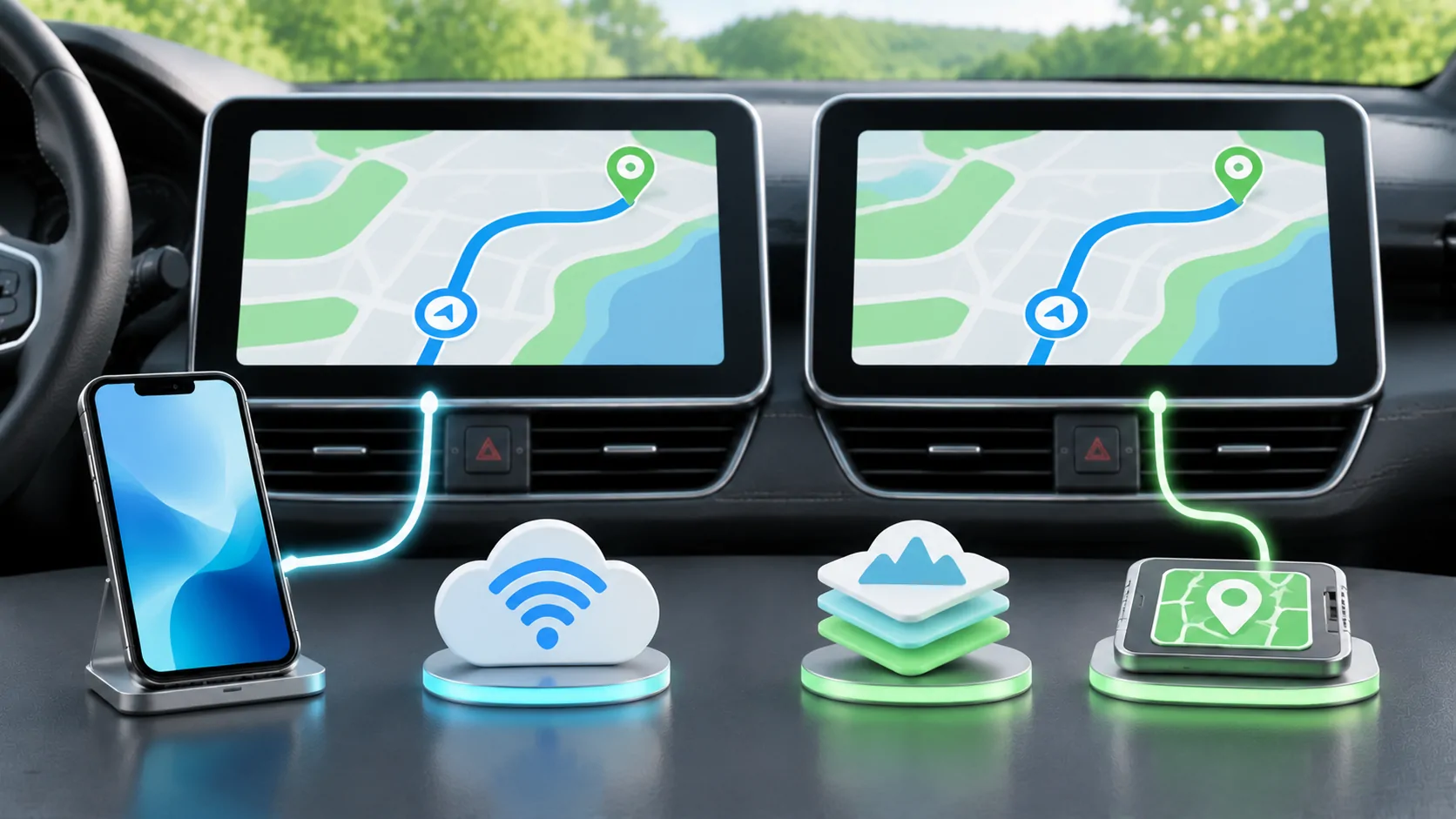
With CarPlay, a supported navigation app can present its driving interface through the phone connection. Built-in navigation on an embedded platform may maintain routes independently of a phone and may have different access to vehicle information. Neither architecture establishes map quality, regional coverage or charging-route quality on its own. Those results depend on the specific software and data.
Choose a representative route and compare destination search, rerouting, traffic, spoken instructions and arrival details while safely parked for setup. For an EV, check the actual energy and charging integration rather than assuming it from the operating system. Also identify what happens when data service is lost. A route already loaded may behave differently from a completely new destination search.
Look beyond the center display
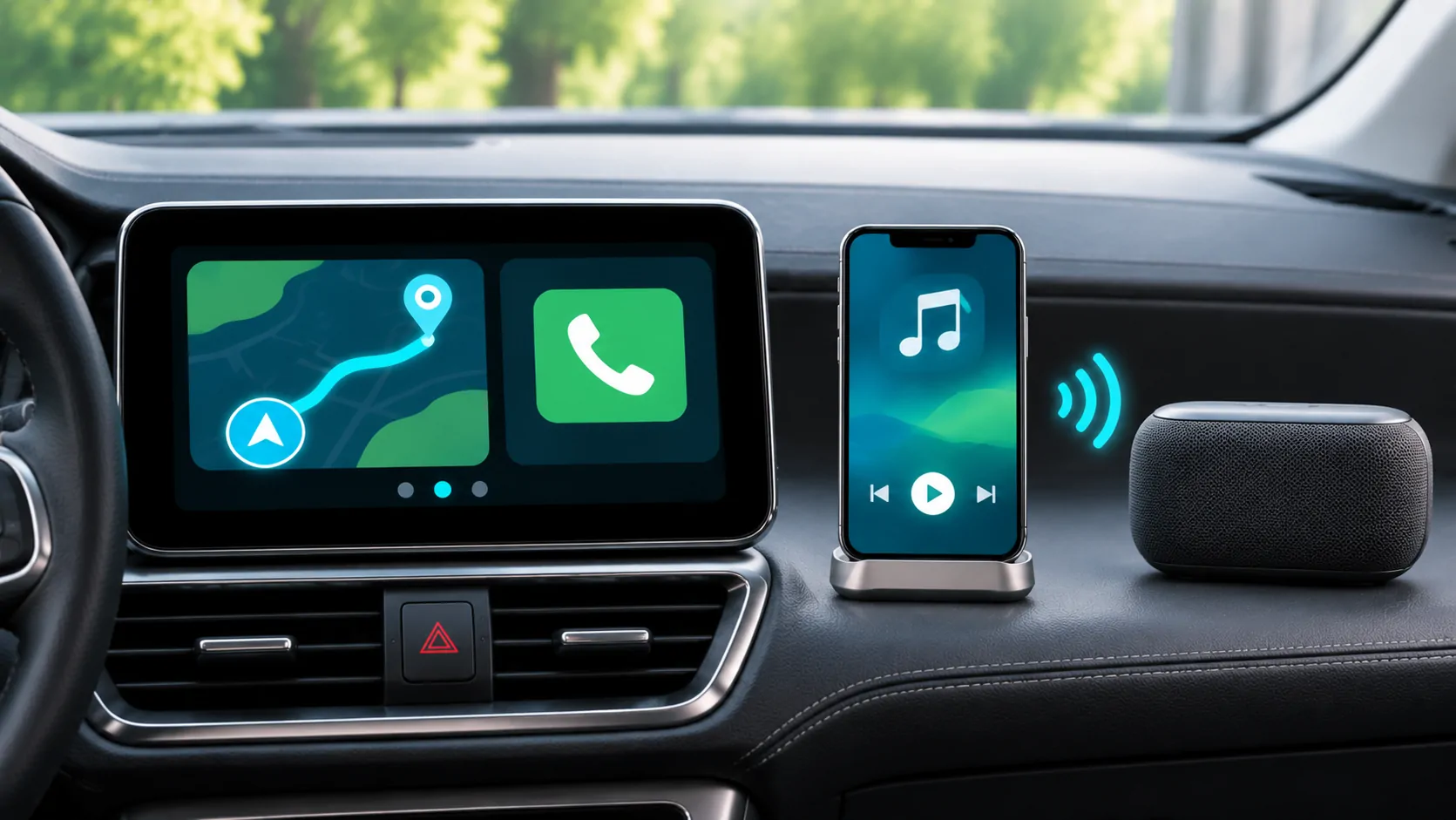
Ordinary CarPlay, CarPlay Ultra and an embedded vehicle interface can expose information across different screens and controls. Apple's current CarPlay developer overview describes navigation information, supported display integration and Ultra. The available implementation depends on the manufacturer. A feature pictured in one vehicle should not be assumed to exist on another car with the same phone connection.
During a demonstration, check the center screen, instrument cluster, head-up display and physical controls separately. Note which system owns each function and how to return to the native vehicle interface. A driver who frequently uses a steering-wheel control or instrument display may value consistent integration more than access to an additional app. Record those needs before comparing feature counts.
Compare updates and support ownership
CarPlay behavior can change through iOS and app updates, while the receiver still depends on the manufacturer's firmware. An Android Automotive vehicle has its own system and application update arrangement. Do not assume that every update arrives from the same company or on a uniform schedule across all cars. Ask the manufacturer about the exact model, region and supported update method.
For a used vehicle, check its currently installed software and what updates remain available. A demonstration on a new showroom car may not represent an older unit. Clarify whether service visits, a data plan or a subscription are involved. Phone and automaker updates explains why changing one software layer does not automatically update the others.
Treat entertainment as a conditional capability
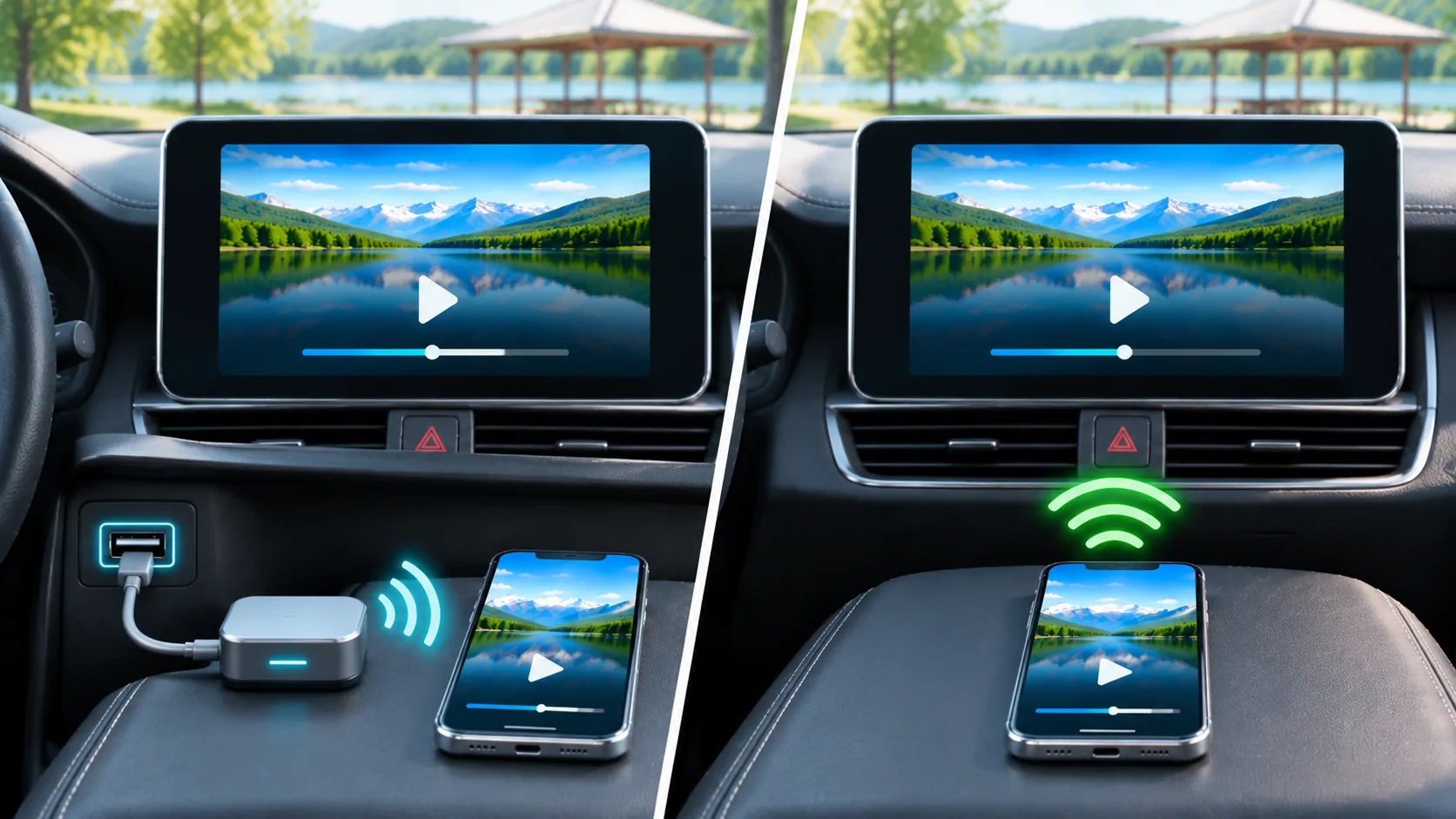
Apple now documents video apps for supported cars when parked, and separately documents automaker integration for AirPlay video. That is more precise than saying CarPlay never supports video or saying every CarPlay car supports it. The capability still requires the correct app, vehicle support and permitted operating state. Ordinary audio or navigation support does not establish video compatibility.
Android Automotive entertainment also depends on the actual vehicle, application distribution and applicable restrictions. Compare the exact screen and use case, including whether it is a front display or rear-seat system. Verify protected-content rules and accounts independently. Neither a platform name nor successful phone playback authorizes dashboard viewing while driving, and no purchase should depend on bypassing a safety restriction.
Compare accounts, data and shared use
Phone-based integration can keep much of a driver's personal environment on their own device, but a paired vehicle may retain connection records or other data. An embedded platform can store accounts, destinations and application sessions directly in the car. Review both systems' deletion and guest-use controls, especially for rentals, shared vehicles and resale.
Ask how to remove a phone, sign out of applications and clear personal information without affecting another driver's profile. Check the relevant app and manufacturer's privacy settings instead of assuming the same behavior across platforms. A convenient persistent sign-in is also persistent access that needs a lifecycle. Include a handover test as part of the evaluation rather than discovering the reset process at the end of ownership.
Build a decision around your routine
CarPlay can suit someone who wants familiar supported iPhone apps and regularly changes vehicles. An embedded platform can suit someone who values an experience that is available independently of a connected phone. These are starting points for evaluation, not guarantees of quality. Connection reliability, interface speed, available apps and regional support must still be checked in the actual vehicle.
Create a short task list: navigate to a saved place, make a call, play authorized audio, switch drivers and recover after a connection interruption. Add parked entertainment only when the vehicle explicitly supports it. Rate completion and clarity for those tasks, rather than counting icons. A polished interface with the wrong app or missing regional service can be less useful than a simpler system that meets your routine.
Keep a vehicle-specific comparison record
Record the model year, trim, market, installed software, phone model, phone version and connection method. Include whether a feature was documented, demonstrated or merely announced. Those evidence states should remain distinct. A seller's statement that a future update may add a function is not equivalent to seeing that function work on the car being purchased.
Use the compatibility checklist to collect the details. When deciding, identify your non-negotiable tasks, the evidence for each and the cost of missing support. CarPlay and Android Automotive describe different architectural choices, but the useful answer comes from how the specific implementation handles your navigation, communication, privacy and supported parked-use requirements.
Sources
Related reading
Bring your own media.
Explore CarCast for iPhone with your own authorized sources and supported display configurations.