Compatibility
Volkswagen App-Connect and CarPlay Activation Questions
Check Volkswagen App-Connect, vehicle-specific manual instructions and activation questions without assuming a USB port or general update enables CarPlay.
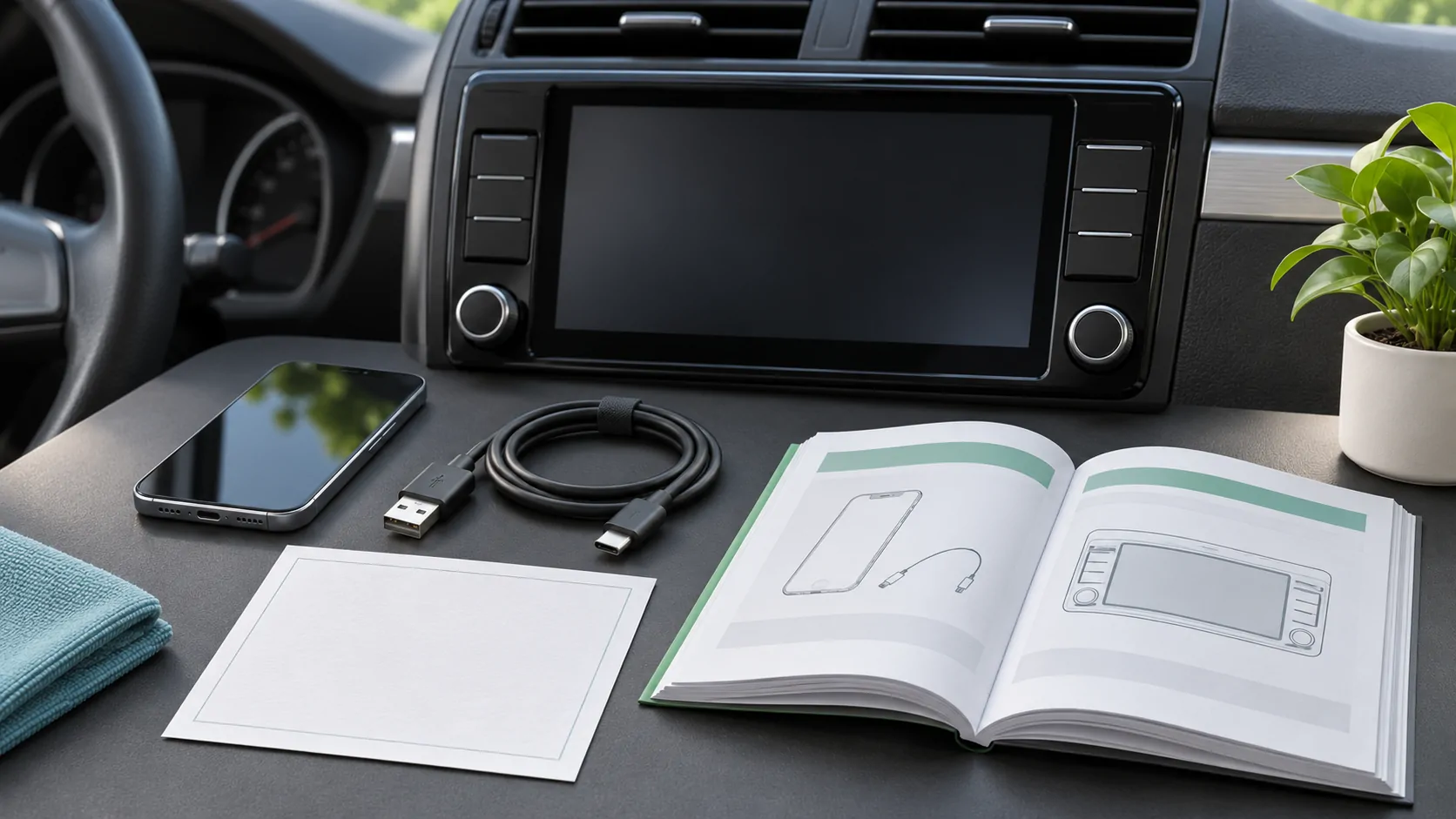
Check the installed system, not only the badge
For Volkswagen CarPlay questions, identify the model year, market and infotainment unit, then consult the matching App-Connect and smartphone instructions. A Volkswagen badge or a USB socket does not establish every connection option. The relevant answer belongs to the equipment in the specific vehicle, including any replacement receiver installed after the car was sold.
App-Connect is a useful term to locate in the applicable vehicle documentation, but its presence in a menu or advertisement should lead to a more precise question: what is enabled on this unit, which phone connection is supported and are any official activation steps outstanding? Avoid purchasing a code or adapter before those questions have a documented answer.
Use Volkswagen's age-specific manual routes
Volkswagen's US manual page separates models from 2023 onward, which use VIN lookup, from 2012–2022 models, which are directed to its maintenance site for digital manuals. Those are the current public selector's US instructions, not a claim about all international Volkswagen documentation. Use the corresponding official route for your market.
Match the selected manual to the dashboard and system information. Record the receiver name and software if available. A used vehicle can differ from the factory specification, and an imported car can differ from a local brochure. If the manual's controls do not resemble the unit, resolve that mismatch before following activation or reset steps intended for another infotainment generation.
Distinguish support, activation and connection
Three questions can produce a similar missing-interface symptom. Does the installed equipment support the required capability? Is any applicable feature properly enabled through an official process? Is the phone connected using the right port and settings? A failed connection does not prove that activation is missing, and an activation prompt does not prove any generic code sold online is suitable.
Use the exact wording on the screen and ask Volkswagen or an authorized service channel what it means for the vehicle. Request an answer tied to the system and market, including whether the proposed work is supported. Do not assume a software update, license purchase and hardware retrofit are interchangeable ways to enable the same feature.
Establish a known wired baseline
If the applicable manual documents wired CarPlay, use its designated data port and a known compatible data cable. A socket that charges the phone may not be the required integration port. Temporarily remove unnecessary hubs or extensions from the test when the instructions permit, so the receiver and phone have a simple baseline connection.
Follow Apple's setup guide and observe each step: phone detected, permission requested and CarPlay interface presented. Record which step fails. If the phone charges but no interface appears, keep that as a data or authorization investigation rather than declaring every Volkswagen connection unsupported. The exact port and cable used belong in the support record.
Verify wireless support on its own terms
Native wireless CarPlay must be documented for the actual unit. Bluetooth pairing and wireless music playback do not establish it. Likewise, a newer vehicle's wireless feature does not prove the same capability on an older model with a similar screen. Ask for the equipment-specific statement rather than relying on model-wide discussions.
If a converter is attached to an existing wired CarPlay port, identify its manufacturer and firmware. That device is an additional component, not a factory App-Connect activation. Compare the supported direct wired path when possible. Wireless adapters and native wireless explains the separate compatibility and support responsibilities introduced by a converter.
Keep update types and costs explicit
Ask what an offered update actually contains: map data, infotainment firmware, an enabled feature or replacement hardware. Obtain the applicable release or service description and any charges before authorizing work. A new map package does not automatically establish a connection repair, and a paid activation does not necessarily change the physical receiver's capabilities.
Record the current software before an update and follow Volkswagen's instructions for the actual unit. Do not install files intended for a different market or system to chase a promised feature. If the seller claims a universal unlock, ask for the supported equipment and official process. A useful answer identifies both what will change and what remains dependent on the phone and vehicle.
Diagnose failures without erasing every setting
If the documented connection fails, use Apple's CarPlay troubleshooting guide alongside the vehicle manual. Check the known port, cable or wireless setup and relevant permissions. If CarPlay opens but one app fails, examine that app separately. A vehicle-wide reset may remove saved devices and personal settings without addressing an app account problem.
For several paired phones, verify which device the receiver selected. Learn the documented switch and removal controls while parked. If a previous owner's information remains, use the supported deletion or reset process after preserving the details needed for diagnosis. Keep personal destinations, contacts and device identifiers out of public screenshots, especially when seeking help with a used vehicle.
Publish only the capability you have established
Ordinary Volkswagen CarPlay navigation or audio does not prove video, unrestricted mirroring or Ultra support. Those capabilities require separate current evidence, and any supported dashboard video remains limited to safe parked use. An aftermarket device's independent features should not be presented as a standard Volkswagen entitlement or a result of App-Connect activation.
Use the compatibility checklist to summarize vehicle, region, receiver, software, phone and route. A good support request includes the exact activation message and manual section, with a clear distinction between documented support and unverified expectations. That gives an owner a concrete next step without assuming that a brand name, menu label or USB socket guarantees the desired CarPlay function.
Sources
Related reading
Bring your own media.
Explore CarCast for iPhone with your own authorized sources and supported display configurations.