CarPlay News
Can CarPlay Ultra Be Retrofitted? Questions to Ask
Ask the right questions about a CarPlay Ultra retrofit: exact infotainment hardware, VIN eligibility, region, official software route, cost and evidence.
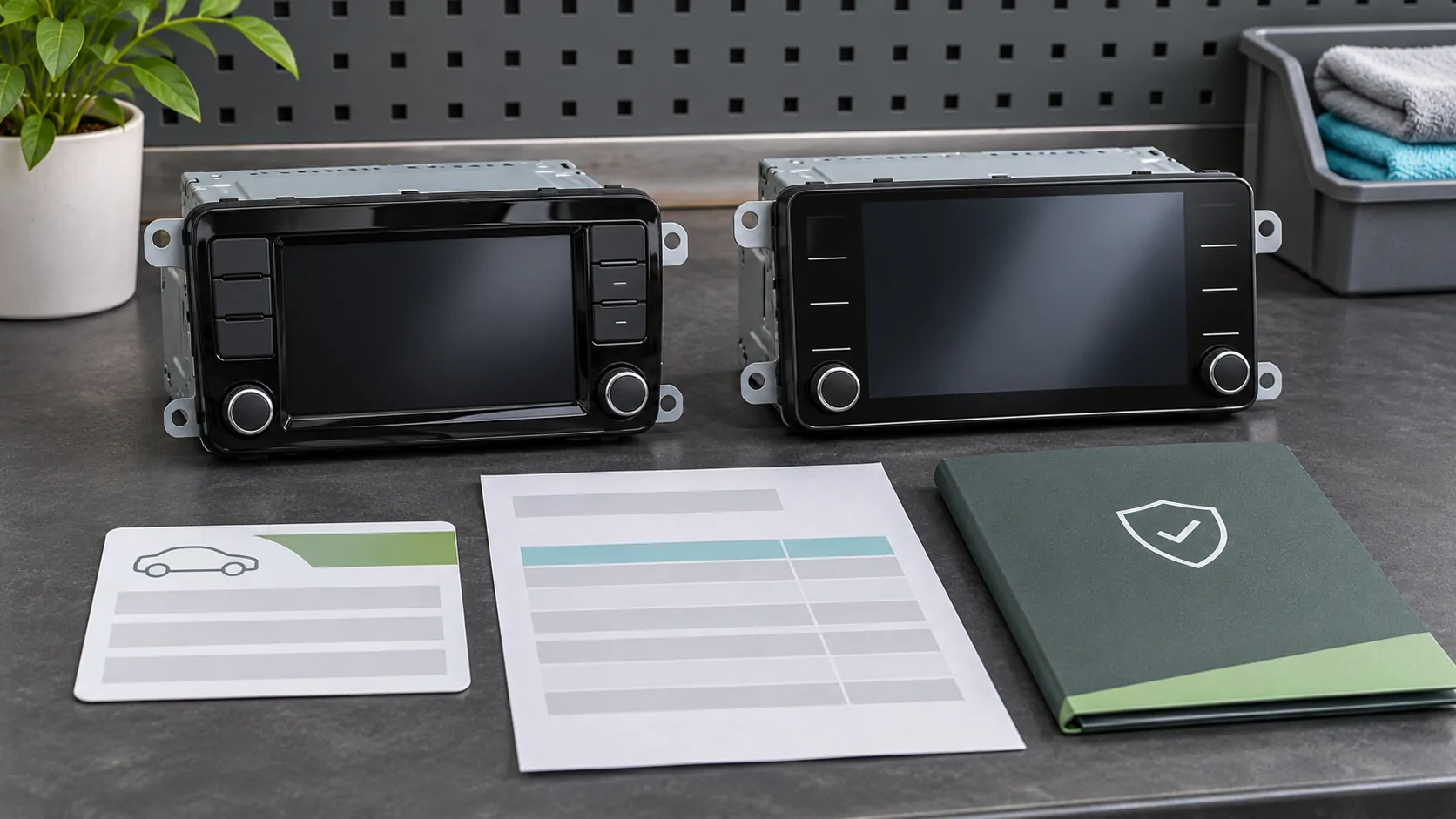
A retrofit needs a vehicle-specific answer
There is no universal CarPlay Ultra retrofit that can be inferred from ordinary CarPlay support. Whether an existing car can gain Ultra depends on the manufacturer's implementation, hardware and supported update path. Begin with the actual vehicle and ask for an official eligibility answer. A newer iPhone or a larger replacement display does not settle the question.
Apple's launch announcement describes a specific update route for eligible Aston Martin vehicles with the relevant next-generation infotainment. That example establishes that a defined upgrade path can exist; it does not establish one for every model, region or brand. Keep the scope of that historical announcement intact.
Identify the installed infotainment hardware
Record the model year, trim, original market, VIN and installed system version. Determine whether the receiver is the original factory equipment or an aftermarket replacement. A car can have the same model name across several infotainment generations. An appearance shared with a newer model is not reliable evidence that the underlying architecture is the same.
Use the manufacturer's VIN-specific manual or support channel where available. For example, BMW's manual selector illustrates how owner documentation can be tied to the car rather than a general model name; it is not evidence of Ultra availability in BMW. Keep your own VIN private when publishing a question or test record, and share it only through an appropriate support channel.
Ask whether support is available now
Use precise availability language. Has the manufacturer announced a future plan, opened orders for new cars, delivered a supported model or released an upgrade for existing vehicles? These are different milestones. Ask which one applies to the actual car and request the relevant current document, service reference or configuration statement.
A statement that a brand is working with Apple is not an upgrade authorization. The older Ultra launch release named future manufacturer commitments, but their presence there does not prove a specific existing vehicle became eligible later. If the response is only a roadmap, record it as such. Do not pay for unrelated equipment on the assumption that a planned update will definitely arrive.
Separate software updates from hardware changes
Ask exactly what the proposed work includes. Is it a supported software installation, replacement control module, display change or a combination? Who performs it, how is eligibility checked and what functions are covered? A product advertised as a CarPlay screen might provide ordinary phone projection without the integrated Ultra architecture.
Apple's developer overview describes Ultra as combining the car's systems and driver displays with the iPhone experience. That level of integration is why a generic USB wireless adapter is not proof of an Ultra upgrade path. Require an explicit manufacturer-supported description instead of extrapolating from the fact that another accessory can display an ordinary CarPlay interface.
Check regional and phone requirements
An upgrade offered in one country may not apply to an imported vehicle or a different regional system. Confirm the original specification and the market in which the service will be performed. Ask whether any connected-service terms, account setup or local approvals affect availability. Do not treat a translated brochure from another country as an entitlement for the local car.
Verify current iPhone and iOS requirements with the applicable official instructions. The 2025 launch minimums were dated launch conditions, not a complete permanent eligibility statement. Record the supported public software requirement and avoid using beta software as an unofficial workaround. Satisfying the phone requirement still leaves the vehicle hardware and firmware requirements to be confirmed.
Get cost, warranty and recovery details
Obtain a written description of the parts, labor, software and any ongoing charges. Ask whether the work changes warranty coverage or service support and how future updates are supplied. If a third-party installer offers the work, distinguish that offer from a manufacturer-supported upgrade. A verbal assurance that everything is reversible should be backed by the actual service terms.
Also ask how the vehicle behaves if installation fails or if the phone is absent afterwards. Who restores the car, and what native controls remain available? Do not assume iPhone rollback can reverse a vehicle firmware change. The phone and automaker firmware guide explains why those recovery paths belong to separate components.
Request a demonstration of the promised functions
When an eligible upgrade is available, evaluate the specific functions you were promised while the vehicle is safely parked. Check startup, driver phone selection, native controls and supported display information. Record the software and phone configuration. A demonstration of ordinary CarPlay on the center screen is insufficient evidence for all Ultra integration claims.
Treat parked video as another independent capability. Ultra support alone does not establish every video app, AirPlay video implementation or protected-content service. Ask for those requirements separately and follow all operating-state restrictions. No retrofit should depend on defeating vehicle motion controls or content protection, and a successful audio or navigation demonstration should not be repurposed as video proof.
Keep an evidence-based purchase decision
Before authorizing work, summarize the car's eligibility, applicable region, required components, current availability, complete cost and support owner. Mark each item confirmed, unresolved or future. An unresolved requirement is useful information: it shows what the seller still needs to establish rather than forcing a speculative yes-or-no answer from a brand name.
Review Ultra requirements alongside the proposed upgrade. If no official route is verified, continue using the existing supported system or evaluate another vehicle or receiver on its actual capabilities. A defensible retrofit decision is based on a documented path for the specific car, not the assumption that every existing CarPlay installation can evolve into Ultra.
Sources
Related reading
Bring your own media.
Explore CarCast for iPhone with your own authorized sources and supported display configurations.