Compatibility
Choosing an Aftermarket CarPlay Head Unit
Choose an aftermarket CarPlay receiver by checking dashboard fit, retained vehicle functions, wired or wireless support, installation, updates and support ownership.
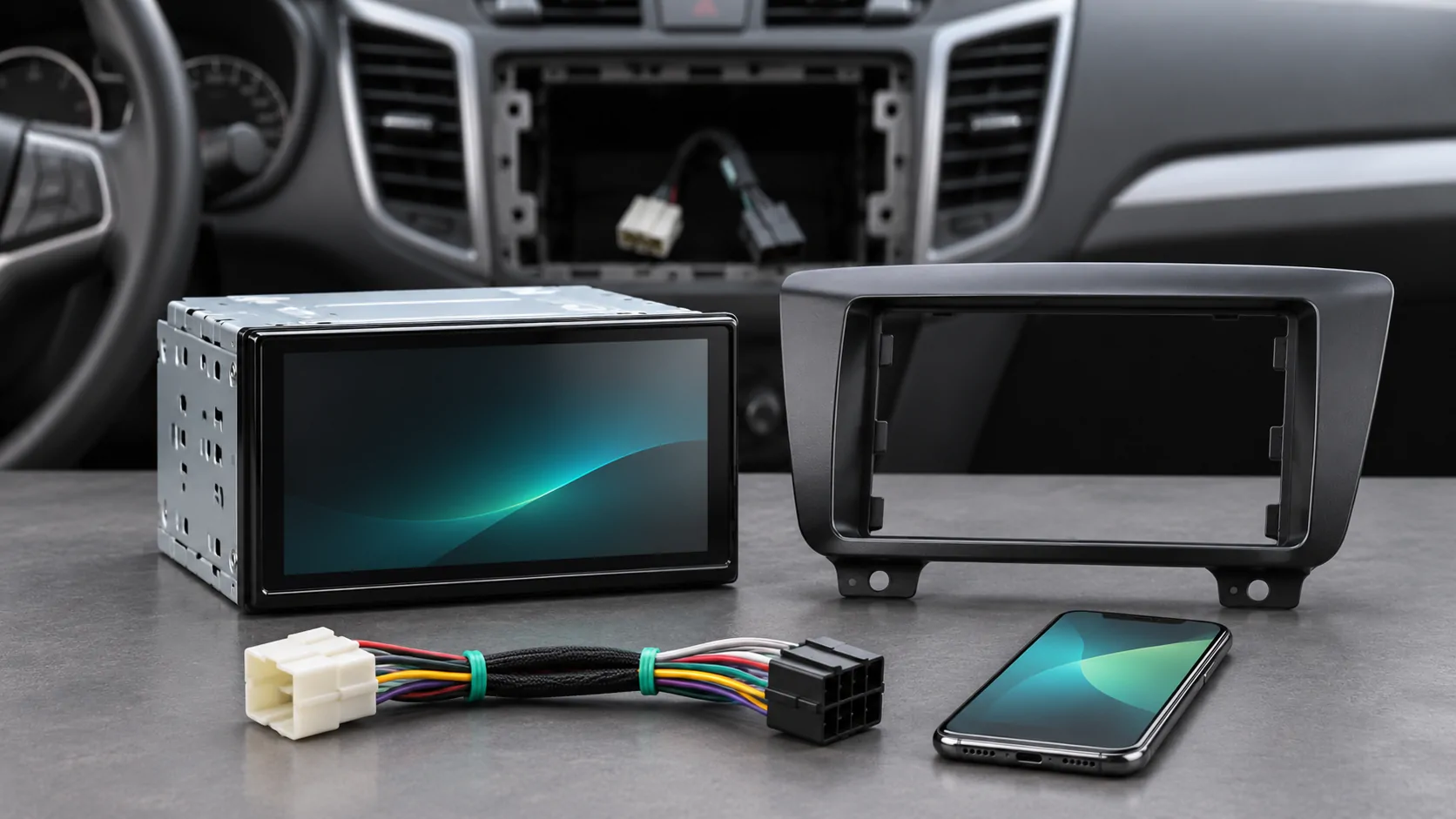
Choose a receiver for the vehicle and the task
An aftermarket CarPlay head unit replaces or supplements part of the vehicle's audio and display system. It is a different product from a small adapter that converts an existing wired CarPlay connection to wireless. Before shopping, identify whether the vehicle needs a new receiver at all and which functions the replacement must preserve.
Start with the exact vehicle, year, market and existing audio configuration. Define the tasks you need: supported navigation, calls, audio, a particular connection method or integration with existing controls. A screen advertised as compatible with iPhone may not provide the CarPlay implementation you expect. Ask for the exact receiver model and manufacturer documentation rather than relying on a marketplace title.
Verify physical fit and safe installation
Check the dashboard opening, mounting kit, screen clearance, wiring and the location of controls. A display that fits the opening can still obstruct vents, switches or visibility. Floating screens and large panels need enough clearance throughout their intended adjustment range. The vehicle's airbags and other safety systems must remain unobstructed and correctly installed.
Use a qualified installer when the integration exceeds your experience. Manufacturer support can help locate installation resources: Pioneer's official support page, for example, provides a knowledge base, manuals and firmware resources plus a dealer and installer locator. That is an example of a support route, not a recommendation that every Pioneer unit fits every car.
Inventory the factory functions to retain
List steering-wheel buttons, reversing camera, parking displays, amplifier, microphone, radio antenna and vehicle settings that currently use the original unit. Determine which require compatible interfaces or may be unavailable after replacement. Do not assume that matching power and speaker connectors preserves every function. Some vehicles integrate more than entertainment through the factory display.
Ask the installer to state the retained functions and required parts in writing. Include any change to chimes, camera image, USB sockets or driver controls. A low receiver price can be misleading when the complete installation needs additional modules and labor. If an important vehicle function cannot be retained through a supported method, reconsider the replacement rather than accepting an improvised workaround.
Read the receiver's exact CarPlay specification
Confirm whether the specific model supports wired CarPlay, native wireless CarPlay or both, and which phone and software requirements apply. Similar model names and different hardware revisions can have different features. A Bluetooth logo does not establish wireless CarPlay, and a USB connection does not establish every smartphone capability. Read the manufacturer's current manual, not only a retailer's abbreviated feature list.
Apple's setup guide explains the normal phone connection process. The receiver manual identifies its actual ports and pairing controls. If a USB extension is part of installation, confirm the manufacturer's requirements and routing. Establish a working supported connection before adding another adapter that introduces separate firmware and compatibility dependencies.
Include calls, audio and charging in the trial
Test a supported map, music and a stationary call separately. Check microphone placement and clarity, steering-wheel controls and volume behavior. A bright home screen is not a complete acceptance test. Confirm that the receiver selects the correct phone after startup and that a passenger device does not unexpectedly take priority.
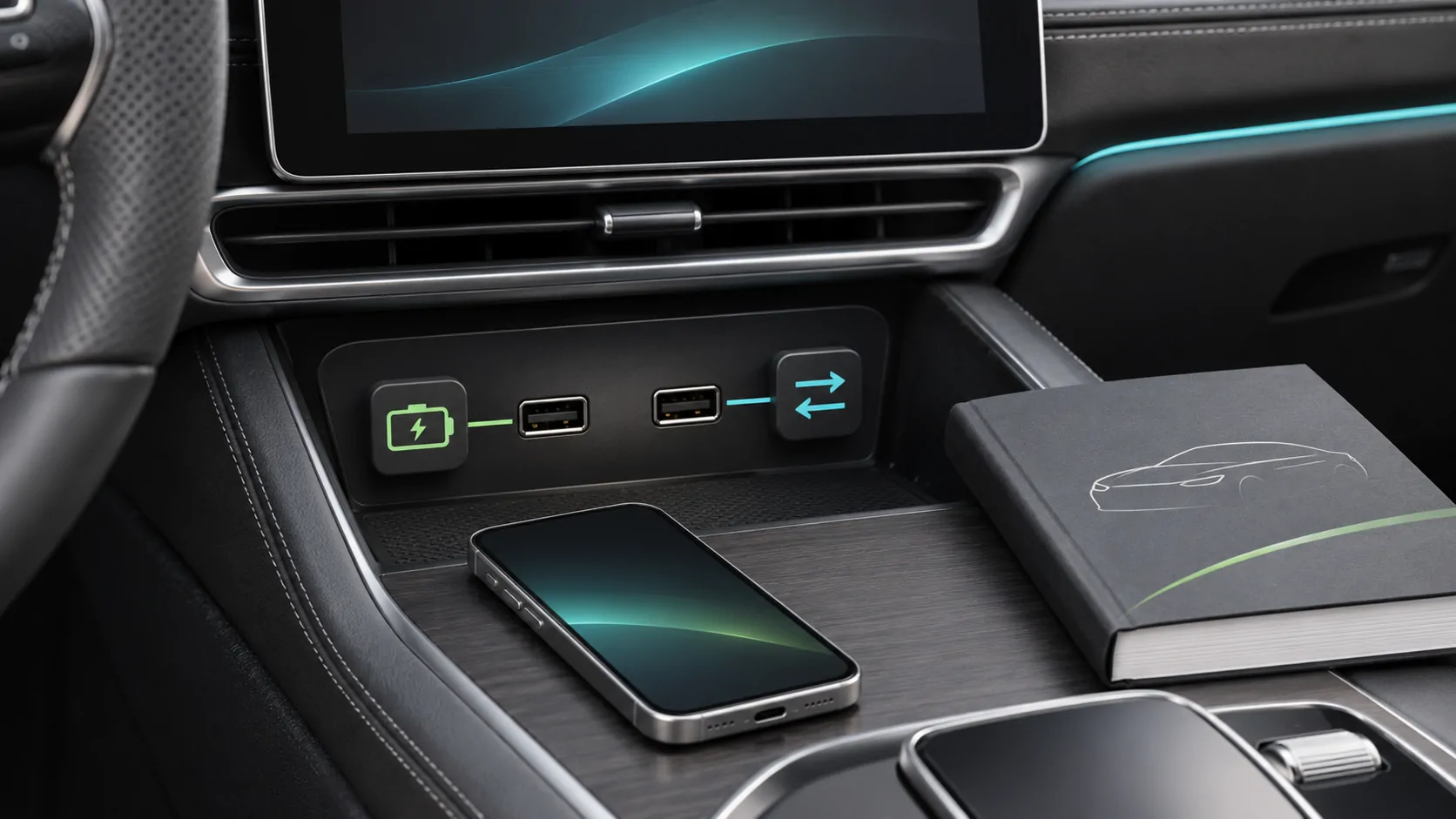
For wireless use, plan phone charging and placement. For wired use, verify both data and power through the installed cable path. Check that the cable does not obstruct controls or create strain at the port. Observe heat and charging behavior under appropriate stationary conditions. A polished installation should remain usable during ordinary repeated connections, not just during the first showroom demonstration.
Inspect update and support ownership
Find the official firmware download, model-specific instructions and recovery process before buying. Check whether the product has accessible manuals and a support channel in your market. Record the hardware revision and installed firmware. A receiver is a maintained computing device, so future troubleshooting should not depend entirely on a seller's temporary listing or an anonymous file-sharing link.
Install only the supported package for the exact equipment and follow its power and interruption guidance. An iPhone update does not update the aftermarket receiver, and an automaker's original firmware package normally belongs to different equipment. How CarPlay updates arrive explains those separate paths. Clear ownership makes a later connection problem easier to investigate.
Examine media claims and independent software carefully
Some aftermarket screens include their own operating system, app store or media functions in addition to CarPlay. Those are separate capabilities with separate accounts and restrictions. Do not assume a browser or video app running natively on the unit is part of Apple's CarPlay interface. Ask the supplier to identify the actual route being demonstrated.
Apple's current developer overview describes video in supported cars when parked and separate automaker integration for AirPlay video. That does not make all replacement receivers video-compatible. Verify the receiver, app, source rights and operating conditions independently. Do not buy hardware on the expectation that bypassing motion restrictions or content protection will be a supported feature.
Accept the installation with a written test record
Before completion, compare the installed system against the agreed list: retained vehicle functions, phone connection, calls, audio, camera, controls and update information. Perform checks while safely parked, with the installer handling any appropriate installation diagnostics. Record unresolved items and the responsible support channel. A return or correction process should be clear before the original equipment is discarded.
Use the compatibility checklist for the final configuration. If CarPlay later fails, Apple's troubleshooting guidance and the receiver's own manual should be used together. The best replacement is one that fits safely, preserves required vehicle functions and provides a documented supported workflow, rather than the largest display with the longest list of unverified claims.
Sources
Related reading
Bring your own media.
Explore CarCast for iPhone with your own authorized sources and supported display configurations.