Video & Casting
Why Video Buffers on a Mobile Connection
Diagnose mobile video buffering by separating bandwidth variation, source-server limits, adaptive quality and the local car-display connection.
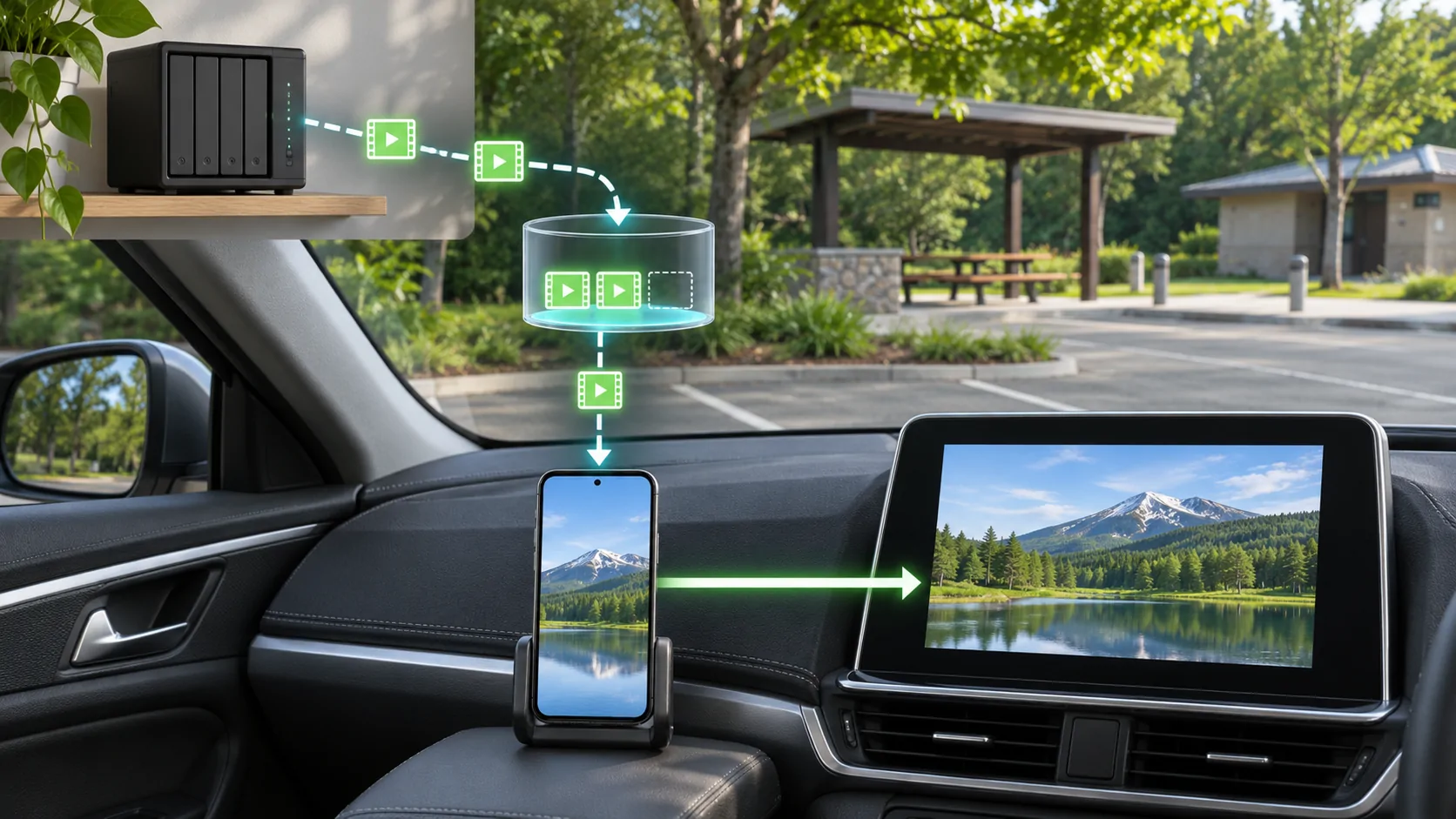
Video buffers when the player cannot keep enough usable media ready for continuous playback. On a mobile connection, available throughput can vary, but the source server, stream format, selected quality and app can also be responsible. First determine whether the phone's stream is stalling or the local display connection is failing; those are different problems.
Understand what the player is waiting for
A player usually keeps some media ready ahead of the current position. If new usable data arrives too slowly or a required segment fails, playback can pause while the buffer recovers.
A spinner does not identify the cause by itself. The player may be waiting for video segments, an account response, a decryption key or another resource. Record any error and whether audio continues.
MDN's buffering and seeking guide distinguishes downloaded ranges from seekable ranges. A progress bar suggesting you can jump ahead does not necessarily mean every intervening byte is already stored locally.
Compare the phone with the external display
While parked, play the same lawful source on the phone without external output. If it stalls there too, investigate the source, app and internet path before blaming the car.
If phone playback is stable but the external route fails, inspect the documented receiver connection and supported output. A local wireless interruption can happen even when the mobile stream is healthy.
Keep the phone, source and quality setting consistent across the comparison. Changing all three can produce a better result without showing which component mattered.
Distinguish average speed from sustained delivery
A speed test is a snapshot against a particular server. It does not prove that the media server can sustain the required delivery throughout a viewing session. Short drops and delayed responses can matter even when an average looks adequate.
For an illustrative calculation, a stream averaging 4 megabits per second uses about 1.8 decimal gigabytes in one hour before additional overhead. That example comes from bitrate multiplied by time; it is not a measurement of CarCast or a particular mobile plan.
A connection also needs practical headroom rather than matching the nominal stream bitrate exactly. Variable bitrate, other traffic and delivery overhead can change the required data rate.
Use adaptive quality where the source provides it
Apple's HLS overview describes adapting playback to network conditions. An adaptive presentation can offer multiple versions so a compatible player chooses a more sustainable one.
RFC 8216 describes master playlists, variant streams and media segments. It is a foundational protocol document, not a guarantee that every M3U8 source includes multiple quality levels or that every player exposes manual controls.
If the app and source offer a quality choice, compare a lower supported level while parked. A stable lower-quality result is useful evidence about delivery demand, but it does not prove that the original source is incorrectly encoded.
For a live source, distinguish a stable delay behind the live event from repeated playback stalls. A player may intentionally remain behind the newest available media to maintain a usable buffer. Repeatedly seeking toward the live edge can reduce that reserve. Use the source's documented live control and compare continuous playback before concluding that an older displayed moment means the connection has stopped delivering data.
Check the source side
If only one channel or video buffers while other sources work under the same conditions, investigate that source's availability and delivery server. An expired link, overloaded server or missing segment can resemble insufficient mobile bandwidth.
For a personal media server, remember that the home's upload path and any required transcoding can limit delivery. A fast phone download connection cannot compensate for a server that cannot supply the stream quickly enough.
Do not send private playlist URLs, tokens or server credentials to a public support forum. Share a redacted description, the app's error and the observed timing instead.
Reduce avoidable competing demand
While parked, check whether the phone or shared hotspot is performing large downloads, backups or other demanding transfers. Pause optional activity through normal controls if appropriate, then repeat the same media test.
Do not disable required wireless CarPlay radios as a general buffering fix. The phone-to-receiver connection and the internet delivery path have different roles. Changing both at once can make the diagnosis less clear.
If a VPN or filtering service is involved, compare only where permitted by the account and network owner. A different result indicates a path difference, not automatic proof that a restriction should be bypassed.
Prepare a lawful offline alternative
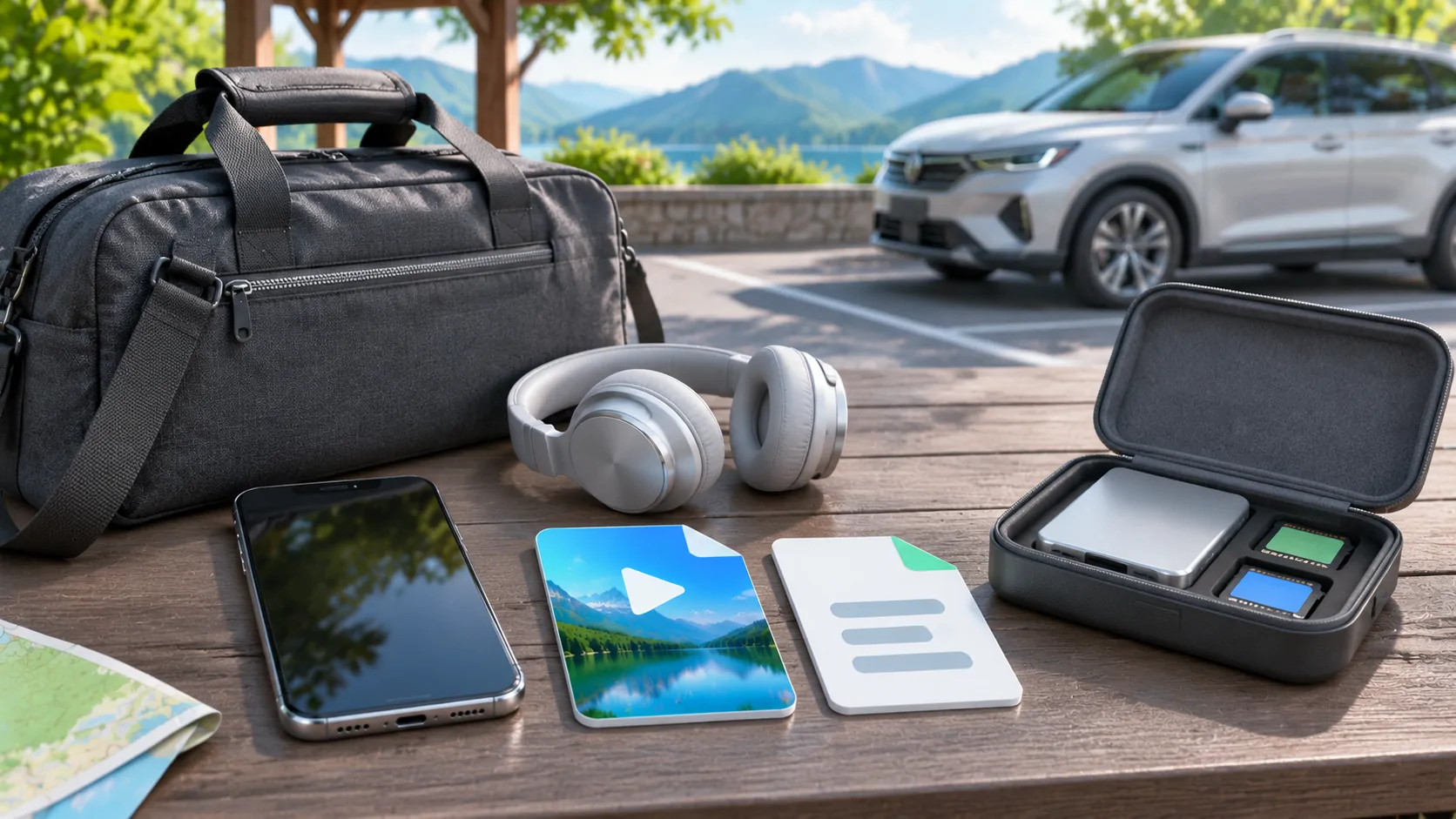
For predictable weak coverage, an authorised offline copy can remove the live delivery dependency. Confirm that the full media is actually stored and playable in the intended app.
A saved playlist is not a saved video, and a subscription download can have its own conditions. Follow the provider's supported offline process rather than using an unofficial capture tool.
Use offline preparation before travelling. The practical value is avoiding dependence on a variable connection during a parked stop, not enabling driver-facing viewing while moving.
Report the observed pattern
Record whether the stall happens at startup, after a fixed interval, at the same point in the content or only at a particular quality. Include whether a local reference clip and another lawful source work.
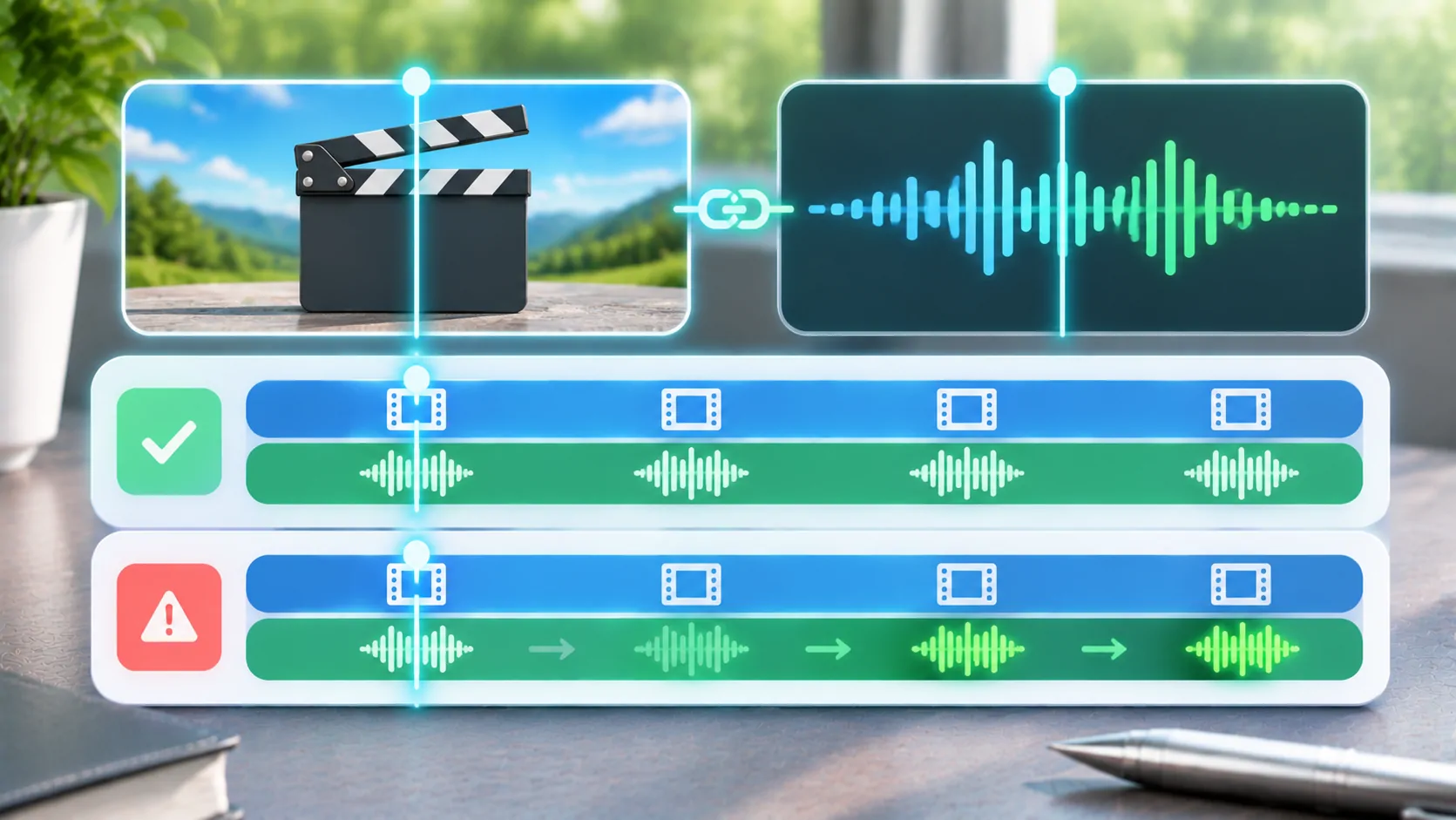
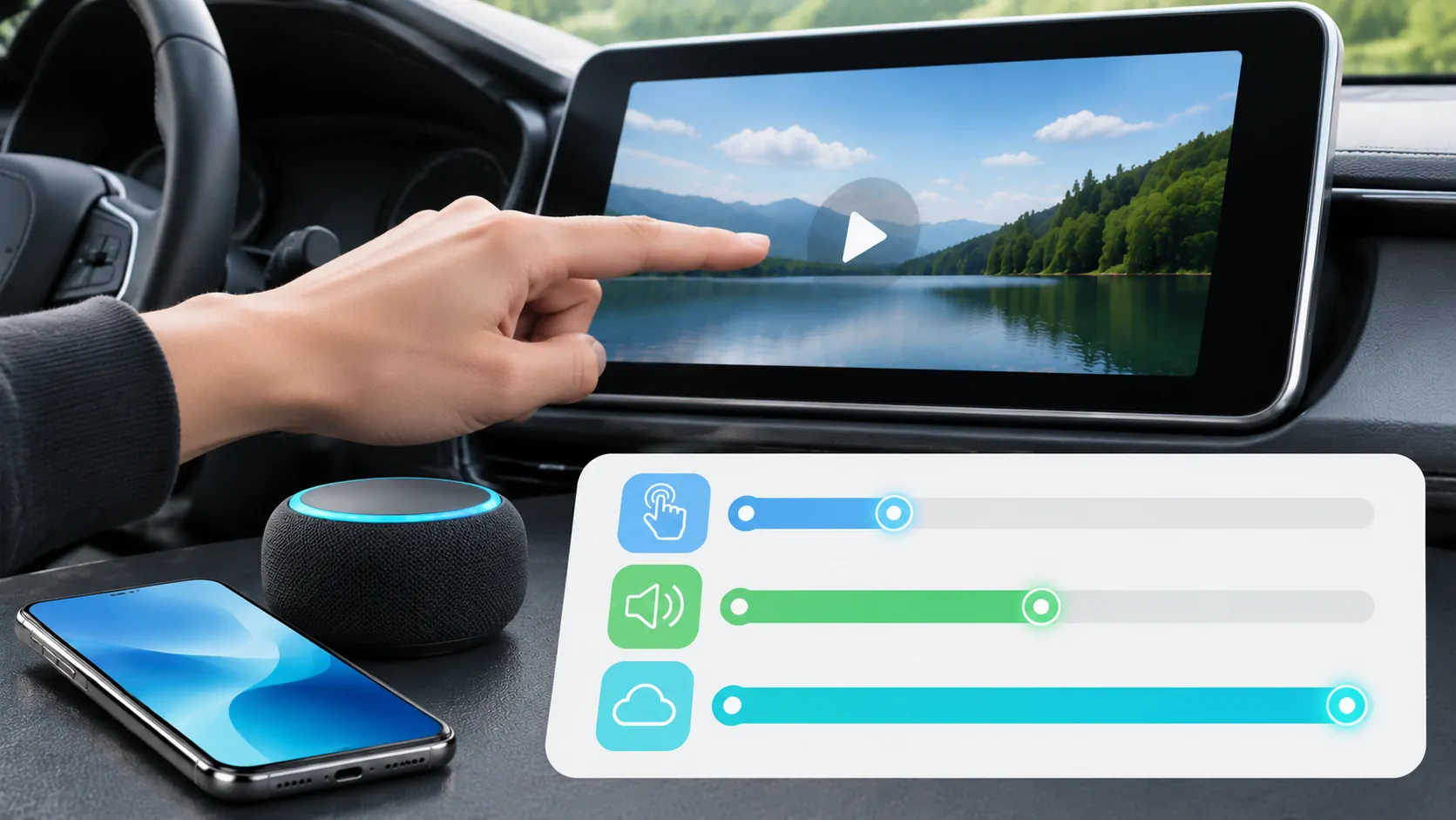
For delayed controls rather than repeated buffering, use latency diagnosis. For speech that remains out of step with the picture after playback resumes, use synchronization checks.
The strongest diagnosis separates source delivery, adaptive quality, phone decoding and external output. A lower quality or offline copy may be a practical supported option, but no player can guarantee uninterrupted playback from every server over every mobile connection.
Sources
Related reading
Bring your own media.
Explore CarCast for iPhone with your own authorized sources and supported display configurations.