IPTV & Media
Diagnosing IPTV Network Problems with and without a VPN
Use controlled network comparisons to investigate IPTV failures, while distinguishing VPN routing clues from proof of throttling or a universal fix.
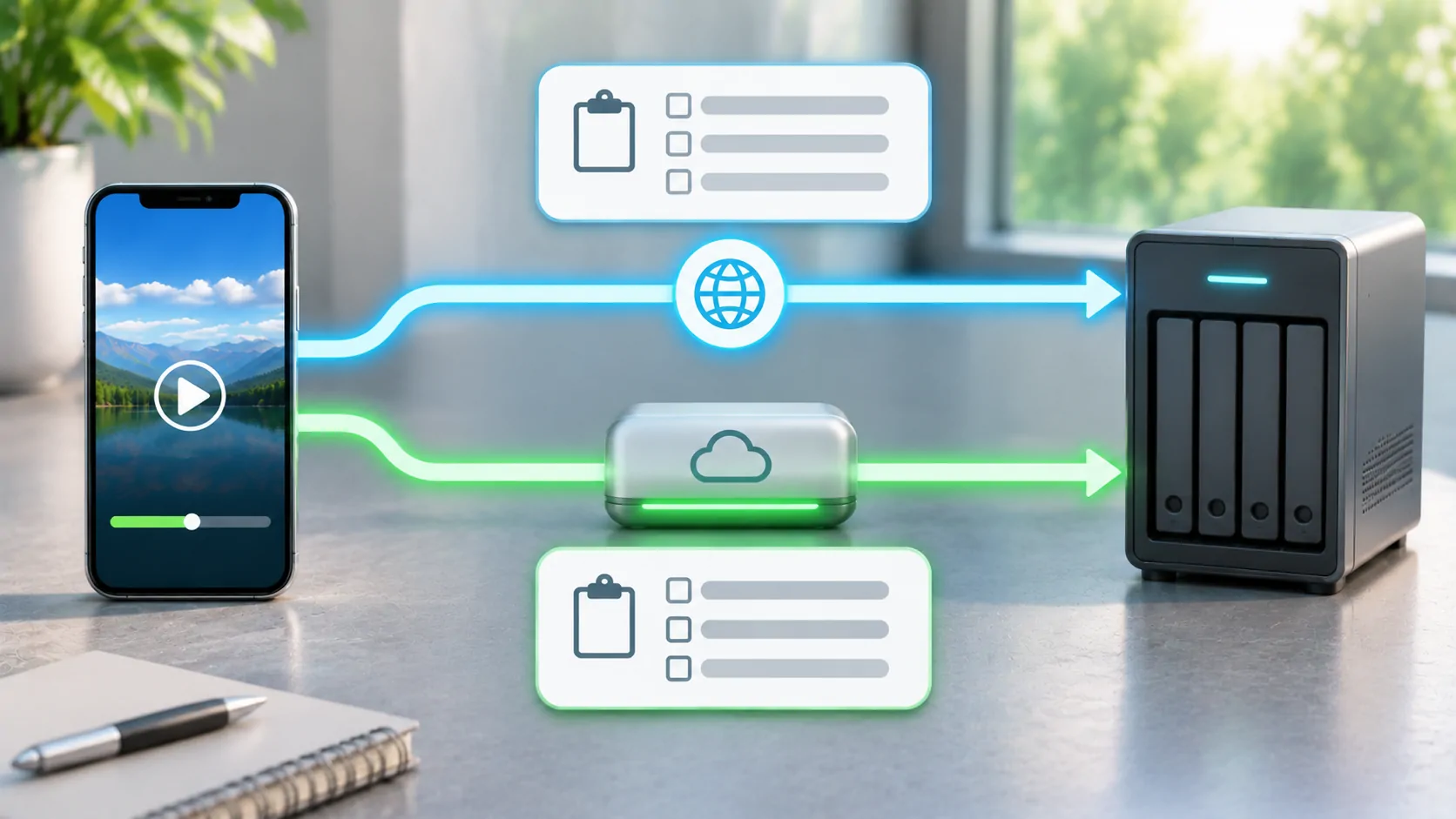
A VPN can be one variable in an IPTV network comparison, but a change in playback does not establish why the original connection failed. A VPN changes routing, the visible network address and potentially DNS or filtering behaviour. It may improve one path, worsen another, or trigger the provider's access restrictions.
Diagnose your authorised source first on an ordinary trusted connection. Use a VPN only where lawful and permitted by the service and network owner. Do not use network changes to evade subscriptions, regional rights, account limits or other access controls.
Define the Failure Before Changing the Network
Record whether the playlist fails to import, channels appear but do not start, playback stalls later, or only external output fails. These symptoms occur at different stages. A black receiver screen while the phone continues playing is not automatically an internet-routing problem.
Choose one known authorised item and note the app, device, time and exact error. Keep the source and account fixed during the initial comparison. If every test uses a different channel, client or login, the results cannot identify which change mattered.
HTTP semantics distinguishes refusals, missing resources and server failures when response evidence is available. A visible loading indicator alone is less specific. Write down what you observed without converting a suspicion into a claimed 403, timeout or blocking event.
Establish a Baseline on Two Connections
Test stationary playback on trusted Wi-Fi and then mobile data, using the same player and source. Check that the app is allowed to use mobile data and that the plan has usable allowance. A home-only server address will not become publicly reachable just because mobile data is enabled.
If both connections fail identically, examine the account and source before adding more network variables. If only one fails, the difference narrows the investigation but still leaves several possibilities: name resolution, routing, filtering, carrier policy, congestion or the source owner's treatment of that network address.
Repeat a short comparison at another time if the result may have been transient. Label these as observations from your session, not a benchmark for an entire country or provider. Do not claim a test was performed if you are only following this diagnostic plan.
Know What the VPN Changes
A VPN generally carries traffic through an encrypted tunnel to another endpoint, changing the route and the address the destination sees. Cloudflare's VPN explanation describes that basic mechanism. The effect on a particular media source depends on the tunnel, exit point, client configuration and provider rules.
Encryption does not create missing media files, renew an expired subscription or add codec support. It also does not prove that a VPN operator is trustworthy or that every request is private in every configuration. Use a service and configuration you can assess rather than entering account links into an unknown proxy website.
A VPN introduces an additional party and can add latency or reduce throughput. Treat it as a controlled diagnostic variable when appropriate, not a default remedy to apply before understanding what failed.
Compare with One Supported VPN Configuration
If the service permits it, enable a known VPN configuration and retry the same item without changing the player or account. Record whether startup, sustained playback and interruptions differ. Keep the exit location consistent during the comparison; switching among many locations makes interpretation harder.
If the source uses network-bound tokens, changing the visible address may require a fresh supported session. Ask the provider rather than editing signed URLs. If a provider explicitly disallows VPN access, a refusal is an account-policy matter, not an invitation to hunt for an exit that conceals the change.
When playback improves, the defensible conclusion is that the changed network path or context affected the outcome. It does not prove deliberate throttling by the original operator. Several factors changed together inside the VPN path, and further evidence is needed to separate them.
Keep HLS Dependencies in View
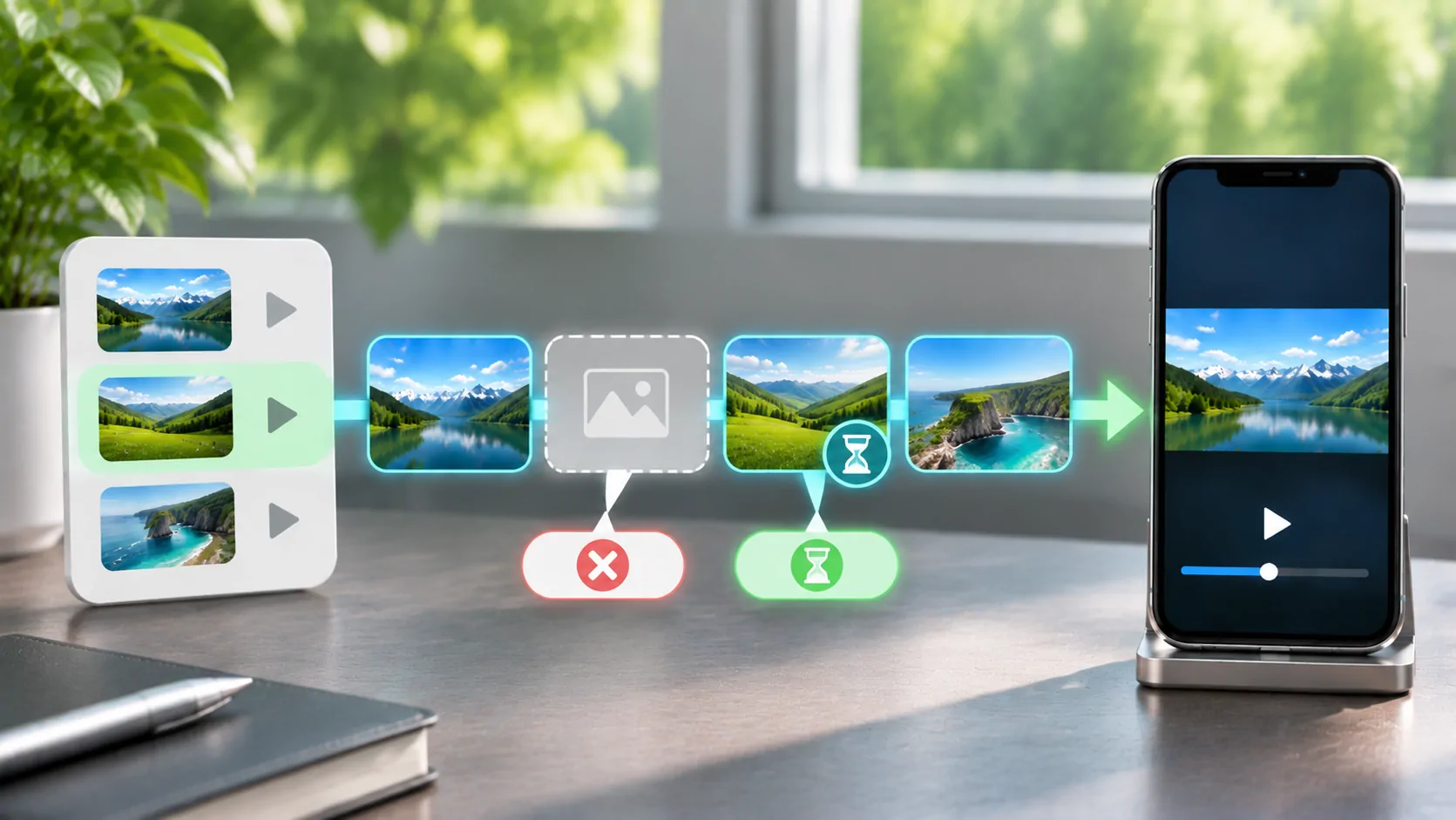
HLS can request a root playlist, selected media playlists, segments and other resources from different locations. RFC 8216 defines that layered model. One hostname working does not prove every dependency is reachable under either connection.
A tunnel might change access to one content host while the original problem lies in a different segment server. If legitimate logs show a specific failing dependency, give that information to the source operator. Avoid concluding that an entire service is fixed because the first playlist starts loading.
For a stream that begins and then stalls, use HLS segment diagnostics. For a list that never downloads, start with M3U URL checks. Keeping the failure stage clear prevents a broad network experiment from obscuring a simple expired link.
Examine Local Restrictions and Shared Traffic
A workplace, hotel or vehicle hotspot may have policies or technical limits different from a private home connection. Ask the owner about permitted use. Captive portals may need an ordinary browser sign-in before internet access works, while account-bearing media URLs should remain private.
Other devices sharing the connection can consume capacity. Large background transfers, cloud backups and hotspot users may affect sustained delivery even when a short speed test appears strong. Test with a known quiet connection if that is a condition you can legitimately arrange.
For vehicle use, remain parked during comparisons. Coverage changes and handovers during travel introduce variables that make a first diagnosis less reliable. Establish phone playback before adding a receiver, and keep any visual media restricted to a lawful supported setting.
Escalate with the Comparison, Not an Accusation
Provide the source or network operator with the affected time, connection types, client version and observed differences. State whether a permitted VPN comparison changed startup or sustained playback. Redact account tokens and avoid naming a cause you have not demonstrated.
If the account is refused, resolve it with the provider. If a specific route fails, the network or source operator may need to investigate. If the media resource is missing everywhere, changing tunnels is unlikely to help.
A useful diagnosis reduces uncertainty. Controlled comparisons can show where to look next; they do not turn a VPN into a compatibility guarantee or prove that every unsuccessful connection was intentionally blocked.
Sources
Related reading
Bring your own media.
Explore CarCast for iPhone with your own authorized sources and supported display configurations.