IPTV & Media
Estimating Mobile Data Use for IPTV and Video
Calculate an illustrative IPTV data budget from bitrate and viewing time, then compare it with actual device usage without presenting estimates as measurements.

Estimate video data by multiplying the average bitrate by viewing time and converting bits to bytes. Using decimal units, a continuous average of 1 megabit per second is about 0.45 gigabytes per hour before additional traffic and overhead. This is arithmetic, not a measured result for a particular channel, app or mobile carrier.
Actual consumption can differ because adaptive quality changes, audio, retransmissions, preloading, advertisements and other device activity affect the total. Use the calculation to plan scenarios, then compare it with your device and carrier records over a clearly defined period.
Use the Units Consistently
Bitrate is commonly written in megabits per second, abbreviated Mbps or Mb/s. Data allowance is commonly shown in gigabytes, abbreviated GB. One byte contains eight bits. Confusing megabits with megabytes creates an eightfold error before any streaming behaviour is considered.
For a decimal estimate, multiply Mbps by 3,600 seconds, divide by eight, then divide by 1,000 to convert megabytes to gigabytes. That simplifies to Mbps multiplied by 0.45 for one hour. Some tools use binary units such as GiB, so check labels when comparing displays.
The input must represent the combined average data rate you intend to estimate. A video-only encoding value may omit audio and transport overhead. A maximum advertised rate is not necessarily the session average. State the assumption alongside the result so the number can be assessed.
Work Through Illustrative Scenarios
At an assumed continuous average of 1 Mbps, the simplified calculation gives about 0.45 GB per hour. At 3 Mbps, it gives about 1.35 GB per hour. At 6 Mbps, it gives about 2.7 GB per hour. These are hypothetical scenarios using the same formula, not observations from a tested service.
For a 30-minute session at the assumed 3 Mbps average, halve the hourly estimate to about 0.675 GB. For a weekly plan, multiply by the intended number of sessions. Add a planning margin appropriate to your allowance because a simplified media-rate estimate does not capture every network transfer.
Do not label these examples HD or 4K usage. Resolution alone does not fix bitrate. Encoding choices, content complexity, codec and quality policy all matter. A channel's visible title is not a reliable data-rate measurement.
Adaptive Streaming Changes the Average
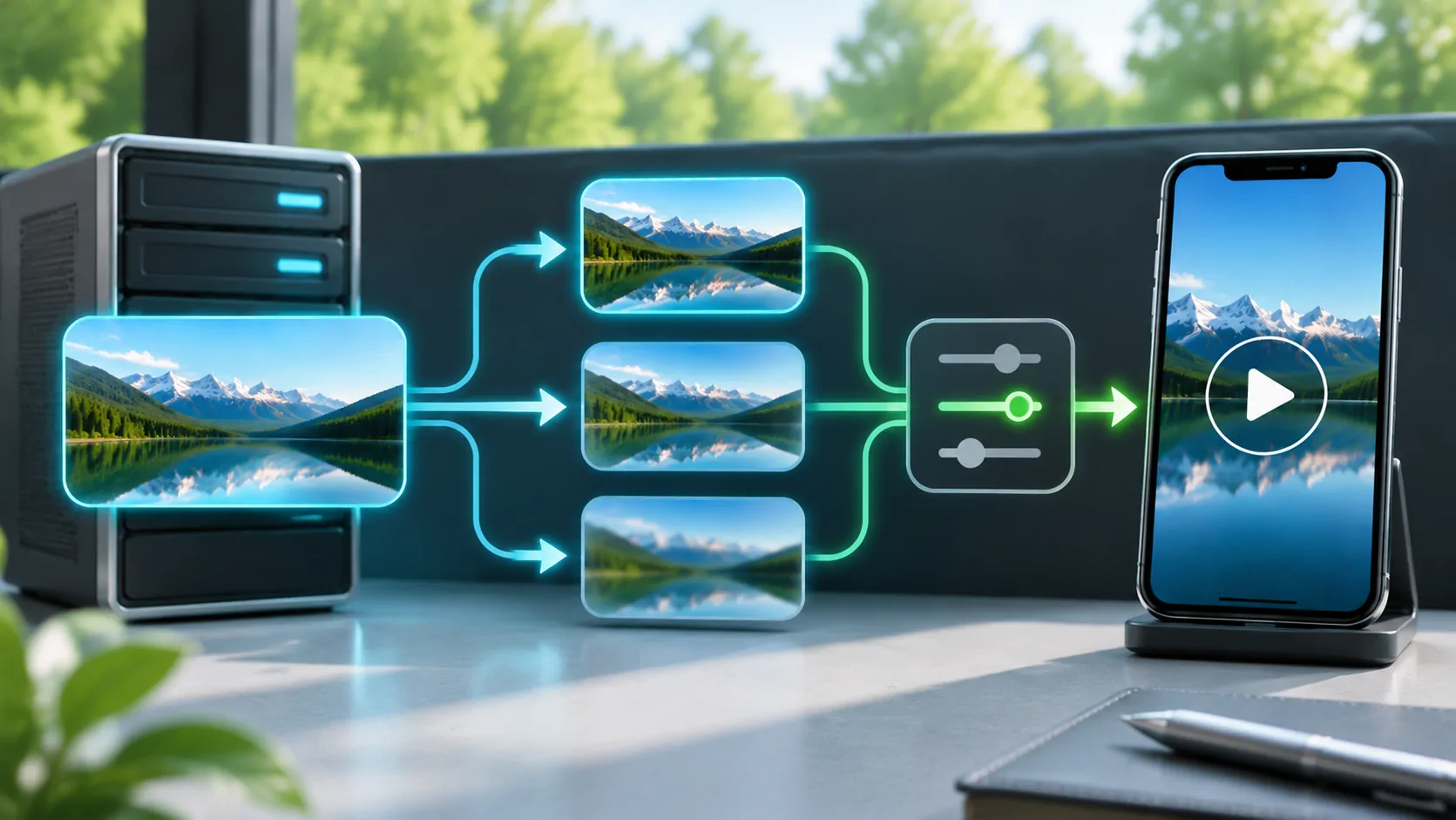
HLS can advertise multiple variants, and a client may change among them as conditions change. RFC 8216 describes the playlist information used for those alternatives. The selected rate over an hour may differ substantially from one variant's nominal rate.
A connection that begins at a low quality, rises and later drops needs a time-weighted average for a precise estimate. Without telemetry, use a range of plausible assumptions rather than pretending you know which variant was selected throughout the session. See HLS adaptive bitrate for the selection process.
If the player provides a documented quality or data preference, that can change the planning scenario. Its name and meaning are application-specific. Do not assume that every Auto control imposes the same data limit or that an undocumented CarCast setting exists.
Account for Traffic Outside the Programme
Audio, playlist refreshes, artwork and guide downloads can add transfers. Starting and stopping repeatedly may download media that is buffered but never watched. Seeking can fetch a different section while earlier downloaded material remains unused. Retransmissions and connection changes can also affect total traffic.
Other apps on the phone and devices sharing its hotspot can consume the same allowance. A carrier total may therefore exceed the player's own counter without either figure being wrong. Check what each measurement includes and the time interval it covers.
Apple's streaming resources describe the underlying delivery technology, but they do not provide a universal per-hour bill for every stream. A source operator's actual average media rate is a better input than a generic resolution label when such information is available.
Measure a Defined Session on Your Device
Apple explains how to inspect cellular usage in its cellular-data support guide. Follow the current instructions for your device and record the relevant counter period. Some counters cover activity since the last reset rather than the carrier's billing month.
For your own comparison, note the counter before and after a defined stationary session, the selected source, duration and any documented quality preference. Keep unrelated traffic limited or visible. Do not reset shared records without understanding what information you would lose.
Call the result a measurement only after actually carrying out that process. A ten-minute observation should not be presented as a universal monthly figure. It may help refine your planning range, while a different channel, network or adaptive session may still use a different amount.
Plan for Travel and Hotspot Use
Check the carrier's allowance, hotspot conditions, roaming terms and any speed reduction after a threshold. A large nominal data package can still have separate tethering or international limits. Consult the actual plan rather than assuming all traffic is covered identically.
For a parked charging stop, decide the intended duration before starting and leave capacity for navigation, communications and other needs. Prepare lawful offline media through a supported service when that option fits the trip. Saving a playlist alone does not save its referenced video for offline viewing.
If a vehicle display or accessory uses the phone's connection, understand which device initiates the media requests. The traffic may be attributed differently in app-level counters. Keep visual playback within a lawful parked or passenger workflow and establish connectivity before relying on it.
Review the Budget with Real Evidence
Compare your planning range with device records and the carrier's reporting over matching periods. Carrier data can be delayed or rounded, while local counters may use different categories. Investigate those differences before attributing every extra gigabyte to one player.
For picture-quality tradeoffs, see resolution and bitrate. Lowering a documented rate preference can reduce the estimate, but the observed effect must be checked. Do not promise a fixed percentage saving without a controlled comparison.
A useful data budget states its bitrate assumption, session duration, units and margin. That makes it adjustable when the source changes and keeps a transparent calculation distinct from an actual usage measurement.
Sources
Related reading
Bring your own media.
Explore CarCast for iPhone with your own authorized sources and supported display configurations.