Video & Casting
Choosing Resolution and Bitrate for Personal Car-Screen Video
Choose an appropriate resolution and bitrate for personal video by checking the display, decoder, storage and sustained network capacity.
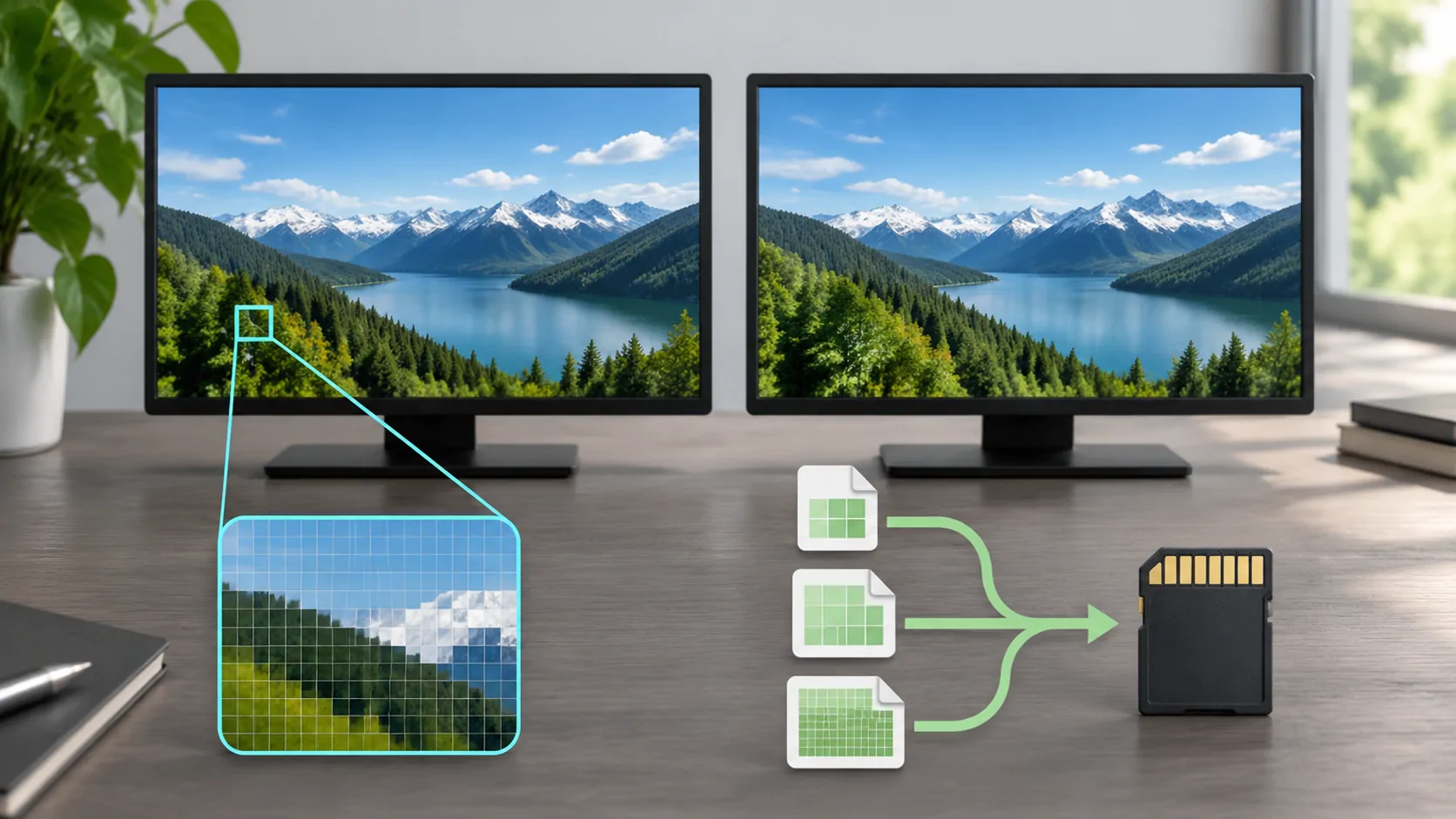
Resolution and bitrate solve different problems
Resolution describes how many pixels form an image; bitrate describes how much data is used over time. Neither alone guarantees a better picture or compatible playback. For personal video on a supported car screen, choose a format the playback device can decode, a resolution appropriate to the actual viewing area, and a bitrate the storage or network can sustain. Make the decision while parked and test the complete supported display route rather than assuming that a high-resolution file is always preferable.
You do not need to match an advertised dashboard resolution with a large file automatically. The visible video area may be smaller than the full panel, and interface scaling, aspect ratio and the connection can reduce what is actually displayed.
Establish the real output and decoding limits
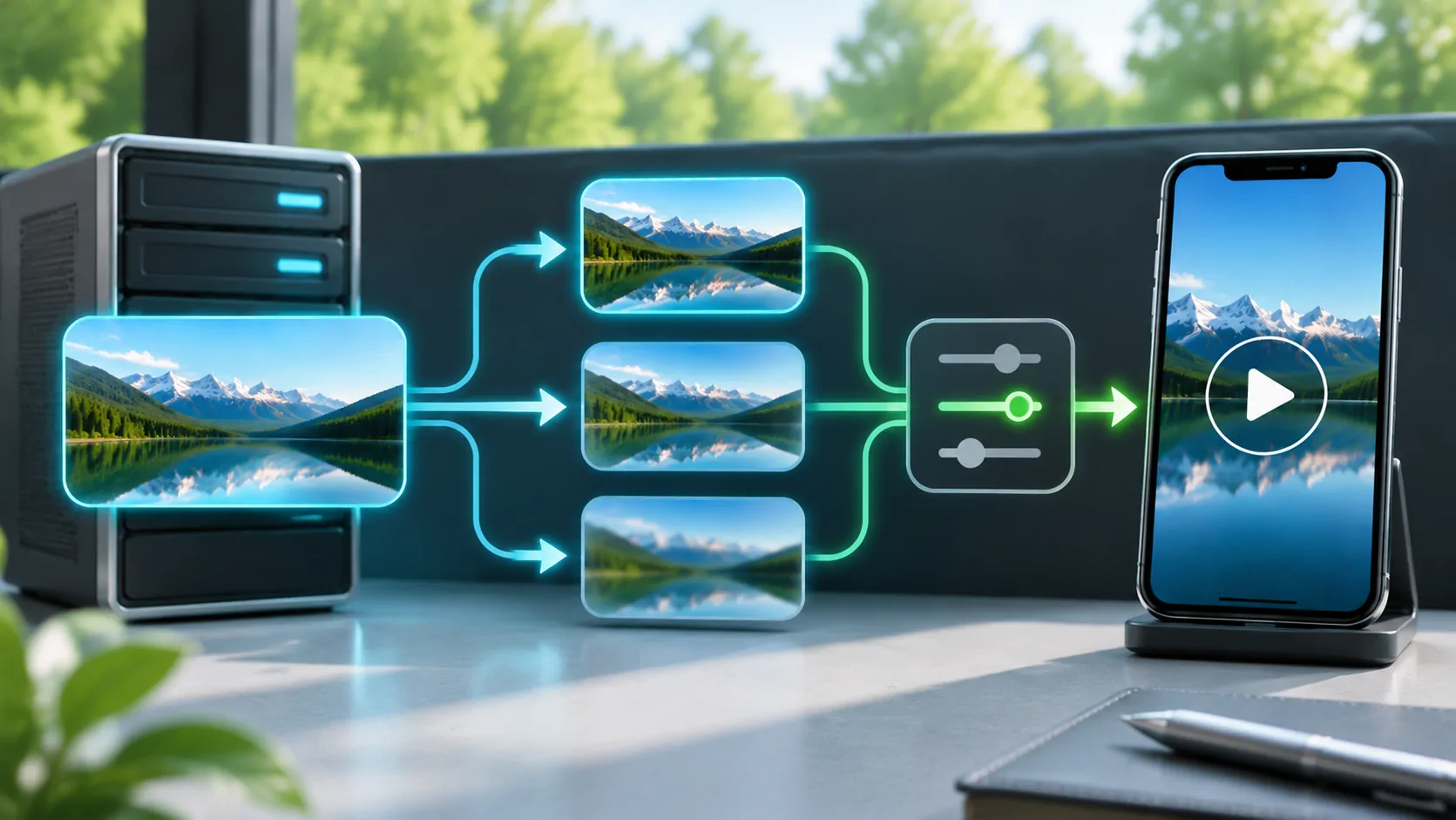
Find the specifications for the player and receiver separately. A panel capable of displaying a particular resolution does not prove that its built-in processor, connected adapter or application can decode every codec at that resolution. The iPhone might decode the file, or a media server might convert it first.
The Jellyfin codec documentation illustrates why compatibility is a combination of container, video, audio and subtitles. That principle is useful beyond Jellyfin, but its support table should not be presented as a CarCast test result. Check the capabilities of the actual application and device you intend to use.
Record the source codec and container before converting anything. An MP4 extension alone does not identify every detail of the enclosed video. Keep the original copy so that a failed experiment does not destroy your only file.
Understand what more pixels can and cannot add
A higher resolution can preserve detail when the display and viewing conditions reveal it. It can also increase decoding work and required storage without delivering a visible improvement on a small output area. Motion, grain, compression settings and source quality influence the result as much as the pixel dimensions.
Do not upscale a low-quality source expecting to recover missing detail. Upscaling changes the pixel count but cannot recreate information that was not recorded. Similarly, a heavily compressed high-resolution copy may look worse than a carefully encoded lower-resolution copy.
Use a representative sample with faces, movement, dark scenes and readable subtitles. Compare it at the intended viewing distance while parked. This is a personal quality comparison, not a laboratory benchmark, so record your settings without claiming a universal best bitrate for every car.
Calculate size with explicit assumptions
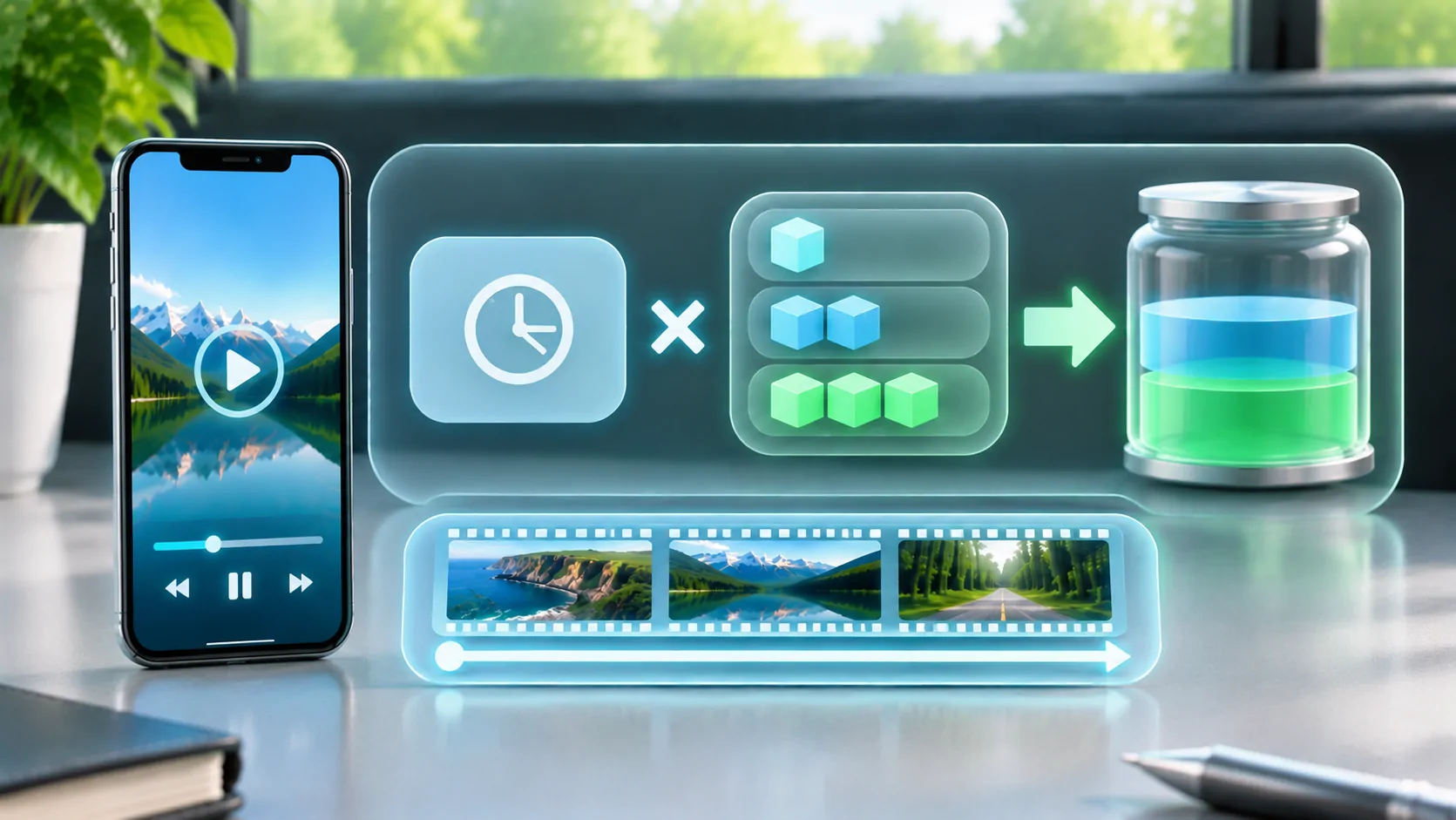
For a roughly constant average total bitrate, decimal gigabytes are approximately megabits per second multiplied by hours multiplied by 0.45. A hypothetical 4 Mb/s total stream for one hour therefore uses about 1.8 GB of media payload. This is arithmetic, not a measurement of a particular service or app.
If the quoted bitrate is video-only, add audio. Container overhead, network overhead and retries can increase transferred data. Variable bitrate content can rise and fall around its average, so a single short measurement may not represent an entire film.
For a mobile-data budget, see the separate data estimation guide. Keep storage capacity and transferred data separate: an offline file occupies space once, while repeated network streaming can consume the allowance again on every session.
Allow for bandwidth variation and bitrate peaks
A connection must sustain delivery, not simply achieve a fast result for a few seconds. High peaks or temporary signal loss can exhaust a buffer even when an average speed test looks comfortable. Shared Wi-Fi, a remote server's upload connection and a mobile provider's congestion can each be the bottleneck.
RFC 8216 defines bandwidth attributes used in HLS multivariant playlists. A player can choose among available variants, but only when the provider supplies them and the client supports the relevant behaviour. A single downloadable file has no built-in lower-quality alternative merely because it is streamed over HTTP.
If a permitted quality control exists, compare a lower rendition on the same connection and content. Improvement suggests that sustained delivery or decoding load matters; it does not prove the exact cause without further checks. Avoid changing resolution, VPN, Wi-Fi and player simultaneously.
Treat audio and subtitles as part of the choice
An unsupported audio codec can make a visually compatible video useless. Multiple audio tracks can also add size. Select an authorised track that meets your actual needs rather than removing every alternative indiscriminately, especially when accessibility or another viewer's language is involved.
Subtitles may be text, images or part of the encoded picture. A player may need to render them, select a supported track, or ask a server to burn them into video. That can change the decoding and bandwidth path. A file playing without subtitles does not prove it will have the same performance with every subtitle option enabled.
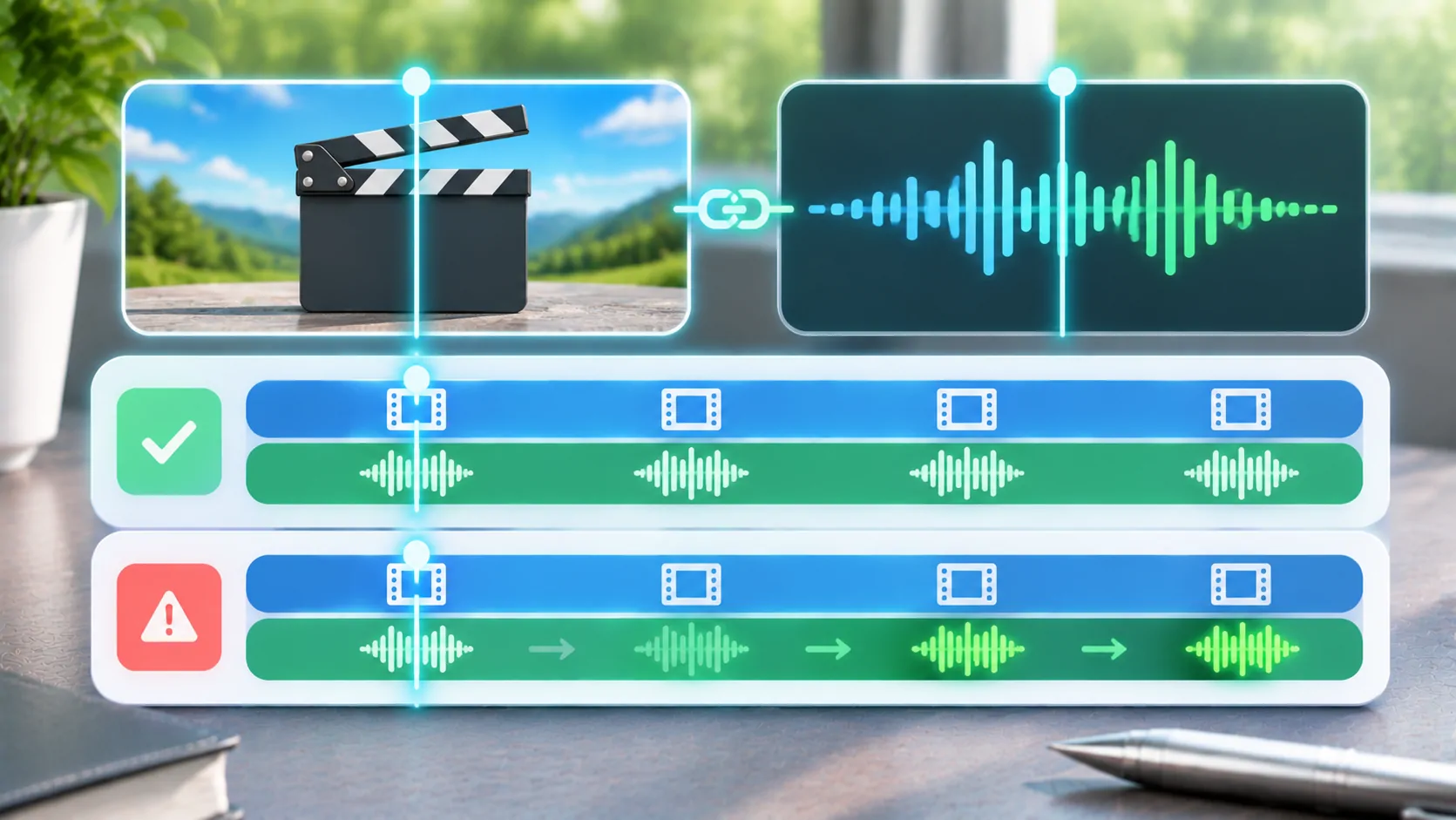
Test the chosen audio language and subtitles together with the picture. Ensure that important text is not clipped by display scaling. A smaller well-supported copy can be more useful than a technically impressive file whose dialogue or captions cannot be accessed.
Build a small, reversible test set
Create short copies from media you own or are authorised to adapt. Change one setting at a time and label resolution, codec and average bitrate. Test locally on the phone first, then through the intended permitted display route. Check seeking, pause/resume and a longer scene, not only the opening frame.
Apple's streaming resources are useful for understanding supported delivery and authoring practices when you control the source. They do not authorise removing DRM from subscription content. Likewise, CarCast's media-source support should not be interpreted as a promise to decode every possible export or display it in every vehicle.
Retain the smallest copy that meets your quality and compatibility needs, with enough margin for the planned storage or network conditions. Recheck after changing the player, phone or receiver. An appropriate encoding choice belongs to a tested configuration, not simply to the word CarPlay.
Sources
Related reading
Bring your own media.
Explore CarCast for iPhone with your own authorized sources and supported display configurations.