Video & Casting
Planning a Parked-Car Entertainment Session
Prepare a parked-car media session by checking lawful parking, supported display conditions, power, downloads, privacy and the transition back to driving.
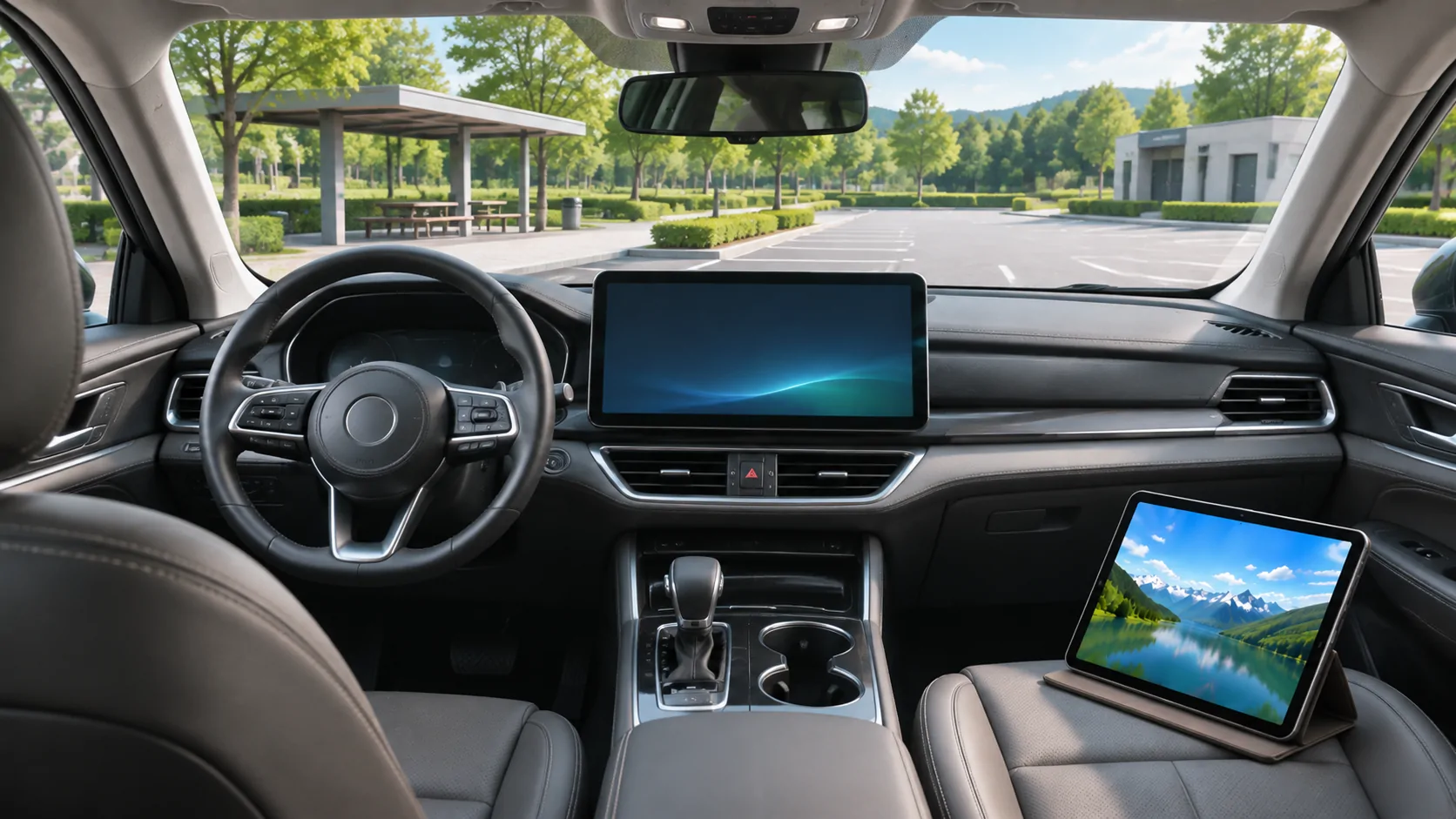
A parked-car entertainment session should begin with a suitable lawful parking place, the vehicle's documented operating conditions and media prepared before viewing. Being temporarily stopped in traffic is not the same as being safely parked. Confirm the display route, power arrangements and a clear way to end playback before the vehicle moves again.
Choose the place before choosing the programme
Park in a location where remaining in the vehicle is permitted and does not obstruct traffic, pedestrians or access. Follow local rules, site restrictions and the vehicle manual. A loading area or active traffic lane is not an entertainment stop simply because the car is stationary.
Consider visibility, weather, ventilation and the needs of passengers. Do not let a planned viewing session delay a necessary departure or keep someone in an uncomfortable cabin.
This guide is a preparation checklist, not legal advice or a vehicle-specific power procedure. Requirements differ between locations and vehicle designs, so use the relevant official instructions where a decision depends on them.
Verify that the display route is supported
Apple's developer information describes video apps in supported cars when parked and separate support for AirPlay video in the car. Those conditions do not establish support in every ordinary CarPlay vehicle.
Identify whether the intended screen is the dashboard, a rear-seat system or a separate portable display. Each can have different inputs, permissions and controls. Do not transfer a successful rear-seat demonstration to a driver-facing screen without checking the actual system.
Use the video support checklist before relying on an app purchase or accessory. If the route is unverified, use the phone or another permitted device in an appropriate parked setting rather than attempting to defeat vehicle restrictions.
Follow the vehicle's power instructions
Consult the manual for using accessories while parked, the allowed operating state and any time limits or battery warnings. Do not assume that an engine, accessory mode or EV power setting is appropriate for every location.
Keep charging cables away from pedals, controls and exit paths. Secure the phone and any portable display without obstructing visibility or airbags. A charging connection should not double as a restraint for a loose device.
Monitor the vehicle's own warnings and end the session when needed. This article does not predict how long a particular battery can power a screen, and a generic internet estimate is not a substitute for the vehicle's guidance.
Prepare the media before the stop
Choose the content and verify access before travelling. A subscription title may need an authorised download, a current account session or periodic online verification. A remote playlist is not automatically an offline library.
For personal files, check that the full video is stored on the phone, not merely represented by a cloud thumbnail. Test a short section, seek near the end and check sound and subtitles.
The offline preparation guide explains a repeatable checklist. Preparing content in advance reduces the temptation to troubleshoot accounts or long downloads during a short stop.
Set a modest session boundary
Decide how much time is available and choose content that fits. Leave time to stop playback, disconnect accessories and restore the driving setup. A long programme should not pressure you to continue viewing after the parking period ends.
If passengers need different content or sound levels, agree on an arrangement that does not interfere with the driver's later tasks. Keep volume comfortable and preserve awareness of announcements or instructions relevant to the location.
For a charging stop, the vehicle or charging service may require attention. Entertainment should remain secondary to any operational instructions, payment issue or need to move the car.
Review privacy before casting or mirroring
A mirrored phone can expose message previews, calendar details and account information. Close sensitive screens and review notification announcements before output begins.
Verify the receiver identity before selecting it. In a shared or unfamiliar environment, avoid sending private content to a similarly named device. If a passcode or confirmation is required, compare it with the intended screen.
For a documented vehicle AirPlay route, use the AirPlay planning guide. Streaming selected media and mirroring the whole screen can have different privacy implications, even when both show the same film.
End playback before resuming driving
Stop the video through the supported controls and confirm that the external picture has ended. Put portable devices and cables in a secure place. Restore navigation, audio or other appropriate driving information before moving.
Do not rely solely on the screen being temporarily hidden behind another app. Confirm the actual playback state so it cannot unexpectedly reappear or demand attention.
The NHTSA distracted-driving guidance describes entertainment and navigation interaction as potential distractions. A hands-free or integrated interface does not make a demanding visual task suitable while driving.
Keep troubleshooting within the parked session
If playback fails, distinguish the cause: missing vehicle support, unavailable content, weak internet, incompatible format or a protected output restriction. Do not spend the whole stop changing unrelated settings.
If the session cannot be established through the documented route, end the attempt. Keep any useful error message and configuration details for later investigation. Do not disable motion controls or content protection.
Apple's ordinary CarPlay guide remains useful for the basic connection, but it is not permission for unrestricted driver-facing video.
A well-prepared parked session has a clear beginning and ending: appropriate place, supported setup, lawful media, manageable power and privacy, then a deliberate transition back to driving. That preparation is more valuable than assuming that a visible play button settles every practical condition.
Sources
Related reading
Bring your own media.
Explore CarCast for iPhone with your own authorized sources and supported display configurations.