Video & Casting
Netflix and Car Displays: App, DRM and Compatibility Limits
Understand why Netflix device support, protected playback, external displays and vehicle compatibility must be checked separately.
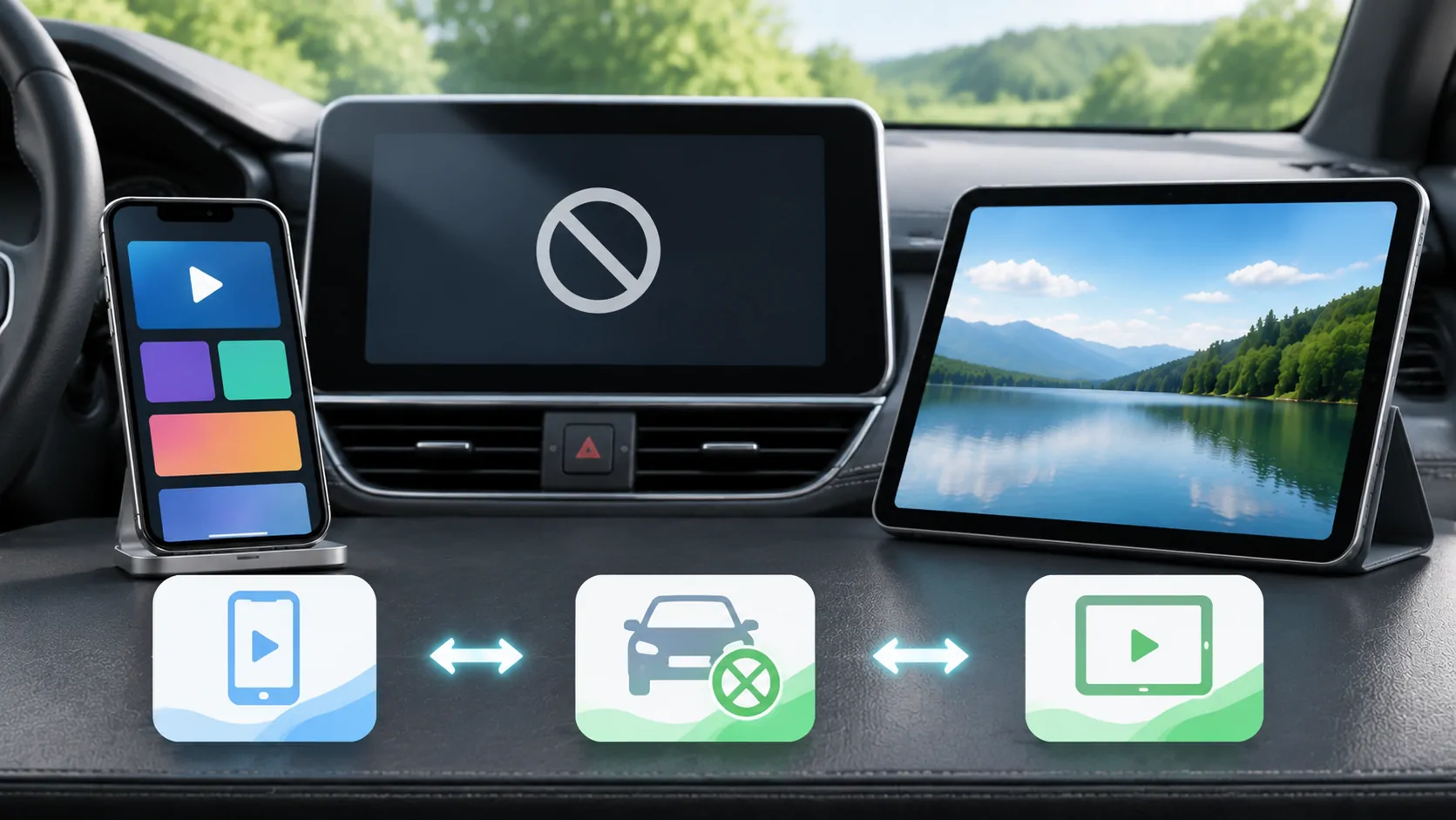
A visible screen is not proof of Netflix support
Netflix playing on your iPhone does not automatically make it available on a car's dashboard. The Netflix application, account, playback device, display route and vehicle all impose separate requirements. A black picture on an external screen can reflect a protected or unsupported playback path even when menus and sound appear. Do not interpret it as permission to disable restrictions. Use video only in a safely parked, permitted setup, and choose an officially supported screen when the desired route is unavailable.
This guide explains how to identify the boundary that matters. It does not offer a method to bypass Netflix protection or claim that CarCast can unlock a service's catalogue.
Start with the device that actually runs Netflix
Determine whether Netflix is running on the iPhone, on a vehicle's built-in entertainment system, or on an independent streaming device. These are different installations with potentially different account, software and network requirements. The dashboard may be only a display for another device rather than the player itself.
Netflix publishes device and mobile instructions through its iPhone and iPad guidance. Check that guidance against the current application and device rather than assuming that a past demonstration remains valid. An update can change the supported software baseline without changing the shape of the dashboard.
If a vendor advertises Netflix on a box connected to a car, ask which certified application and platform run it. Being able to install an application package does not itself prove official service support, suitable video quality or ongoing updates.
Separate native CarPlay from other entertainment systems
Apple's CarPlay overview describes an iPhone integration platform. A manufacturer's built-in video service, rear-seat player or Android-based accessory should not automatically be called a native CarPlay app. A device may switch between these experiences, making promotional demonstrations easy to misunderstand.
Read the exact vehicle manual and the accessory manufacturer's compatibility documentation. Record which screen and input are used. A video shown on a rear display does not prove it can appear on the driver's dashboard; two screens in one vehicle can have completely different permitted sources.
Compare these systems in rear-seat versus dashboard video. Checking the architecture first avoids buying a second adapter to solve a restriction that belongs to the source service instead.
Protection follows the content and the output route
Subscription video can require a trusted playback and display chain. A service may permit a particular mobile device while disallowing recording or an external output method. Seeing subtitles, controls or a preview without the programme's picture does not prove that the video file is damaged.
Netflix maintains mobile casting and mirroring guidance. Use its current supported methods and limitations as the authority for Netflix, and do not substitute a generic mirroring tutorial. Its offline-download guidance covers a different capability. Support for a similarly named casting method in another application is not evidence that Netflix permits it.
A useful comparison is a short personal video that you own. If it displays correctly through a documented route while Netflix fails, preserve that observation and check service support. Do not try to remove DRM, capture a protected session or modify a playback application to force the same result.
Offline availability does not mean portable files
A download stored inside Netflix is managed by Netflix. It should not be treated as a local movie that can be imported into a different player or transferred to arbitrary car hardware. Subscription state, expiry and supported device rules still apply when the programme was downloaded earlier.
Before travelling, open the chosen download in the official application on the device you plan to use. Do this with enough time to resolve account or expiry issues. Confirm offline playback using the service's documented controls; never delete the only copy before checking whether it can be downloaded again.
Avoid tools that request Netflix credentials to export downloads. Aside from the access and rights problem, giving a third-party website a password or session token can compromise the account. An ordinary media player's local-file feature does not create permission to import service-managed downloads.
Diagnose a failure without conflating symptoms
First establish whether the title plays on the original device. If not, troubleshoot the official app, account, network and service error. If it plays there, check the exact external route against Netflix's documentation. Record whether the error occurs when connecting, selecting the receiver or starting protected playback.
Next compare another permitted title or a personal test clip only where appropriate. One unavailable title can have different rights from another. A successful login proves authentication, not a supported video output. Similarly, audio continuing while the image stops does not establish that the screen needs a resolution adjustment.
Keep a concise report: device model, operating-system version, Netflix version, display or adapter model, connection method and exact error text. Share no account password or full diagnostic URL containing credentials. This gives the responsible support team an actionable issue rather than a vague claim that CarPlay is broken.
Understand what an independent media app can offer
CarCast is designed around users' own or authorised media sources, including personal libraries and playlists. That role does not authorise Netflix downloads, make every webpage transferable or certify every external screen. A product can support some personal video routes while a subscription service properly refuses the same route.
For a parked session, choose a permitted personal-media setup or use Netflix on a directly supported device. Review compatibility conditions separately for any CarCast display features. Do not buy an application on the assumption that the phrase media player means it can play every subscription service.
Before leaving the stop, end the viewing session, stop any broadcast and secure the phone. A quiet failure is preferable to distracting troubleshooting when the car is moving. Future updates may change device support, so revisit the original service and vehicle documentation before relying on an old successful test.
Sources
Related reading
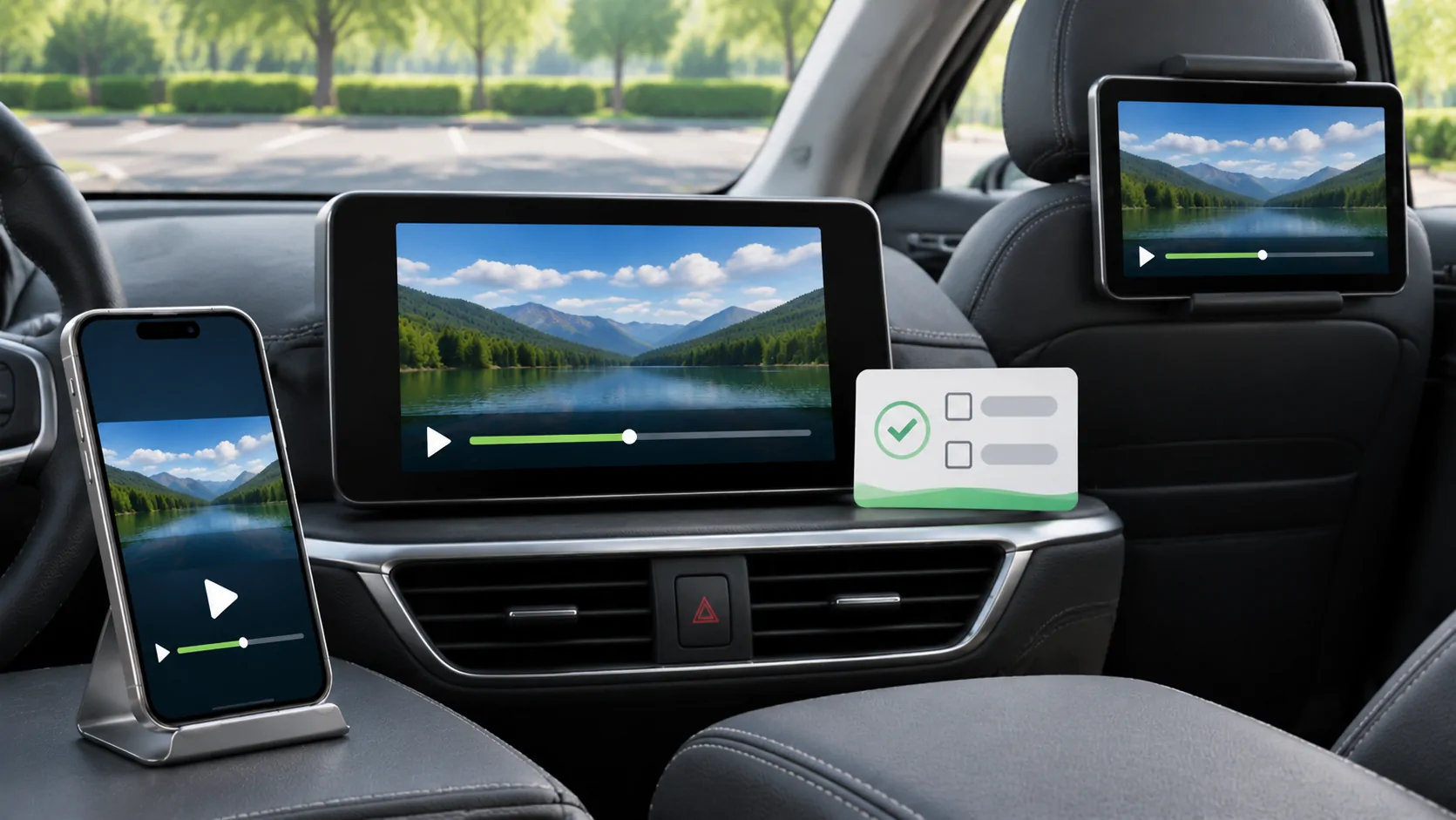
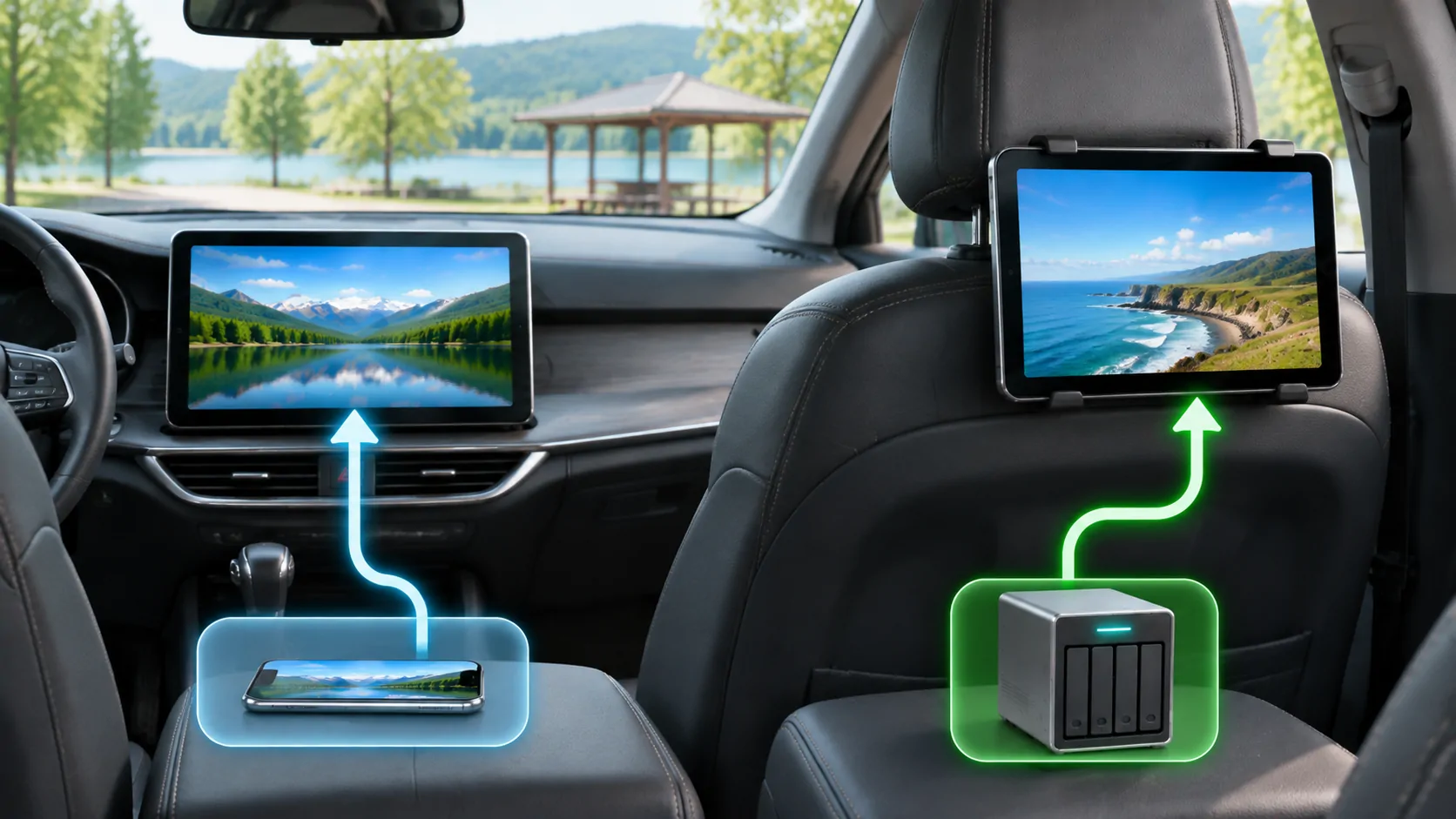
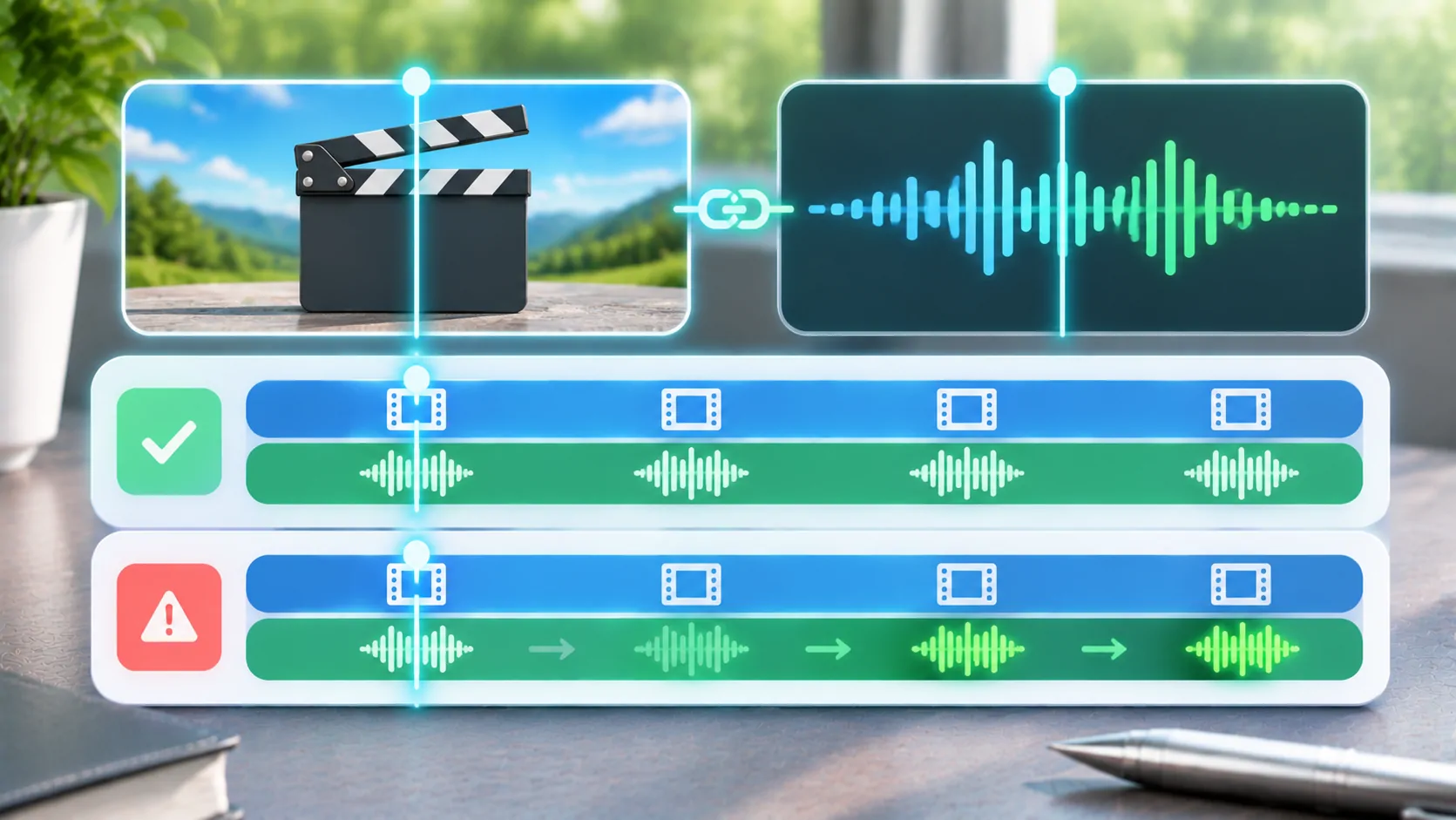
Bring your own media.
Explore CarCast for iPhone with your own authorized sources and supported display configurations.