IPTV & Media
Xtream Login and M3U: Different Ways to Add a Source
Compare a provider-style Xtream login with an M3U URL, including credentials, catalogue retrieval, portability and the limits of player compatibility.
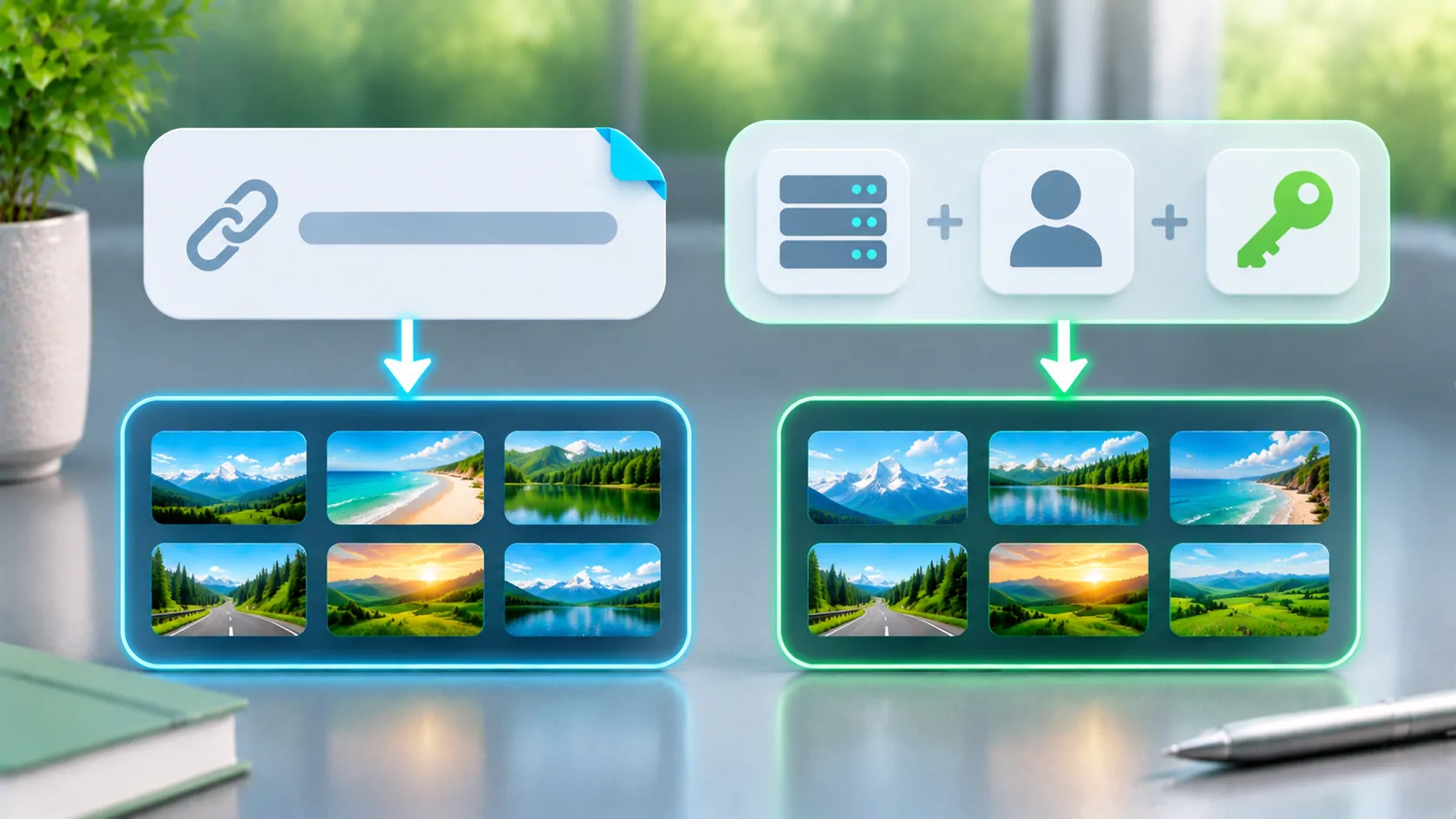
An M3U source supplies playlist text or a URL that returns it. A provider-style Xtream login usually asks for a server address and account credentials so a compatible client can request catalogue information through that provider's API. They are different ways to access a source, and a player must explicitly support the method you intend to use.
Neither method supplies a lawful subscription by itself, guarantees programme-guide support or makes every stream compatible. Use only an authorised provider or a server you control. Obtain its current instructions rather than translating another application's login fields by guesswork.
What an M3U Input Gives the Player
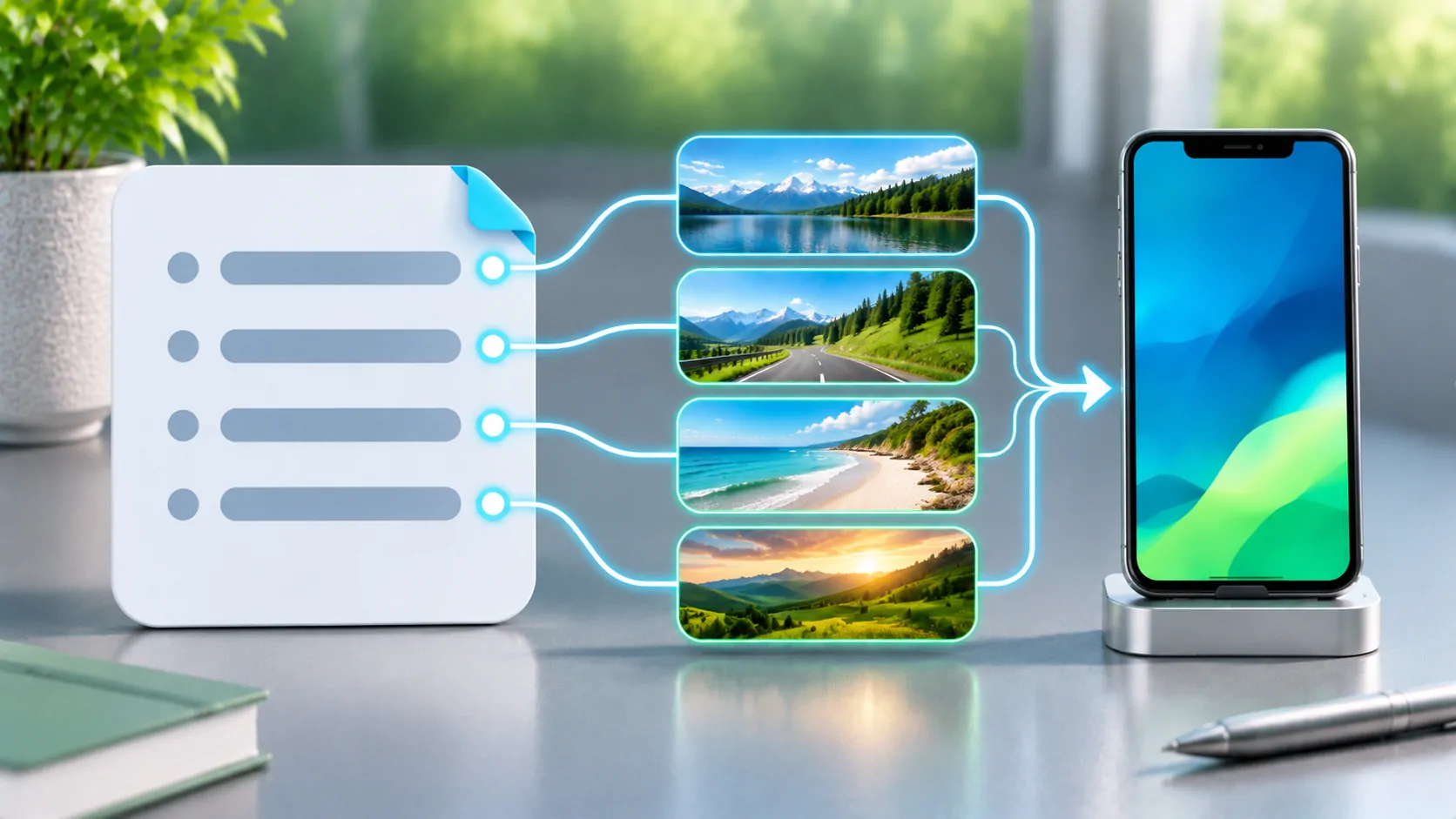
M3U is a text-based playlist structure. A list identifies media locations and may attach names and optional metadata. The VideoLAN reference describes its basic form. A remote endpoint can generate this text dynamically, so a URL that looks like an API request may still simply return a playlist.
The player first reads that list and then attempts the selected media. Account details may be embedded in the URL, in individual entries or handled through another supported mechanism. A short-looking link is not inherently safer, and a long query is not automatically suspicious; the owner must explain how it is intended to be used.
A local M3U file is often a snapshot. A remote M3U URL can retrieve an updated catalogue, but refresh timing depends on the client and source. The format itself does not mandate a universal account-management interface.
What a Provider-Style Login Changes
A login form with server, username and password allows an implementing client to request information using the provider's expected API conventions. Depending on that implementation, the client may expose categories, account details or different media types. These capabilities must be checked in the actual client and service; the label Xtream is not enough.
Do not treat this ecosystem as a single universal contract for every provider. Endpoints, supported actions, authentication behaviour and response details can differ. A server that works in one client may use assumptions another client does not implement. Obtain the provider's supported client list and current setup documentation.
Avoid changing ports, paths and credentials based on random examples. A server URL may need a specific base address, while a playlist URL may include a much longer request path. Pasting one into the other's field can produce an error even when the account is valid.
Portability Is Different from Feature Parity
A plain playlist can be convenient when moving among players that accept its conventions. However, support for one M3U attribute does not imply support for every grouping, artwork or guide extension. The Kodi IPTV Simple Client documentation is an example of a client documenting its own supported inputs and metadata.
A provider API can expose richer information, but only when both ends agree on the relevant behaviour. A player that opens an M3U source does not thereby support a server-style login, and an app supporting that login does not necessarily expose every provider function.
Before choosing, write down the features you actually need: authorised live items, on-demand content, categories or a documented guide workflow. Compare those needs with current product documentation. Do not infer CarCast capabilities from a different application's screenshots or assume an undocumented EPG feature.
Credentials Need Protection in Both Workflows
A password entered into a dedicated field and a password embedded in a playlist URL both require care. URLs can appear in browser history, screenshots, server logs and shared diagnostic reports. The playlist itself may contain reusable account-bearing media addresses even if the original download link was redacted.
Use the provider's HTTPS endpoint when available and verify the hostname. HTTPS protects transport to the identified server; it does not prove that the business owns the content or handles account data responsibly. HTTP semantics supplies the request and authentication context, while the provider defines its specific account rules.
Give support credentials only through a legitimate private process when necessary, and prefer redacted samples for public questions. If a source leaks, revoke or rotate the exposed access through the owner. See private playlist links for safer handling.
Choose Based on a Supported Workflow
An M3U URL is a sensible choice when the provider supplies it and the player documents that import type. A server-style login is appropriate when the provider and player both explicitly support it. There is no inherent quality advantage from the login form alone; picture quality comes from the media and playback path.
Ask how updates, account expiry and simultaneous-use limits are handled. A catalogue can import successfully while every media request is refused after the account expires. Conversely, a valid login can retrieve metadata while one source is missing or encoded incompatibly.
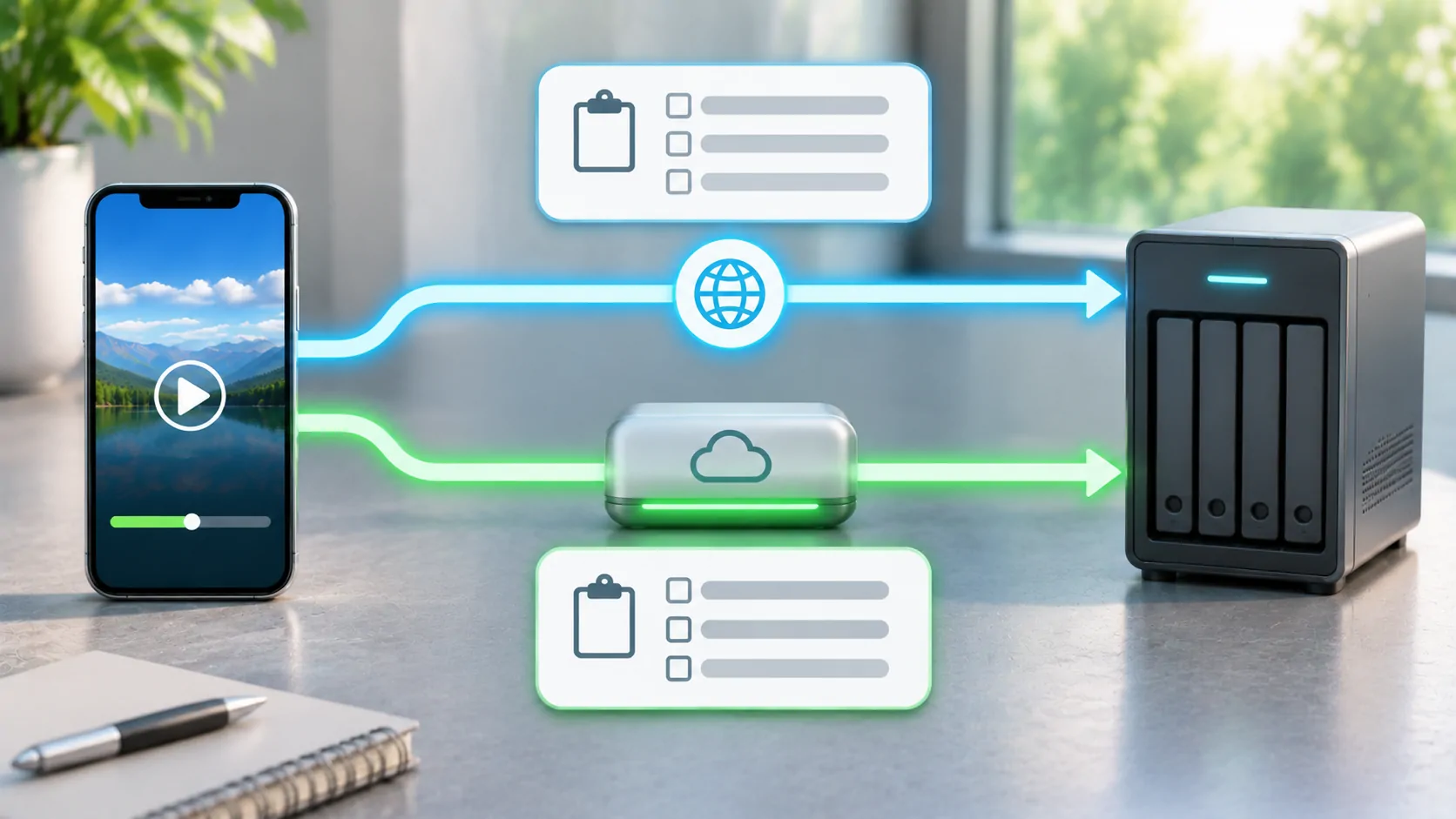
For vehicle-related use, confirm the phone playback workflow first and then verify the specific system's output compatibility. A source access method does not establish that dashboard video is available or lawful during motion. Prepare any visual playback while parked and respect the content owner's restrictions.
Troubleshoot by the Stage That Failed
If the player rejects the fields immediately, confirm the expected input type and exact server address. If login succeeds but the catalogue is empty, ask the provider about account entitlement and API compatibility. If items appear but fail, test one known available authorised item before blaming the catalogue method.
Compare one variable at a time. Keep the same account and network while testing a provider-supported client, if permitted. A difference can help identify an implementation mismatch, but it does not mean copying private headers or extracted session tokens is an appropriate fix.
Record error wording and timestamps with a time zone. Do not post an entire generated playlist to show that the catalogue loaded; a small redacted sample and a clear symptom usually convey the useful information without exposing the full subscription.
Keep the Access Method Separate from the Rights
M3U and provider APIs are technical mechanisms. Either can point to authorised material or unauthorised material. A polished login screen, a large channel count or a familiar protocol label is not evidence of distribution rights. Check the actual provider, its licence and the terms applying to your location and use.
For the file model, read what an M3U playlist is. Then select the source method that both parties document, protect the credentials, and verify a small sample before relying on a large catalogue.
The best option is the one with a clear supported path from your legitimate account to compatible media. Treat extra catalogue features as claims to verify, not automatic properties of a login label.
Sources
Related reading

Bring your own media.
Explore CarCast for iPhone with your own authorized sources and supported display configurations.