IPTV & Media
Why You Should Treat Private Playlist URLs Like Credentials
A working media address can carry more than a location. Keep tokens and account details out of public support requests.
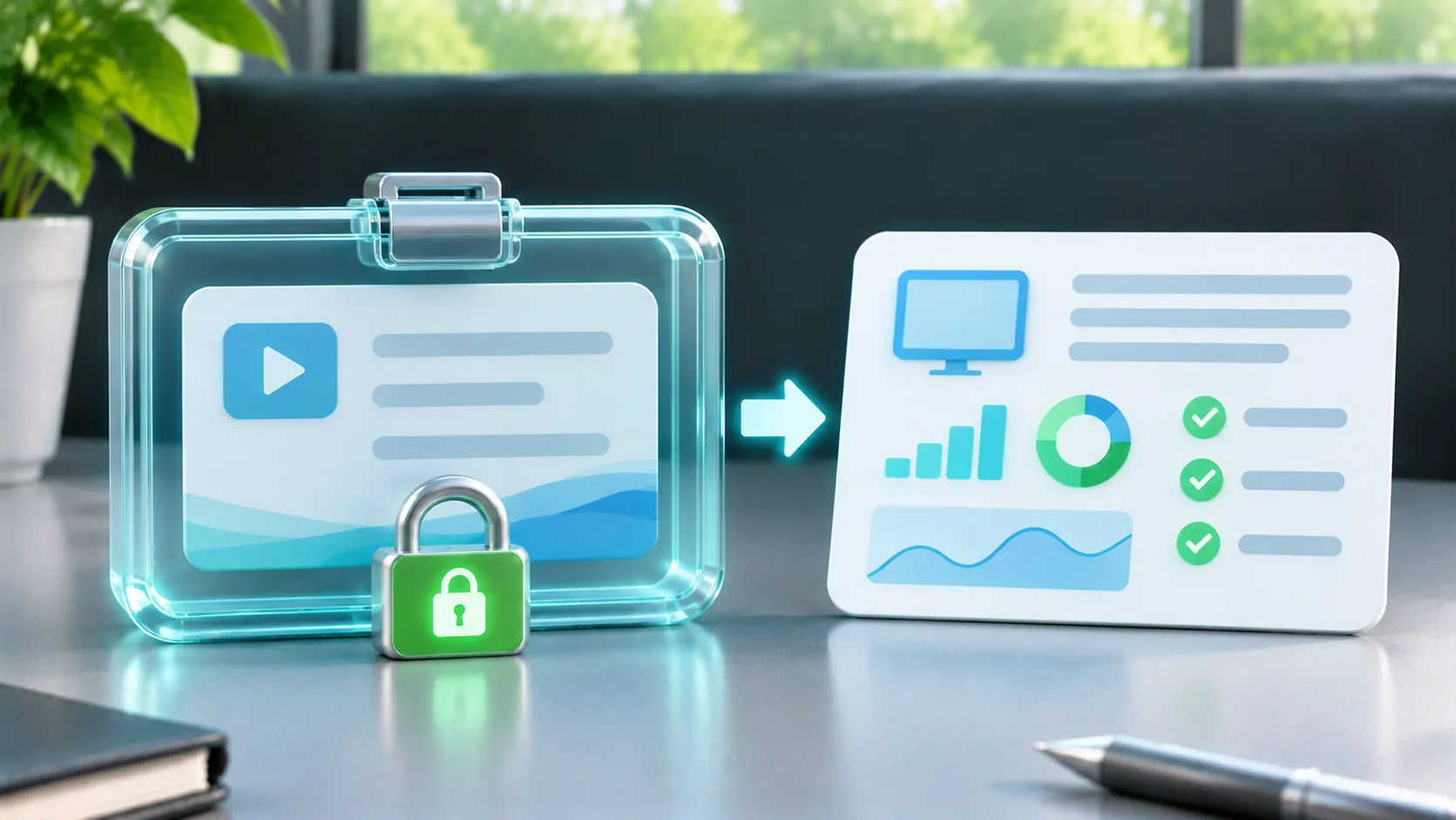
A URL can carry permission as well as a location
A playlist address may include a username, account identifier, signed query parameter or temporary access token. Depending on the provider, somebody possessing that address may be able to use the access it represents. Do not assume that a URL is harmless to share simply because it is not labelled "password".
Not every playlist uses the same access model. Some public media is intentionally available to everyone; other sources are personal or subscription-based. The practical approach is to treat an unfamiliar private source as sensitive until its owner explains how access works.
A playlist may lead to additional requests
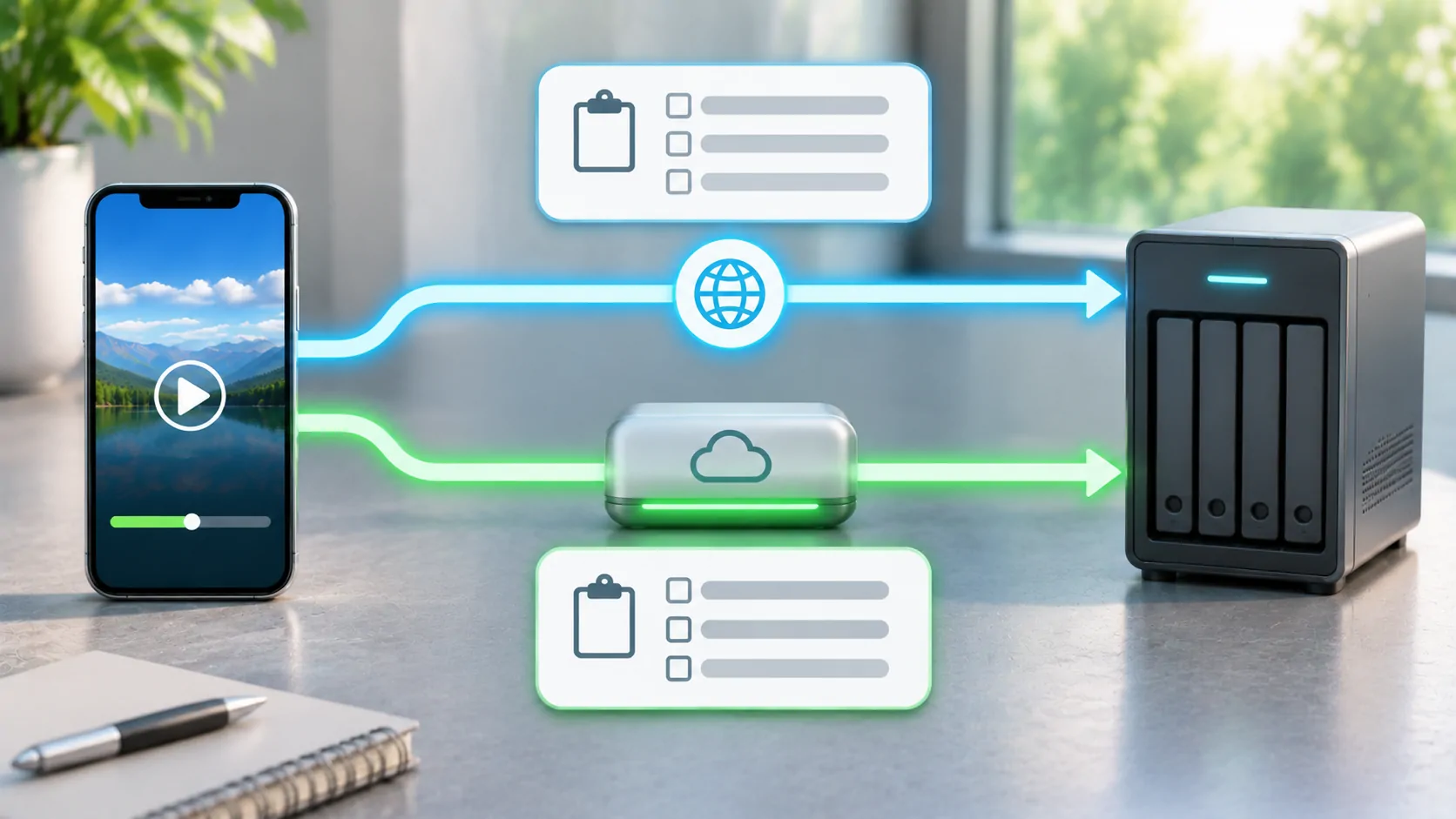
HLS uses playlists that reference media segments and, for some presentations, other playlists or key resources. RFC 8216 describes these relationships and includes security considerations for clients and servers. A manifest request is only one part of the playback process.
This explains why sharing a complete diagnostic log can reveal more than the first URL you entered. Logs can include redirected addresses, segment requests and other request details. Review them before sending them outside your own device or trusted support channel.
What to share in a support request
A useful first report usually includes the app version, iOS version, source type, approximate time of failure and the exact error message after sensitive values have been removed. Explain whether the source list loaded, whether one item played and whether the failure happened on the phone or only on a connected display.
For an address-related issue, a deliberately non-working example can show the structure without revealing access:
https://media.example.invalid/library/playlist.m3u8?token=REDACTED
Remove real server addresses when private, usernames, passwords, signed query values, internal library names and unrelated notifications visible in screenshots. Do not replace one exposed secret with another working test account unless you control that account and have deliberately arranged safe temporary access.
Avoid unknown "playlist repair" services
Uploading a playlist to a third-party checker or converter can disclose every address inside it. Changing a filename locally does not require a public upload, and a web service promising to repair any playlist cannot guarantee authorisation, media compatibility or vehicle support.
If the provider controls the stream, ask it to confirm the original address and access conditions. If you control an HLS source, Apple's HLS resources link to authoring information and validation tools. Choose a tool with a data-handling model you understand before giving it private material.
If an address was exposed
Remove the public post where possible, then contact the source owner about revoking or rotating the exposed access. Merely editing the displayed text does not guarantee that earlier copies disappeared. The correct recovery action depends on whether access is tied to an account password, a token or another provider-controlled mechanism.
CarCast support can start with redacted diagnostics. For importing your own authorised media, continue to the separate M3U setup guide.
Sources
Related reading
Bring your own media.
Explore CarCast for iPhone with your own authorized sources and supported display configurations.