IPTV & Media
What Is an M3U Playlist?
Learn what an M3U playlist contains, how it differs from the media it references, and what to check before importing an authorised source.

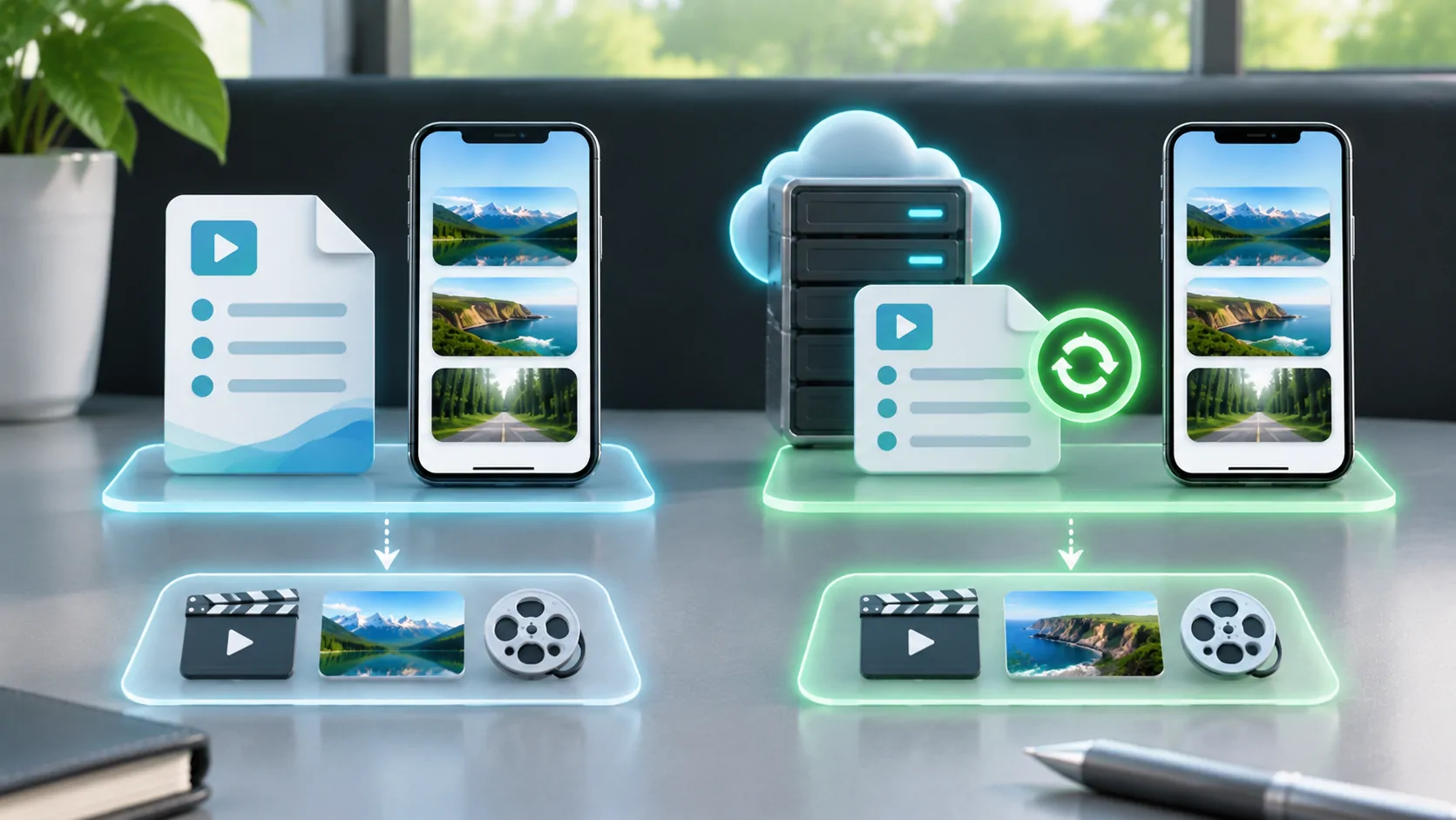
An M3U playlist is a text document that points a media player to audio or video locations. It usually contains addresses or file paths, sometimes with names and extra metadata. It does not normally contain the programmes, songs or video files themselves. Importing the list gives a player directions; successful playback still depends on those directions being reachable and compatible.
For a car-related setup, prepare and test an authorised playlist on the phone while parked. A playlist format does not establish whether a particular vehicle display can show video, and it does not grant rights to the material listed.
What Is Actually Inside the File?
A simple list can contain one media location per line. An extended list commonly begins with #EXTM3U and places an #EXTINF information line before a media location. The information may give a duration and display name. A live source may use a duration value that means unknown or not applicable; that does not mean the programme lasts a negative number of seconds.
The VideoLAN M3U reference describes this text-based structure. Different applications also recognise additional attributes for grouping, channel identification or artwork. Those extensions are not a guarantee that every player will display the same information.
Open only a copy in a plain-text editor when inspecting your own list. A word processor can introduce formatting or change punctuation. Avoid posting the contents publicly: media addresses can include account credentials or temporary access tokens.
A Playlist Is Separate from Its Media
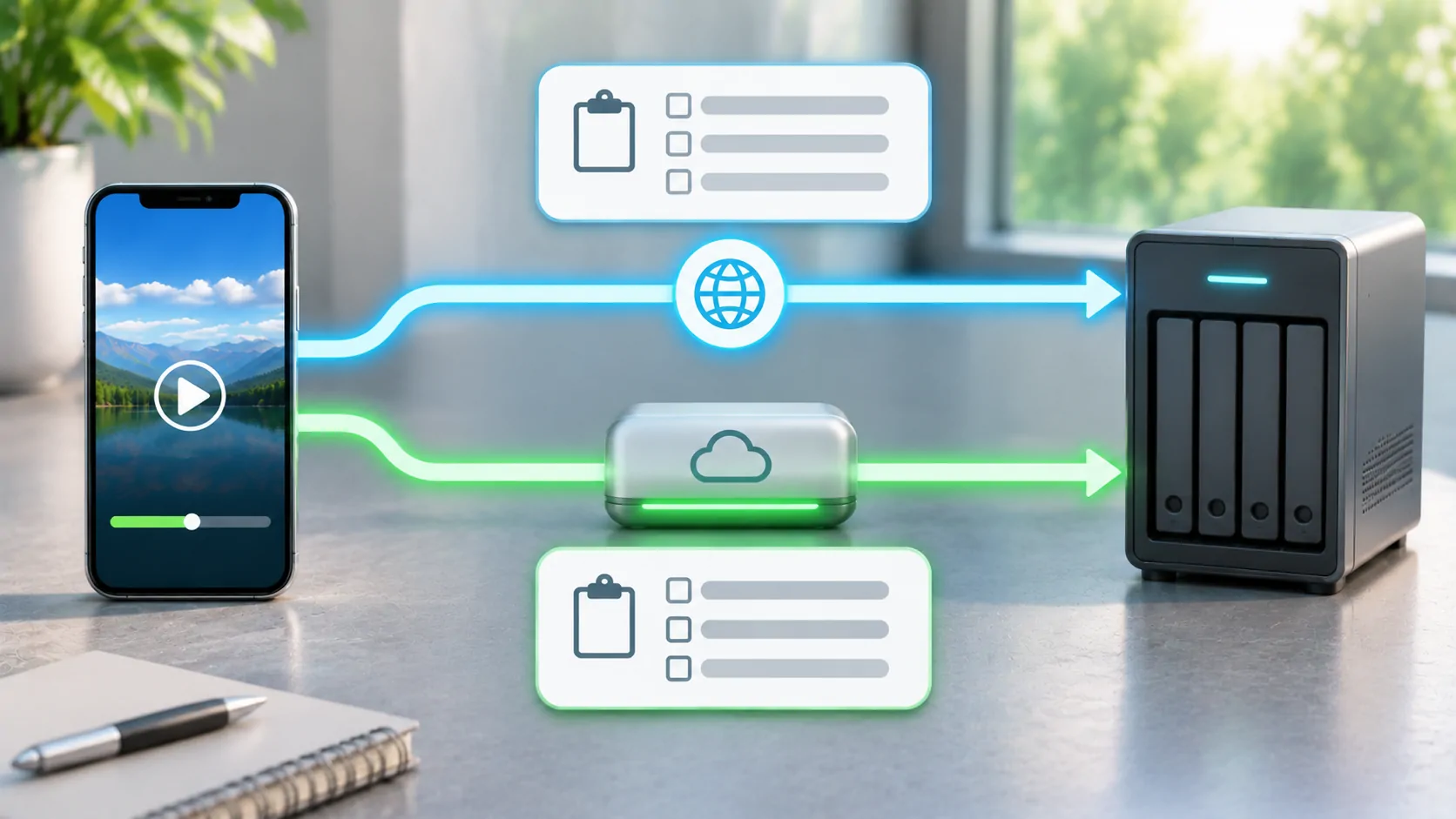
There are at least two requests in a common remote workflow. First the player retrieves the playlist. Then it requests a selected media address from that list. If the selected address describes an HLS stream, further requests fetch another playlist, segments and possibly encryption-related resources. One successful download cannot prove that the whole chain works.
This explains a frequent result: all channel names appear, but every channel fails to start. The player has successfully read the index while the underlying streams may be expired, blocked, unavailable or incompatible. Conversely, an individual stream may work while the list fails because its text or download response is malformed.
Treat the index, the stream and the display destination as separate parts of the setup. That makes troubleshooting much more precise than repeatedly importing the same link.
M3U and M3U8 Need Context
The M3U8 extension is associated with UTF-8 playlist text. However, the extension alone does not describe the document's role. A provider may offer a channel catalogue called an M3U8 file, while an HLS M3U8 playlist describes variants or small media segments for one presentation.
The formal HLS structure is defined in RFC 8216. Its master and media playlists have specific tags and rules. General channel lists often use a looser collection of player conventions. Renaming a general catalogue to .m3u8 does not turn it into a valid HLS media playlist.
For the practical distinction, see M3U versus M3U8. When asking a provider for help, describe whether the link is a channel catalogue, an individual HLS stream or a local file. That information is more useful than the suffix alone.
Choose a Source You Can Maintain
Use a source supplied by a rights holder, your own server, or a service whose licence and terms permit the intended playback. A free link copied from a forum is not reliable evidence of permission or longevity. Ask who controls the address, whether access expires, and whether it works outside the home network.
A remote list can be updated by its owner without replacing the URL. That is convenient, but it also means the content behind a familiar address can change. A local list is a snapshot under your control, yet it will not magically receive corrections when a stream moves.
Keep the original source privately, along with the provider's support instructions. Record when a previously working source stopped. Do not store a credential-bearing playlist in a public Git repository, screenshot, shared note or support discussion.
Importing Does Not Guarantee Compatibility
Check the receiving application's documented input types before importing. Some players accept a remote catalogue, others open individual media URLs, and some support both through different controls. Do not assume that every field labelled URL expects the same thing. Use the application's actual documentation rather than instructions copied from another product.
After import, choose one known authorised item and test it on a stable connection. Confirm the name, sound, picture and duration behave as expected. Test a second item to distinguish a single broken source from a catalogue-wide problem. For car use, confirm the specific system supports the proposed output and keep visual playback to lawful parked or passenger use.
An app such as CarCast remains a player in this arrangement. A player does not automatically supply channel subscriptions, credentials, programme rights or universal vehicle compatibility.
Read Addresses Carefully
An absolute address includes its scheme and host, such as an HTTPS address. A relative location depends on where the playlist was loaded from. The resolution rules come from RFC 3986. Copying a list to a different folder or server can therefore change what a relative entry means.
Also check whether a source is reachable only inside a private network. A home server address may work on home Wi-Fi but fail over mobile data. A path that points to a computer's local drive will not identify the same file on an iPhone. Neither issue is repaired by changing the playlist's visible title.
When an import fails, preserve the original text before editing. Make one deliberate change at a time so that you can identify the correction and undo unsuccessful experiments.
A Useful First-Run Checklist
Before relying on a list, establish five things: who supplied it, what type of document it is, whether its media addresses are current, whether the player supports those media formats, and whether the planned display supports the intended use. These checks address different failure points and should not be collapsed into one compatibility claim.
If the list changes regularly, decide whether to keep a remote reference or a local copy. Local and remote playlists have different maintenance and privacy tradeoffs. Keep a small, lawful test source available so that future failures can be compared against something known.
An M3U playlist is best understood as a set of directions. Once you separate the directions from the content and the receiving screen, both everyday use and fault finding become easier.
Sources
Related reading

Bring your own media.
Explore CarCast for iPhone with your own authorized sources and supported display configurations.