IPTV & Media
Local Playlist Files and Remote Playlist URLs
Choose between a local M3U file and a remote playlist URL by comparing updates, relative paths, offline limits, privacy and maintenance.
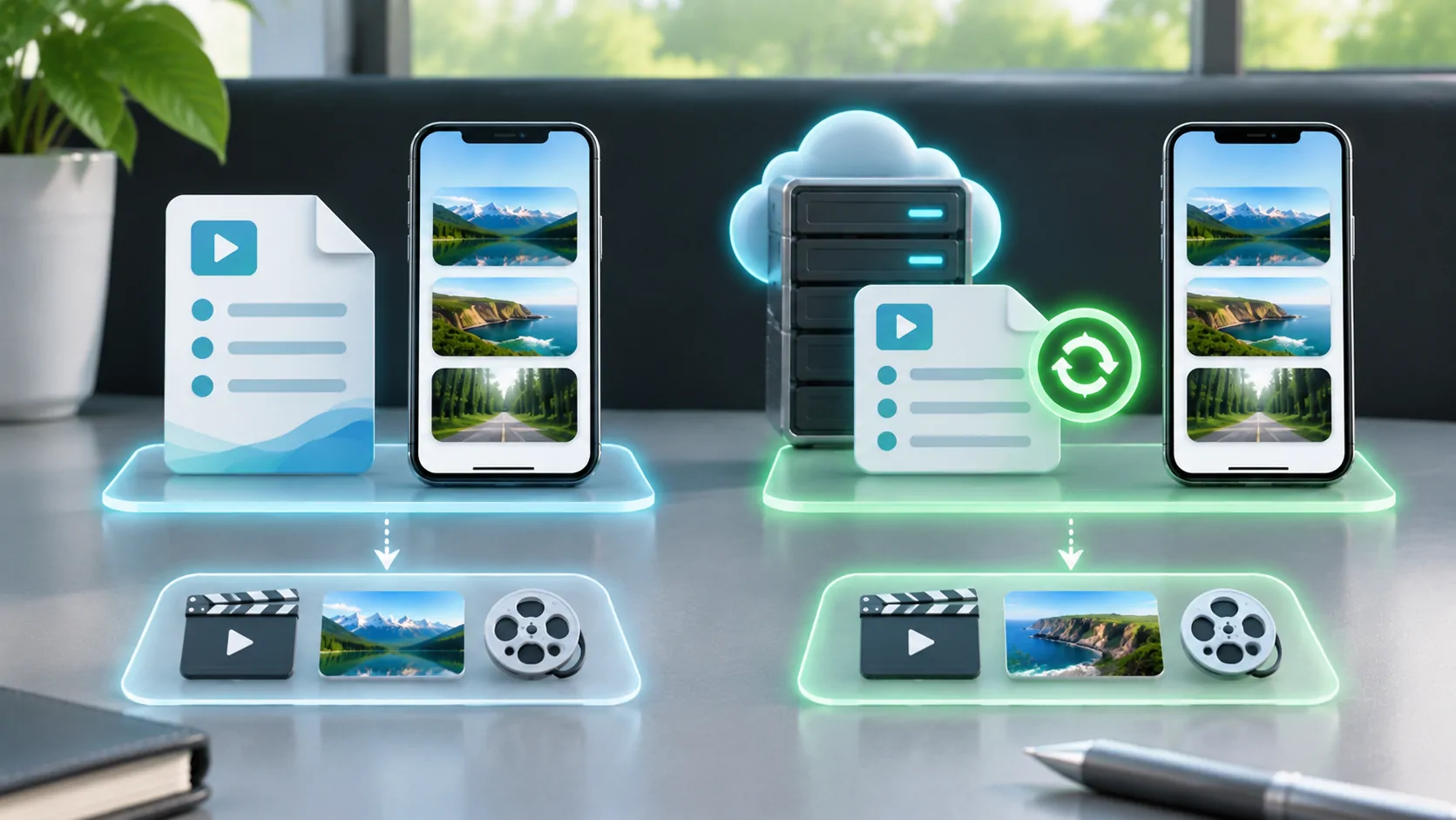
A local playlist file is a copy stored on your device; a remote playlist URL asks a server for the list. The main difference is who controls the current text and how updates reach the player. Neither choice automatically stores the referenced media offline, guarantees playback or removes the need for valid access.
Choose based on maintenance and the source owner's supported workflow. A small stable list you maintain can suit a local file. A provider-maintained catalogue may be easier to keep current through its documented remote endpoint. The player's actual import and refresh capabilities remain essential.
Understand What Each Option Stores
M3U is primarily a list of media locations with optional metadata, as described by the VideoLAN reference. Saving that text locally is different from saving each song, programme or video. A tiny file containing hundreds of entries is not hundreds of offline media files.
A remote URL is also not the media itself. It is an address from which the player can retrieve current playlist text. The selected entry may then lead to another server, an HLS presentation or a local resource. Treat each layer separately when assessing availability.
If the application has a documented offline-download feature, review what it actually saves and what licences remain necessary. Do not infer offline support from the ability to import a local M3U file. The file and its referenced resources have independent storage and access requirements.
Compare How Updates Arrive
A remote source can change behind the same address. The owner may correct broken entries, rename groups or remove unavailable items. Whether those changes appear immediately depends on the player's refresh policy and any caching. A stable URL does not prove the client is using newly retrieved text.
A local file remains a snapshot unless you deliberately replace or edit it. That gives you control over its contents but also makes you responsible for maintenance. An entry can become stale even though the file opens perfectly. Keep the original retrieval date so an old list is recognisable.
If a provider supplies a supported remote endpoint, prefer that to repeatedly exporting temporary media links from a browser session. Ask how the catalogue should be refreshed. A source that regenerates account-bearing entries may rely on an update path a static local copy cannot reproduce.
Relative References Can Change Meaning
A relative path depends on the base location from which it is interpreted. Downloading a remote file locally can change that context. A line that originally pointed to a neighbouring server directory may instead be treated as a local path, depending on the importer.
RFC 3986 defines reference resolution. An absolute HTTPS address, a root-relative reference and a filename-only reference are not interchangeable. Do not prepend a server name blindly to all lines or assume the player remembers the source address after a file import.
If you own the list, test a small copy after moving it. Check artwork and child resources as well as the first stream. Relative and absolute playlist URLs explains why a file can remain textually identical while resolving to different network locations.
Offline Playback Needs the Actual Resources
An HLS media playlist identifies segments and may refer to other required resources. RFC 8216 describes this structure. Copying one M3U8 document does not necessarily preserve the segments, authorisation or keys needed to play it later.
A live playlist may be especially short-lived because its segment window moves and old resources can disappear. A fixed presentation can still depend on remote access or DRM. Offline use requires a supported complete workflow and permission from the content owner, not a filename change.
For your own local media, the player must be able to access the referenced files within its supported storage model. A path on a desktop computer does not identify the same file on an iPhone. Use the application's documented file access process rather than guessing a filesystem path.
Weigh Privacy and Source Control
A remote list lets its owner alter what the address returns. Use a source you trust and review unexpected changes. HTTPS protects transport to the named server but does not prove that every media entry is appropriate, lawful or stable. Avoid importing anonymous catalogues merely because the link works.
A local copy reduces dependence on future catalogue downloads, but it may still contain credentials and make many network requests during playback. It is not private simply because it sits in a file folder. Cloud backups, shared storage and screenshots can disclose its contents.
Keep both the original remote address and any exported file in private storage. Do not upload either to a public validator. If access leaks, follow the source owner's revocation or credential-rotation process. Deleting one local copy may not invalidate a token that someone else already obtained.
Create a Maintenance Routine That Fits
For a local list, retain an untouched original and a clearly dated working copy. Record edits such as group changes or corrected addresses. Test a representative sample after a major change. Avoid maintaining several indistinguishable versions with the same filename and no retrieval history.
For a remote source, record the official endpoint and supported refresh method. If local customisations are possible, determine whether the next update overwrites them. Keep favourites or organisation separate where the application offers that documented capability; do not assume all clients store edits the same way.
Before a parked vehicle session, retrieve current data on a reliable connection and test one authorised source on the phone. Vehicle output compatibility remains a separate check. An updated list cannot make an unsupported external display or protected service become compatible.
Choose the Simplest Supported Option
Use a local file when you control a small stable set and can maintain it deliberately. Use a remote endpoint when the legitimate source owner maintains the catalogue and your player supports that workflow. In both cases, know whether the entries are local, remote, temporary or dependent on a private network.
For a first introduction, read what an M3U playlist contains. Then test the complete path from list retrieval to one actual media item, rather than treating a successful import as the whole result.
The right choice makes updates and responsibilities visible. It should be clear who changes the list, where the media lives, how access stays valid and what must be available when you press play.
Sources
Related reading
Bring your own media.
Explore CarCast for iPhone with your own authorized sources and supported display configurations.