Compatibility
Why an iPhone App and Its CarPlay Experience Are Different
An installed iPhone app is only part of the story. Its supported in-car interface matters too.
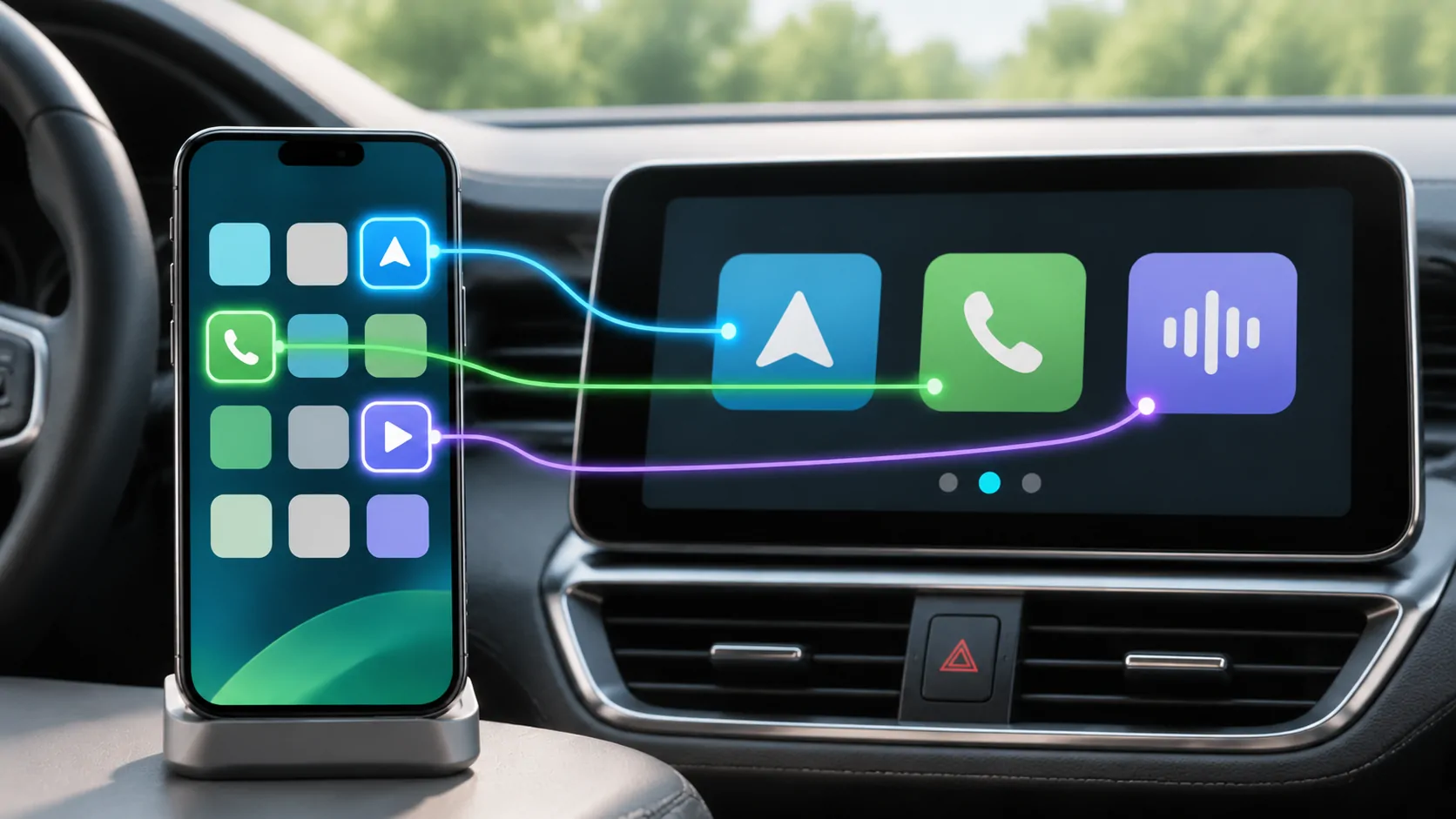
CarPlay is not a second unrestricted iPhone screen
The apps visible through CarPlay are supported experiences designed for the vehicle interface. They are not automatically every app installed on the iPhone. Apple's user guide makes this explicit: only apps supported by CarPlay appear on its display.
This explains why an app can open and work normally on the phone without appearing in the same way in the vehicle. The phone's operating system, the app's implementation, the supported app category and the vehicle's capabilities each have a role. None can be inferred solely from the presence of an App Store download button.
Categories describe different jobs
Apple's developer overview describes audio, navigation, messaging and other supported categories, including tasks such as charging, fueling and parking. It also describes video apps in supported cars when parked. Different categories have different interfaces and conditions; they are not a general permission for any phone screen to appear in any car.
For a user, the useful question is therefore specific: what task does this app support on this vehicle, in this version? For example, playing audio from a library and showing that library's video on the dashboard are separate capabilities, even when they involve the same media account.
Customising the app list has a limited role
Apple explains how to arrange available apps from Settings, General, CarPlay, the selected vehicle and Customize. That control is useful for changing the order of supported apps and adding or removing available entries.
It cannot give an unsupported app a CarPlay implementation. If the app or feature you want is unavailable, repeatedly rearranging the list is unlikely to answer the underlying compatibility question. Check the app's current documentation and the vehicle conditions instead.
Compare the experience, not just the app name
When reading a review or asking support for help, identify the app version and the action being discussed. A review might be about audio playback, a mirrored phone screen, a separate receiver feature or a supported CarPlay app interface. A similar app name or screenshot does not make these the same experience.
Also distinguish ordinary CarPlay from other vehicle integrations. Apple's developer page treats CarPlay Ultra and automaker video integration as specific capabilities. A claim about one should not be turned into an unqualified claim about every CarPlay installation.
What to check for CarCast
Read the CarCast feature overviews together with compatibility, and confirm the requirements for the media source and display you intend to use. CarCast is an independent app from Bloom Data Technology Limited; it is not an Apple system application.
If something is missing, report the exact app and vehicle software versions and whether the issue affects the whole CarPlay session or only one operation. Keep personal credentials and media links out of the report. Perform setup while parked, and do not attempt to bypass vehicle safety controls to make an unavailable experience appear.
Sources
Related reading
Bring your own media.
Explore CarCast for iPhone with your own authorized sources and supported display configurations.