IPTV & Media
How Adaptive Bitrate Works in HLS
Learn how HLS players choose among bitrate variants, why resolution changes, and how to diagnose quality drops without assuming a fixed speed threshold.

HLS adaptive bitrate streaming gives a player several encoded versions of a presentation so it can choose an appropriate stream as conditions change. The player may reduce quality when downloads slow or raise it when there is enough capacity and buffer. The decision is an implementation choice informed by the available variants; it is not a promise of one fixed resolution.
On a mobile connection, adaptation can help maintain continuity during changes in coverage. It cannot compensate for missing segments, unsupported codecs or a complete loss of connectivity. Prepare vehicle-related playback while parked and distinguish network behaviour from display compatibility.
What the Multivariant Playlist Advertises
An HLS multivariant playlist describes alternative streams and their characteristics. RFC 8216 defines attributes including bandwidth information and, where applicable, resolution and codecs. The media playlists below it identify the actual segments for each alternative.
A catalogue entry labelled HD is not this technical information. Its visible title may be an informal description that does not track the current encoding. Inspect the actual stream metadata or ask the source operator if a precise diagnosis requires bitrate and codec details.
The alternatives also need to form a coherent presentation. Their timelines and segment boundaries must allow the playback system to move between them successfully. Advertising more variants does not automatically create a good adaptive service if their references, timing or declared attributes are wrong.
Why a Player Changes Quality
A player can consider recent transfer performance, available buffer, startup time, device capability and its own quality policy. Some clients expose a manual preference; others largely choose automatically. There is no universal rule that every player switches at the same measured speed or waits the same number of seconds.
At startup, the client may choose conservatively so the presentation begins promptly. Later, it can gather more information about the connection. A short initial period of softer video can therefore differ from a persistent fault. Repeated drops under stable conditions deserve a closer look at throughput, source metadata and device constraints.
Do not infer the selected bitrate solely from how sharp the dashboard looks. Display scaling, source detail, compression and viewing distance affect perception. If the player exposes diagnostic information, use the actual observed variant rather than guessing from a channel's name.
Bandwidth and Resolution Are Different
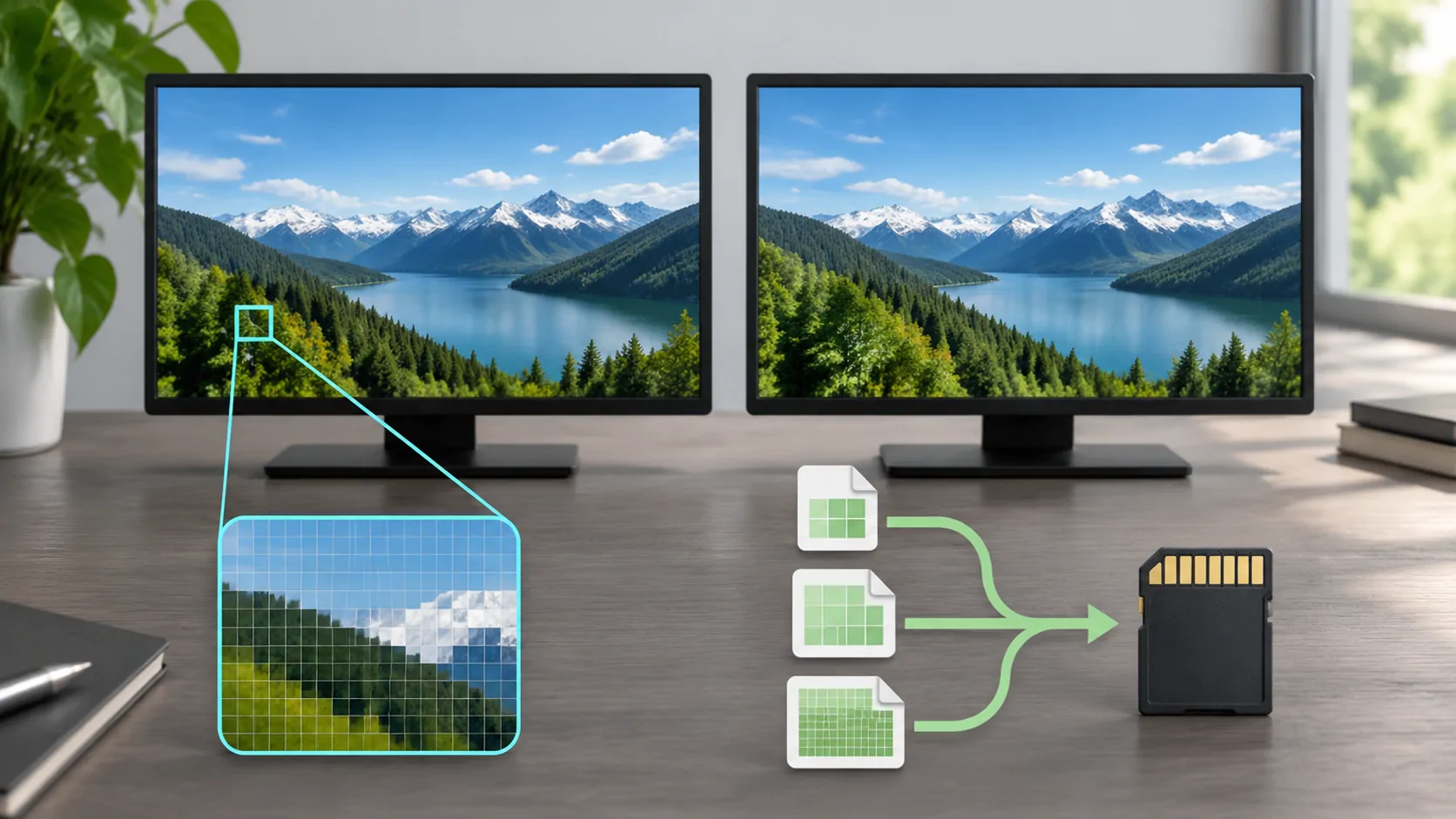
Resolution describes picture dimensions, while bitrate describes data over time. Two streams with the same dimensions can use different bitrates and codecs. A highly compressed stream may look worse than a lower-resolution stream with an appropriate encode. Audio and container overhead also consume data.
Codec support matters independently. A device can have enough network capacity but still fail to decode a variant or handle a particular profile. The Jellyfin codec support documentation illustrates why client capability and media format must be considered together; its table applies to the documented clients, not universally to every player.
For choosing a practical target rather than the largest label, see car video resolution and bitrate. A smaller screen does not always need the highest available rendition, but the right compromise depends on the real content and playback path.
A Speed Test Is Only One Observation
A general speed test measures a particular route at a particular moment. Your stream may come from a different host, use different caching, or experience congestion that the speed-test endpoint does not. A high headline result therefore cannot prove that every media segment will arrive in time.
Streaming needs sustained delivery relative to consumption. Short bursts of poor delivery can drain a small buffer even if the average over a long period looks adequate. Mobile handovers, shared hotspots and other devices using the same link can change conditions rapidly.
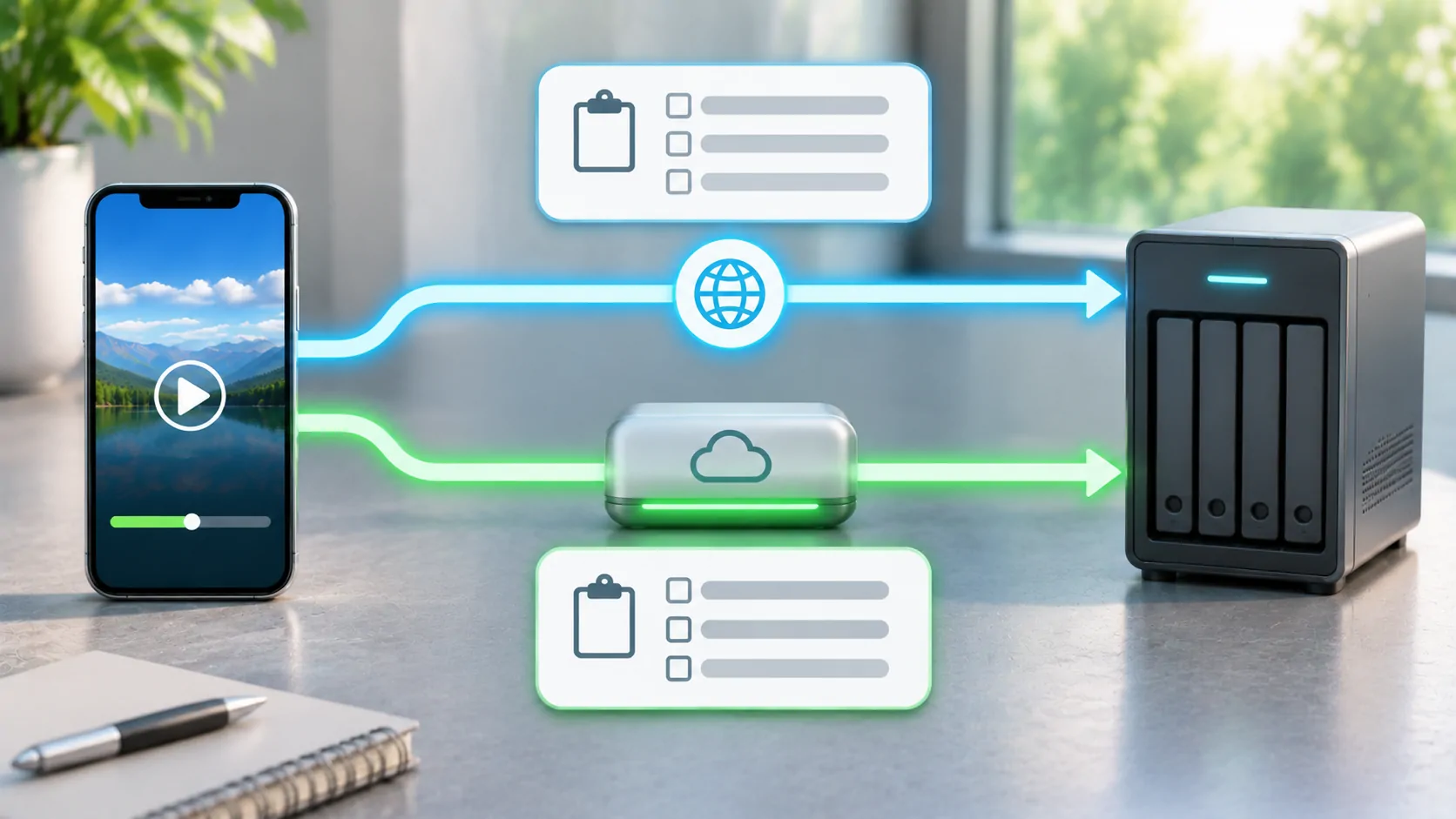
Test a known authorised source while stationary on trusted Wi-Fi, then compare the same source on mobile data. Keep the player, account and selected quality preference fixed. Record startup delay, interruptions and quality changes rather than making a diagnosis from one unrelated download measurement.
Manual Quality Has Tradeoffs
If a player offers a supported quality control, a lower cap can reduce data use and may improve continuity on a limited connection. A forced high setting removes some flexibility and can cause stalls when the required rate exceeds delivery. Neither choice repairs a broken source.
The control's meaning varies by application. Auto, maximum quality and a stated resolution may represent preferences rather than identical hard limits across products. Consult that player's documentation and verify the observed result. Do not invent a CarCast menu or claim a quality option without current evidence.
For data planning, calculate from the actual or assumed average bitrate and label the assumption. Estimating mobile video data shows the arithmetic. Adaptive streaming changes its average over a session, so a single nominal variant rate is only a scenario, not a measured bill.
When Adaptation Does Not Solve the Problem
If every variant points to missing media, switching quality has nowhere useful to go. An expired account token, invalid TLS certificate or DRM restriction also requires a different correction. Treat repeated errors at the same programme point as a possible source issue rather than ordinary bandwidth adaptation.
A source operator should check declared bandwidth values, variant availability, aligned timelines and segment publication. Apple's streaming resources are a useful implementation reference. Viewers should report the client, time, source and observed symptom through a private support channel.
If only external output is black while phone playback continues, investigate the receiving display and content-output rules. That symptom is not explained simply by the adaptive bitrate system choosing a smaller image. Keep source playback and output compatibility as separate questions.
Build a Repeatable Comparison
Choose a short section of lawful content and make one change at a time. Compare automatic and a documented lower preference on the same connection, then compare networks if needed. Avoid running unrelated downloads during the comparison unless shared usage is the condition you intend to evaluate.
Record what was actually observed and what remains unknown. Without player telemetry, you may know that interruptions decreased but not which variant was selected. That is still useful evidence when stated accurately.
Adaptive bitrate is a way to manage available choices under changing conditions. Its practical value depends on a well-published source, a capable client and enough continuing connectivity to deliver at least one of those choices.
Sources
Related reading

Bring your own media.
Explore CarCast for iPhone with your own authorized sources and supported display configurations.