IPTV & Media
A Playlist Imports but No Channels Play
Find out why an M3U catalogue can import successfully while channels remain empty or fail to play, and isolate the failing request.
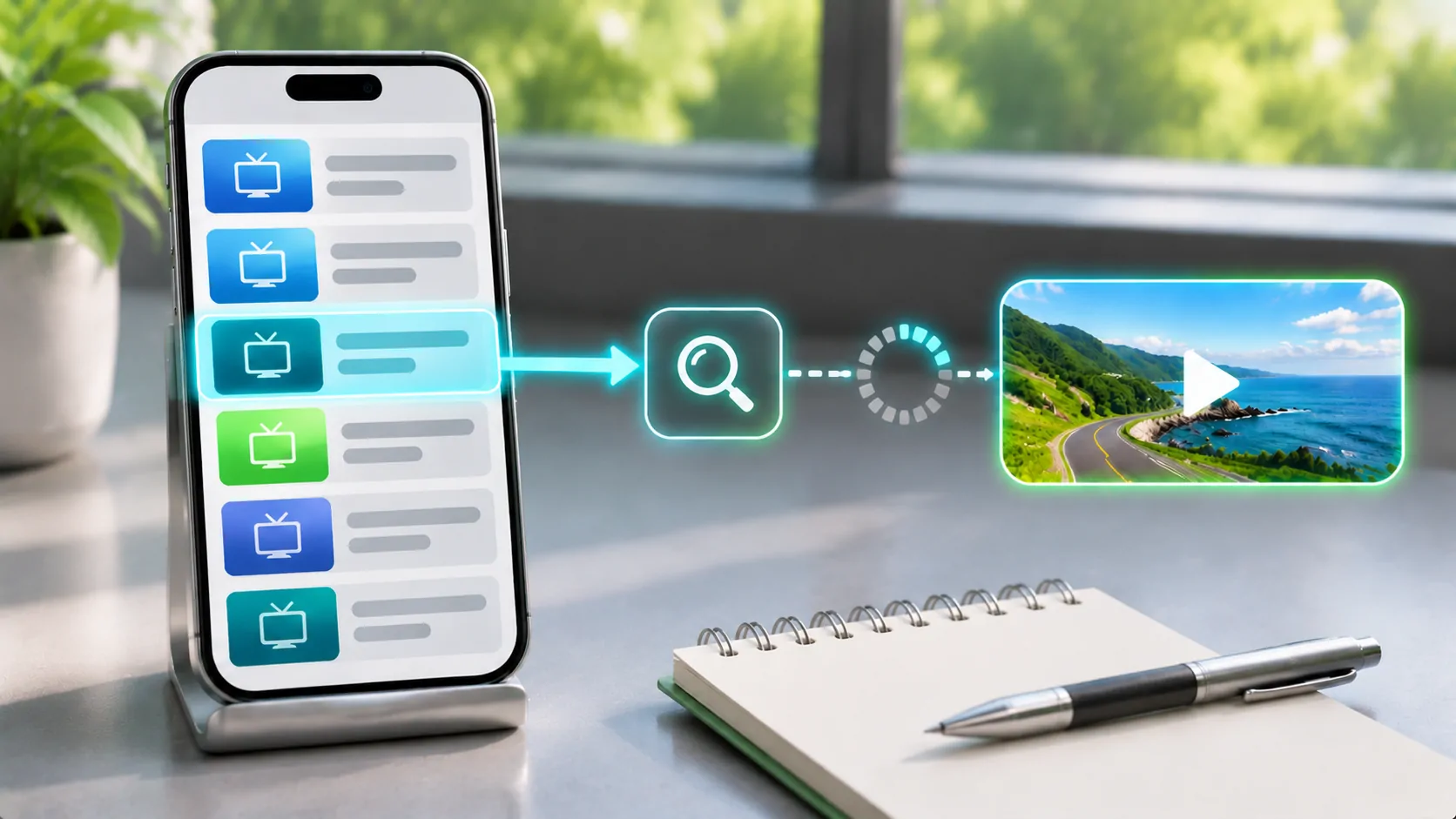
If an M3U playlist imports but no channels play, the successful import proves only that the player accepted some catalogue information. It does not prove that individual media URLs are current, authorised, reachable or decodable. First distinguish an empty channel list from a populated list whose streams fail. Those symptoms lead to different checks.
Work with content you own or are permitted to access. For a car setup, run every diagnostic while parked and establish phone playback before investigating an additional display. Changing the output screen cannot repair an expired stream or a missing media segment.
Identify Whether Names Were Imported
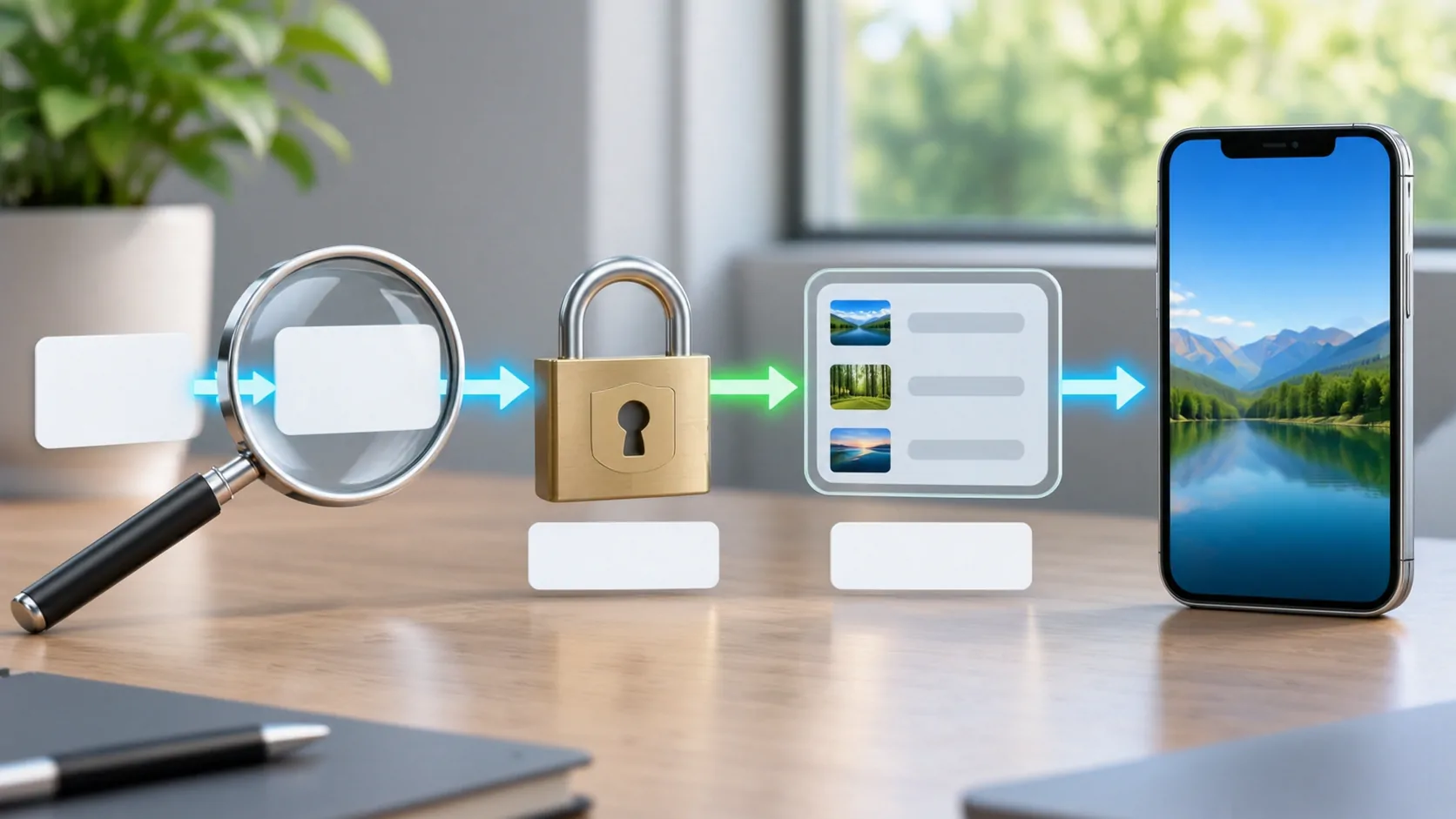
An empty catalogue often points to a parsing or response problem. Open a private copy of the downloaded list in a plain-text editor. Confirm it contains real media entries rather than an account warning, HTML sign-in page or empty response. A 200 status alone does not establish the contents are useful.
The VideoLAN M3U documentation describes the relationship between information lines and media locations. Check that entries actually have locations, that lines have not been merged, and that the file was not saved as a formatted document. A list of headings with no media addresses cannot produce playable channels.
If names and groups appear, the parser has already done part of its job. Move to testing a single entry. Avoid deleting the entire application at this stage; that can remove useful evidence without changing the upstream source.
Select a Small, Representative Sample
Choose one known authorised channel that the provider currently lists as available. Test it, then try a second item from a different group. Record whether the result is immediate failure, endless loading, sound without video, or playback that stops after a few seconds. Each symptom suggests a different stage.
If one item fails but others work, focus on that channel's address or encoding. If every item fails in the same way, a shared account, hostname, authentication rule or network path becomes a stronger candidate. A large catalogue can contain several unrelated source servers, so one success still does not certify the entire list.
Keep a simple table with item name, time, network and visible result. It need not contain the private URL. Controlled comparisons are more informative than randomly trying hundreds of channels and remembering only the last failure.
Check Access to the Media Address
The catalogue and the stream may live on different servers. A playlist download can succeed while the media server refuses access. Signed links may expire, the subscription may require renewal, or a provider may limit simultaneous connections. Ask the legitimate provider whether the specific source supports external players.
HTTP semantics help interpret observed responses. A 403 is a refusal, a 404 means the resource was not found, and a server error is a separate class of failure. Do not translate every refusal into a codec problem. Conversely, some servers return a 200 status with an error message, so the response body matters too.
Do not share full stream URLs in public reports. A path that includes an account identifier or a query with a token can give someone else access until it expires or is revoked.
Understand the Additional HLS Requests
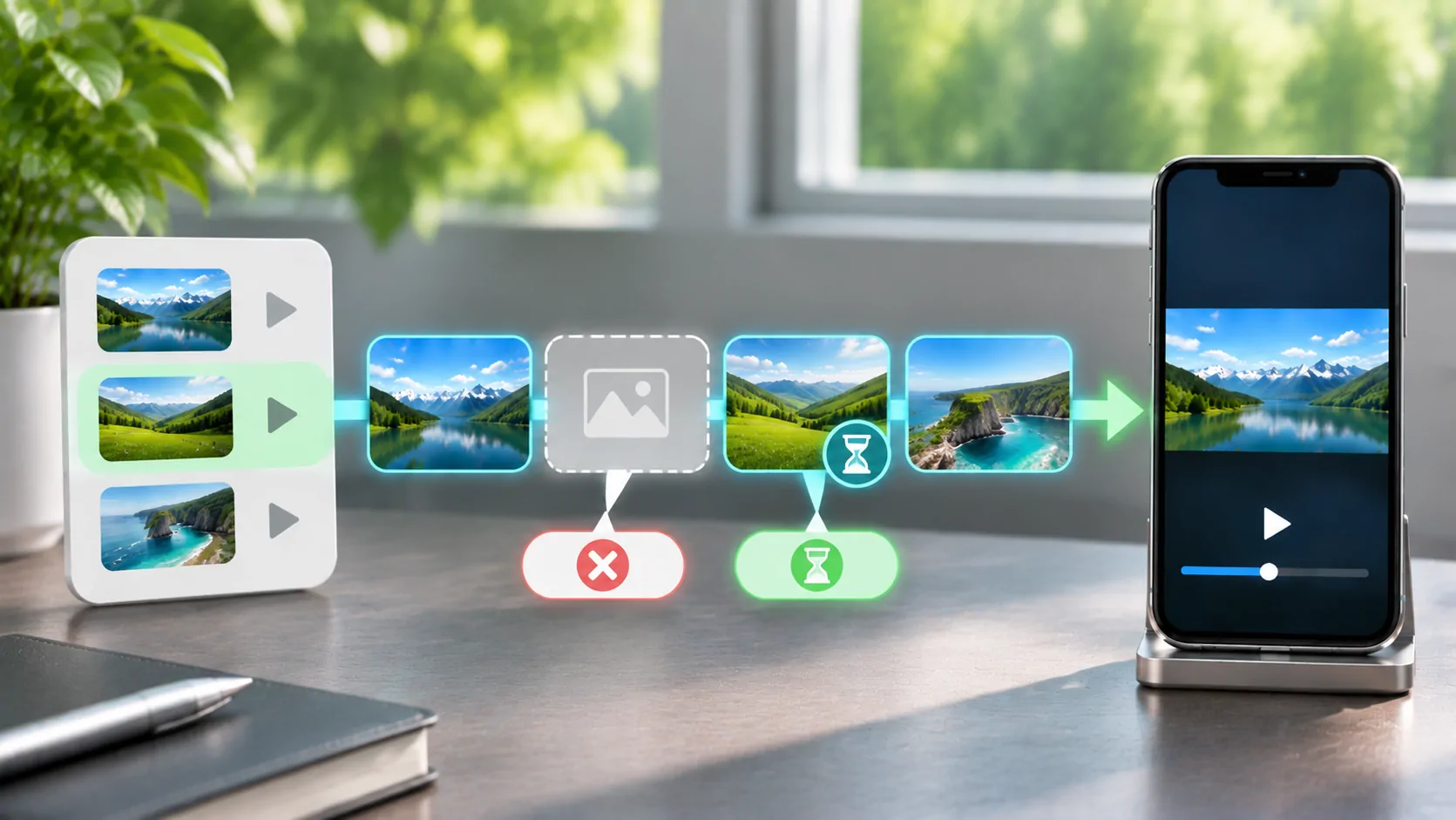
An HLS source is a sequence of requests rather than one video download. A multivariant playlist points to media playlists, which identify segments and may refer to keys or other resources. RFC 8216 describes these layers. All required resources must be reachable by the playback environment.
A stream may load its first playlist and then stall because a segment is missing, a relative address resolves incorrectly, or authorisation is not valid for the next resource. If playback starts and consistently stops at the same point, save the time and ask the source operator to inspect the corresponding segment requests.
The player cannot invent absent segments. Reimporting the channel catalogue will not fix a media server that publishes references before the files are available. See HLS segment timeout troubleshooting for that narrower failure pattern.
Separate Format Problems from Network Problems
Sound without a picture can indicate video decoding or output restrictions, while a silent black screen may have several causes. A player must support the container, codecs, profiles and any required protection scheme. A familiar filename or an HD label does not establish those details.
Use the same authorised sample in another supported player on the same device and connection, where permitted. If it fails everywhere, the source deserves attention. If it works in one application, compare documented capabilities and authentication requirements. Do not assume that a player with a different interface is using the same network requests or decoder.
DRM-protected services may require their official app and may restrict capture or external output. A generic playlist import cannot remove those conditions. A black external screen is not evidence that the playlist itself is empty.
Run One Controlled Network Comparison
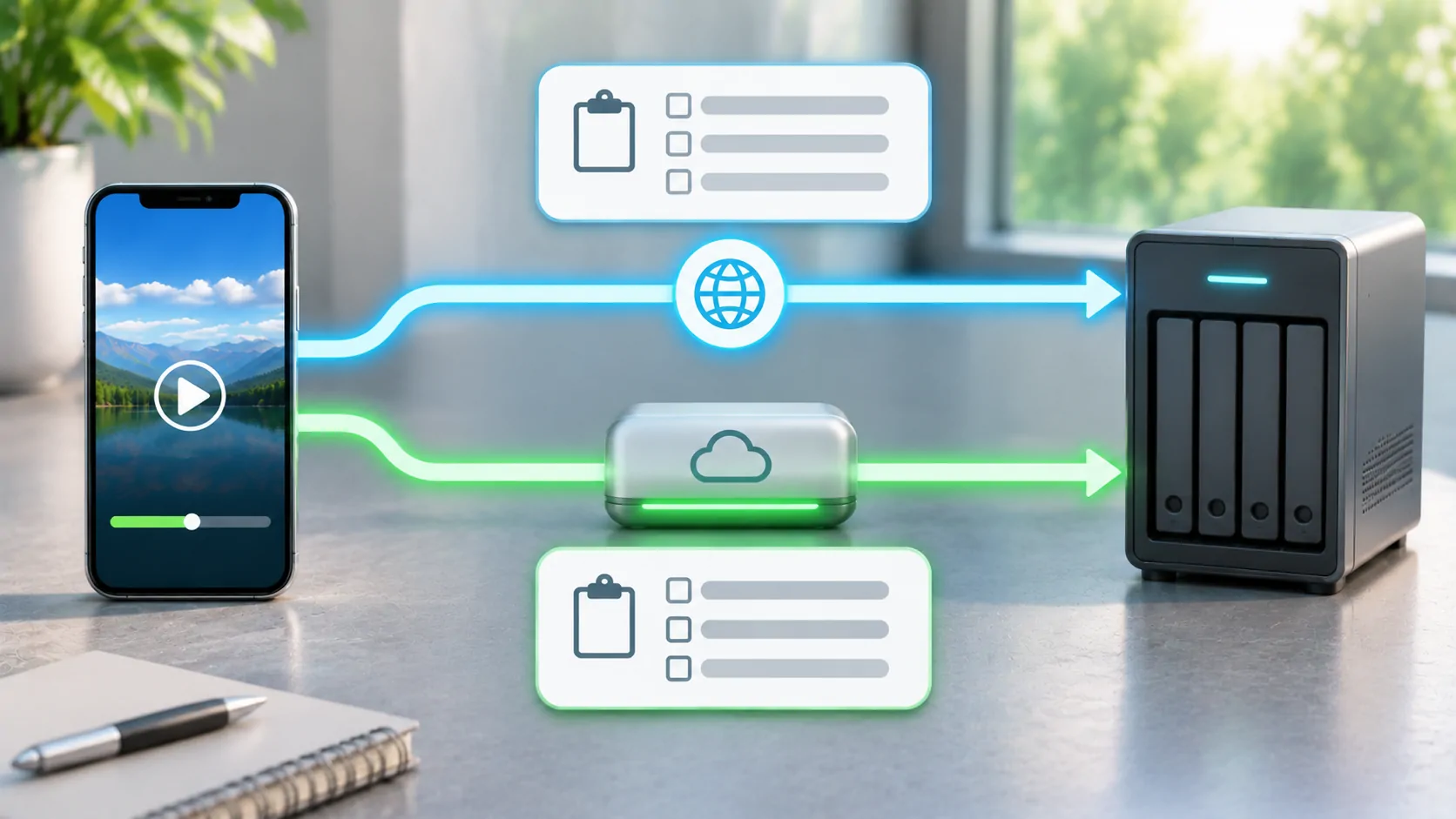
Compare trusted Wi-Fi and mobile data using the same device, account, channel and player. If only the home connection works, check whether the list points to private addresses or home-only names. If only mobile data fails, also review app cellular permission, data allowance and the provider's access policy.
Do not begin by adding a VPN, changing DNS, replacing the source and reinstalling the player together. Those actions create too many variables. If you later compare a VPN, use a lawful configuration and interpret improvement as a routing clue rather than proof of a particular cause.
A moving vehicle introduces coverage changes and handovers. Establish stationary playback first. A stream that cannot play reliably on a stable connection is not ready for a mobile environment, regardless of the dashboard equipment.
Decide Who Can Correct the Failure
Send catalogue syntax problems to the list maintainer, account refusals to the provider, missing segments to the stream operator, and documented format mismatches to the player support team. Include times, symptoms and the smallest safe example. Distinguish what you observed from what you suspect.
If the list never imported correctly, return to the playlist URL diagnostic. If the list imported but a valid source exceeds the player's capabilities, choose a supported source or workflow instead of repeatedly renaming the file.
The goal is not to make every channel appear successful. It is to determine which part of the chain failed and make a correction that remains understandable the next time the source changes.
Sources
Related reading
Bring your own media.
Explore CarCast for iPhone with your own authorized sources and supported display configurations.